It is currently Mon Jul 20, 2026 9:25 am


All times are UTC - 5 hours [ DST ]


Post new topic Reply to topic  [ 5 posts ] 
Author Message
 Post subject: Lightsaber script
PostPosted: Sat Jul 18, 2026 1:00 pm  (#1) 
Offline
Global Moderator
User avatar

Joined: May 16, 2010
Posts: 16123
Originally written by Lee Mulvogue in 2002.
I have re-written to work in Gimp-2.10.38 RC1 :hi5

Image

Instructions-
Place in your user scripts folder
Refresh scripts if Gimp is open OR start Gimp.

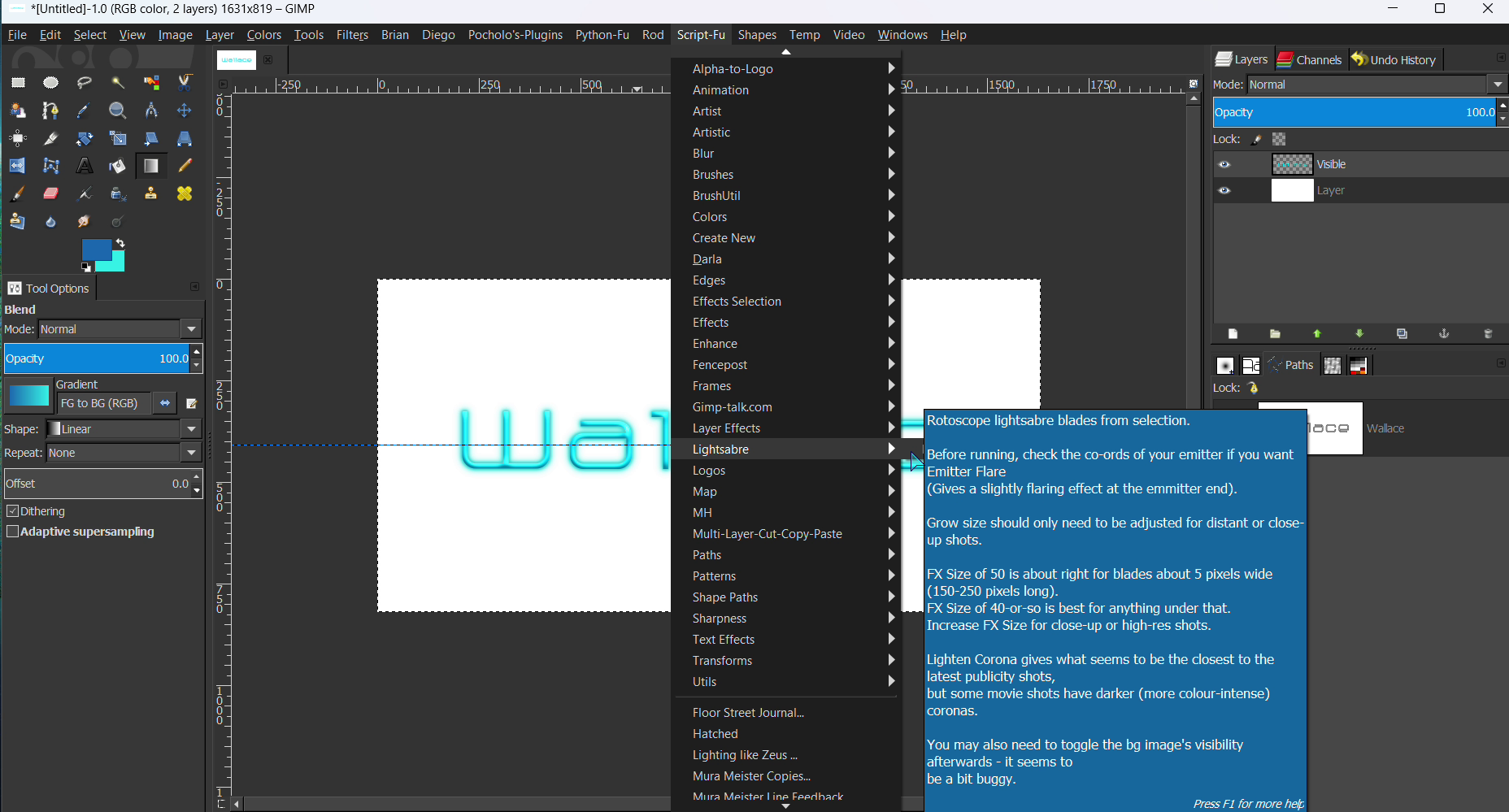
Filter can be found under Script-Fu>Lightsabre>Blade Rotoscope.
Open any RGB image and make your selection where you want your glow effect, and run the script.

Have fun!
Another wonderful filter resurrected. :bigthup


Attachments:
blade-roto.scm [7.72 KiB]
Downloaded 6 times

_________________
Image
Share on Facebook Share on Twitter Share on Orkut Share on Digg Share on MySpace Share on Delicious Share on Technorati
Top
 Post subject: Re: Lightsaber script
PostPosted: Sat Jul 18, 2026 1:13 pm  (#2) 
Offline
Global Moderator
User avatar

Joined: May 16, 2010
Posts: 16123
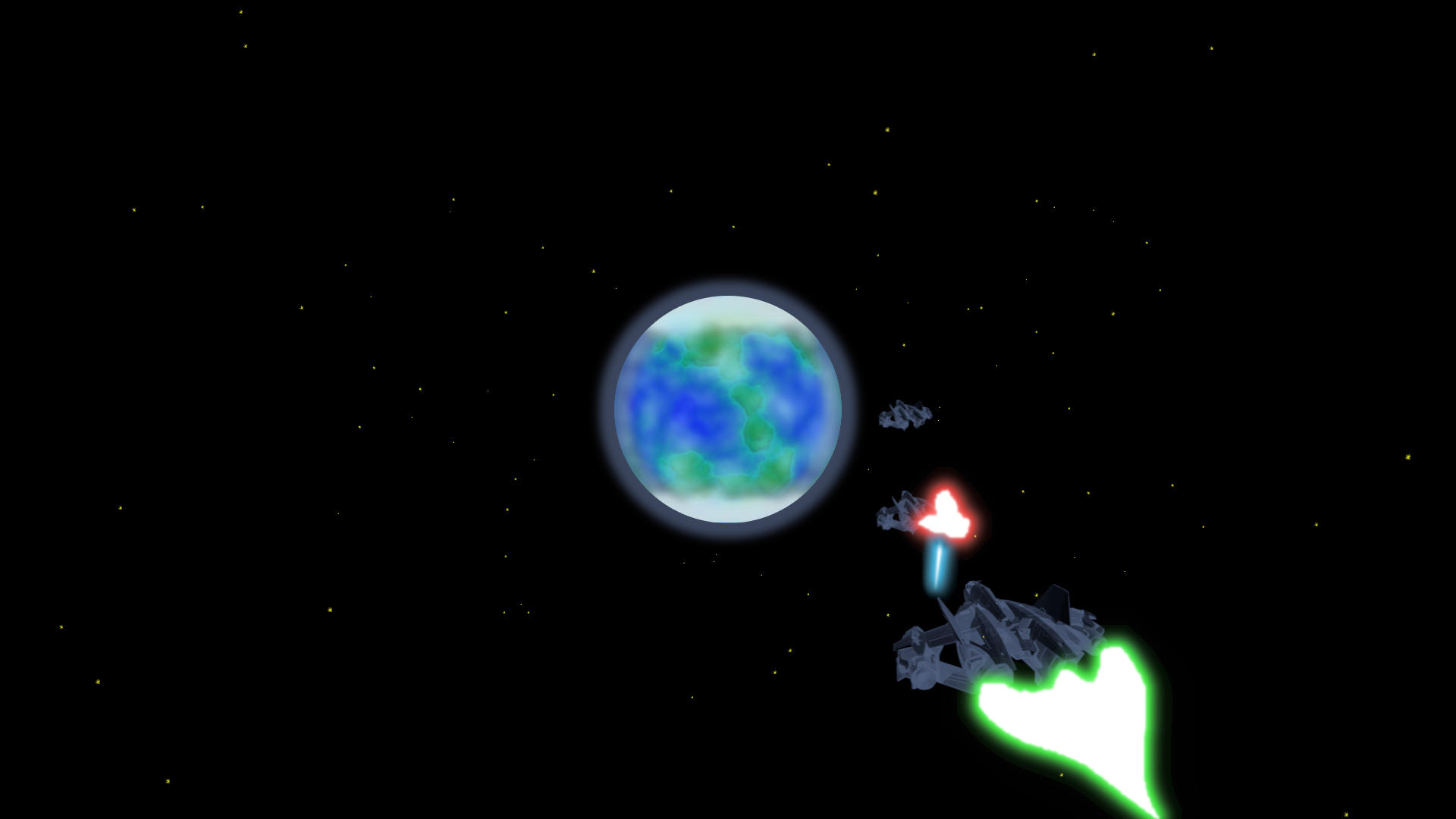
Some more fun with this script.

Image

_________________
Image


Top
 Post subject: Re: Lightsaber script
PostPosted: Sat Jul 18, 2026 3:20 pm  (#3) 
Offline
Global Moderator
User avatar

Joined: May 16, 2010
Posts: 16123
You can also make some pretty cool text with it as well. :)

Image

_________________
Image


Top
 Post subject: Re: Lightsaber script
PostPosted: Sun Jul 19, 2026 2:37 pm  (#4) 
Offline
Administrator
User avatar

Joined: Aug 10, 2012
Posts: 14126
Location: Native to NYC living in Arizona, Gimp 2.8 - 3.0, Win 11 PC.
It also works within 2.8.18.
Image

_________________
Image
"A wise man learns more from a foolish question than a fool can learn from a wise answer"
Image


Top
 Post subject: Re: Lightsaber script
PostPosted: Sun Jul 19, 2026 11:33 pm  (#5) 
Offline
Global Moderator
User avatar

Joined: May 16, 2010
Posts: 16123
Wallace wrote:
It also works within 2.8.18.
[ Image ]

Good to know. :) :bigthup

_________________
Image


Top
Post new topic Reply to topic  [ 5 posts ] 

All times are UTC - 5 hours [ DST ]


* Login  


Powered by phpBB3 © phpBB Group