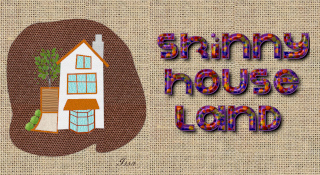
This update came about after recent plays:
Attachment:
A copy of the user guide:
Attachment:
 Faux-3D-Guide-007.pdf [3.39 MiB]
Not downloaded yet
I have added a couple of options for applying a selective blur to help reduce unwanted artefacts in the depth of the custom font without affecting the faces of the characters.
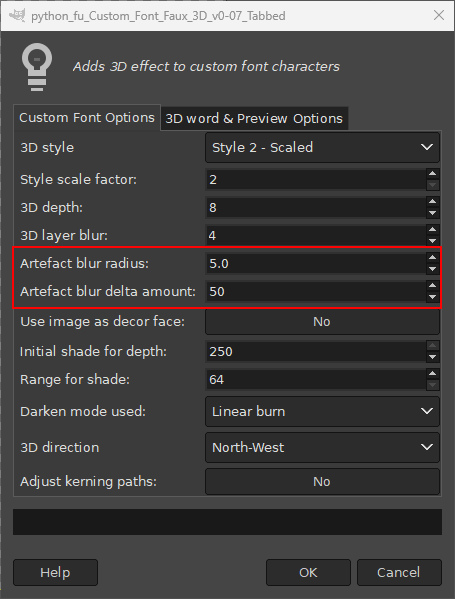
Obviously the amount to use depends on the size of the character image so I would advise using the preview option to achieve the outcome you require.
The base character before applying Faux 3D:
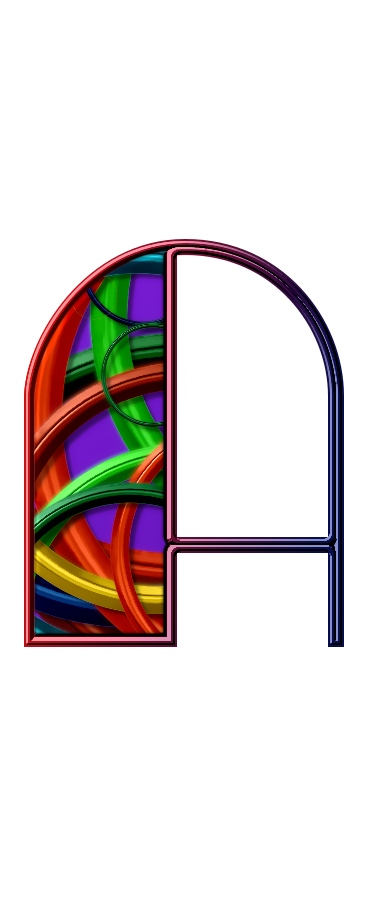
A character with unwanted artefacts especially on the right-hand side:
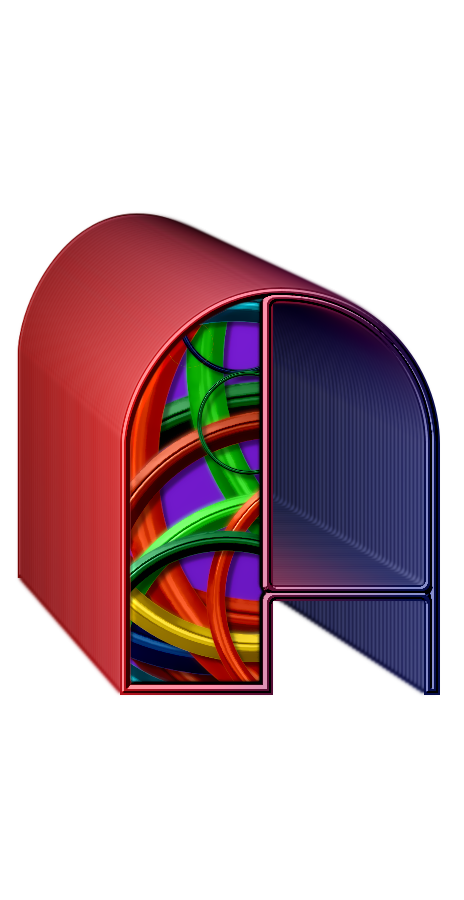
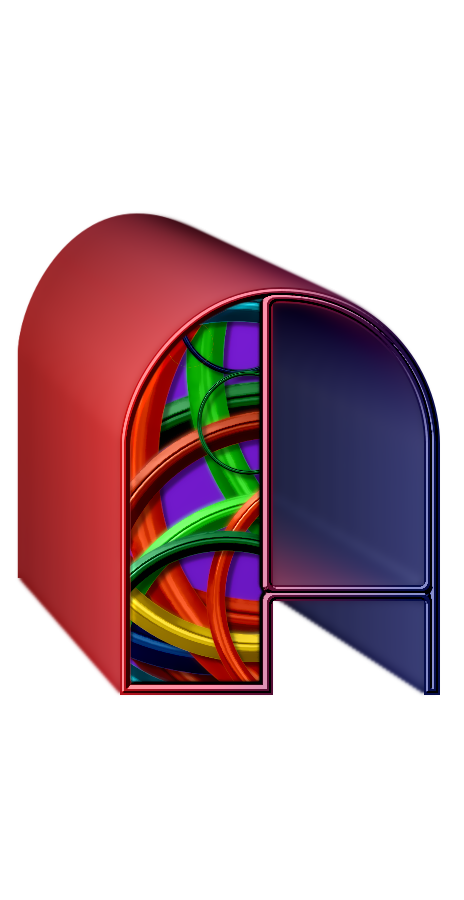
I increased the artefact blur to a value of 20 and the blur radius to 100:
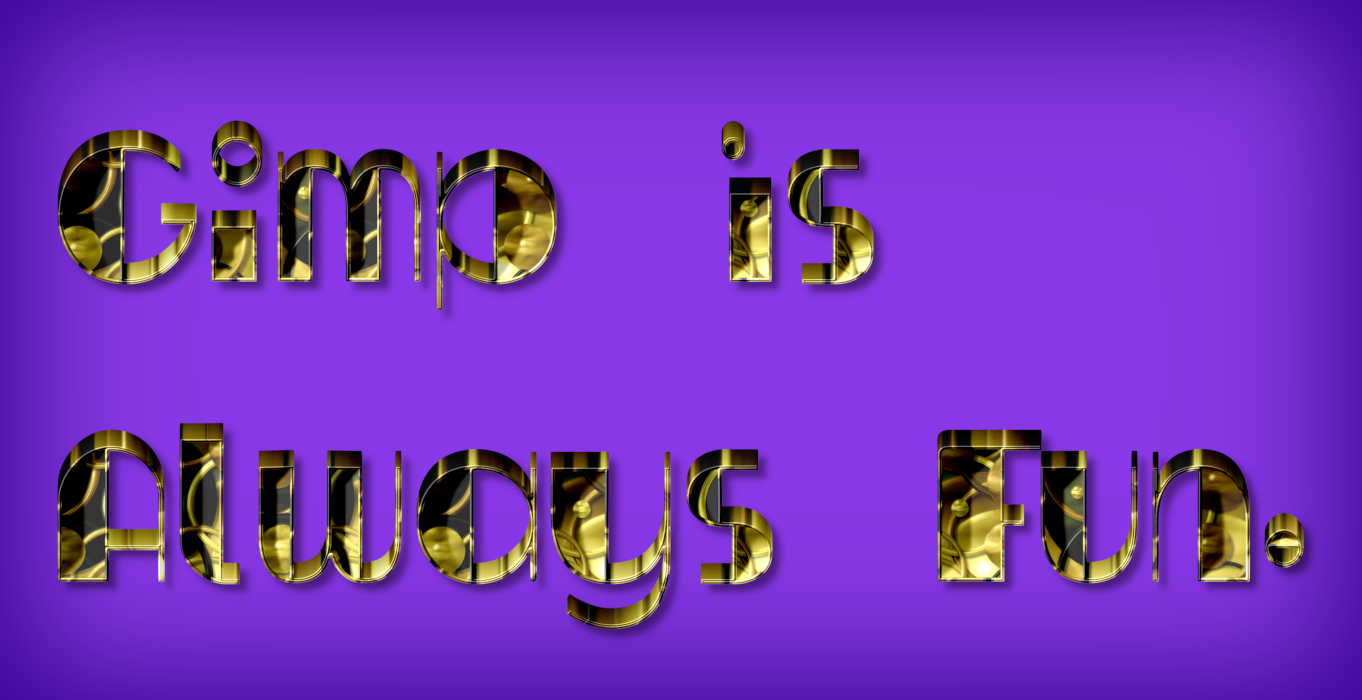
And an example using a recent custom font:
 Login
 Register
 Tweets
 FAQ
 Advanced Search