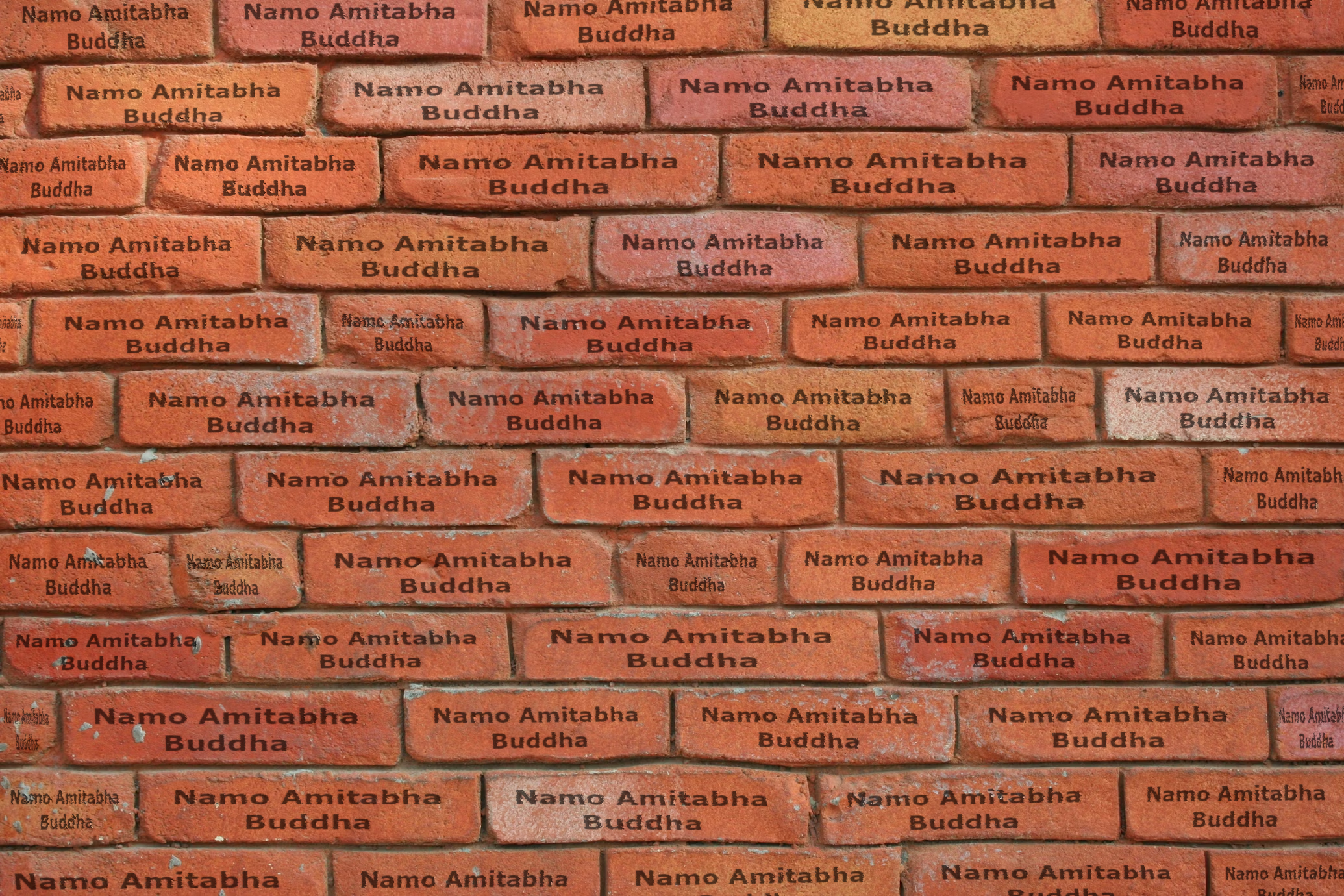
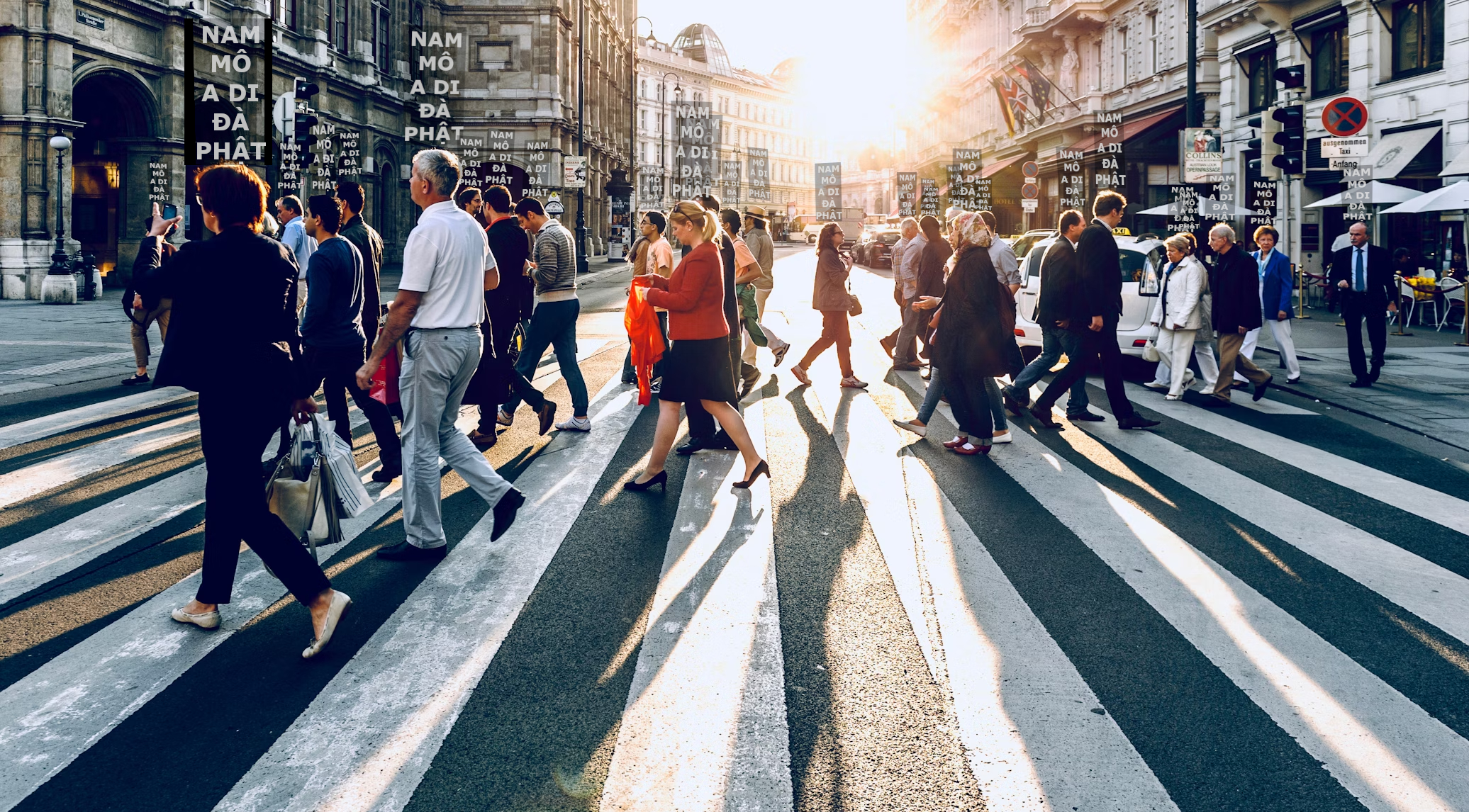
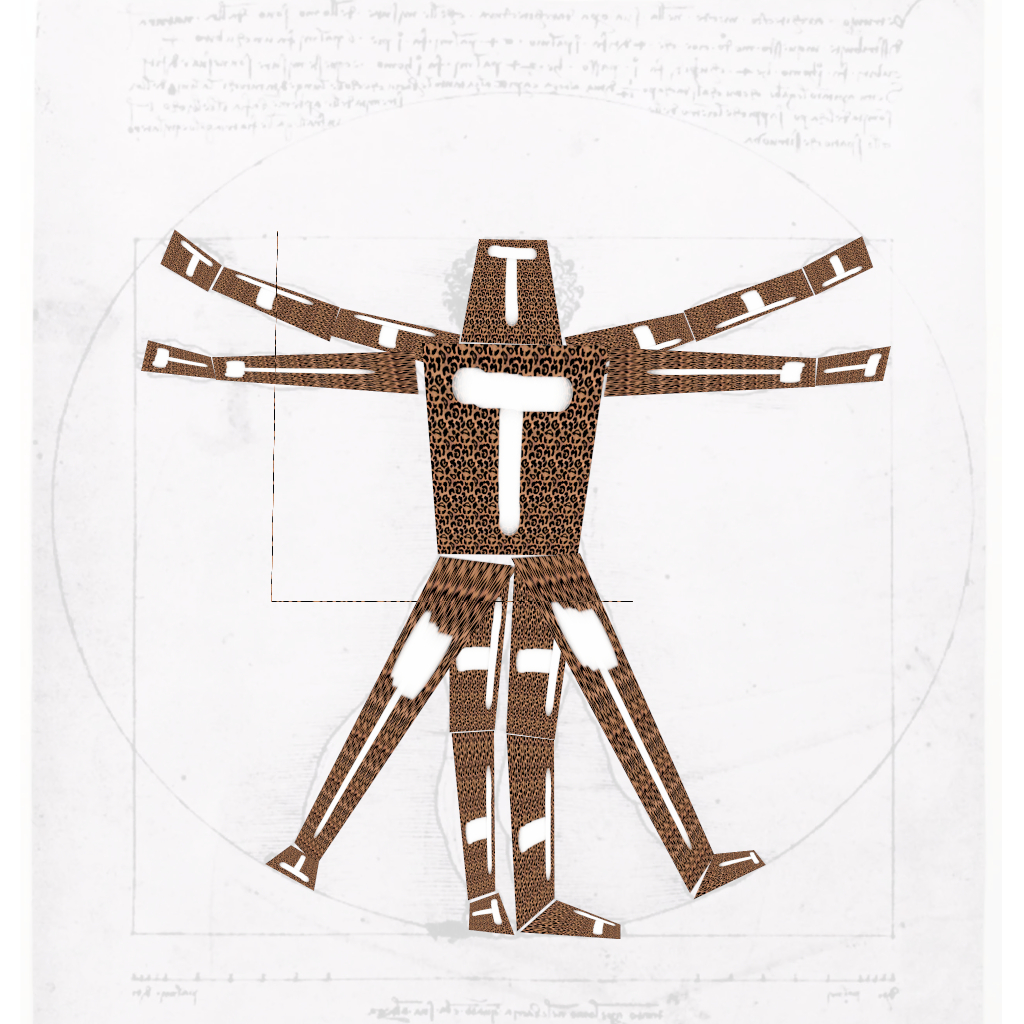
Sphere composed from squares.
This version of code allows you to use keyword(s) for unsplash.com images retrieval.
#!/usr/bin/env python
# map-transform.py
# Created by TT
#
# License: GPLv3
# This program is free software: you can redistribute it and/or modify
# it under the terms of the GNU General Public License as published by
# the Free Software Foundation, either version 3 of the License, or
# (at your option) any later version.
#
# This program is distributed in the hope that it will be useful,
# but WITHOUT ANY WARRANTY# without even the implied warranty of
# MERCHANTABILITY or FITNESS FOR A PARTICULAR PURPOSE. See the
# GNU General Public License for more details.
#
# To view a copy of the GNU General Public License
# visit: http://www.gnu.org/licenses/gpl.html
#
#
# ------------
#| Change Log |
# ------------
# Rel 1: Initial release
import requests

def download_image(url, save_path):
    response = requests.get(url)
    if response.status_code == 200:
        with open(save_path, 'wb') as f:
            f.write(response.content)
        print("Image downloaded successfully!")
    else:
        print("Failed to download image. Status code:", response.status_code)

from gimpfu import *
import random
import math
def get4Points(vectors):
   num_strokes,stroke_ids = pdb.gimp_vectors_get_strokes(vectors)
   #gets first stroke, assuming it has 4 points
   _type,num_points,controlpoints,closed = pdb.gimp_vectors_stroke_get_points(vectors,stroke_ids[0])
   #get 4 points
   fourpoints = []
   i = 1 #first point is at index 1 because control points are indexed 0,1,2 then 3,4,5 then 6,7,8 then 9,10,11
   for l in range(0,4):
      index = i*2 #because it's x and y index so we jump by 2
      fourpoints = fourpoints + [controlpoints[index],controlpoints[index+1]] #[x,y]
      i += 3 #jump by 3 controlpoints at a time
   #fourpoints should now contain 8 items (4 * [x,y])

   #we will swap the last two points because we're dealing with perspective transform so it doesn't go around
   #the square but it jumps from left to right corners.
   tempx = fourpoints[4]
   tempy = fourpoints[5]
   fourpoints[4] = fourpoints[6]
   fourpoints[5] = fourpoints[7]
   fourpoints[6] = tempx
   fourpoints[7] = tempy
   return fourpoints
def get4MultiPoints(vectors):
   num_strokes,stroke_ids = pdb.gimp_vectors_get_strokes(vectors)
   #gets first stroke, assuming it has 4 points
   cp = []
   for i in range(0,len(stroke_ids)):
      _type,num_points,controlpoints,closed = pdb.gimp_vectors_stroke_get_points(vectors,stroke_ids[i])
      cp = cp + list(controlpoints)
   #get 4 points
   arrof4points = []
   #cp = controlpoints[:]
   paths = len(cp)/24
   for j in range(0,paths):
      controlpoints = cp[j*24:j*24+24] #every 24 coordinate which represents a 4 point path
      fourpoints = []
      i = 1 #first point is at index 1 because control points are indexed 0,1,2 then 3,4,5 then 6,7,8 then 9,10,11
      for l in range(0,4):
         index = i*2 #because it's x and y index so we jump by 2
         fourpoints = fourpoints + [controlpoints[index],controlpoints[index+1]] #[x,y]
         i += 3 #jump by 3 controlpoints at a time
      #fourpoints should now contain 8 items (4 * [x,y])
      #we will swap the last two points because we're dealing with perspective transform so it doesn't go around
      #the square but it jumps from left to right corners.
      tempx = fourpoints[4]
      tempy = fourpoints[5]
      fourpoints[4] = fourpoints[6]
      fourpoints[5] = fourpoints[7]
      fourpoints[6] = tempx
      fourpoints[7] = tempy
      arrof4points.append(fourpoints)

   return arrof4points
def python_map_transform(image, layer, keywords):
   # pdb.gimp_image_undo_group_start(image)
   # pdb.gimp_context_push()
   #YOUR CODE BEGINS=======================
   #ovectors = pdb.gimp_image_get_active_vectors(image) #original vector
   originallayername = "original"
   ovectors = pdb.gimp_image_get_vectors_by_name(image,originallayername)
   #pdb.gimp_message(ovectors.name)
   ofourpoints = get4Points(ovectors)
   for v in image.vectors:
      if v.name != originallayername: #if the name is different from original vector, we do work on it
         arrpoints = get4MultiPoints(v) #get the 4 points to use as perpective transform
         #pdb.gimp_message(arrpoints);
         for fourpoints in arrpoints:
            url = "https://source.unsplash.com/800x800?" + keywords.replace(" ","%20")
            save_path = "image.jpg"  # Provide the path where you want to save the image
            download_image(url, save_path)
            layer_copy = pdb.gimp_file_load_layer(image,save_path)
            #layer_copy = pdb.gimp_layer_copy(layer,TRUE) #copy layer with TRUE alpha channel
            pdb.gimp_image_insert_layer(image,layer_copy,None,0)
            pdb.gimp_layer_add_alpha(layer_copy) #add this so it's not filled with alpha background
            pdb.gimp_image_select_item(image,CHANNEL_OP_REPLACE,layer_copy) #select the original vector area to apply perspective to.
            transform_item = pdb.gimp_item_transform_perspective(layer_copy,*ofourpoints) # *fourpoints is to unpack the array and passing it in as parameters
            pdb.gimp_floating_sel_anchor(transform_item) #anchors the transform floating selection so that it's a layer
            pdb.gimp_image_select_item(image,CHANNEL_OP_REPLACE,ovectors) #select the original vector area to apply perspective to.
            transform_item = pdb.gimp_item_transform_perspective(layer_copy,*fourpoints) # *fourpoints is to unpack the array and passing it in as parameters
            pdb.gimp_floating_sel_anchor(transform_item) #anchors the transform floating selection so that it's a layer
   pdb.gimp_item_set_visible(layer,FALSE)
   #pdb.gimp_message(get4Points(ovectors))

   #YOUR CODE ENDS ========================
   # pdb.gimp_context_pop()
   # pdb.gimp_image_undo_group_end(image)
   pdb.gimp_displays_flush()

    #return

register(
   "python_fu_map_transform_1",
   "Perspective Transforms Using Paths",
   "Perspective Transforms Using Paths",
   "TT",
   "TT",
   "2023.12.29",
   "<Image>/Python-Fu/Map Transform 1...",
   "*",      # Create a new image, don't work on an existing one
   [
   #INPUT BEGINS
   (PF_STRING, "keywords", "Keywords:", "blue"),  # alias PF_VALUE
   #INPUT ENDS
   ],
   [],
   python_map_transform)

main()

#           (PF_INT, "p0", "_INT:", 0), # PF_INT8, PF_INT16, PF_INT32  similar but no difference in Python.
#           (PF_FLOAT, "p02", "_FLOAT:", 3.141),
#           (PF_STRING, "p03", "_STRING:", "foo"),  # alias PF_VALUE
#           (PF_TEXT, "p04", "TEXT:", "bar"),
#           # PF_VALUE
#           # Pick one from set of choices
#           (PF_OPTION,"p1",   "OPTION:", 0, ["0th","1st","2nd"]), # initially 0th is choice
#           (PF_RADIO, "p16", "RADIO:", 0, (("0th", 1),("1st",0))), # note bool indicates initial setting of buttons
#           # PF_RADIO is usually called a radio button group.
#           # SLIDER, ADJUSTMENT types require the extra parameter of the form (min, max, step).
#           (PF_TOGGLE, "p2",   "TOGGLE:", 1), # initially True, checked.  Alias PF_BOOL
#           # PF_TOGGLE is usually called a checkbox.
#           (PF_SLIDER, "p3", "SLIDER:", 0, (0, 100, 10)),
#           (PF_SPINNER, "p4", "SPINNER:", 21, (1, 1000, 50)),  # alias PF_ADJUSTMENT
#           # Pickers ie combo boxes ie choosers from lists of existing Gimp objects
#           (PF_COLOR, "p14", "_COLOR:", (100, 21, 40) ), # extra param is RGB triple
#           # PF_COLOUR is an alias by aussie PyGimp author lol
#           (PF_IMAGE, "p15", "IMAGE:", None), # should be type gimp.image, but None works
#           (PF_FONT, "p17", "FONT:", 0),
#           (PF_FILE, "p18", "FILE:", 0),
#           (PF_BRUSH, "p19", "BRUSH:", 0),
#           (PF_PATTERN, "p20", "PATTERN:", 0),
#           (PF_GRADIENT, "p21", "GRADIENT:", 0),
#           (PF_PALETTE, "p22", "PALETTE:", 0),
#           (PF_LAYER, "p23", "LAYER:", None),
#           (PF_CHANNEL, "p24", "CHANNEL:", None),  # ??? Usually empty, I don't know why.
#           (PF_DRAWABLE, "p25", "DRAWABLE:", None),
#           # Mostly undocumented, but work
#           (PF_VECTORS, "p26", "VECTORS:", None),
#           (PF_FILENAME, "p27", "FILENAME:", 0),
#           (PF_DIRNAME, "p28", "DIRNAME:", 0)
#           # PF_REGION might work but probably of little use.  See gimpfu.py.
 Login
 Register
 Tweets
 FAQ
 Advanced Search