It is currently Thu Nov 26, 2026 3:01 pm


All times are UTC - 5 hours [ DST ]


Post new topic Reply to topic  [ 1 post ] 
Author Message
 Post subject: Custom Font Faux 3D Update to Version 0.07 Tabbed
PostPosted: Thu Nov 26, 2026 11:10 am  (#1) 
Offline
GimpChat Member
User avatar

Joined: Aug 08, 2016
Posts: 2940
Location: East Midlands of England
This update came about after recent plays:

Attachment:
Custom_Font_Faux_3D_v0_07_Tabbed.zip [20.69 KiB]
Downloaded 1 time


A copy of the user guide:

Attachment:
Faux-3D-Guide-007.pdf [3.39 MiB]
Downloaded 1 time


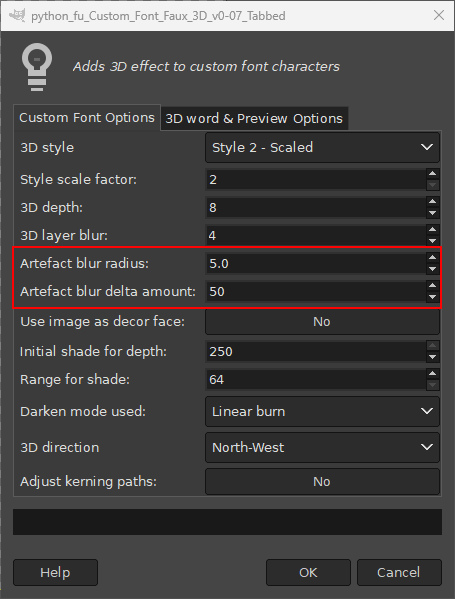
I have added a couple of options for applying a selective blur to help reduce unwanted artefacts in the depth of the custom font without affecting the faces of the characters.
Image

Obviously the amount to use depends on the size of the character image so I would advise using the preview option to achieve the outcome you require.

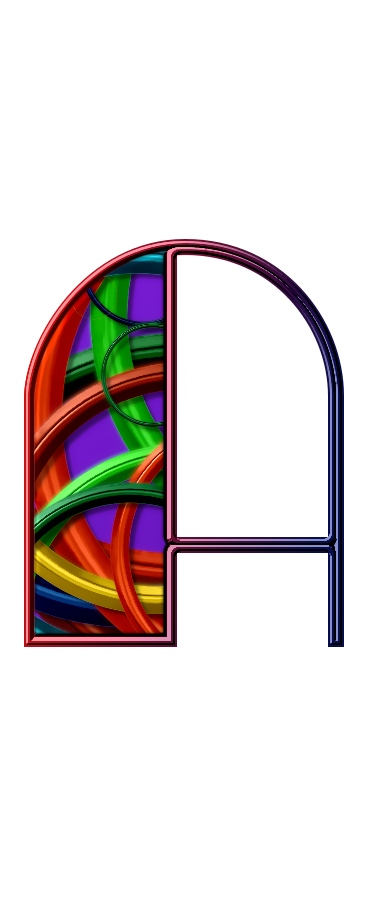
The base character before applying Faux 3D:
Image

A character with unwanted artefacts especially on the right-hand side:
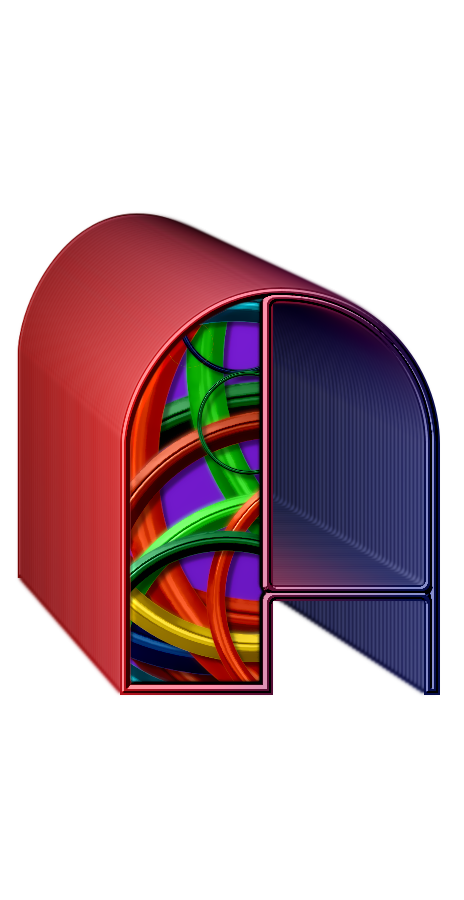
Image

I increased the artefact blur to a value of 20 and the blur radius to 100:
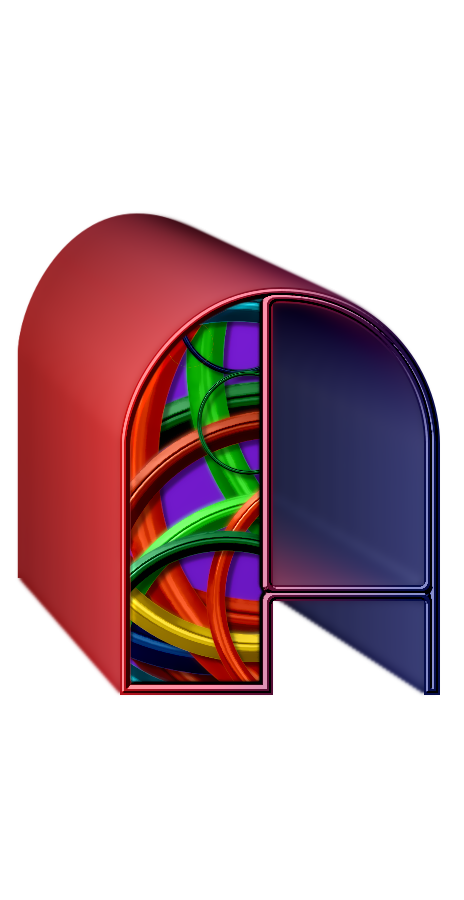
Image

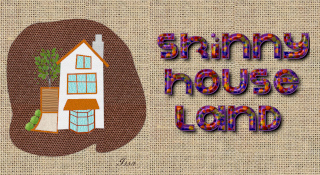
And an example using a recent custom font:
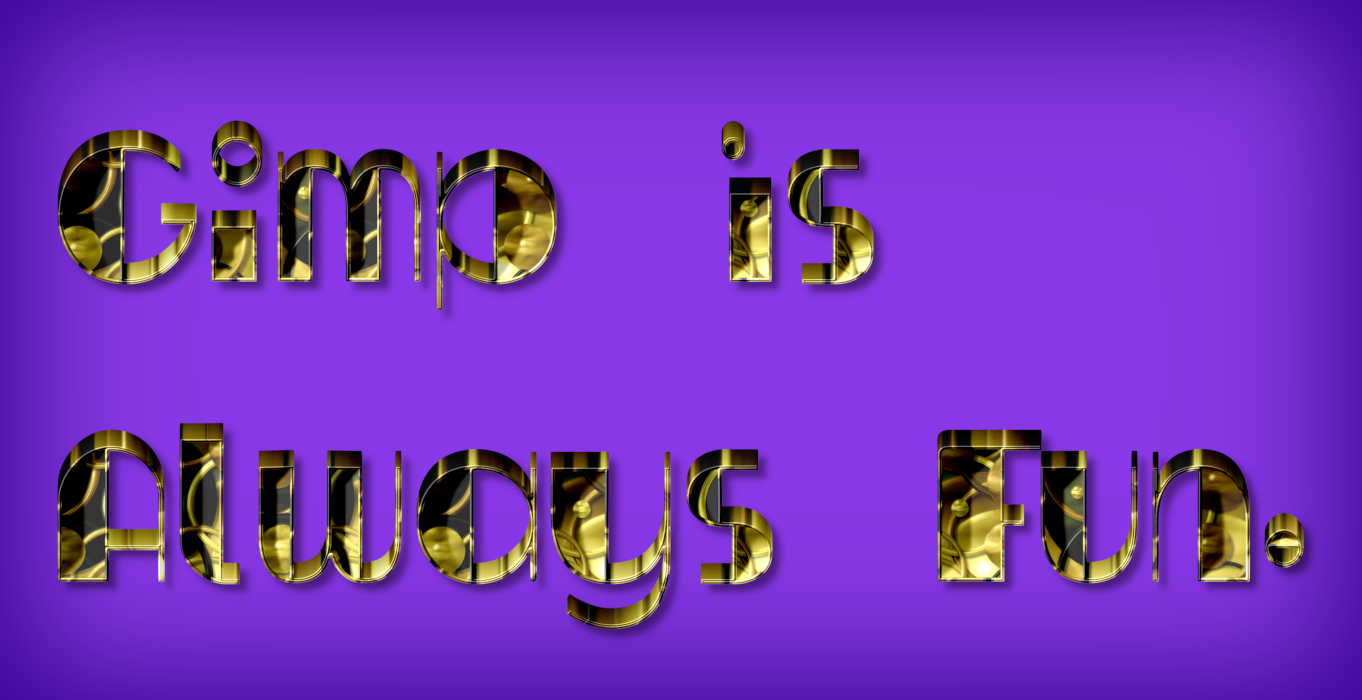
Image

_________________
Image
"Let no one steal your dreams."
Paul Cookson

Custom Font Links
2.10 Tools
Character Paths
White Bases


Share on Facebook Share on Twitter Share on Orkut Share on Digg Share on MySpace Share on Delicious Share on Technorati
Top
Post new topic Reply to topic  [ 1 post ] 

All times are UTC - 5 hours [ DST ]


* Login  


Powered by phpBB3 © phpBB Group