It is currently Thu Nov 05, 2026 4:59 pm


All times are UTC - 5 hours [ DST ]


Post new topic Reply to topic  [ 20 posts ] 
Author Message
 Post subject: Re: Round Raster 2 experimental (python script)
PostPosted: Sat May 14, 2016 5:39 pm  (#11) 
Offline
Script Coder
User avatar

Joined: May 07, 2014
Posts: 4561
Location: Canada
I call this one Round Border Raster Experiment.
Warning this script takes a really long time to render on larger selected areas, like enough time to go have a coffee and come back to.
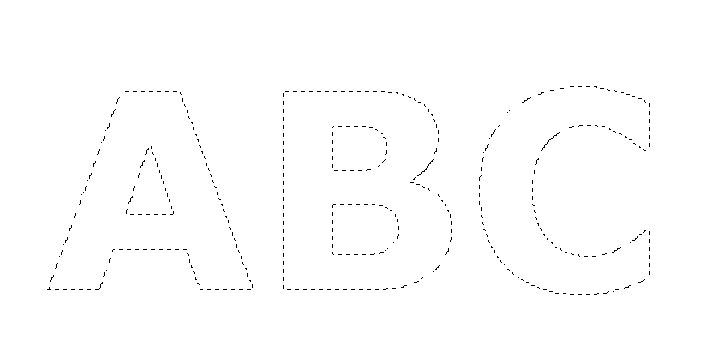
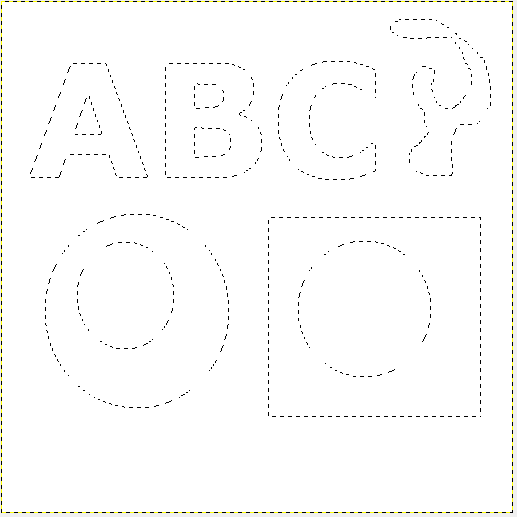
sample selection 1
Image
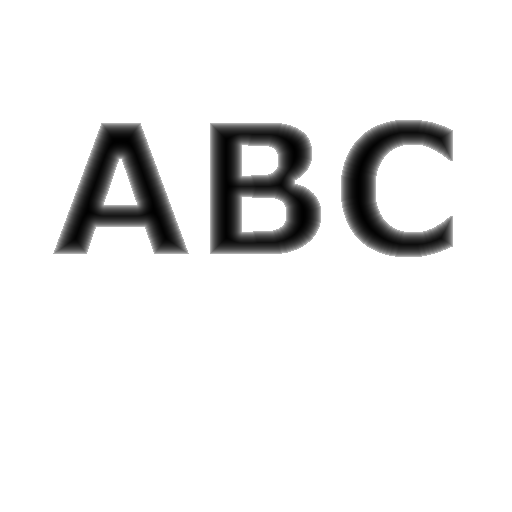
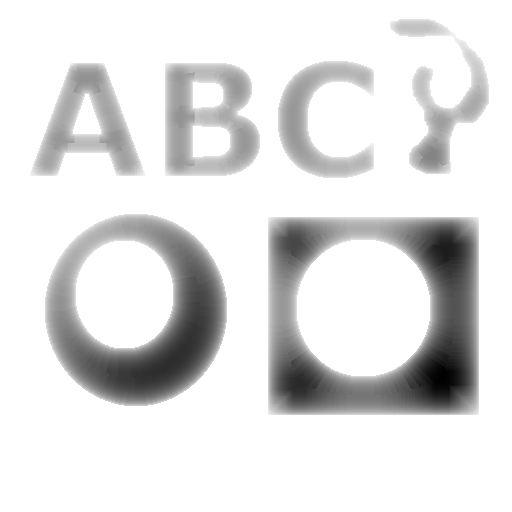
script renders this
Image
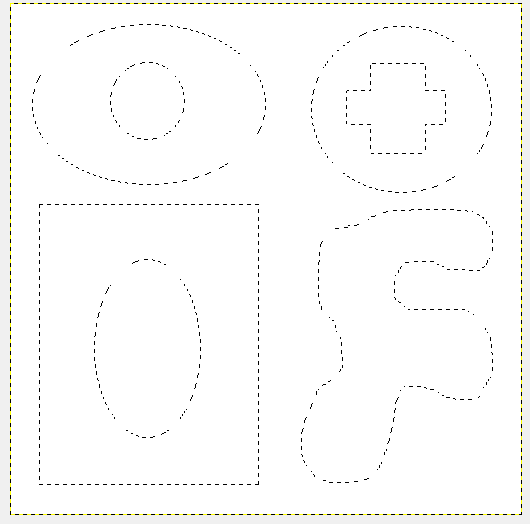
sample selection 2
Image
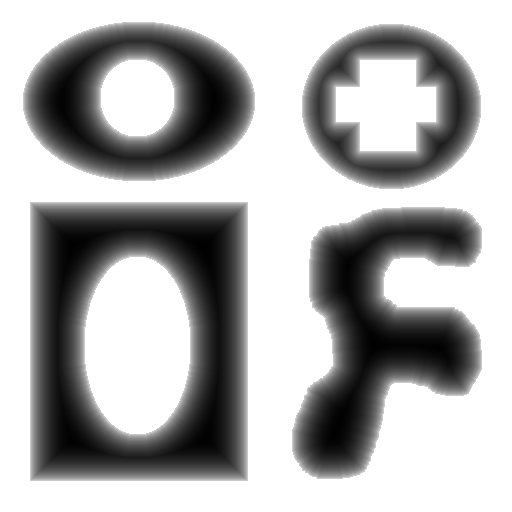
script renders this
Image
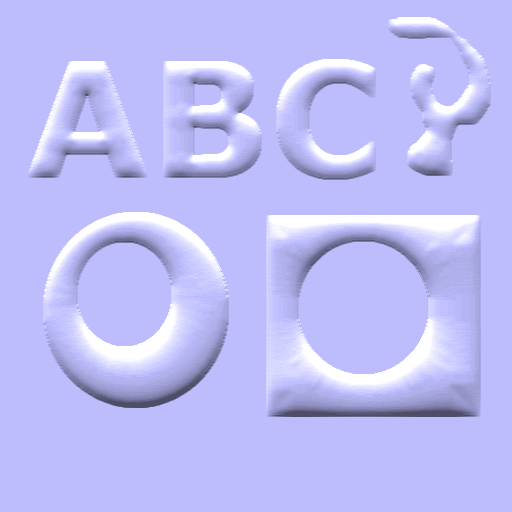
selected shape blurred and bump mapped
Image
it'll be availabe under Python-Fu/Round Border Raster Experiment...
Attachment:
python_fu_round_border_raster.zip [1.98 KiB]
Downloaded 204 times

_________________
Image
Visualize your and others dreams coming true.


Last edited by trandoductin on Sat May 14, 2016 8:41 pm, edited 1 time in total.

Top
 Post subject: Re: Round Raster 2 experimental (python script)
PostPosted: Sat May 14, 2016 8:25 pm  (#12) 
Offline
Script Coder
User avatar

Joined: May 07, 2014
Posts: 4561
Location: Canada
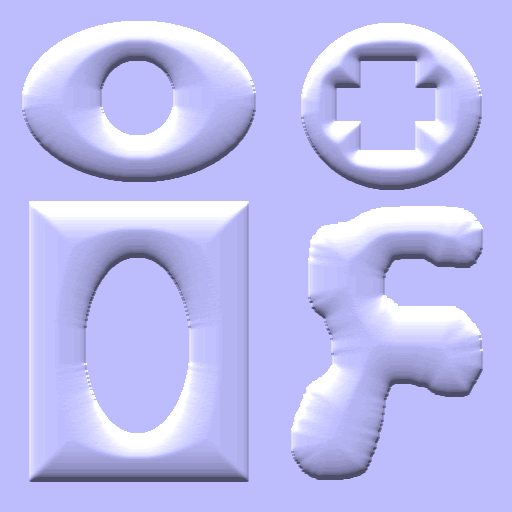
This one is even slower and even more experimental.
selection
Image
what script renders
Image
blurred and bump mapped.
Image
I particularly like the result of the lop-sided donut shape.
This is a different version of the script in the above post.
Attachment:
python_fu_round_border_raster.zip [2.22 KiB]
Downloaded 189 times

_________________
Image
Visualize your and others dreams coming true.


Top
 Post subject: Re: Round Raster 2 experimental (python script)
PostPosted: Sat May 14, 2016 9:30 pm  (#13) 
Offline
GimpChat Member
User avatar

Joined: Feb 14, 2012
Posts: 426
You can get those same kind of results just simply using a round gradient with the blend tool set to [shaped (angular)] and it doesn't take a whole lot of time.

If you could get something where the fill is lets say black on the outside and white on the inside, then that would be something new. The Path blend script is the only way I've seen that something like that can be done.


Top
 Post subject: Re: Round Raster 2 experimental (python script)
PostPosted: Sat May 14, 2016 9:44 pm  (#14) 
Offline
Script Coder
User avatar

Joined: May 07, 2014
Posts: 4561
Location: Canada
PegLeg44 wrote:
You can get those same kind of results just simply using a round gradient with the blend tool set to [shaped (angular)] and it doesn't take a whole lot of time.

If you could get something where the fill is lets say black on the outside and white on the inside, then that would be something new. The Path blend script is the only way I've seen that something like that can be done.

Black on the outside and white on the inside? doesn't invert do that? I am confused.

_________________
Image
Visualize your and others dreams coming true.


Top
 Post subject: Re: Round Raster 2 experimental (python script)
PostPosted: Sun May 15, 2016 12:17 am  (#15) 
Offline
GimpChat Member
User avatar

Joined: Feb 14, 2012
Posts: 426
I mean anything with a hole in it. If you could do your slope type of thing, only from the inside to the outside of a donut. It is possible... anything is possible...
It's not possible though unless it's done manually.


Top
 Post subject: Re: Round Raster 2 experimental (python script)
PostPosted: Sun May 15, 2016 1:03 am  (#16) 
Offline
Script Coder
User avatar

Joined: May 07, 2014
Posts: 4561
Location: Canada
i think that's probably easier manually.
I could probably do one shape with a hole in it but not a shape with 2 or more holes or many shapes with multiple holes.
It's probably easier right now to use lighten only and cut out the holes manually.

_________________
Image
Visualize your and others dreams coming true.


Top
 Post subject: Re: Round Raster 2 experimental (python script)
PostPosted: Sun May 15, 2016 10:05 am  (#17) 
Offline
Script Coder
User avatar

Joined: Jun 22, 2010
Posts: 1171
Location: Here and there
Just for a laugh, I tried using your height/depth map as a height_field image in POVRay (after inverting, POVRay treats white as the highest point)

Attachment:
height_field2.png
height_field2.png [ 316.44 KiB | Viewed 2996 times ]
Attachment:
height_field4.png
height_field4.png [ 333.04 KiB | Viewed 2996 times ]


Kevin


Top
 Post subject: Re: Round Raster 2 experimental (python script)
PostPosted: Sun May 15, 2016 10:12 am  (#18) 
Offline
Script Coder
User avatar

Joined: May 07, 2014
Posts: 4561
Location: Canada
paynekj wrote:
Just for a laugh, I tried using your height/depth map as a height_field image in POVRay (after inverting, POVRay treats white as the highest point)

Attachment:
height_field2.png
Attachment:
height_field4.png


Kevin

a badly designed drumbell :hehe

_________________
Image
Visualize your and others dreams coming true.


Top
 Post subject: Re: Round Raster 2 experimental (python script)
PostPosted: Mon May 16, 2016 12:37 pm  (#19) 
Offline
GimpChat Member

Joined: Dec 29, 2015
Posts: 223
Hi There,

I was just trying the script on a square and got the look of ceramic tiles. Such tiles have been used on the walls of our house. I had no plan to design them in gimp with this script.


Attachments:
Tiles.png
Tiles.png [ 19.48 KiB | Viewed 2976 times ]
Bump map.png
Bump map.png [ 3.66 KiB | Viewed 2976 times ]
Top
 Post subject: Re: Round Raster 2 experimental (python script)
PostPosted: Mon May 16, 2016 2:13 pm  (#20) 
Offline
Script Coder
User avatar

Joined: May 07, 2014
Posts: 4561
Location: Canada
Rashid wrote:
Hi There,

I was just trying the script on a square and got the look of ceramic tiles. Such tiles have been used on the walls of our house. I had no plan to design them in gimp with this script.


nice looking red tiles.

_________________
Image
Visualize your and others dreams coming true.


Top
Post new topic Reply to topic  [ 20 posts ] 

All times are UTC - 5 hours [ DST ]


* Login  


Powered by phpBB3 © phpBB Group