It is currently Mon Jun 15, 2026 5:34 pm


All times are UTC - 5 hours [ DST ]


Post new topic Reply to topic  [ 1370 posts ]  Go to page Previous  1 ... 50, 51, 52, 53, 54, 55, 56 ... 69  Next
Author Message
 Post subject: Re: Bevel Reflect Logo V1.6
PostPosted: Wed Feb 25, 2015 5:27 pm  (#1041) 
Offline
Administrator
User avatar

Joined: Aug 10, 2012
Posts: 14019
Location: Native to NYC living in Arizona, Gimp 2.8 - 3.0, Win 11 PC.
Graechan wrote:
Wallace you were thinking of EnviroLogo

I guess I am going bonkers then. :hehe But isn't EnviroLogo also based on gradients not patterns?

Thanks Graechan. :bigthup

_________________
Image
"A wise man learns more from a foolish question than a fool can learn from a wise answer"
Image


Top
 Post subject: Re: Bevel Reflect Logo V1.6
PostPosted: Wed Feb 25, 2015 5:49 pm  (#1042) 
Offline
GimpChat Founder
User avatar

Joined: May 22, 2008
Posts: 5241
Location: Gimpville
Like Warrior, I usually overlay patterns too.

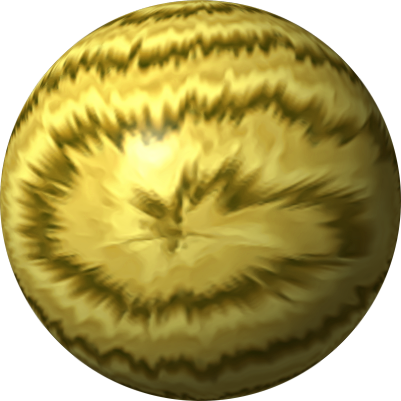
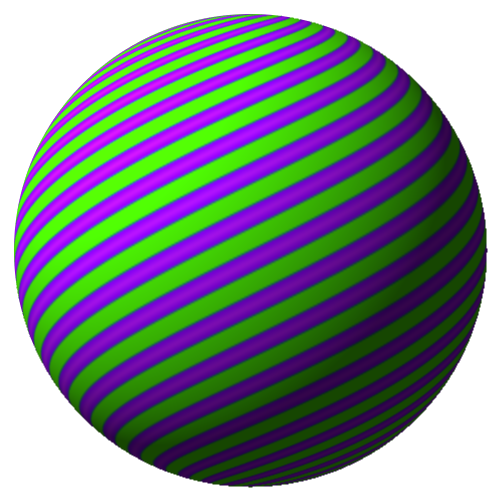
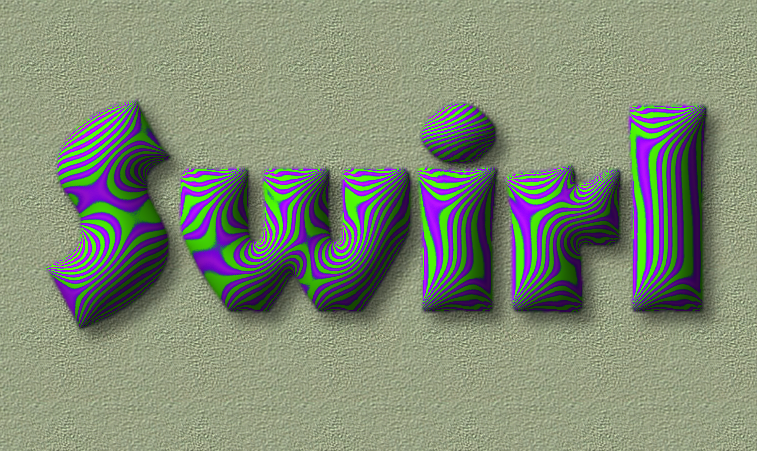
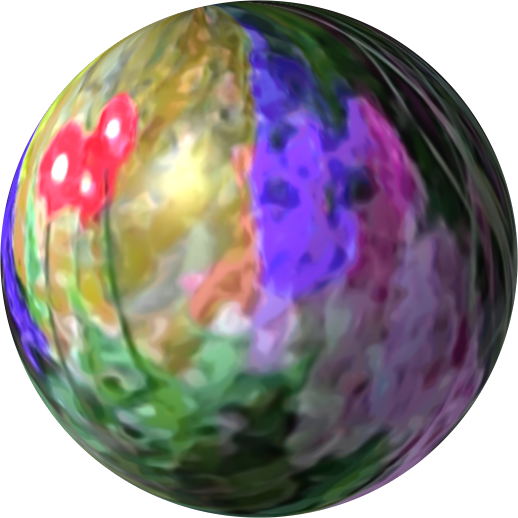
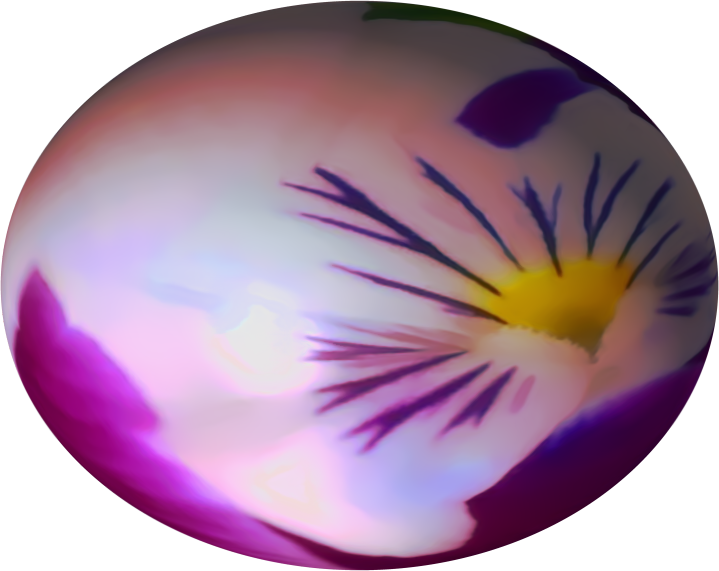
While there are no provisions to use a pattern to automatically generate an emap in BRL, I have experimented with manually using patterns & images to create emaps for use in BRL, with varying levels of success.

I found that some patterns and images work pretty well, while others don't. In almost all cases, the emaps from patterns/images required a significant level of smoothing (usually done in GMIC) to avoid pixelation and/or otherwise odd results. Oregonian and I played around with this several months ago and did find some patterns and images that produced interesting results.

Here are the results of some tests I did.

Image
Image

Image
Image

Image
Image

Various Flower Images

Image
Image

Image
Image

Image
Image

The above examples were not generated using patterns overlays on BRL results. Patterns/images were directly used to create the emaps, then those emaps were used in BRL.

Also, the maps need not be spherical. You can use so called Lat/Long maps.
viewtopic.php?f=23&t=11066

_________________
“If you reach for the stars, you just might land on a decently sized hill.” - Stuart Hill


Top
 Post subject: Re: Bevel Reflect Logo V1.6
PostPosted: Wed Feb 25, 2015 5:59 pm  (#1043) 
Offline
GimpChat Member
User avatar

Joined: Apr 07, 2010
Posts: 14182
I do mine almost the same as that, I go to layers > layer effects > Patterns overlay > then put the overlay pattern in overlay mode.

_________________
Image


Top
 Post subject: Re: Bevel Reflect Logo V1.6
PostPosted: Wed Feb 25, 2015 6:00 pm  (#1044) 
Offline
Global Moderator
User avatar

Joined: Oct 02, 2014
Posts: 4962
Location: Sydney Australia
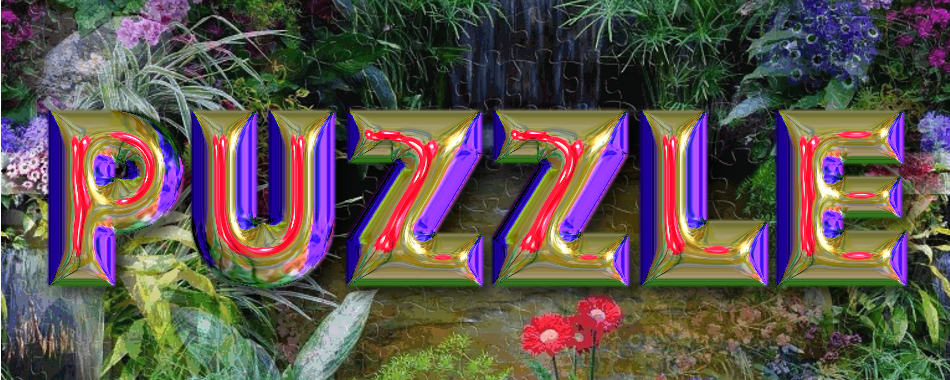
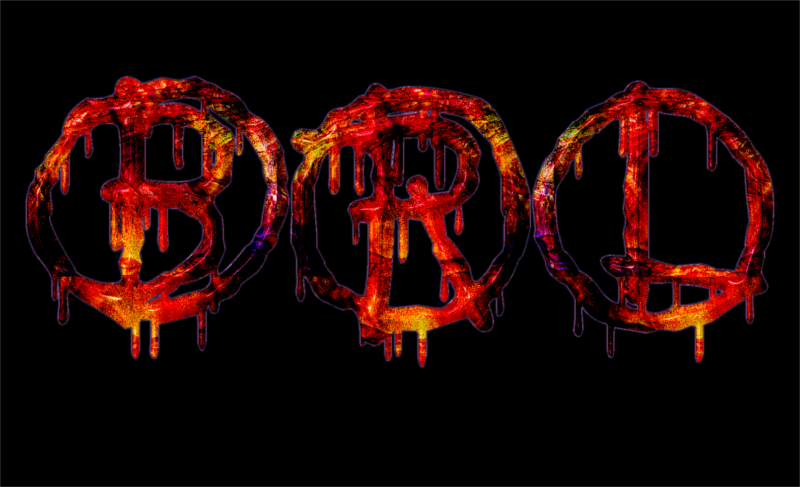
Just thought that I would add a few words ... I usually overlay BRL with patterns as per Warrior method, using grainmerge and multiply also ...

Image

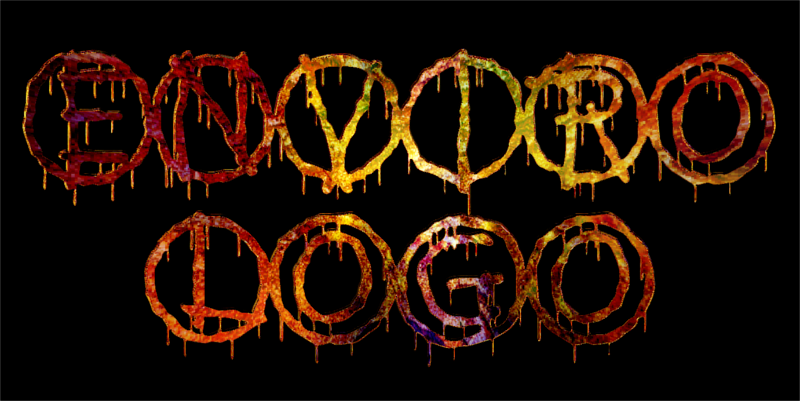
Outcome using same pattern from Enviro Logo ...

Image

I actually prefer the BRL outcome because it has more 'body' ... but both deliver terrific results!

This pattern was an amalgam of 2 patterns I previously created called 'bamboo' and 'sandstone' - GIMP is just marvelous at doing this.

_________________
Image

Respect should be offered freely but hard earned


Top
 Post subject: Re: Bevel Reflect Logo V1.6
PostPosted: Wed Feb 25, 2015 6:12 pm  (#1045) 
Offline
Script Coder
User avatar

Joined: Feb 18, 2011
Posts: 4826
Location: Bendigo Vic. Australia
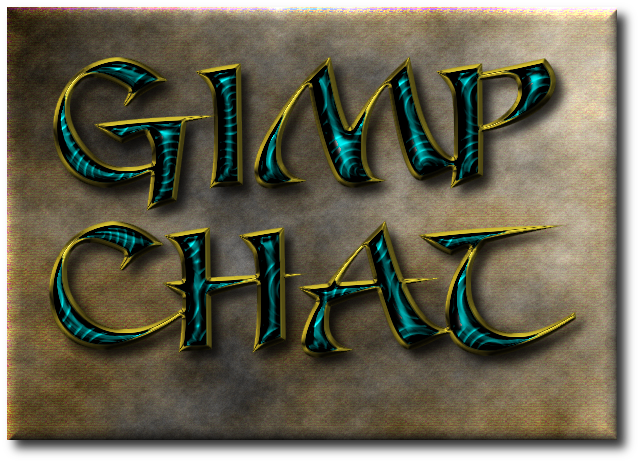
GnuTux I love this font, please where can i get it
Image

_________________
Image
No matter how much you push the envelope, it'll still be stationery.


Top
 Post subject: Re: Bevel Reflect Logo V1.6
PostPosted: Wed Feb 25, 2015 6:18 pm  (#1046) 
Offline
Administrator
User avatar

Joined: Aug 10, 2012
Posts: 14019
Location: Native to NYC living in Arizona, Gimp 2.8 - 3.0, Win 11 PC.
I see now...
I guess I misunderstood something somewhere along the way. I was thinking there was a pattern option added to BRL that could be used to creat E-Maps.
Silly Me... :hehe

BTW... Great work you guys! :bigthup

_________________
Image
"A wise man learns more from a foolish question than a fool can learn from a wise answer"
Image


Top
 Post subject: Re: Bevel Reflect Logo V1.6
PostPosted: Wed Feb 25, 2015 6:29 pm  (#1047) 
Offline
GimpChat Member
User avatar

Joined: Apr 07, 2010
Posts: 14182
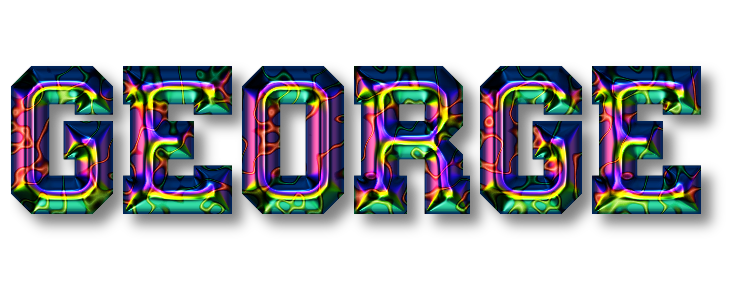
This is the one I did with the Neon pattern.
Image

_________________
Image


Top
 Post subject: Re: Bevel Reflect Logo V1.6
PostPosted: Wed Feb 25, 2015 6:33 pm  (#1048) 
Offline
Administrator
User avatar

Joined: Aug 10, 2012
Posts: 14019
Location: Native to NYC living in Arizona, Gimp 2.8 - 3.0, Win 11 PC.
molly wrote:
This is the one I did with the Neon pattern.
[ Image ]

Very cool looking Molly! :bigthup

_________________
Image
"A wise man learns more from a foolish question than a fool can learn from a wise answer"
Image


Top
 Post subject: Re: Bevel Reflect Logo V1.6
PostPosted: Wed Feb 25, 2015 6:34 pm  (#1049) 
Offline
Script Coder
User avatar

Joined: Dec 27, 2014
Posts: 508
molly wrote:
This is the one I did with the Neon pattern.

I think you mean the "neuron" pattern. Looks stunning anyway ..but again, what emap was that?


Top
 Post subject: Re: Bevel Reflect Logo V1.6
PostPosted: Wed Feb 25, 2015 6:36 pm  (#1050) 
Offline
GimpChat Member
User avatar

Joined: Jun 02, 2013
Posts: 2090
It's just a great script. Probably my all time fav. Nice work peeps.

Image

_________________
Image


Top
 Post subject: Re: Bevel Reflect Logo V1.6
PostPosted: Wed Feb 25, 2015 6:45 pm  (#1051) 
Offline
GimpChat Member
User avatar

Joined: Apr 07, 2010
Posts: 14182
Thank you jontait2. and Wallace. I used the PS Style 1.png by Wallace. I find I have better luck when I use very large emaps.

_________________
Image


Top
 Post subject: Re: Bevel Reflect Logo V1.6
PostPosted: Wed Feb 25, 2015 6:58 pm  (#1052) 
Offline
Administrator
User avatar

Joined: Aug 10, 2012
Posts: 14019
Location: Native to NYC living in Arizona, Gimp 2.8 - 3.0, Win 11 PC.
molly wrote:
Thank you jontait2. and Wallace. I used the PS Style 1.png by Wallace. I find I have better luck when I use very large emaps.

:bigthup

_________________
Image
"A wise man learns more from a foolish question than a fool can learn from a wise answer"
Image


Top
 Post subject: Re: Bevel Reflect Logo V1.6
PostPosted: Wed Feb 25, 2015 8:40 pm  (#1053) 
Offline
GimpChat Founder
User avatar

Joined: May 22, 2008
Posts: 5241
Location: Gimpville
Wallace wrote:
I was thinking there was a pattern option added to BRL that could be used to creat E-Maps.

I've made a couple of changes to my working version of BRL and I'll add the option to use a pattern fill, instead of a gradient, when generating the emap. With all the creativity of GC members, it will certainly lead to something pretty cool. :hehe

Graechan wrote:
GnuTux I love this font, please where can i get it

It's called: CHIP KNIP
http://www.fontspace.com/crolrene/chip-knip

_________________
“If you reach for the stars, you just might land on a decently sized hill.” - Stuart Hill


Top
 Post subject: Re: Bevel Reflect Logo V1.6
PostPosted: Wed Feb 25, 2015 9:15 pm  (#1054) 
Offline
Administrator
User avatar

Joined: Aug 10, 2012
Posts: 14019
Location: Native to NYC living in Arizona, Gimp 2.8 - 3.0, Win 11 PC.
GnuTux wrote:
Wallace wrote:
I was thinking there was a pattern option added to BRL that could be used to creat E-Maps.

I've made a couple of changes to my working version of BRL and I'll add the option to use a pattern fill, instead of a gradient, when generating the emap. With all the creativity of GC members, it will certainly lead to something pretty cool. :hehe

I enjoy the gradient option very much.
Will this option be removed from BRL or will the use of patterns be in addition to a gradient option?
Can't there be both options available for use?

_________________
Image
"A wise man learns more from a foolish question than a fool can learn from a wise answer"
Image


Top
 Post subject: Re: Bevel Reflect Logo V1.6
PostPosted: Wed Feb 25, 2015 9:25 pm  (#1055) 
Offline
GimpChat Member
User avatar

Joined: Mar 10, 2014
Posts: 845
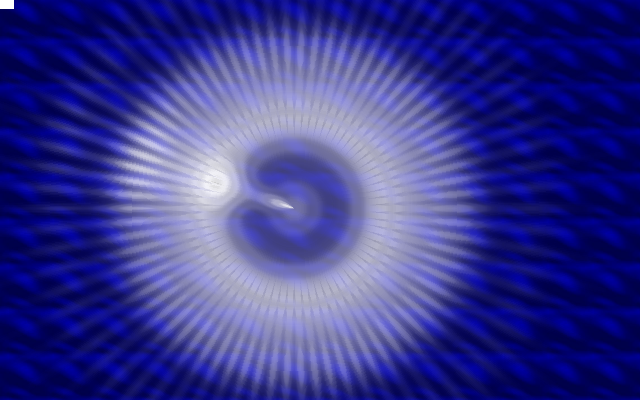
I'am testing Lat maps (I used Xero Quasar filter)
Image
here the result also using a pattern
Image


Top
 Post subject: Re: Bevel Reflect Logo V1.6
PostPosted: Wed Feb 25, 2015 9:36 pm  (#1056) 
Offline
GimpChat Founder
User avatar

Joined: May 22, 2008
Posts: 5241
Location: Gimpville
@Wallace - Using a gradient to generate the emap is essential to the script. The pattern fill would just be another option, same as in the Envirologo script.

@Marcello - Nice result. Using Lat/Long maps can produce really cool effects. :hehe

_________________
“If you reach for the stars, you just might land on a decently sized hill.” - Stuart Hill


Top
 Post subject: Re: Bevel Reflect Logo V1.6
PostPosted: Wed Feb 25, 2015 10:15 pm  (#1057) 
Offline
GimpChat Member
User avatar

Joined: Jun 02, 2013
Posts: 2090
Has a little bit of aliasing, but not too bad. I know the result resembles it, but this is not the same map as Wallace posted. I'm trying new maps, and overlay techniques.

Image

_________________
Image


Top
 Post subject: Re: Bevel Reflect Logo V1.6
PostPosted: Wed Feb 25, 2015 10:20 pm  (#1058) 
Offline
Administrator
User avatar

Joined: Aug 10, 2012
Posts: 14019
Location: Native to NYC living in Arizona, Gimp 2.8 - 3.0, Win 11 PC.
GnuTux wrote:
@Wallace - Using a gradient to generate the emap is essential to the script. The pattern fill would just be another option, same as in the Envirologo script.

I thought so, thanks Tux. ;)

The Warrior wrote:
Has a little bit of aliasing, but not too bad. I know the result resembles it, but this is not the same map as Wallace posted. I'm trying new maps, and overlay techniques.

Image

Nice one Warrior! :bigthup

_________________
Image
"A wise man learns more from a foolish question than a fool can learn from a wise answer"
Image


Top
 Post subject: Re: Bevel Reflect Logo V1.6
PostPosted: Wed Feb 25, 2015 10:22 pm  (#1059) 
Offline
GimpChat Member
User avatar

Joined: Jun 02, 2013
Posts: 2090
Thanks Wallace, appreciate it.

_________________
Image


Top
 Post subject: Re: Bevel Reflect Logo V1.6
PostPosted: Wed Feb 25, 2015 10:36 pm  (#1060) 
Offline
Administrator
User avatar

Joined: Aug 10, 2012
Posts: 14019
Location: Native to NYC living in Arizona, Gimp 2.8 - 3.0, Win 11 PC.
The Warrior wrote:
Thanks Wallace, appreciate it.

No problem Warrior. ;)

_________________
Image
"A wise man learns more from a foolish question than a fool can learn from a wise answer"
Image


Top
Post new topic Reply to topic  [ 1370 posts ]  Go to page Previous  1 ... 50, 51, 52, 53, 54, 55, 56 ... 69  Next

All times are UTC - 5 hours [ DST ]


* Login  


Powered by phpBB3 © phpBB Group