It is currently Wed Aug 19, 2026 8:08 am


All times are UTC - 5 hours [ DST ]


Post new topic Reply to topic  [ 93 posts ]  Go to page Previous  1, 2, 3, 4, 5  Next
Author Message
 Post subject: Re: Silhouette (Issabella's tutorial) Script
PostPosted: Mon Jun 02, 2014 11:59 am  (#21) 
Offline
GimpChat Member
User avatar

Joined: Dec 10, 2013
Posts: 1004
Thank you trandoductin and molly.

trandoductin, I've thanked you before but I'll thank you again for the script!

_________________
Image
Macbook Air - MacOS Sierra 10.12
McGimp 2.8.14
G'mic 1.6.5


Top
 Post subject: Re: Silhouette (Issabella's tutorial) Script
PostPosted: Mon Jun 02, 2014 2:57 pm  (#22) 
Offline
GimpChat Member
User avatar

Joined: Mar 01, 2014
Posts: 14136
Location: Spain, Aragón
Dalia, I like your outcome so much! :clap :bump

_________________
Image

Gimp 2.10.30(samj) portable _ OS Windows 10 Home_ 64bits
Don’t be afraid to start over. It’s a new chance to rebuild what you want.


Top
 Post subject: Re: Silhouette (Issabella's tutorial) Script
PostPosted: Mon Jun 02, 2014 3:11 pm  (#23) 
Offline
GimpChat Member
User avatar

Joined: Mar 01, 2014
Posts: 14136
Location: Spain, Aragón
I can play the script again. Thank you :hi5 :clap


Attachments:
's OK.png
's OK.png [ 642.67 KiB | Viewed 4676 times ]

_________________
Image

Gimp 2.10.30(samj) portable _ OS Windows 10 Home_ 64bits
Don’t be afraid to start over. It’s a new chance to rebuild what you want.
Top
 Post subject: Re: Silhouette (Issabella's tutorial) Script
PostPosted: Sat Jun 07, 2014 5:59 am  (#24) 
Offline
GimpChat Member

Joined: May 26, 2014
Posts: 53
can we change the color of the fill?


Top
 Post subject: Re: Silhouette (Issabella's tutorial) Script
PostPosted: Sat Jun 07, 2014 3:38 pm  (#25) 
Offline
Script Coder
User avatar

Joined: May 07, 2014
Posts: 4527
Location: Canada
kenlee20,
not sure what you mean by fill color (i am assuming you mean color of text)
if you use the script in first post you can use the hue/saturation/lightness to set color of text.
to get light red for example
Attachment:
lightredUsingHueSatLightness.jpg
lightredUsingHueSatLightness.jpg [ 142.39 KiB | Viewed 4622 times ]


or you can use the script version found here it uses the color you set but because it uses a layer and set to color mode your color will just be a medium looking color (so if you choose bright red or dark red, it'll just come out average red).
Attachment:
lightred.jpg
lightred.jpg [ 102 KiB | Viewed 4622 times ]


The first script lets you use hue/saturation/lightness but so you have more to play with there but i never remember what hue to get right color.

_________________
TinT


Top
 Post subject: Re: Silhouette (Issabella's tutorial) Script
PostPosted: Sat Jun 07, 2014 9:10 pm  (#26) 
Offline
GimpChat Member

Joined: May 23, 2012
Posts: 150
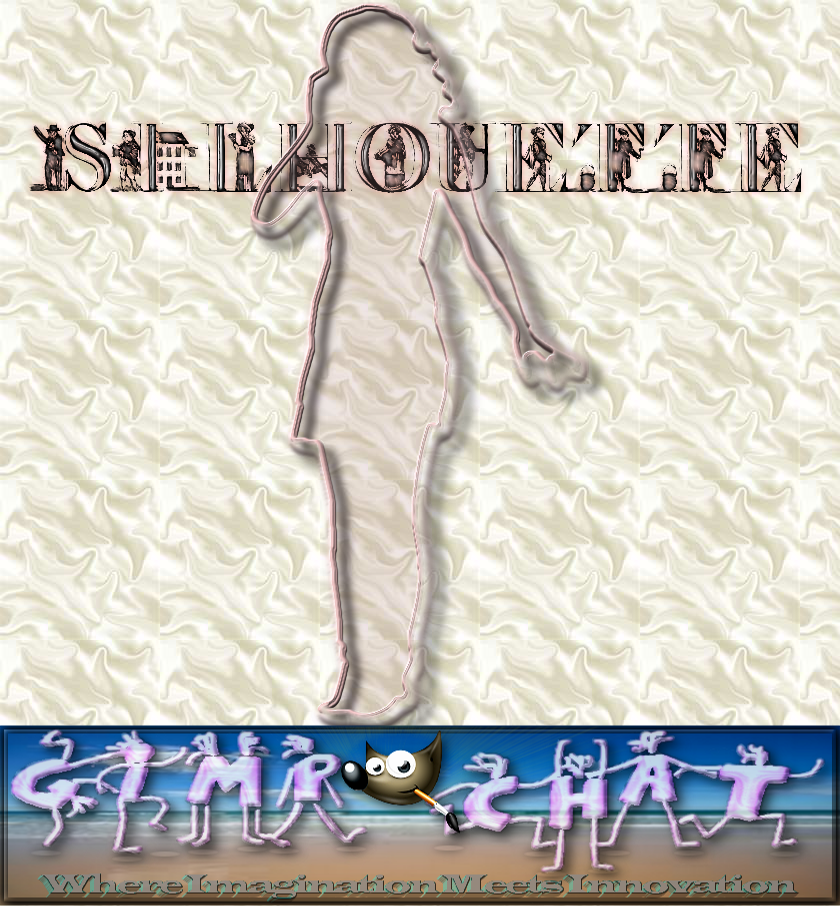
Image
just an outline, a little color,
and shadow.

great work Issabella *
good script tin!


Top
 Post subject: Re: Silhouette (Issabella's tutorial) Script
PostPosted: Sat Jun 07, 2014 9:51 pm  (#27) 
Offline
Script Coder
User avatar

Joined: May 07, 2014
Posts: 4527
Location: Canada
nice one mikechat!

_________________
TinT


Top
 Post subject: Re: Silhouette (Issabella's tutorial) Script
PostPosted: Sun Jun 08, 2014 4:22 am  (#28) 
Offline
GimpChat Member
User avatar

Joined: Apr 07, 2010
Posts: 14182
Very cool mikechat.

_________________
Image


Top
 Post subject: Re: Silhouette (Issabella's tutorial) Script
PostPosted: Sun Sep 04, 2016 3:37 am  (#29) 
Offline
GimpChat Member
User avatar

Joined: Mar 16, 2015
Posts: 613
Location: On Earth,specifically Queensland,Australia
molly wrote:
It is the Font called Giant Tigers, attached below
trandoductin

Thanks, Molly.

_________________
Image


Top
 Post subject: Re: Silhouette (Issabella's tutorial) Script
PostPosted: Sun Sep 04, 2016 7:36 am  (#30) 
Offline
GimpChat Member
User avatar

Joined: Apr 09, 2016
Posts: 580
Location: Sheffield UK
Thanx T, typical me - can't get the script to work, however, got garden duties on my mind so give it some more goes later, meanwhile I followed Issabella's tut, this is reflection on paintwork.Image

_________________
Image


Top
 Post subject: Re: Silhouette (Issabella's tutorial) Script
PostPosted: Fri Sep 09, 2016 4:09 pm  (#31) 
Offline
GimpChat Member
User avatar

Joined: Apr 09, 2016
Posts: 580
Location: Sheffield UK
Hi T, can you tell me what I'm doing incorrectly please? I make a background layer / then a new transparent layer with text merged onto it - run the script (I'm using the first script posted in this thread)
Error: (<unknown> : 49899963) Procedure execution of gimp-image-select-item failed on invalid input arguments: Procedure 'gimp-image-select-item' has been called with value '-1' for argument 'item' (#3, type GimpItemID). This value is out of range.
Plug-In 'Silhouette' left image undo in inconsistent state, closing open undo groups.

_________________
Image


Top
 Post subject: Re: Silhouette (Issabella's tutorial) Script
PostPosted: Fri Sep 09, 2016 4:14 pm  (#32) 
Offline
Script Coder
User avatar

Joined: May 07, 2014
Posts: 4527
Location: Canada
This script is so long ago i forgot about it..so i can't tell you what's wrong at the top of my head..
You should attach an .xcf of yours so i can try to run the script myself and see what's wrong.

_________________
TinT


Top
 Post subject: Re: Silhouette (Issabella's tutorial) Script
PostPosted: Fri Sep 09, 2016 4:21 pm  (#33) 
Offline
GimpChat Member
User avatar

Joined: Apr 09, 2016
Posts: 580
Location: Sheffield UK
not much to go on - thanks for looking though
Attachment:
For T sil-script.xcf [11.34 KiB]
Downloaded 72 times

_________________
Image


Top
 Post subject: Re: Silhouette (Issabella's tutorial) Script
PostPosted: Fri Sep 09, 2016 4:26 pm  (#34) 
Offline
Script Coder
User avatar

Joined: May 07, 2014
Posts: 4527
Location: Canada
Here's what i got after running the script on your .xcf.
Attachment:
For T sil-script-scriptran.xcf [259.49 KiB]
Downloaded 76 times

_________________
TinT


Top
 Post subject: Re: Silhouette (Issabella's tutorial) Script
PostPosted: Fri Sep 09, 2016 4:54 pm  (#35) 
Offline
GimpChat Member
User avatar

Joined: Apr 09, 2016
Posts: 580
Location: Sheffield UK
Hey ho, I tried both scripts and still ended up with -
Image
Not to worry T - I'm stuck on space wallpaper just now, I know you, you'll want to get to the bottom of it -in Peace.

_________________
Image


Top
 Post subject: Re: Silhouette (Issabella's tutorial) Script
PostPosted: Fri Sep 09, 2016 5:56 pm  (#36) 
Offline
Script Coder
User avatar

Joined: May 07, 2014
Posts: 4527
Location: Canada
I am unable to reproduce the error on my machine so i don't what's causing that on your machine :hoh

_________________
TinT


Top
 Post subject: Re: Silhouette (Issabella's tutorial) Script
PostPosted: Sat Sep 10, 2016 11:39 am  (#37) 
Offline
GimpChat Member

Joined: May 12, 2015
Posts: 4693
Tran: I tried to download your script from the site but message states no longer available. Where can I download your script?


Top
 Post subject: Re: Silhouette (Issabella's tutorial) Script
PostPosted: Sat Sep 10, 2016 11:43 am  (#38) 
Offline
Script Coder
User avatar

Joined: May 07, 2014
Posts: 4527
Location: Canada
Pat625 wrote:
Tran: I tried to download your script from the site but message states no longer available. Where can I download your script?


It's still there I can still download it with no problem.

_________________
TinT


Top
 Post subject: Re: Silhouette (Issabella's tutorial) Script
PostPosted: Sat Sep 10, 2016 11:53 am  (#39) 
Offline
GimpChat Member
User avatar

Joined: Mar 01, 2014
Posts: 14136
Location: Spain, Aragón
Hello, I post my copy just in case you want to try it on your computer. It works great in mine. Luck :bigthup


Attachments:
Silhouette-script.zip [3.05 KiB]
Downloaded 80 times

_________________
Image

Gimp 2.10.30(samj) portable _ OS Windows 10 Home_ 64bits
Don’t be afraid to start over. It’s a new chance to rebuild what you want.
Top
 Post subject: Re: Silhouette (Issabella's tutorial) Script
PostPosted: Sat Sep 10, 2016 4:30 pm  (#40) 
Offline
GimpChat Member
User avatar

Joined: Apr 09, 2016
Posts: 580
Location: Sheffield UK
Hi Issabella, can you tell me what I'm doing incorrectly please? I make a background layer / then a new transparent layer with black text merged onto it - run the script - no joy, am I missing a trick?

_________________
Image


Top
Post new topic Reply to topic  [ 93 posts ]  Go to page Previous  1, 2, 3, 4, 5  Next

All times are UTC - 5 hours [ DST ]


* Login  


Powered by phpBB3 © phpBB Group