It is currently Wed Jul 29, 2026 9:01 am


All times are UTC - 5 hours [ DST ]


Post new topic Reply to topic  [ 51 posts ]  Go to page Previous  1, 2, 3  Next
Author Message
 Post subject: Re: Comix Text Bubble Rel3
PostPosted: Sat Oct 20, 2012 5:02 pm  (#21) 
Offline
GimpChat Member
User avatar

Joined: Nov 16, 2011
Posts: 5127
Location: Metro Vancouver, BC
I couldn't resist one more.
I just made multiple copies of the script, without outlines.
Flipped and positioned the backgrounds, merged, added outline.
Positioned the text, merged text with background, used Scale tool.
Each time you run the script move each instance down so they are not stacked on top of each other.


Attachments:
gc-kid-on-the-phone.jpg
gc-kid-on-the-phone.jpg [ 192.09 KiB | Viewed 2839 times ]

_________________
Image
Gimp 2.8.18, Linux, median user
Gimp Chat Tutorials Index
Spirit Bear (Kermode)
Top
 Post subject: Re: Comix Text Bubble Rel3
PostPosted: Sat Oct 20, 2012 5:14 pm  (#22) 
Offline
GimpChat Member
User avatar

Joined: Jul 17, 2012
Posts: 2769
lol Odinbc :rofl


Top
 Post subject: Re: Comix Text Bubble Rel3
PostPosted: Sat Oct 20, 2012 5:19 pm  (#23) 
Offline
GimpChat Member
User avatar

Joined: Apr 07, 2010
Posts: 14182
That is soooo sweet Odin. you are doing Graechan proud.

_________________
Image


Top
 Post subject: Re: Comix Text Bubble Rel3
PostPosted: Sat Oct 20, 2012 7:36 pm  (#24) 
Offline
GimpChat Member
User avatar

Joined: Nov 16, 2011
Posts: 5127
Location: Metro Vancouver, BC
OK, one more quick one, a double bubble.


Attachments:
gc-iam-so-hungry.jpg
gc-iam-so-hungry.jpg [ 108.08 KiB | Viewed 2826 times ]

_________________
Image
Gimp 2.8.18, Linux, median user
Gimp Chat Tutorials Index
Spirit Bear (Kermode)
Top
 Post subject: Re: Comix Text Bubble Rel4
PostPosted: Sun Oct 21, 2012 2:00 am  (#25) 
Offline
Script Coder
User avatar

Joined: Feb 18, 2011
Posts: 4826
Location: Bendigo Vic. Australia
Image

Rel4 is now available on initial post and thank you Odin for all the inspirational images.

_________________
Image
No matter how much you push the envelope, it'll still be stationery.


Top
 Post subject: Re: Comix Text Bubble Rel4
PostPosted: Sun Oct 21, 2012 4:13 am  (#26) 
Offline
GimpChat Member
User avatar

Joined: Nov 16, 2011
Posts: 5127
Location: Metro Vancouver, BC
I like the new options.
Image

_________________
Image
Gimp 2.8.18, Linux, median user
Gimp Chat Tutorials Index
Spirit Bear (Kermode)


Top
 Post subject: Re: Comix Text Bubble Rel4
PostPosted: Sun Oct 21, 2012 5:03 am  (#27) 
Offline
GimpChat Member
User avatar

Joined: Apr 07, 2010
Posts: 14182
Wow you guys are cool, that is great

_________________
Image


Top
 Post subject: Re: Comix Text Bubble Rel4
PostPosted: Sun Oct 21, 2012 6:55 pm  (#28) 
Offline
Script Coder
User avatar

Joined: Feb 18, 2011
Posts: 4826
Location: Bendigo Vic. Australia
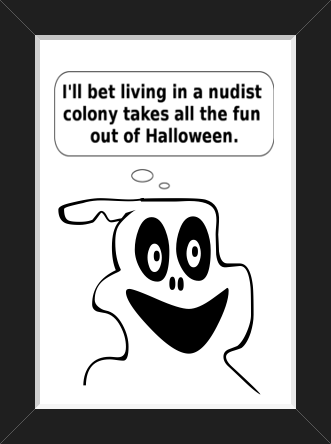
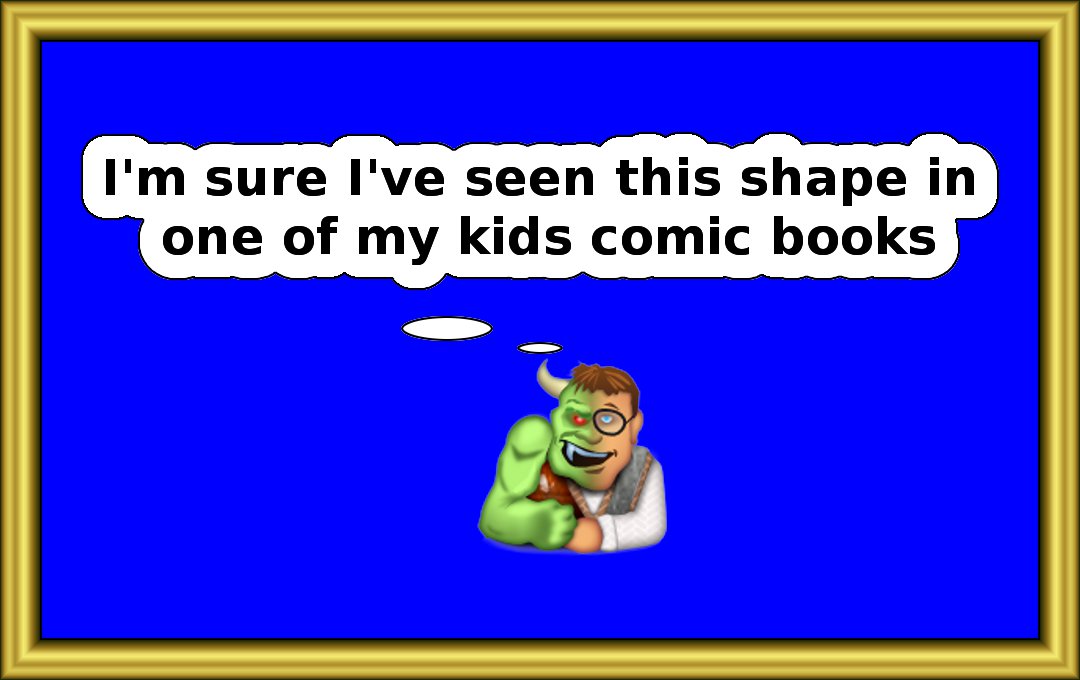
This could be another shape, but my memories like my mind are fading

Image

_________________
Image
No matter how much you push the envelope, it'll still be stationery.


Top
 Post subject: Re: Comix Text Bubble Rel5
PostPosted: Mon Oct 22, 2012 1:37 am  (#29) 
Offline
Script Coder
User avatar

Joined: Feb 18, 2011
Posts: 4826
Location: Bendigo Vic. Australia
Comix Text Bubble Rel5 now on initial post

Image

_________________
Image
No matter how much you push the envelope, it'll still be stationery.


Top
 Post subject: Re: Comix Text Bubble Rel5
PostPosted: Mon Oct 22, 2012 3:55 am  (#30) 
Offline
GimpChat Member
User avatar

Joined: Nov 16, 2011
Posts: 5127
Location: Metro Vancouver, BC
Shape Hugging... :)
Image

_________________
Image
Gimp 2.8.18, Linux, median user
Gimp Chat Tutorials Index
Spirit Bear (Kermode)


Top
 Post subject: Re: Comix Text Bubble Rel5
PostPosted: Mon Oct 22, 2012 10:09 am  (#31) 
Offline
GimpChat Member

Joined: Apr 12, 2010
Posts: 5870
i just tried, very nice but there is a way to chose where the bubble will be placed ?
(i got in the upper left corner )

If not would be not better hardcode "preserve layers" (how to move in the right place if the layers are merged ?) and automatically chain the new layers so may be moved easily in the wished position ?

_________________
My 3D Gallery on Deviantart http://photocomix2.deviantart.com/
Main gallery http://www.flickriver.com/photos/photocomix-mandala/
Mandala and simmetry http://www.flickriver.com/photos/photocomix_mandala/

Image

Mrs Wilbress


Top
 Post subject: Re: Comix Text Bubble Rel5
PostPosted: Mon Oct 22, 2012 11:01 am  (#32) 
Offline
GimpChat Member
User avatar

Joined: Jan 13, 2011
Posts: 2646
Location: Poland
One of THE BEST !
Wishlist:
1. Thickness "Outline color"
2. Length "Ponter (Pointer) Type"

Thank you very much for now and patiently waiting for more ...

_________________
Image


Top
 Post subject: Re: Comix Text Bubble Rel5
PostPosted: Mon Oct 22, 2012 1:02 pm  (#33) 
Offline
Retired Staff
User avatar

Joined: May 22, 2008
Posts: 6946
Location: Somewhere in GIMP
Oh, Graechan, you spoil us so. I'm loving it. Thank you. :hehe
Image


Odin, you've inspired us all. Love your comic pix and remarks. :clap

_________________
Image
World War IV will be fought with sticks and stones. - Albert Einstein


Top
 Post subject: Re: Comix Text Bubble Rel5
PostPosted: Mon Oct 22, 2012 2:55 pm  (#34) 
Offline
GimpChat Founder
User avatar

Joined: May 22, 2008
Posts: 5241
Location: Gimpville
Good one, Graechan. I'm adding this to my collection.

_________________
“If you reach for the stars, you just might land on a decently sized hill.” - Stuart Hill


Top
 Post subject: Re: Comix Text Bubble Rel5
PostPosted: Mon Oct 22, 2012 5:47 pm  (#35) 
Offline
GimpChat Member
User avatar

Joined: Apr 07, 2010
Posts: 14182
Thank you again Graechan
ImageImage

_________________
Image


Top
 Post subject: Re: Comix Text Bubble Rel5
PostPosted: Mon Oct 22, 2012 7:16 pm  (#36) 
Offline
Script Coder
User avatar

Joined: Feb 18, 2011
Posts: 4826
Location: Bendigo Vic. Australia
PhotoComix ,you do not check keep layers just set your text, Bubble Shape, Pointer Type and Orientation then run

You will be left with one Extra layer at the top left hand corner ready to be moved into a final position and merge down

This is as per instructions on initial post

_________________
Image
No matter how much you push the envelope, it'll still be stationery.


Last edited by Graechan on Mon Oct 22, 2012 10:11 pm, edited 2 times in total.

Top
 Post subject: Re: Comix Text Bubble Rel5
PostPosted: Mon Oct 22, 2012 7:23 pm  (#37) 
Offline
Script Coder
User avatar

Joined: Feb 18, 2011
Posts: 4826
Location: Bendigo Vic. Australia
MareroQ Your outline thickness OK, sorry your pointer length adj did not work thank you for your feedback

All changes have been made in current release just re-download

_________________
Image
No matter how much you push the envelope, it'll still be stationery.


Top
 Post subject: Re: Comix Text Bubble Rel5 [debugged]
PostPosted: Wed Oct 24, 2012 11:12 pm  (#38) 
Offline
Script Coder
User avatar

Joined: Feb 18, 2011
Posts: 4826
Location: Bendigo Vic. Australia
Sorry folks, if you select pointer type 'none' the result was unacceptable, now fixed please redownload

_________________
Image
No matter how much you push the envelope, it'll still be stationery.


Top
 Post subject: Re: Comix Text Bubble Rel5 [debugged]
PostPosted: Wed Nov 07, 2012 12:18 pm  (#39) 
Offline
GimpChat Member

Joined: Oct 02, 2010
Posts: 106
Hallo can add Picture in the Bubble, like Graechan it had make with Odinbc Avatar?
By way I wish could draw like this.
thank you :)


Top
 Post subject: Re: Comix Text Bubble Rel5 [debugged]
PostPosted: Wed Nov 07, 2012 2:18 pm  (#40) 
Offline
GimpChat Member
User avatar

Joined: Nov 16, 2011
Posts: 5127
Location: Metro Vancouver, BC
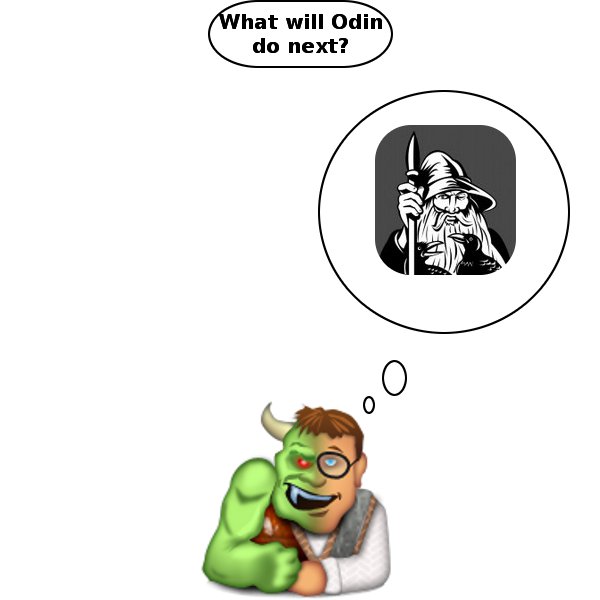
You can add a picture two ways. When you run the script check Keep the Layers and play with the Additional Width and Height. Bubble size is related to Font Size (pixels) whether you leave it blank or not. Bubble size when using Additional Width and Height is related to Font Size (pixels) + Additional (pixels).
1. Add your picture between the text and bubble background or like this without the text.

Image

2. Place your picture or pattern below the bubble. Fuzzy select the bubble background, delete, select your image layer, inverse selection, delete.

Image

_________________
Image
Gimp 2.8.18, Linux, median user
Gimp Chat Tutorials Index
Spirit Bear (Kermode)


Top
Post new topic Reply to topic  [ 51 posts ]  Go to page Previous  1, 2, 3  Next

All times are UTC - 5 hours [ DST ]


* Login  


Powered by phpBB3 © phpBB Group