It is currently Sat Aug 15, 2026 1:03 am


All times are UTC - 5 hours [ DST ]


Post new topic Reply to topic  [ 172 posts ]  Go to page Previous  1, 2, 3, 4, 5 ... 9  Next
Author Message
 Post subject: Re: Pencil Shade script Rel2[added settings and refined for 2.6 2.8]
PostPosted: Wed Jul 10, 2013 10:46 pm  (#21) 
Offline
GimpChat Founder
User avatar

Joined: May 22, 2008
Posts: 5241
Location: Gimpville
Graechan wrote:
GnuTux could you post a mini tute with settings on how you got the result

Sure. These are the steps..

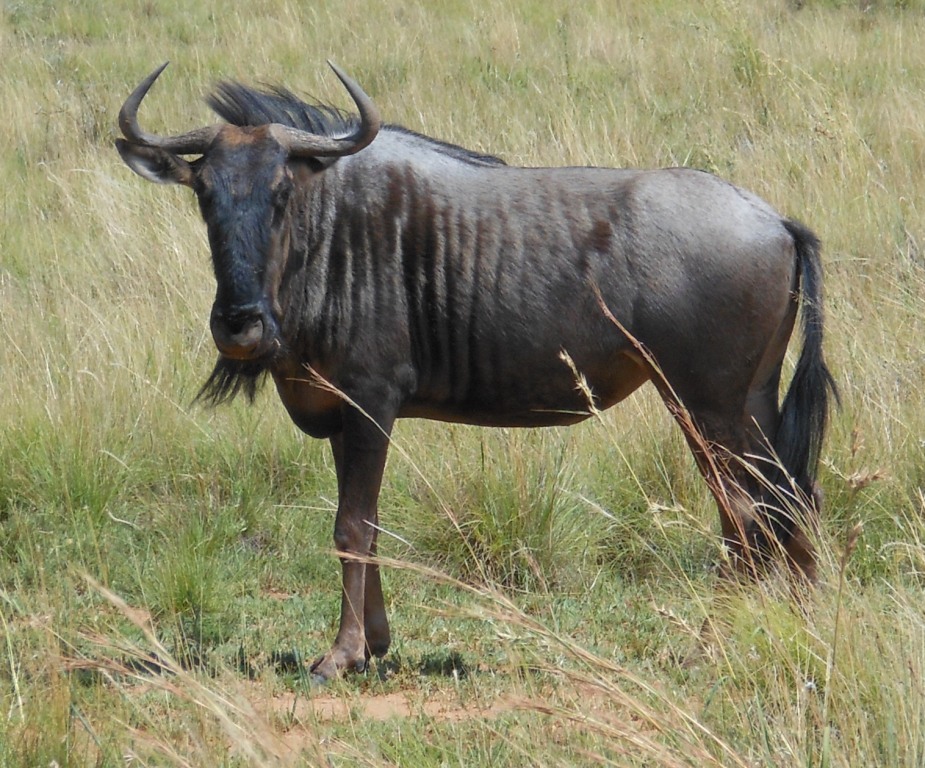
Original Image
Image

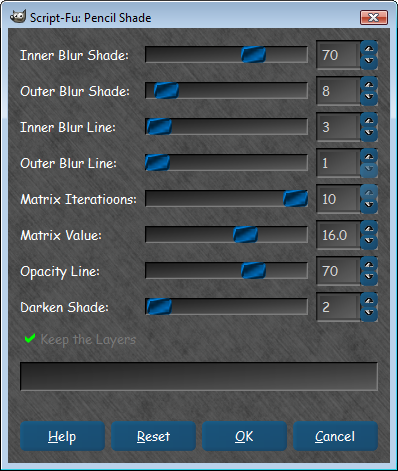
1) Pencil shade: Inner Blur Shade: 25 - Max Iterations: 3
2) Moved line layer below shade layer, set opacity to 100% for both.
3) Changed shade layer mode to difference, Line layer to normal
4) Merged down shade layer
5) Colorize
6) Hue-Saturation decrease lightness by 15
7 )GMIC Dream Smoothing: Iterations: 2

Image

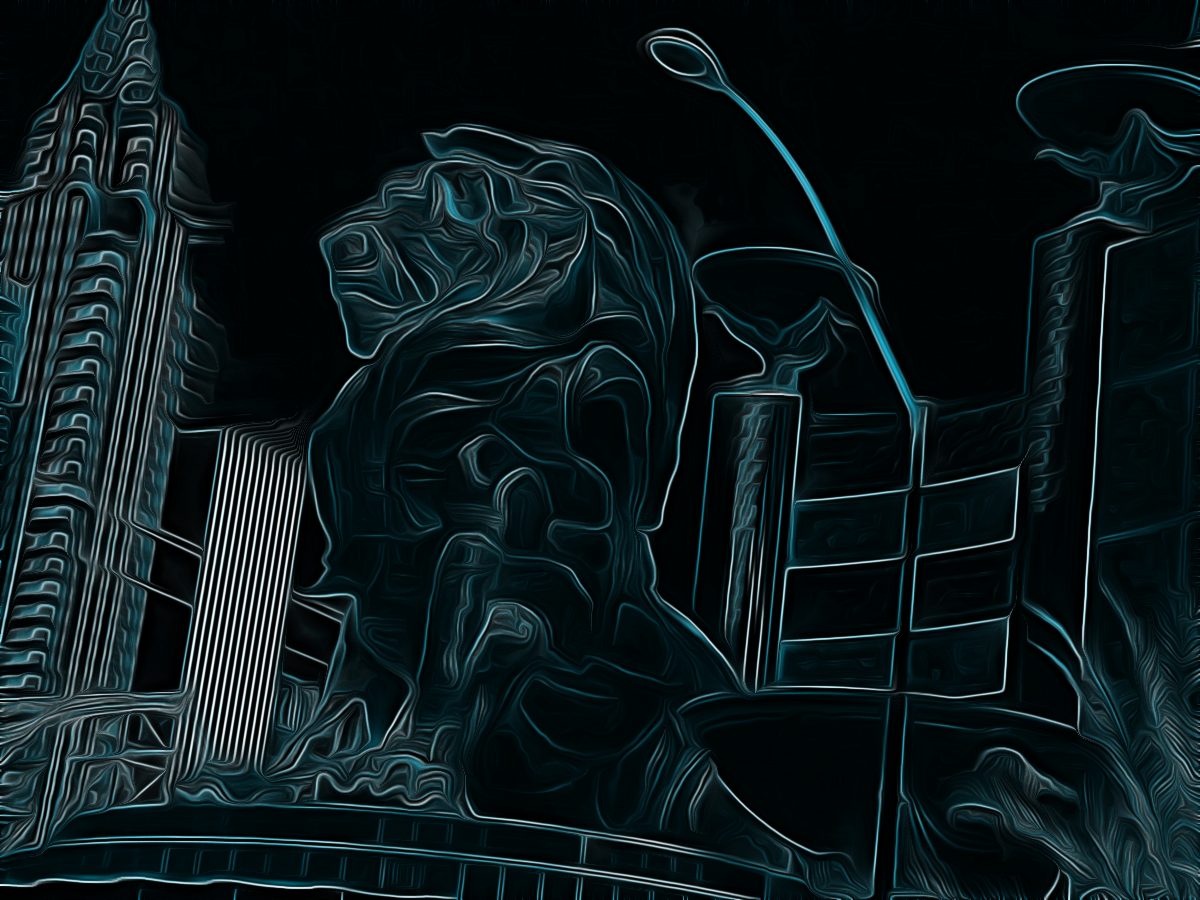
Another cool variation is Instead of decreasing lightness by 15, you increase contrast by 10. Then, GMIC Dream Smoothing with iterations: 1 and bump the saturation up.

Image

Invert colors on that and de-saturate to get this, which looks like a smooth, nicely shaded, pencil drawing.

Image

_________________
“If you reach for the stars, you just might land on a decently sized hill.” - Stuart Hill


Top
 Post subject: Re: Pencil Shade script Rel2[added settings and refined for 2.6 2.8]
PostPosted: Wed Jul 10, 2013 11:44 pm  (#22) 
Offline
Retired Staff
User avatar

Joined: May 22, 2008
Posts: 6946
Location: Somewhere in GIMP
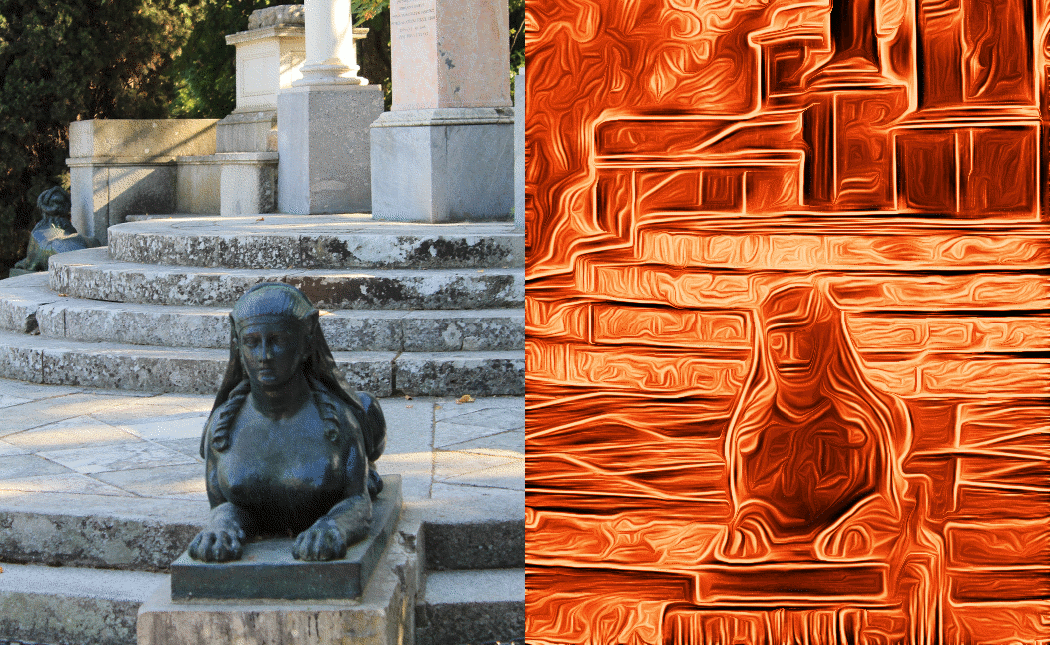
Thanks for the nice tutorial, GnuTux! I wanted an orange image when I was done, so ended up repeating Colorize, changing it to the red end, then making a solid orange layer and setting the mode to Overlay and merging down.

El Capricho from Stock XChnge

Image

_________________
Image
World War IV will be fought with sticks and stones. - Albert Einstein


Top
 Post subject: Re: Pencil Shade script Rel2[added settings and refined for 2.6 2.8]
PostPosted: Thu Jul 11, 2013 12:35 am  (#23) 
Offline
Global Moderator
User avatar

Joined: Apr 01, 2012
Posts: 8457
Location: On the other side of your screen
Very nice Oregonian

here is my full fountain but I will post it as a thumbnail because it needs to be seen large to see any detail.
Image
Seems it got smaller here.
Original size is here http://www.flickr.com/photos/71807622@N04/9258205827/sizes/o/in/photostream/

_________________
Image
Free Fun Photo Editing & resources
Poems from the Lord
Gimp Newby
Gimp version 3.2.4 and GMIC-Qt 4.0.2 OS :- Windows 10 Home 64


Last edited by sallyanne on Thu Jul 11, 2013 1:13 am, edited 1 time in total.

Top
 Post subject: Re: Pencil Shade script Rel2[added settings and refined for 2.6 2.8]
PostPosted: Thu Jul 11, 2013 12:55 am  (#24) 
Offline
GimpChat Member
User avatar

Joined: Jan 10, 2013
Posts: 863
Thx GnuTux, nice tutorial!
Colored or not, the results are surprising!
Image
El Capricho from Stock http://www.sxc.hu/

_________________
bbbbbbbbbbbImage
bbbbbbbbbbb Be patient, English is not my language.


Top
 Post subject: Re: Pencil Shade script Rel2[added settings and refined for 2.6 2.8]
PostPosted: Thu Jul 11, 2013 5:11 am  (#25) 
Offline
GimpChat Founder
User avatar

Joined: May 22, 2008
Posts: 5241
Location: Gimpville
Nice results and the switching it cool, but y'all could be losing some of the fine gradation by displaying your results as GIF files, due to the effective 256 color limits for GIFs.

_________________
“If you reach for the stars, you just might land on a decently sized hill.” - Stuart Hill


Top
 Post subject: Re: Pencil Shade script Rel2[added settings and refined for 2.6 2.8]
PostPosted: Thu Jul 11, 2013 8:07 am  (#26) 
Offline
Global Moderator
User avatar

Joined: May 16, 2010
Posts: 16158
Nice results Tux. :)
This would make a nice filter for Artistic.

_________________
Image


Top
 Post subject: Re: Pencil Shade script Rel2[added settings and refined for 2.6 2.8]
PostPosted: Fri Jul 12, 2013 1:35 am  (#27) 
Offline
Script Coder
User avatar

Joined: Feb 18, 2011
Posts: 4826
Location: Bendigo Vic. Australia
Your right Rod and I'm tempted (looks to good not to follow up on)

_________________
Image
No matter how much you push the envelope, it'll still be stationery.


Top
 Post subject: Re: Pencil Shade script Rel3[now OK all bugfixes done]
PostPosted: Fri Jul 12, 2013 3:18 am  (#28) 
Offline
Script Coder
User avatar

Joined: Feb 18, 2011
Posts: 4826
Location: Bendigo Vic. Australia
Rel3 now back up, it's all OK now a typo inserted by someone (most likely me) is gone, see initial post for script

Sorry about that folks :oops:

_________________
Image
No matter how much you push the envelope, it'll still be stationery.


Top
 Post subject: Re: Pencil Shade script Rel3[now OK all bugfixes done]
PostPosted: Fri Jul 12, 2013 3:56 am  (#29) 
Offline
GimpChat Member
User avatar

Joined: Jan 20, 2013
Posts: 14831
Location: roma, italy
Sorry Graechan, I have to report this error (rel.3 downloaded just now)
---------------------------------------------------------------------------------------------------------------------------------
Error while loading C:\Documents and Settings\Diego\.gimp-2.8\scripts\JustOne-Pencil-Shade.scm:

Error: (C:\Documents and Settings\Diego\.gimp-2.8\scripts\JustOne-Pencil-Shade.scm : 136) syntax error: illegal token 1
---------------------------------------------------------------------------------------------------------------------------------

_________________
"Where am I ?"


Top
 Post subject: Re: Pencil Shade script Rel3[now OK all bugfixes done]
PostPosted: Fri Jul 12, 2013 1:05 pm  (#30) 
Offline
Retired Staff
User avatar

Joined: May 22, 2008
Posts: 6946
Location: Somewhere in GIMP
dinasset wrote:
Sorry Graechan, I have to report this error (rel.3 downloaded just now)
---------------------------------------------------------------------------------------------------------------------------------
Error while loading C:\Documents and Settings\Diego\.gimp-2.8\scripts\JustOne-Pencil-Shade.scm:

Error: (C:\Documents and Settings\Diego\.gimp-2.8\scripts\JustOne-Pencil-Shade.scm : 136) syntax error: illegal token 1
---------------------------------------------------------------------------------------------------------------------------------
I have used Rel 3 and it works for me. No error messages. I downloaded it from Graechan's link.
download/file.php?id=10452

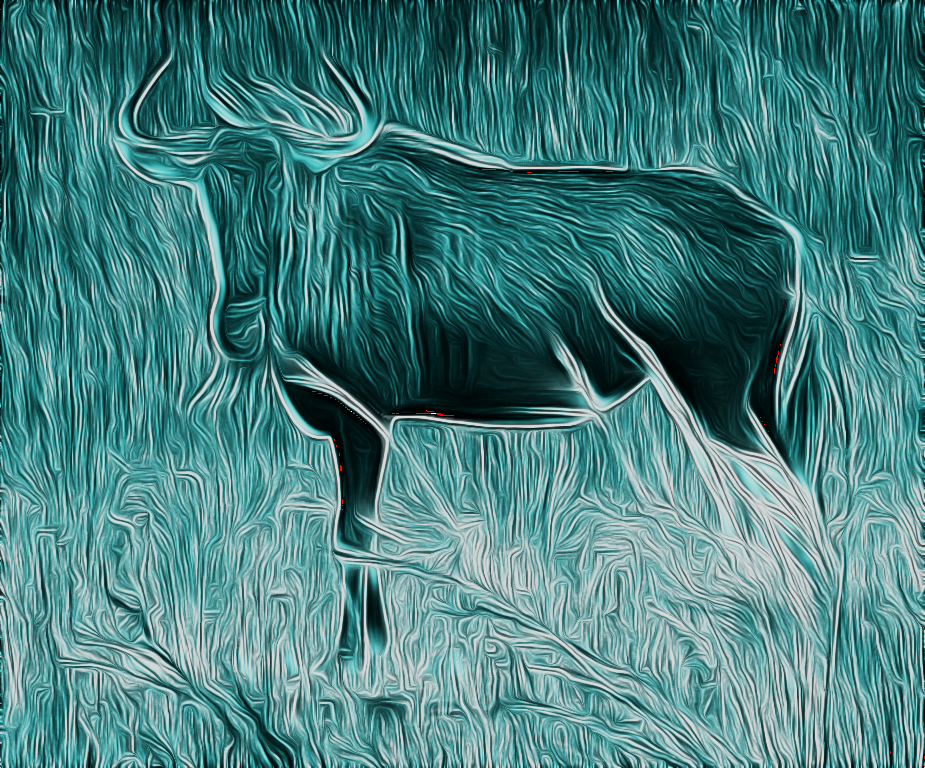
I used Tux's tutorial on the gnu image I got here. Tux I think you should write a tutorial and put in the tutorials for this. It's a really cool tut. :hehe

Image

_________________
Image
World War IV will be fought with sticks and stones. - Albert Einstein


Top
 Post subject: Re: Pencil Shade script Rel3[now OK all bugfixes done]
PostPosted: Fri Jul 12, 2013 8:50 pm  (#31) 
Offline
Script Coder
User avatar

Joined: Feb 18, 2011
Posts: 4826
Location: Bendigo Vic. Australia
dinasset wrote:
Sorry Graechan, I have to report this error (rel.3 downloaded just now)
---------------------------------------------------------------------------------------------------------------------------------
Error while loading C:\Documents and Settings\Diego\.gimp-2.8\scripts\JustOne-Pencil-Shade.scm:

Error: (C:\Documents and Settings\Diego\.gimp-2.8\scripts\JustOne-Pencil-Shade.scm : 136) syntax error: illegal token 1
---------------------------------------------------------------------------------------------------------------------------------

Dinasset the file 'JustOne-Pencil-Shade.scm' is not the file I posted mine is 'Pencil-Shade.scm'

_________________
Image
No matter how much you push the envelope, it'll still be stationery.


Top
 Post subject: Re: Pencil Shade script Rel4[Bugfix to fix typo 'oops!']
PostPosted: Fri Jul 12, 2013 9:36 pm  (#32) 
Offline
Script Coder
User avatar

Joined: Feb 18, 2011
Posts: 4826
Location: Bendigo Vic. Australia
Dinasset none the less my shaking hand resulted in a typo that you correctly Identified all fixed in release 4 sorry folks

_________________
Image
No matter how much you push the envelope, it'll still be stationery.


Top
 Post subject: Re: Pencil Shade script Rel4[Bugfix to fix typo 'oops!']
PostPosted: Fri Jul 12, 2013 11:41 pm  (#33) 
Offline
Global Moderator
User avatar

Joined: May 16, 2010
Posts: 16158
Thanks Graechan. :)

_________________
Image


Top
 Post subject: Re: Pencil Shade script Rel4[Bugfix to fix typo 'oops!']
PostPosted: Fri Jul 12, 2013 11:59 pm  (#34) 
Offline
Script Coder
User avatar

Joined: Feb 18, 2011
Posts: 4826
Location: Bendigo Vic. Australia
Rod I'ts very cold and wet at the moment here and my 1 good hand is now playing up (Rats gotta see doc for change in tablets) he might decide to put me down instead 'too old' :rofl :rofl :rofl

fingers won't go on keyboard to correct key, or they bounce

_________________
Image
No matter how much you push the envelope, it'll still be stationery.


Top
 Post subject: Re: Pencil Shade script Rel4[Bugfix to fix typo 'oops!']
PostPosted: Sat Jul 13, 2013 4:04 am  (#35) 
Offline
GimpChat Member
User avatar

Joined: Jan 20, 2013
Posts: 14831
Location: roma, italy
Graechan, thanks! last release has no errors!
For you to know: you were a little bit confused with the name of the script I mentioned, well, I'm using the fantastic Ofnuts' AddonCollectionManager plug-in, which sets the name of the folder in front of each script, when loaded, to avoid ambiguities; "JustOne" is the name of my folder for testing purposes, so that when loaded your script becomes JustOne-Pencil-Shade.scm.
Did you ever succeed in installing that Ofnuts'plug-in? It's very useful, indeed!

_________________
"Where am I ?"


Top
 Post subject: Re: Pencil Shade script Rel3[now OK all bugfixes done]
PostPosted: Sat Jul 13, 2013 7:31 am  (#36) 
Offline
GimpChat Founder
User avatar

Joined: May 22, 2008
Posts: 5241
Location: Gimpville
Oregonian wrote:
Tux I think you should write a tutorial and put in the tutorials for this. It's a really cool tut. :hehe

I can certainly do that but maybe Graechan would be willing to add this effect to the script, as an option. :cool

_________________
“If you reach for the stars, you just might land on a decently sized hill.” - Stuart Hill


Top
 Post subject: Re: Pencil Shade script Rel3[now OK all bugfixes done]
PostPosted: Sat Jul 13, 2013 11:56 am  (#37) 
Offline
Global Moderator
User avatar

Joined: May 16, 2010
Posts: 16158
GnuTux wrote:
Oregonian wrote:
Tux I think you should write a tutorial and put in the tutorials for this. It's a really cool tut. :hehe

I can certainly do that but maybe Graechan would be willing to add this effect to the script, as an option. :cool


Now that is a very good idea. :)
What will you call it Tux?

_________________
Image


Top
 Post subject: Re: Pencil Shade script Rel4[Bugfix to fix typo 'oops!']
PostPosted: Sat Jul 13, 2013 12:12 pm  (#38) 
Offline
Global Moderator
User avatar

Joined: May 16, 2010
Posts: 16158
Graechan here is another use for your script. :)
Image
Image

Original colored image at the bottom.
Middle layer (shade) set to layer mode "grain merge" and opacity 25%.
Top layer (line) set to "color mode" and opacity set to 100 with a layer mask added.
Paint on the mask the areas you want to pop out the color. :bigthup

_________________
Image


Top
 Post subject: Re: Pencil Shade script Rel3[now OK all bugfixes done]
PostPosted: Sat Jul 13, 2013 8:53 pm  (#39) 
Offline
GimpChat Member

Joined: Apr 12, 2010
Posts: 5870
GnuTux wrote:
Oregonian wrote:
Tux I think you should write a tutorial and put in the tutorials for this. It's a really cool tut. :hehe

I can certainly do that but maybe Graechan would be willing to add this effect to the script, as an option. :cool

bit difficult :
that cool effect you all get may be difficult to hardcode, because it will change much depending on image size (with same setting a very dramatic and strong effect on relatively little images, MUCH softer if very large .

So i guess or the script should call GMIC> anisotropic mode in iterative mode , or should be advised that also the image size will influence much the effect

_________________
My 3D Gallery on Deviantart http://photocomix2.deviantart.com/
Main gallery http://www.flickriver.com/photos/photocomix-mandala/
Mandala and simmetry http://www.flickriver.com/photos/photocomix_mandala/

Image

Mrs Wilbress


Top
 Post subject: Re: Pencil Shade script Rel4[Bugfix to fix typo 'oops!']
PostPosted: Sat Jul 13, 2013 9:16 pm  (#40) 
Offline
Script Coder
User avatar

Joined: Feb 18, 2011
Posts: 4826
Location: Bendigo Vic. Australia
Nice result Rod, what type of mask did you add to the 'line layer'

_________________
Image
No matter how much you push the envelope, it'll still be stationery.


Top
Post new topic Reply to topic  [ 172 posts ]  Go to page Previous  1, 2, 3, 4, 5 ... 9  Next

All times are UTC - 5 hours [ DST ]


cron

* Login  


Powered by phpBB3 © phpBB Group