It is currently Thu Jul 23, 2026 5:46 pm


All times are UTC - 5 hours [ DST ]


Post new topic Reply to topic  [ 62 posts ]  Go to page 1, 2, 3, 4  Next
Author Message
 Post subject: Crayon-Text version 1 (SCM)
PostPosted: Sun Aug 26, 2012 12:10 pm  (#1) 
Offline
Global Moderator
User avatar

Joined: May 16, 2010
Posts: 16128
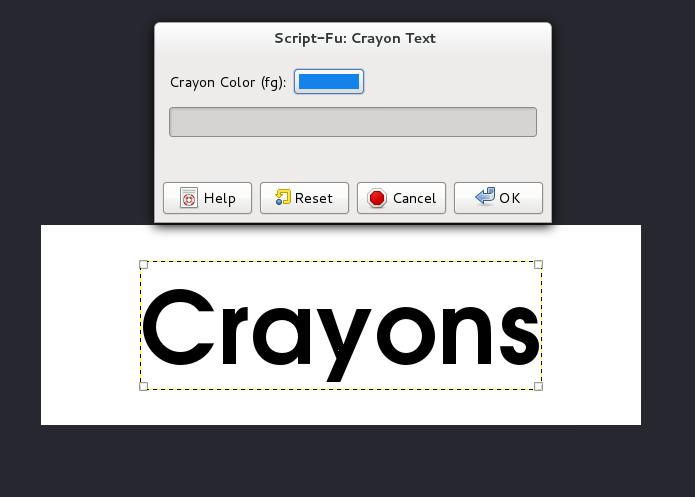
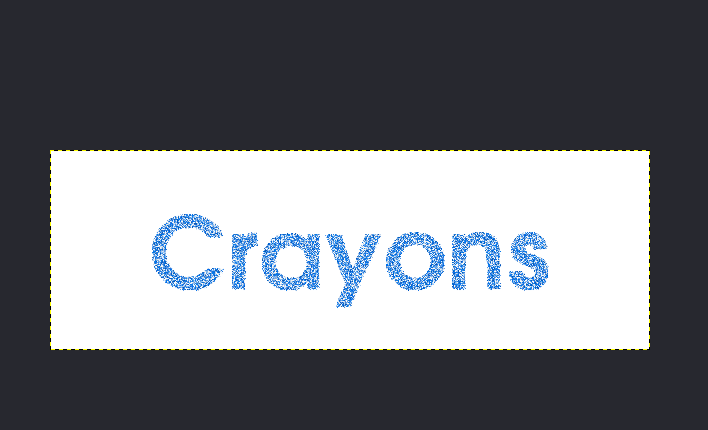
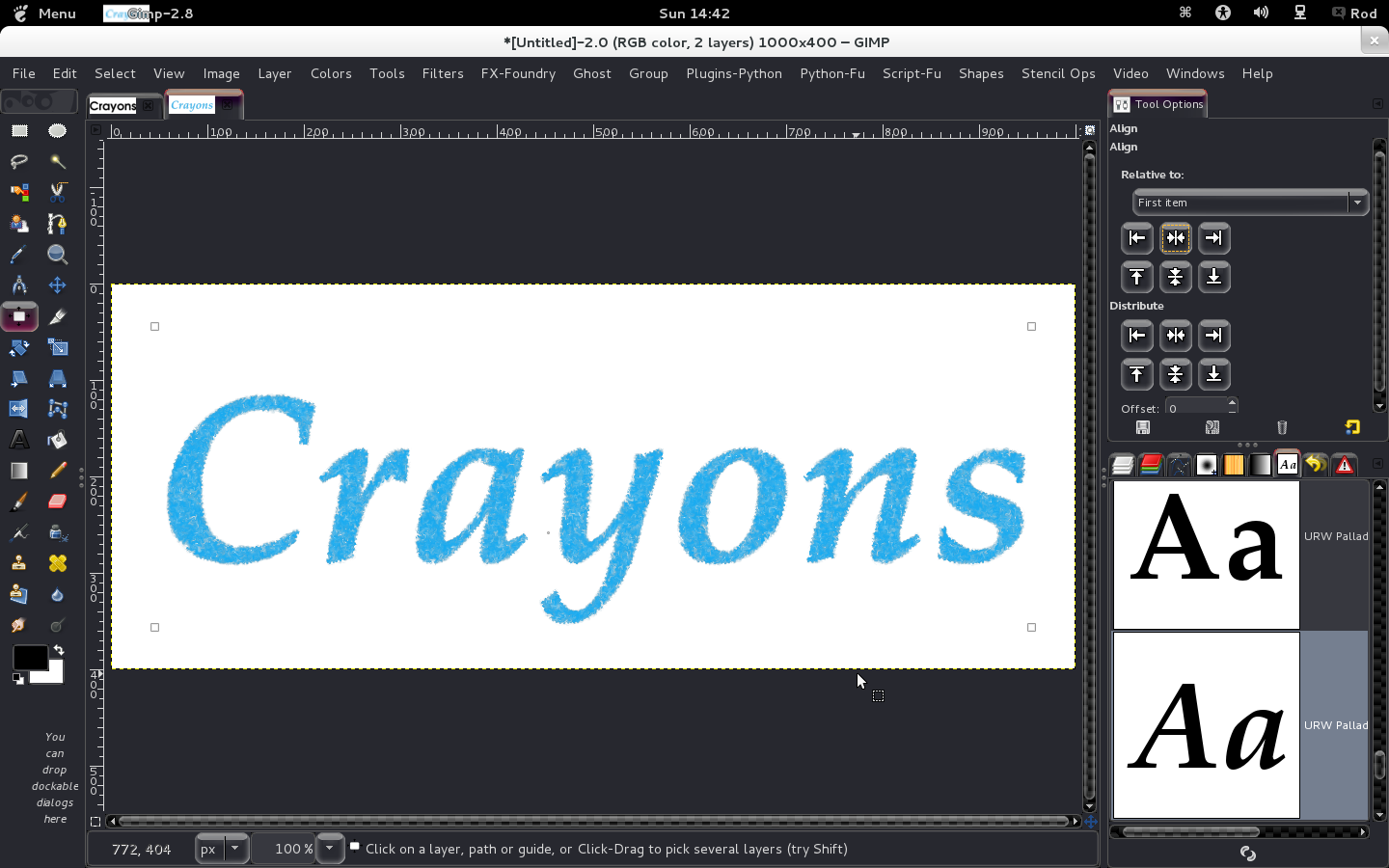
Font Face is "URW Gothic L Semi-Bold"

Image

Image

Seems to need some distortion perhaps? It looks too perfect for hand drawn crayon.

Any ideas? :)

_________________
Image


Share on Facebook Share on Twitter Share on Orkut Share on Digg Share on MySpace Share on Delicious Share on Technorati
Top
 Post subject: Re: I am testing a new crayon effect script
PostPosted: Sun Aug 26, 2012 12:43 pm  (#2) 
Offline
GimpChat Member
User avatar

Joined: Mar 23, 2012
Posts: 7388
Location: Göteborg at last!
Try it on a hand script font of some kind Rod. It might be easier to see what needs doing if it looks like scrawl.


Top
 Post subject: Re: I am testing a new crayon effect script
PostPosted: Sun Aug 26, 2012 1:34 pm  (#3) 
Offline
Global Moderator
User avatar

Joined: May 16, 2010
Posts: 16128
I believe i have it finished.
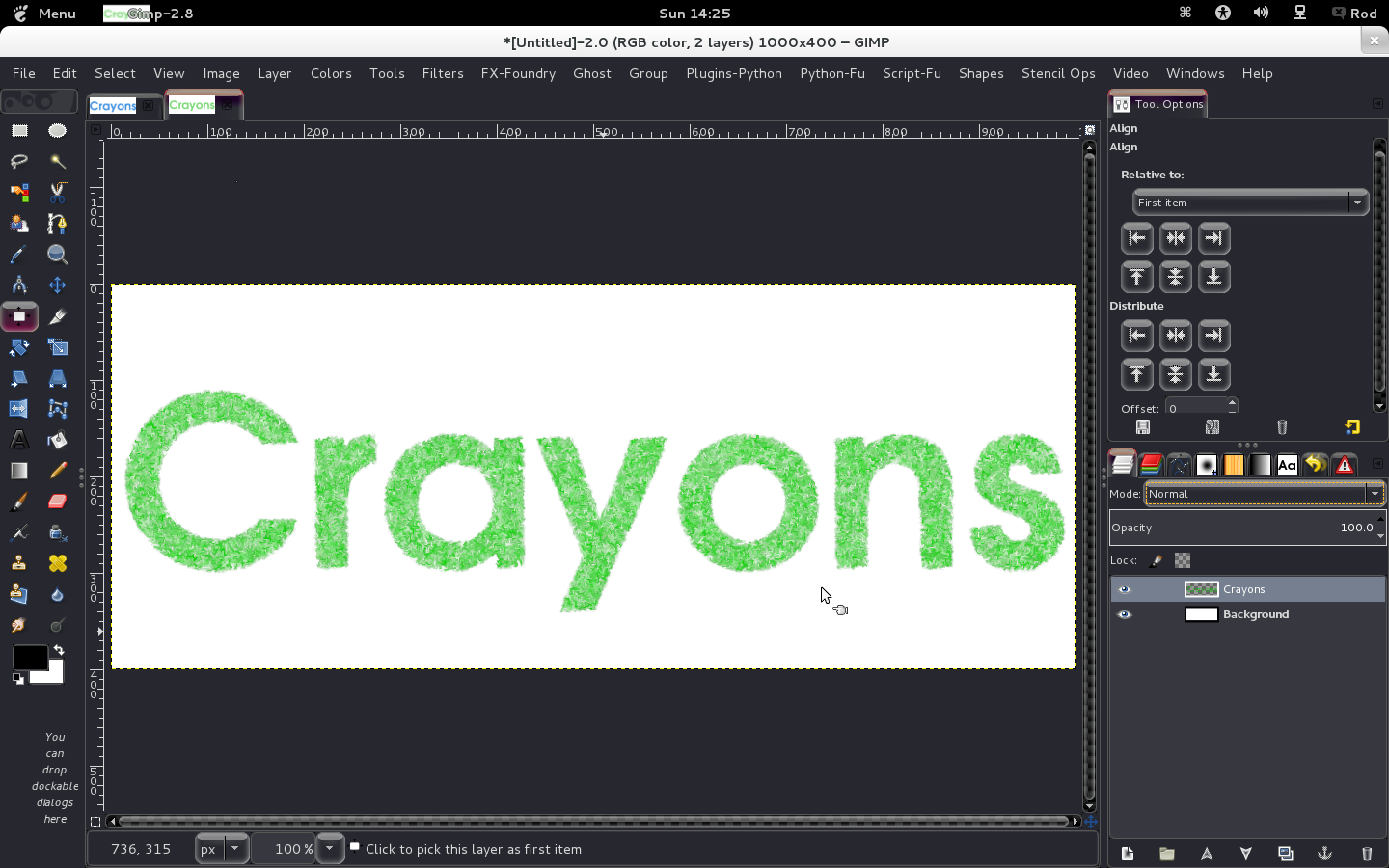
Here is text at 1000x400 pixels

Image

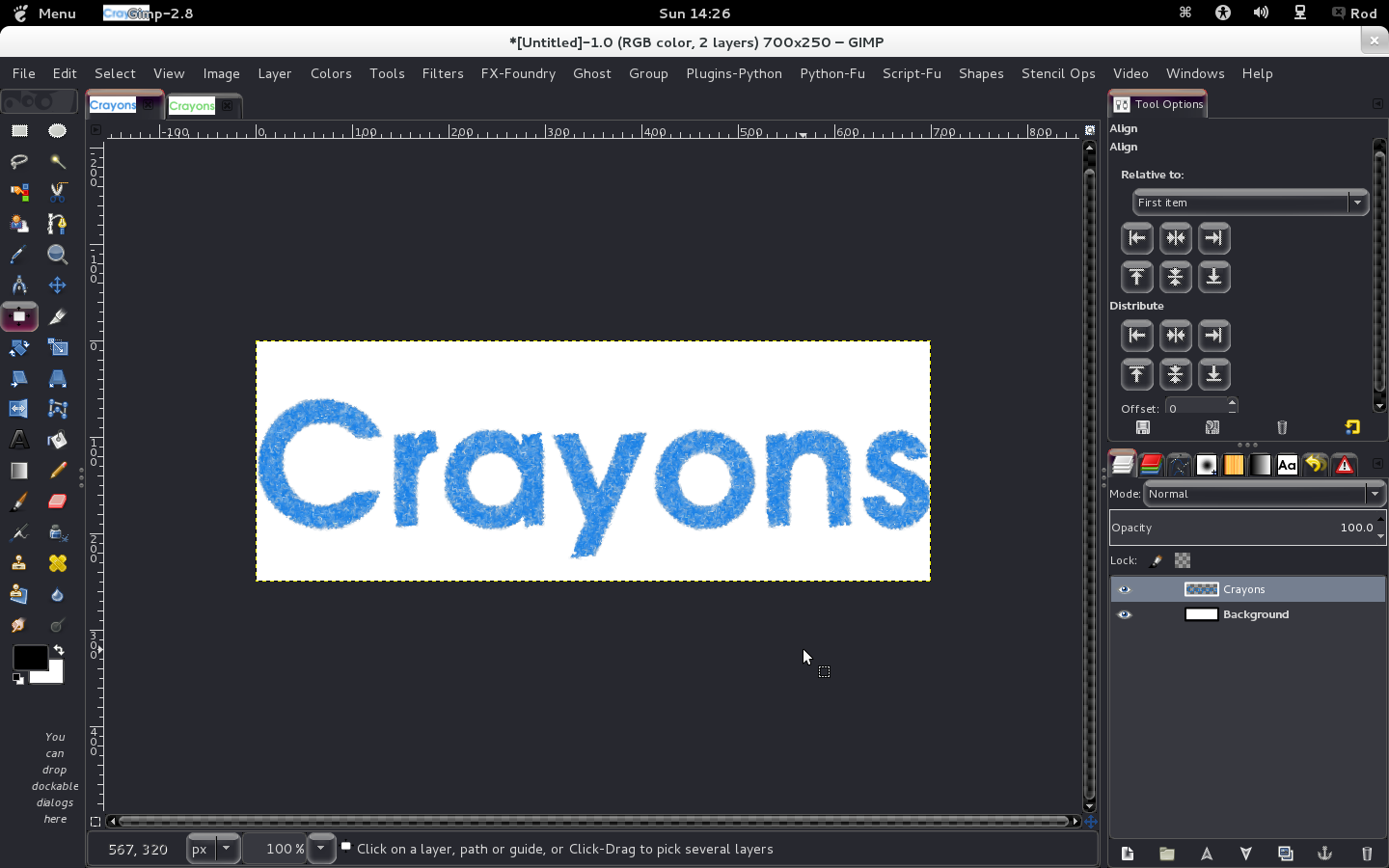
Here is text at 700x250

Image

Script has 2 values
color - your crayon color
Messiness - values range from 1-5

Will be located at Script-Fu>Text Effects>Crayon Text

Script is attached
Attachment:
crayon-text_RD-v1.0.scm [3.63 KiB]
Downloaded 395 times


Please let me know what could be fixed or changed.
Thanks!

Enjoy!

_________________
Image


Top
 Post subject: Re: I am testing a new crayon effect script
PostPosted: Sun Aug 26, 2012 1:46 pm  (#4) 
Offline
Global Moderator
User avatar

Joined: May 16, 2010
Posts: 16128
Another font face example "URW Palladio L Bold Italic"

Image

I think i captured the effect pretty well. :)

_________________
Image


Top
 Post subject: Re: Crayon-Text version 1 (SCM)
PostPosted: Sun Aug 26, 2012 2:30 pm  (#5) 
Offline
Global Moderator
User avatar

Joined: May 16, 2010
Posts: 16128
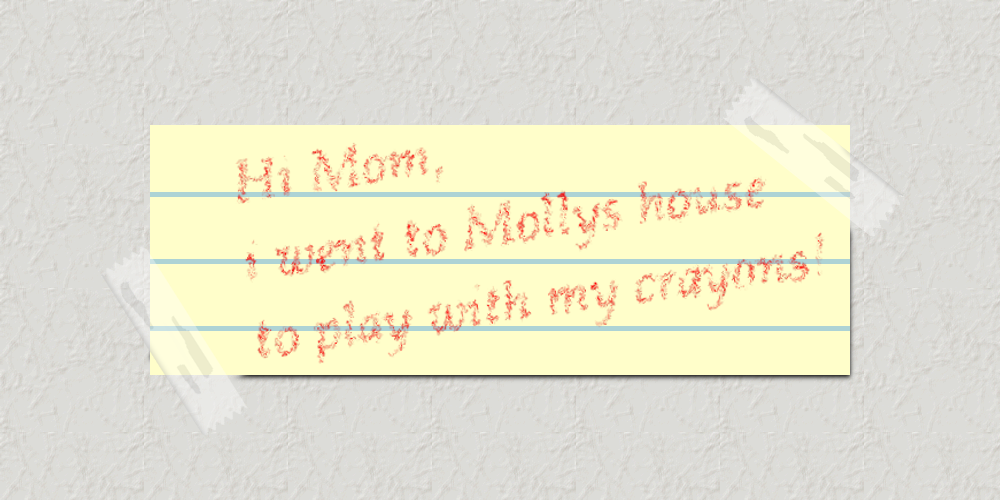
One for Molly. :)

Image

_________________
Image


Top
 Post subject: Re: Crayon-Text version 1 (SCM)
PostPosted: Sun Aug 26, 2012 3:04 pm  (#6) 
Offline
GimpChat Member
User avatar

Joined: Jan 20, 2012
Posts: 583
How about an alpha to logo addition? It would useful for creating that little kid drawn picture effect :D

_________________


"In the face of adversity, there's three things: fly, freeze or fight; We're choosing to fight..."- Guy Boucher, Tampa Bay Lighting Head Coach


Top
 Post subject: Re: Crayon-Text version 1 (SCM)
PostPosted: Sun Aug 26, 2012 3:18 pm  (#7) 
Offline
GimpChat Member
User avatar

Joined: Mar 23, 2012
Posts: 7388
Location: Göteborg at last!
That is really good Rod.


Top
 Post subject: Re: Crayon-Text version 1 (SCM)
PostPosted: Sun Aug 26, 2012 6:08 pm  (#8) 
Offline
Retired Staff
User avatar

Joined: May 22, 2008
Posts: 6946
Location: Somewhere in GIMP
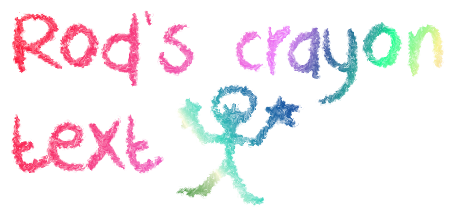
I'm going to have to really study that Text tool. I wanted to put the little guy on a separate layer. I put a transparent layer on top of the first text, it wouldn't let me add a separate text layer. It kept bring up the text editor.

Made a new image to make the little guy. :\

Fun script, Rod. :jumpclap

Image

Although I didn't need to, I used a crayon font from dafont.
http://www.dafont.com/dk-crayon-crumble.font

_________________
Image
World War IV will be fought with sticks and stones. - Albert Einstein


Top
 Post subject: Re: Crayon-Text version 1 (SCM)
PostPosted: Sun Aug 26, 2012 6:33 pm  (#9) 
Offline
Global Moderator
User avatar

Joined: May 16, 2010
Posts: 16128
ZWard117 wrote:
How about an alpha to logo addition? It would useful for creating that little kid drawn picture effect :D


You can already with this script.
Just draw out your picture (on separate layers if you want dif colors) like a brown tree and green shrubbery.
Maybe a blue sky?The script just needs an alpha area on the layer.So if you paint out a black cloud and run the script and select white, it will color the cloud white but it doesn't look that great on a white bg. (barely visible)
If you paint out a tree trunk on a transparent layer it will paint the tree trunk the color you have chosen...and so on.
It was made primarily for text as it was needed in the past and i couldn't find one free commercial use type font face out there.

If you use black it will pick itself and delete it's own color so black doesn't work at the moment. :lol
I am working on that part of the script now.White works but it is barely visible.

The script breaks the colors into very tiny pieces of color with a lot of alpha area.So it looks best on a white bg.
I will keep working on it and try to get something better to work with.
Maybe a color book script. :)

Thanks for the kind comments everyone. :tyspin

_________________
Image


Top
 Post subject: Re: Crayon-Text version 1 (SCM)
PostPosted: Sun Aug 26, 2012 7:03 pm  (#10) 
Offline
GimpChat Member
User avatar

Joined: Aug 16, 2012
Posts: 4271
Location: Göteborg, Sweden
Attachment:
rods crayon text.png
rods crayon text.png [ 61.99 KiB | Viewed 7234 times ]


i really liked playing with the crayon effect, it will make some really nice stuff.

_________________


Top
 Post subject: Re: Crayon-Text version 1 (SCM)
PostPosted: Sun Aug 26, 2012 7:53 pm  (#11) 
Offline
GimpChat Member
User avatar

Joined: May 27, 2011
Posts: 707
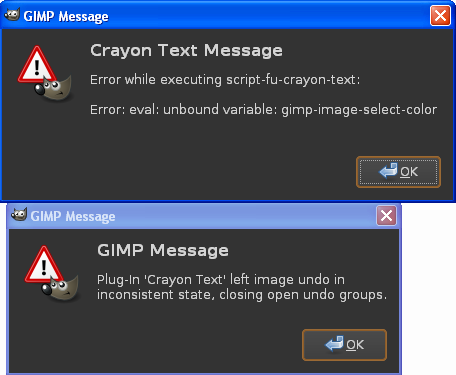
Imagethis is what i get when i try it :/

Top
 Post subject: Re: Crayon-Text version 1 (SCM)
PostPosted: Sun Aug 26, 2012 8:12 pm  (#12) 
Offline
Script Coder
User avatar

Joined: Apr 23, 2010
Posts: 1553
Location: not from Guildford after all
Pirate, Rod's script is apparently designed to only work with GIMP version 2.8 or later.

_________________
Any sufficiently primitive technology is indistinguishable from a rock.


Top
 Post subject: Re: Crayon-Text version 1 (SCM)
PostPosted: Sun Aug 26, 2012 8:13 pm  (#13) 
Offline
GimpChat Member
User avatar

Joined: May 27, 2011
Posts: 707
saul,
ok thank you
i'm still with 2.6
Appreciate the heads up


Top
 Post subject: Re: Crayon-Text version 1 (SCM)
PostPosted: Sun Aug 26, 2012 8:41 pm  (#14) 
Offline
GimpChat Member
User avatar

Joined: Apr 08, 2010
Posts: 5420
Location: Northwest Ohio
great script...and everyone's test look really good!


Top
 Post subject: Re: Crayon-Text version 1 (SCM)
PostPosted: Sun Aug 26, 2012 9:39 pm  (#15) 
Offline
Global Moderator
User avatar

Joined: May 16, 2010
Posts: 16128
Sorry about that Pirate i do not have gimp-2.6 installed right at this time.
For now you should be able to change the two lines that read -
(gimp-image-select-item image 0 layer)


to -
(gimp-selection-layer-alpha image 0 layer)


I think that's correct.
Then it should run ok after that. :)

_________________
Image


Top
 Post subject: Re: Crayon-Text version 1 (SCM)
PostPosted: Sun Aug 26, 2012 10:37 pm  (#16) 
Offline
GimpChat Member
User avatar

Joined: May 27, 2011
Posts: 707
hi Rod
Thank you for replying.
When i open the codes with notepad,
(gimp-image-select-item image 0 layer) is in there 4 times,not twice.
I tried to change all 4 and when i saved it again,the icon was not showing an scm file anymore,it just showed Gimp logo .I know ,as usual,that I am doing something wrong,but I don't know what :)


Top
 Post subject: Re: Crayon-Text version 1 (SCM)
PostPosted: Sun Aug 26, 2012 10:55 pm  (#17) 
Offline
Global Moderator
User avatar

Joined: May 16, 2010
Posts: 16128
Pirate can you try this one for me?

Make sure you remove the other one first. :)

Attachment:
crayon-text_gimp-2.6_RD-v1.0.scm

_________________
Image


Top
 Post subject: Re: Crayon-Text version 1 (SCM)
PostPosted: Sun Aug 26, 2012 11:48 pm  (#18) 
Offline
GimpChat Member
User avatar

Joined: May 27, 2011
Posts: 707
Rod,
I get this now :)


Image


Top
 Post subject: Re: Crayon-Text version 1 (SCM)
PostPosted: Mon Aug 27, 2012 10:23 am  (#19) 
Offline
GimpChat Member
User avatar

Joined: Mar 23, 2012
Posts: 7388
Location: Göteborg at last!
I tested it on 2.6.11.

Image


Top
 Post subject: Re: Crayon-Text version 1 (SCM)
PostPosted: Mon Aug 27, 2012 5:54 pm  (#20) 
Offline
GimpChat Member
User avatar

Joined: Mar 23, 2012
Posts: 7388
Location: Göteborg at last!
At least I got a block of crayon even though I lost the text. You're getting there Rod. :hehe

Image


Top
Post new topic Reply to topic  [ 62 posts ]  Go to page 1, 2, 3, 4  Next

All times are UTC - 5 hours [ DST ]


* Login  


Powered by phpBB3 © phpBB Group