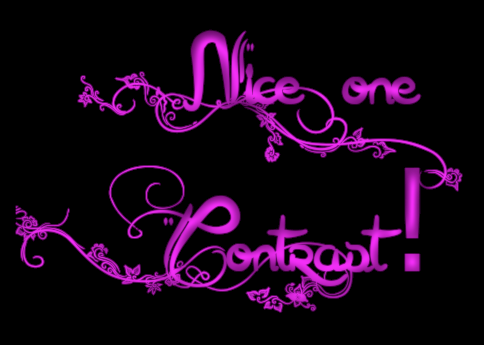
I just made this new plugin. Downloads for Linux and Windows here.
https://github.com/LinuxBeaver/Gimp_Cra ... t/releasesAttachment:
 p2.png [ 377.56 KiB | Viewed 25476 times ]
Attachment:
 p1.png [ 282.91 KiB | Viewed 25476 times ]
Location to put Binaries
WindowsC:\Users\USERNAME\AppData\Local\gegl-0.4\plug-ins
Linux/home/(USERNAME)/.local/share/gegl-0.4/plug-ins
Linux (Flatpak)/home/(USERNAME)/.var/app/org.gimp.GIMP/data/gegl-0.4/plug-ins
Source Code (if you want to compile)
For some reason the auto Github generated source code of this filter is outdated. So please use the updated source code on Github named source_code_of_crayon_text.zip
Then Restart Gimp and go to GEGL Operations to find the plugin.
Fun fact, this plugin makes very thin text by running GEGL bevel on green text by the subtract blend mode. That is the base of how this filter works. It actually uses a technique similar to "glass over text" but not quite the same thing.
 Login
Login Register
 Tweets
 FAQ
FAQ Advanced Search