Attachment:
Download, unzip and copy to your Gimp 2.10 plug-ins folder.
The filter can be located via:
Filters>>Custom Fonts>>Using Tools>>Custom Font Paragrapher v2.5b Tabbed...This update adds another item to the alternative character options on Tab 1 of the filter dialog.

The option can be used with single case custom fonts that have a set of alternative characters.
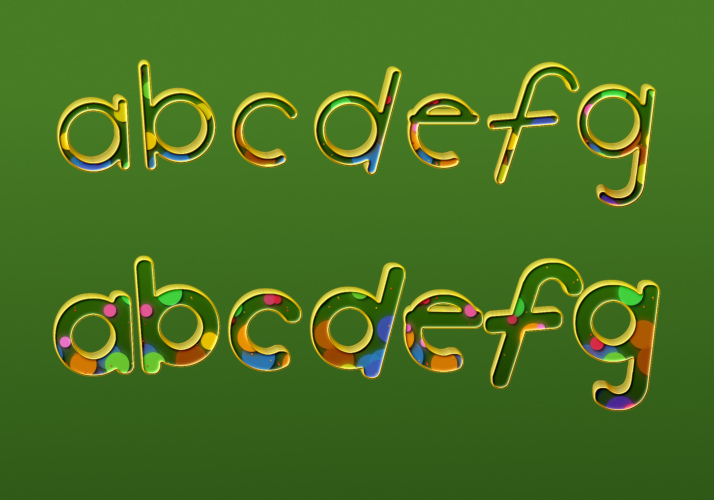
The examples below show a set of lower-case characters with alternative characters in a broader weight...
Without the option:

With the option:
The next examples show an uppercase custom font that use both colour and shape alternatives.
Without the option set:

And with the option:

 Login
Login Register
 Tweets
 FAQ
FAQ Advanced Search









