This update fixes a number of errors that had been introduced in version v.04b.
Attachment:
Custom Font Trailing was added as a possible replacement to FontSlab - a plug-in that allowed the user to modify the size, angle and appearance of a custom font along a path. The obvious difference between the two plug-ins is that Trailing adjusts the characters to fit within the current user path making its use less a matter of trial and error (or user judgement). This thread deals with the issues that have been fixed; if you need information about all the plug-in options please refer to the Using Tools guide in Release 17 of Custom Font Tools (link in my signature). The dialog tabs remain the same.
A pdf version of this text:
Attachment:
 Custom Font Trailing v0.5b.pdf [1.18 MiB]
Downloaded 184 times
Custom Font Trailing v0.5b.pdf [1.18 MiB]
Downloaded 184 times
Modifying the Character SizeThe image below shows the output from Trailing using the default settings (plus Trailing background and drop shadow) with a straight line path and a badly drawn hill.

Below a new path has been used to follow the shape around the badly drawn hill.

With the characters size modifier set to 10 increases the size of each character by 10!!!

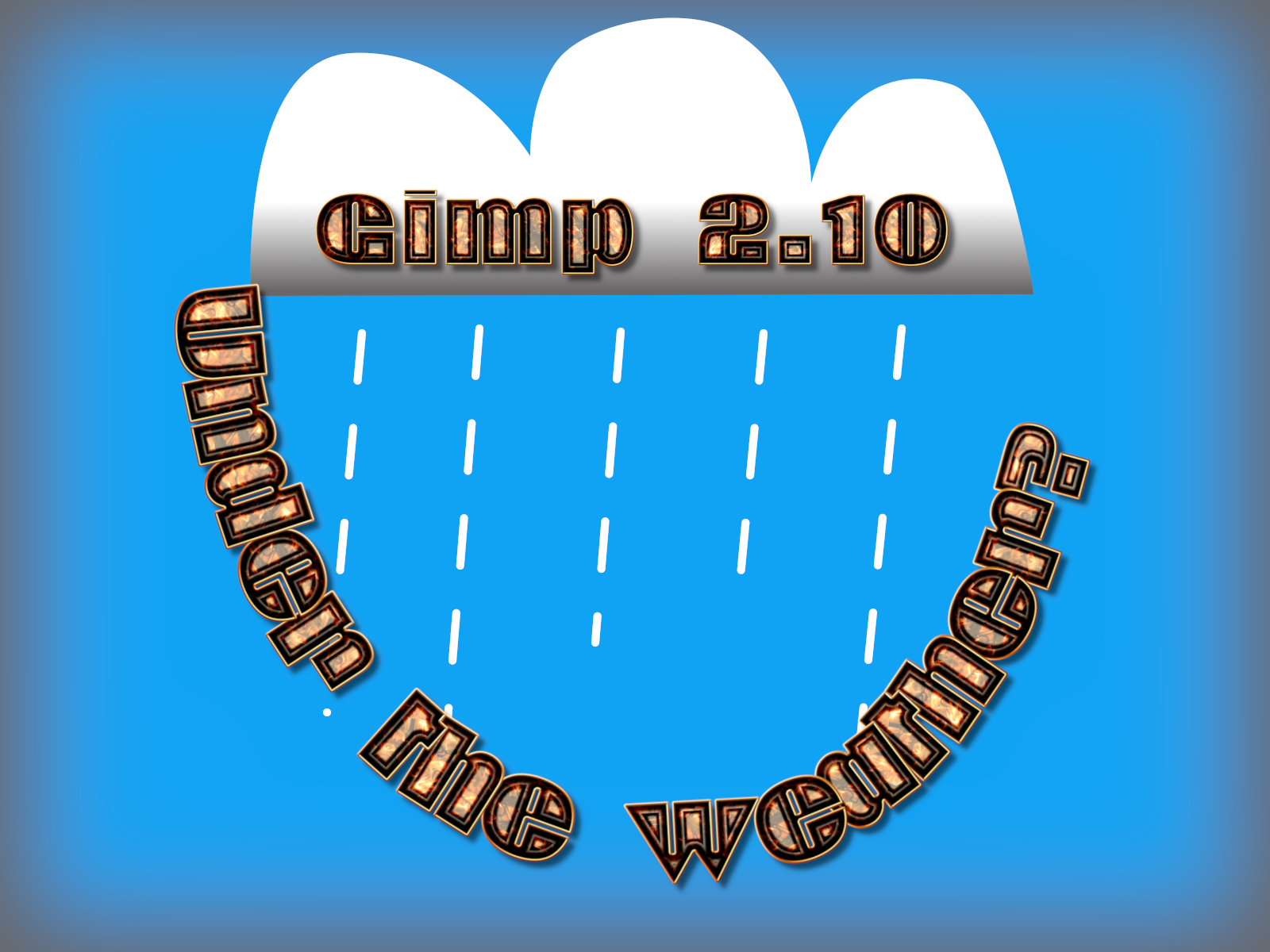
If you use a negative value it is wiser to use smaller amounts; the plug-in will report with an error message if it cannot fit the current text with the chosen value. Here a value of -4 was used.
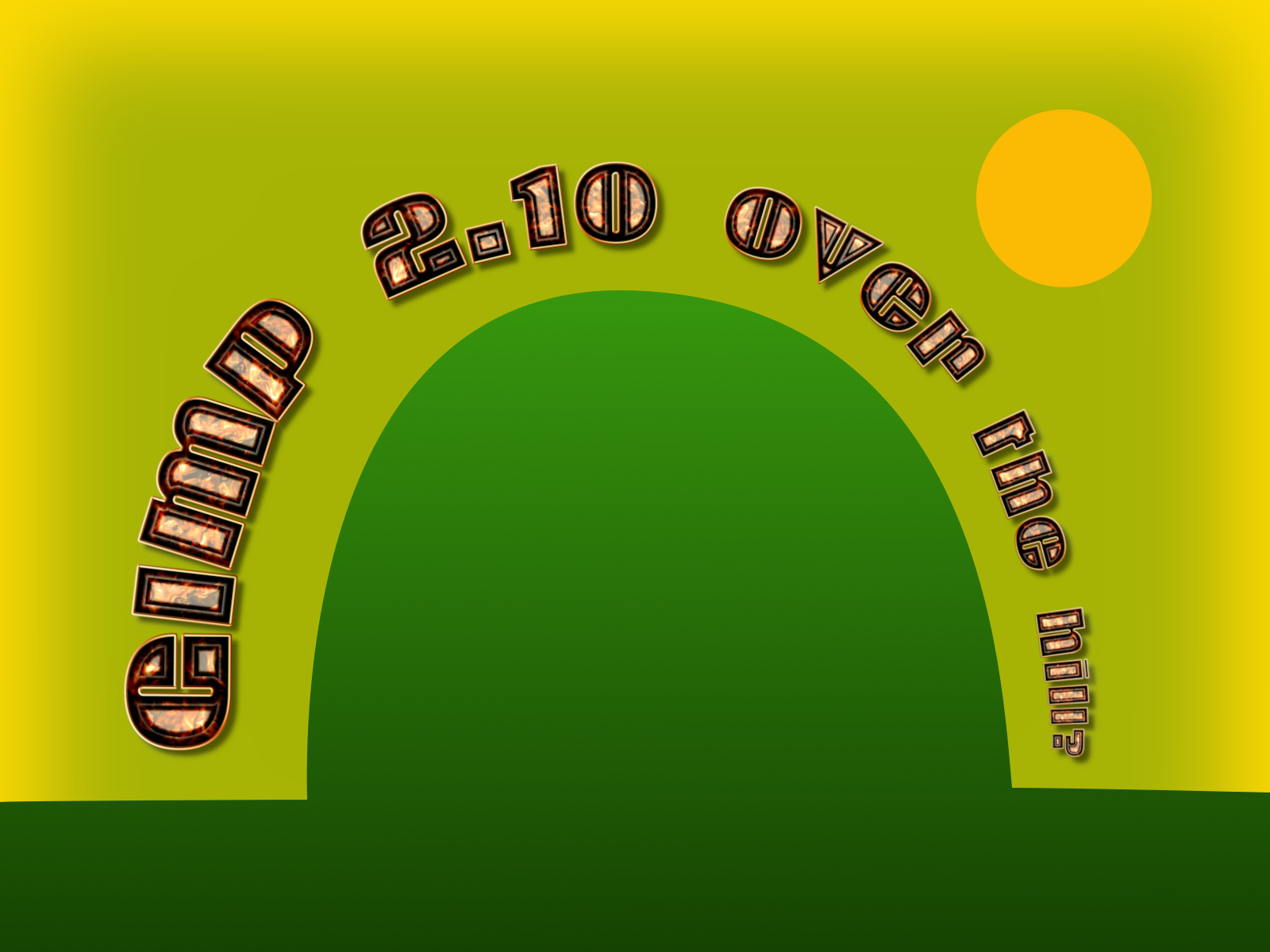
The custom font fits the user path in both cases.
Modifying Character SpacingThe default character spacing using the space character width to separate words (if a visible space glyph is available that will be displayed).

Use a character spacing value smaller than zero to move the characters closer together (the space character will however retain its original value).

Each new character can be made to be overlap the previous character. There is an option to allow each new character to sit behind the previous character. (NB The text will currently not completely fill the user path when using reduced character spacing.)
The behind option can improve legibility when the amount of overlap is signifiant.
You can also increase the spacing between characters if required.

JitterThe character jitter now works as it should. To use jitter set a jitter value and Trailing will adjust the angle of the character on the path by a random amount using the jitter value.

By default this value is applied to every character. You can force the jitter to be applied only to alphanumeric characters which can improve readability with large jitter amounts. You can see this in the punctuation and brackets used in the text below.

Have fun...
 Login
Login Register
 Tweets
 FAQ
FAQ Advanced Search







