Attachment:
 gimp-stable-diffusion-main.zip [23.01 KiB]
Downloaded 1883 times
gimp-stable-diffusion-main.zip [23.01 KiB]
Downloaded 1883 times
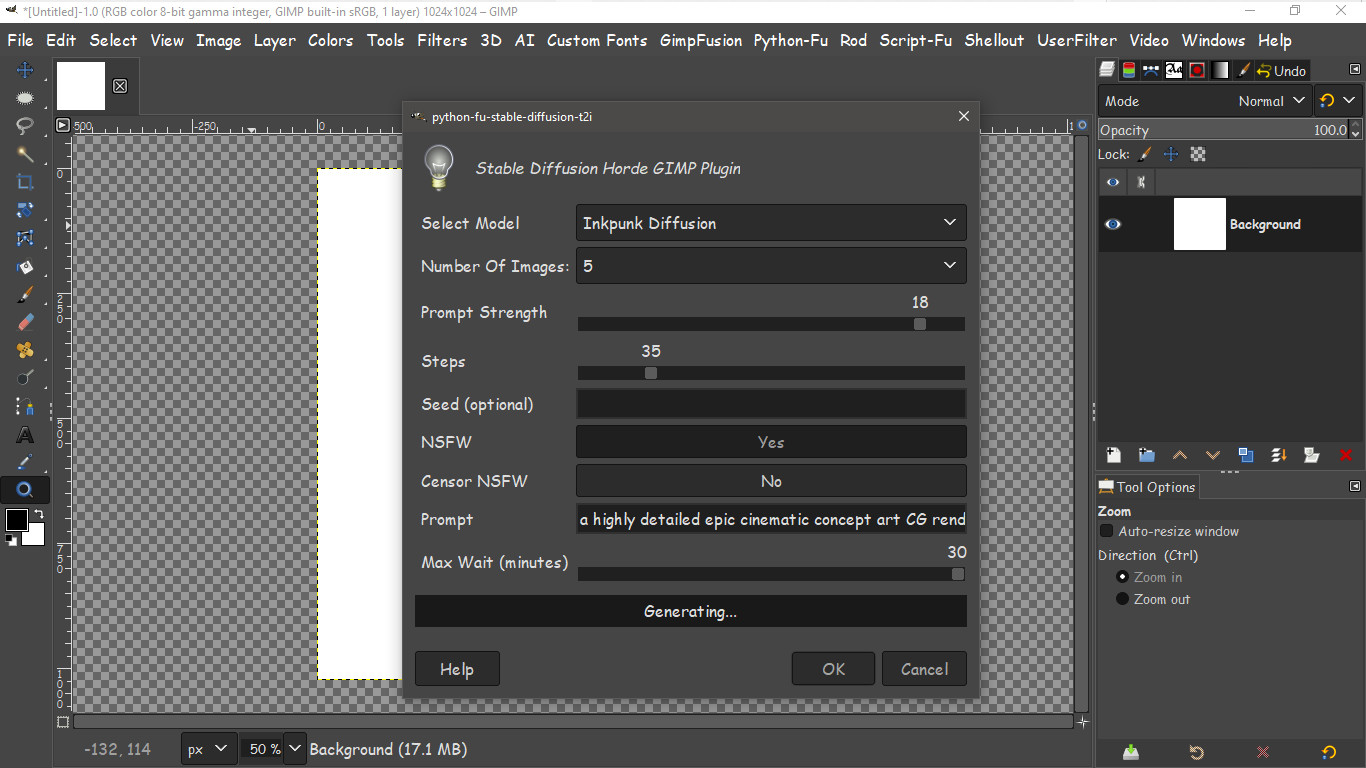
This looked exciting to me. An AI plugin for GIMP-2.10 that actually works. Here i tried text to image.
"Monkey with blue eyes" The image took about 280 seconds to create from a blank 1024 x 1024 px image.
This only works with images multiplied by 64 px. Because most of the models work from 512 x 512 to 1024 x 1024. You can try larger but make sure you multiply the height and width by 64 px, and it doesn't have to be square.
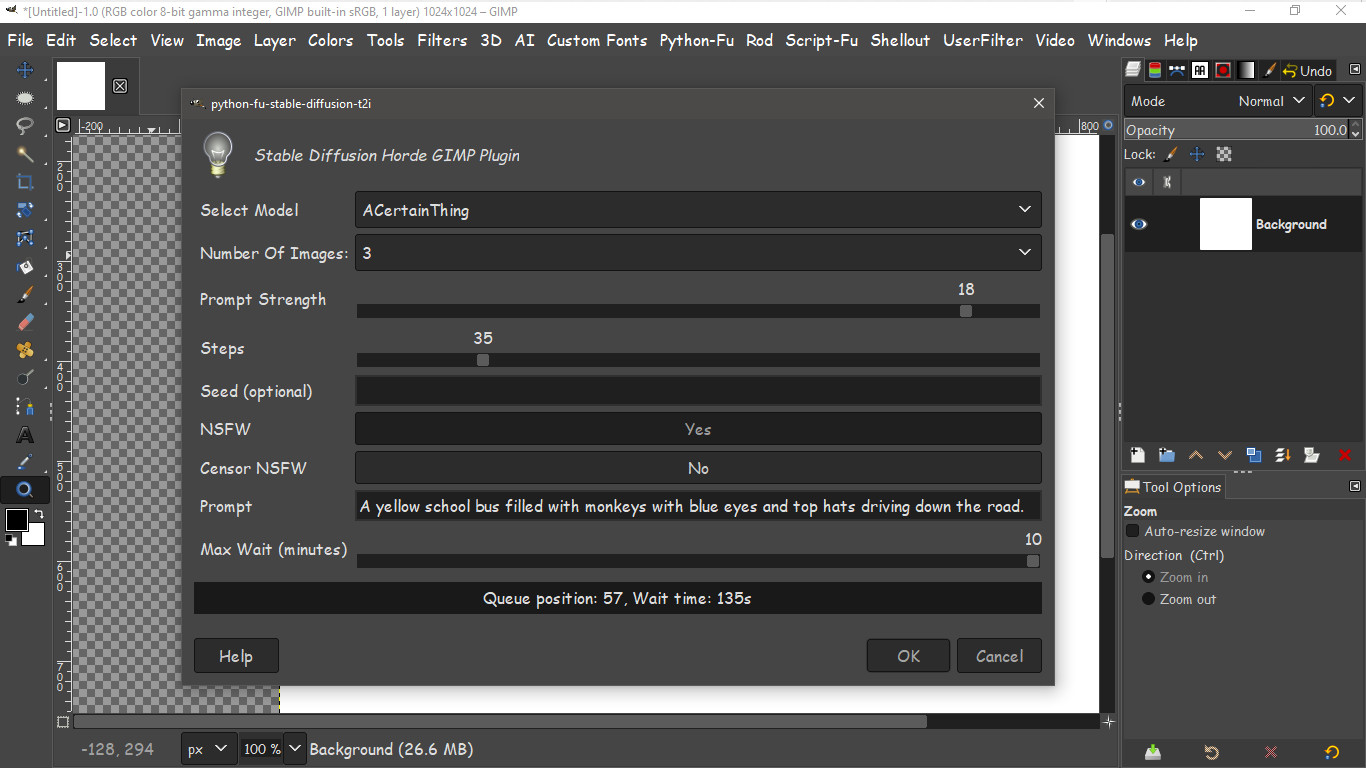
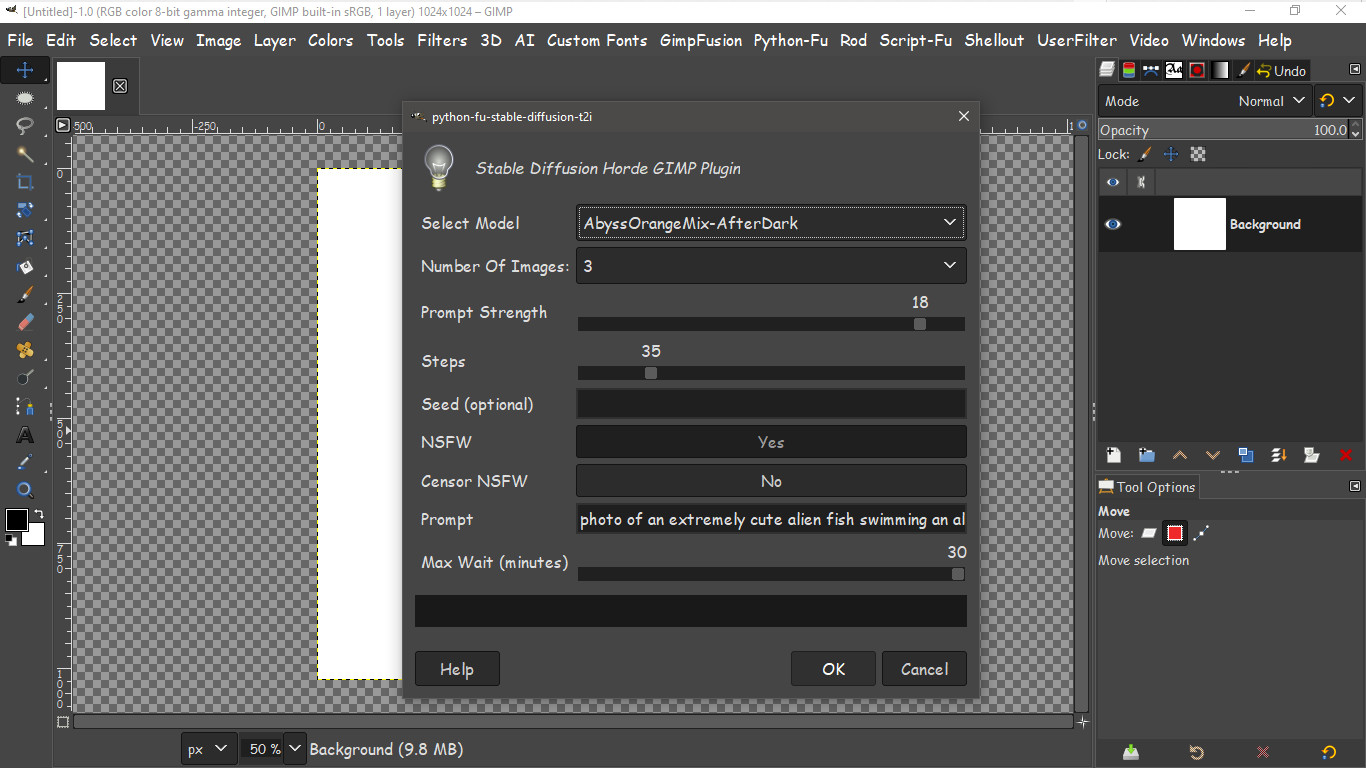
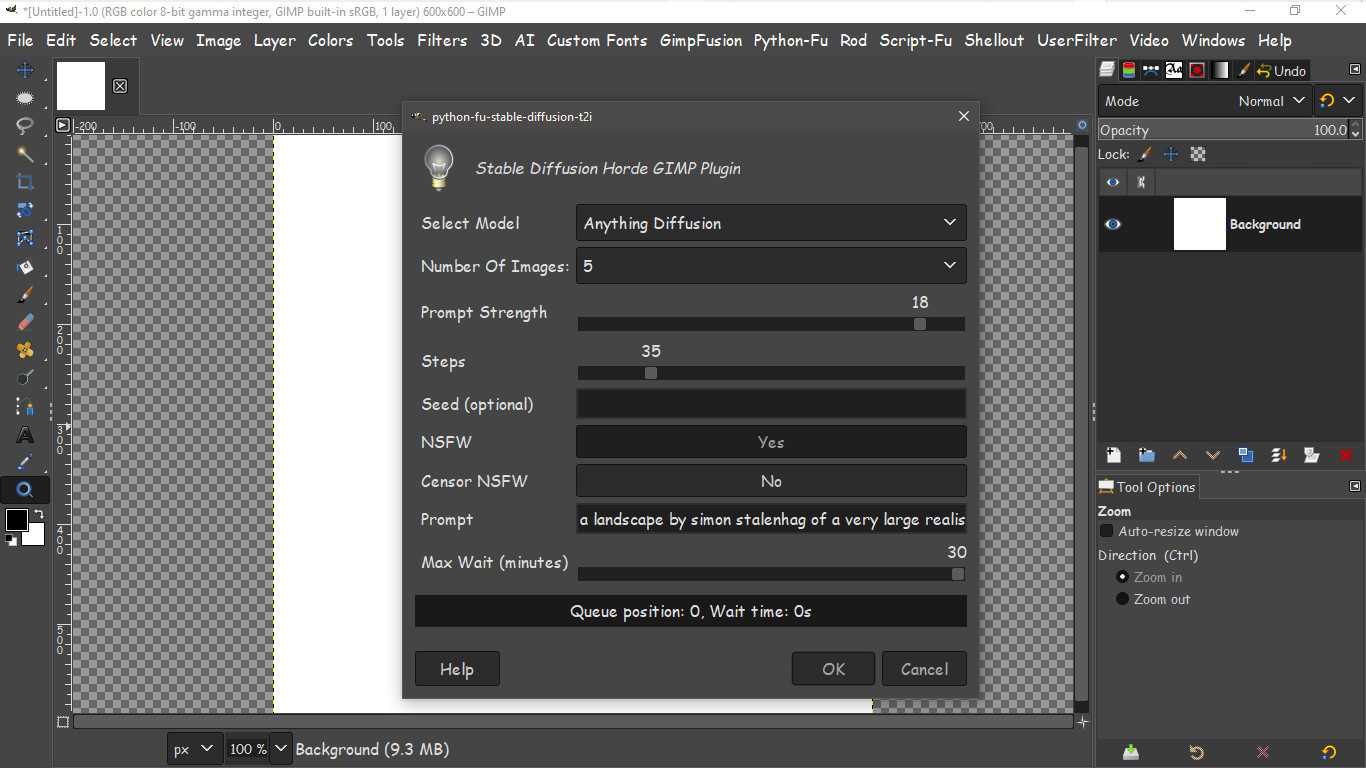
The settings i used for my first text to image creation within GIMP-2.10.38 R1 1024 x 1024 px.
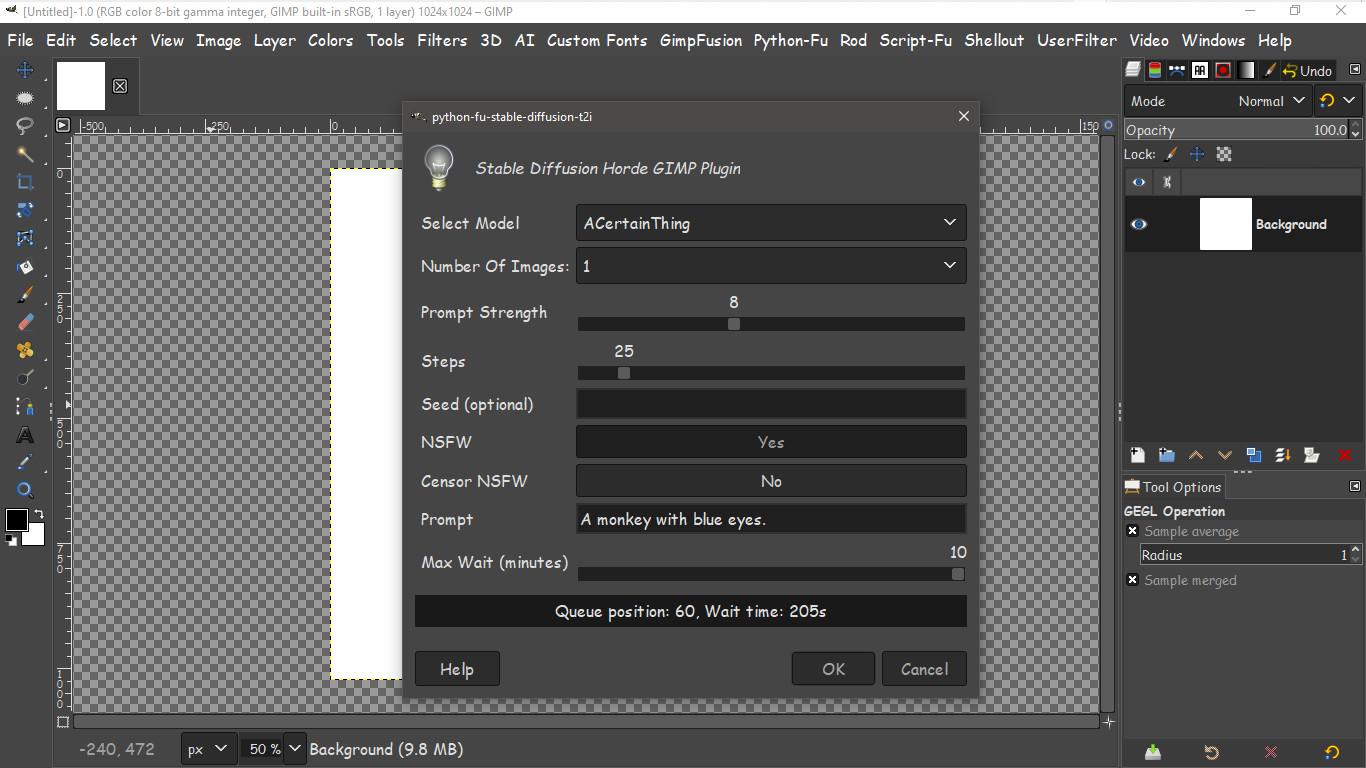
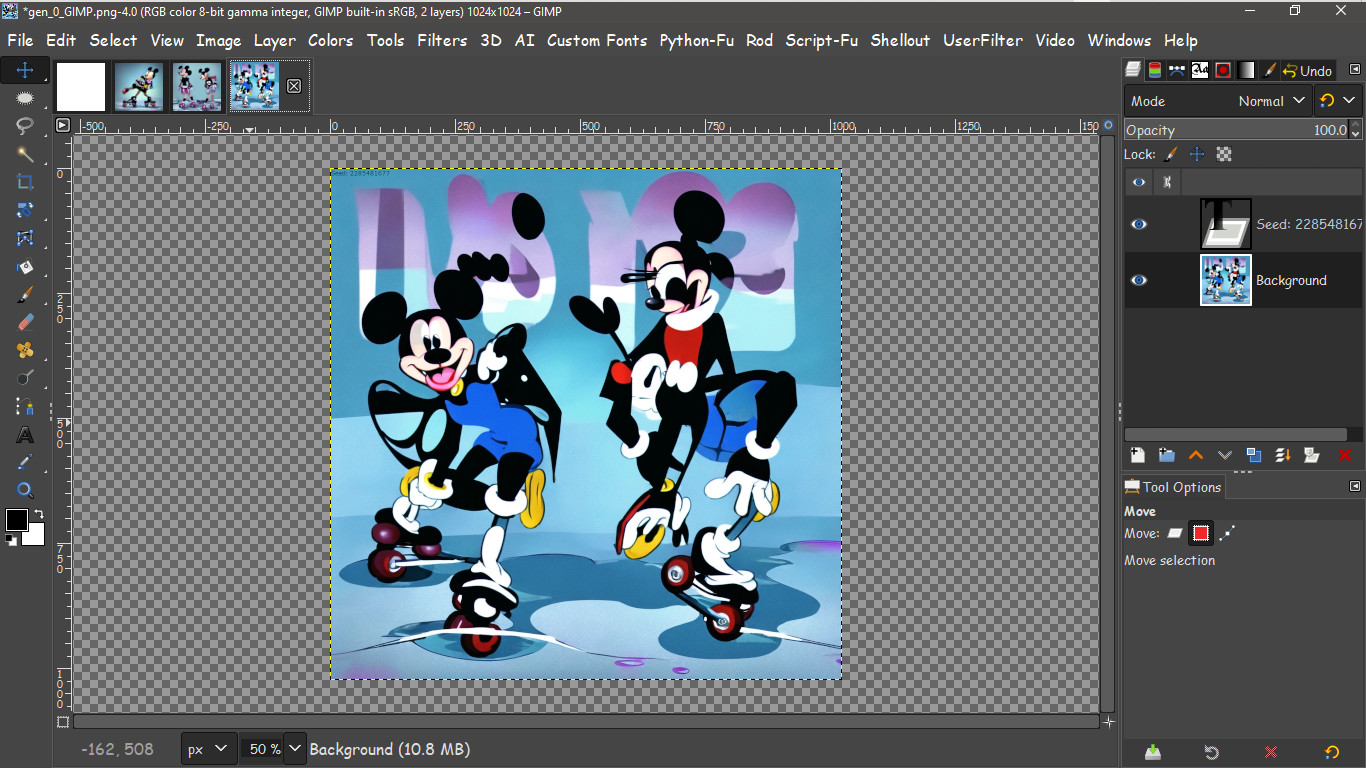
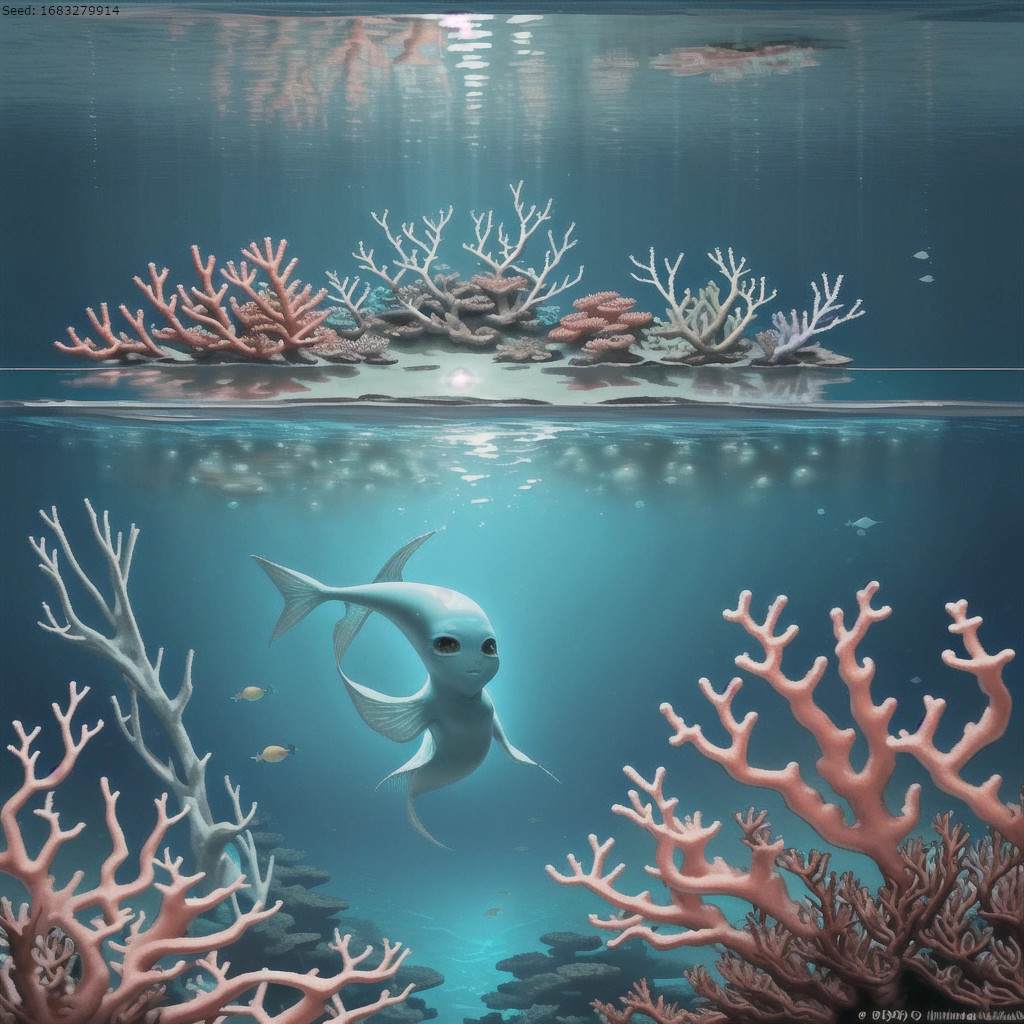
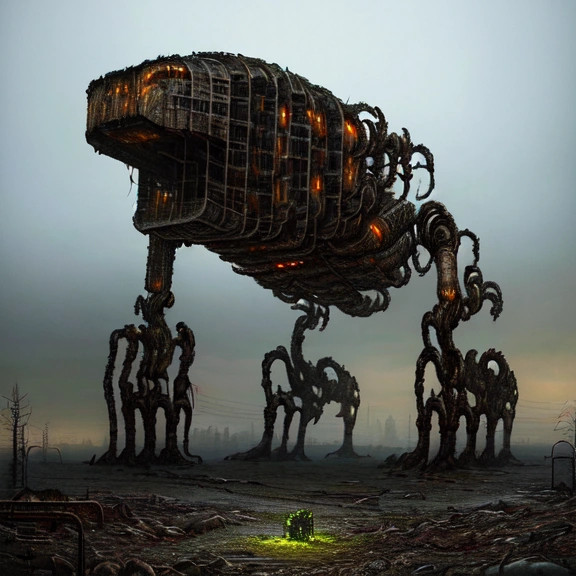
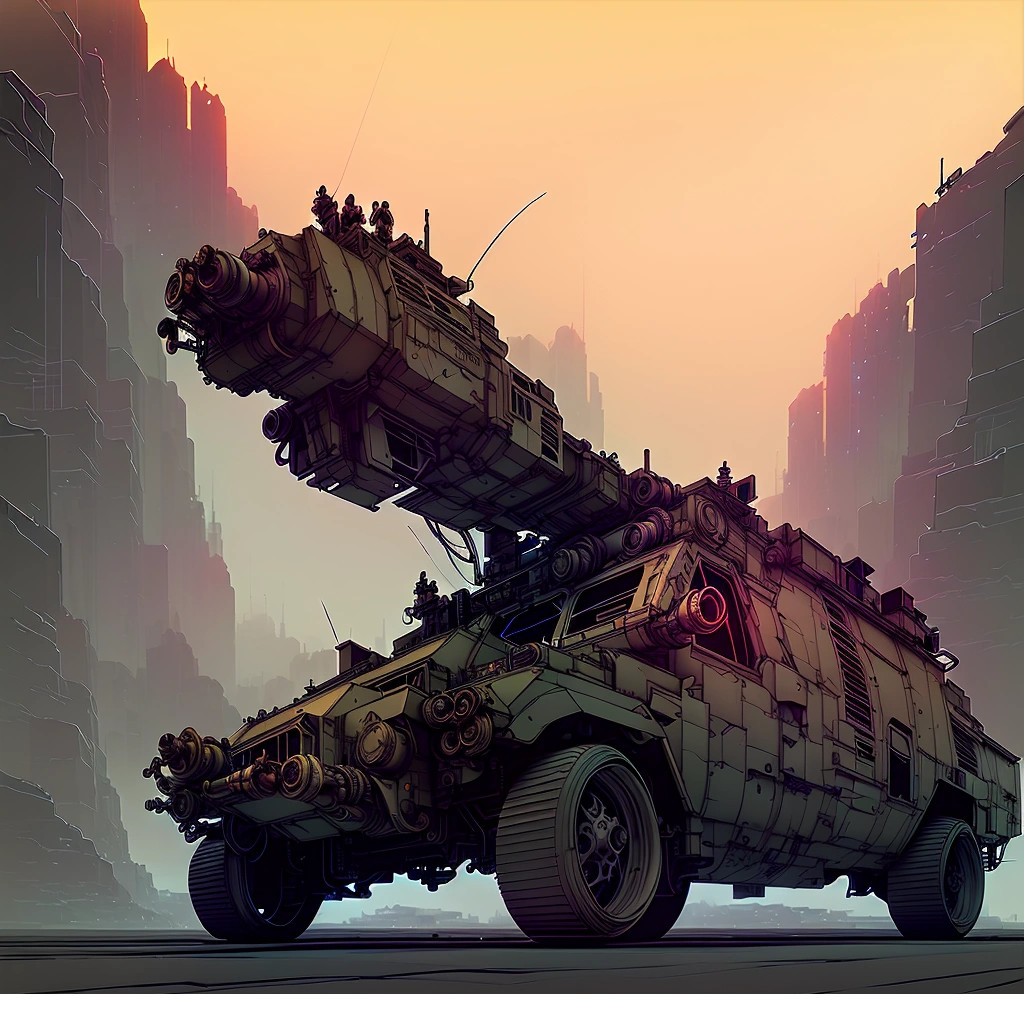
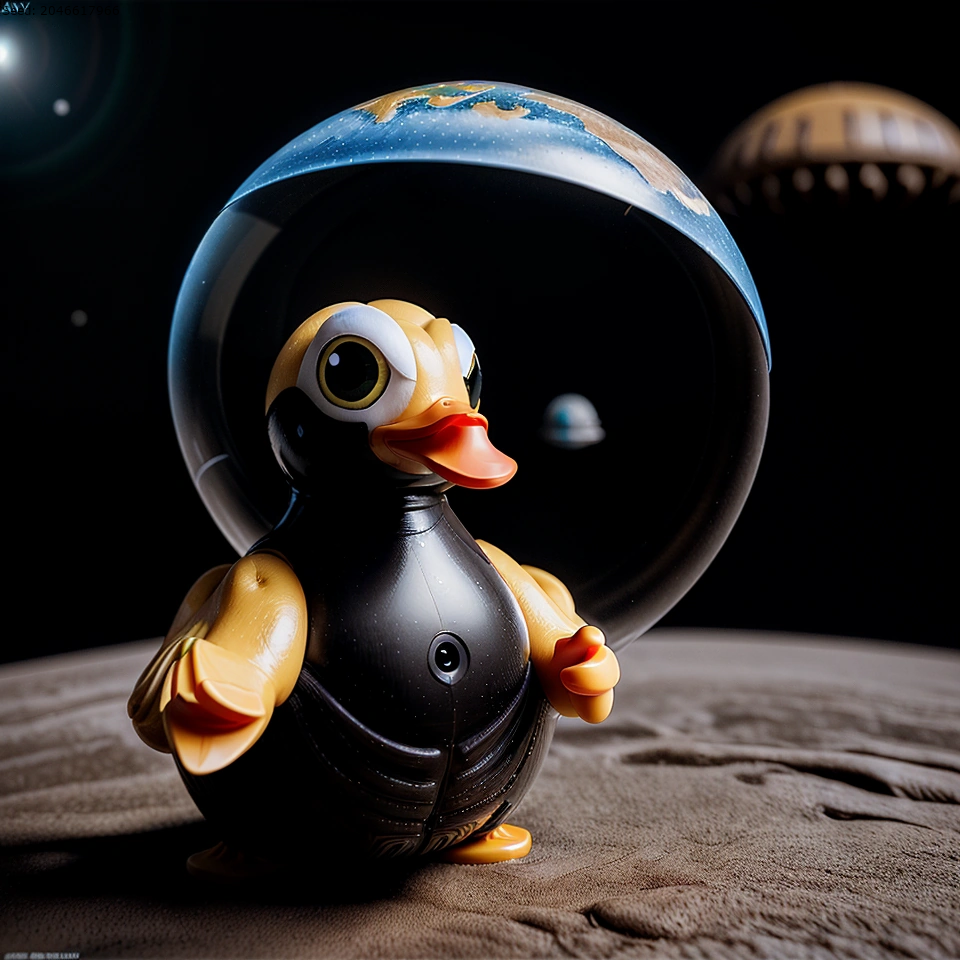
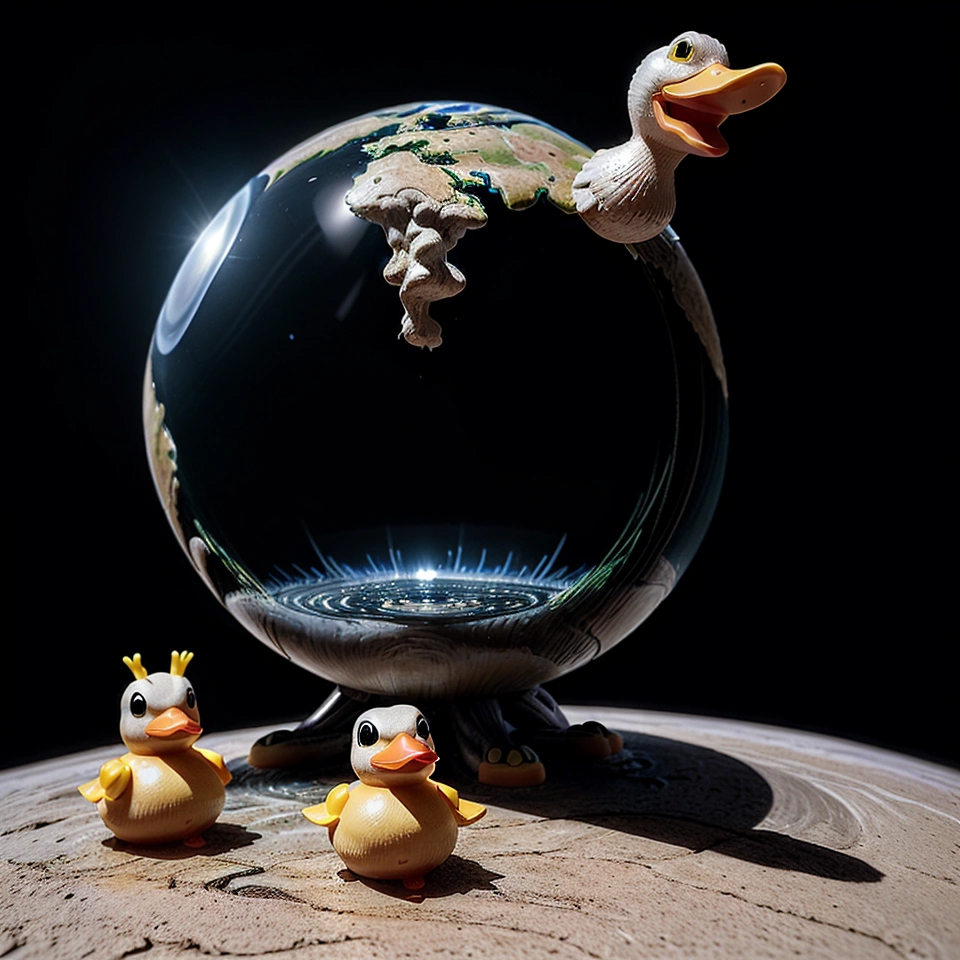
My results.
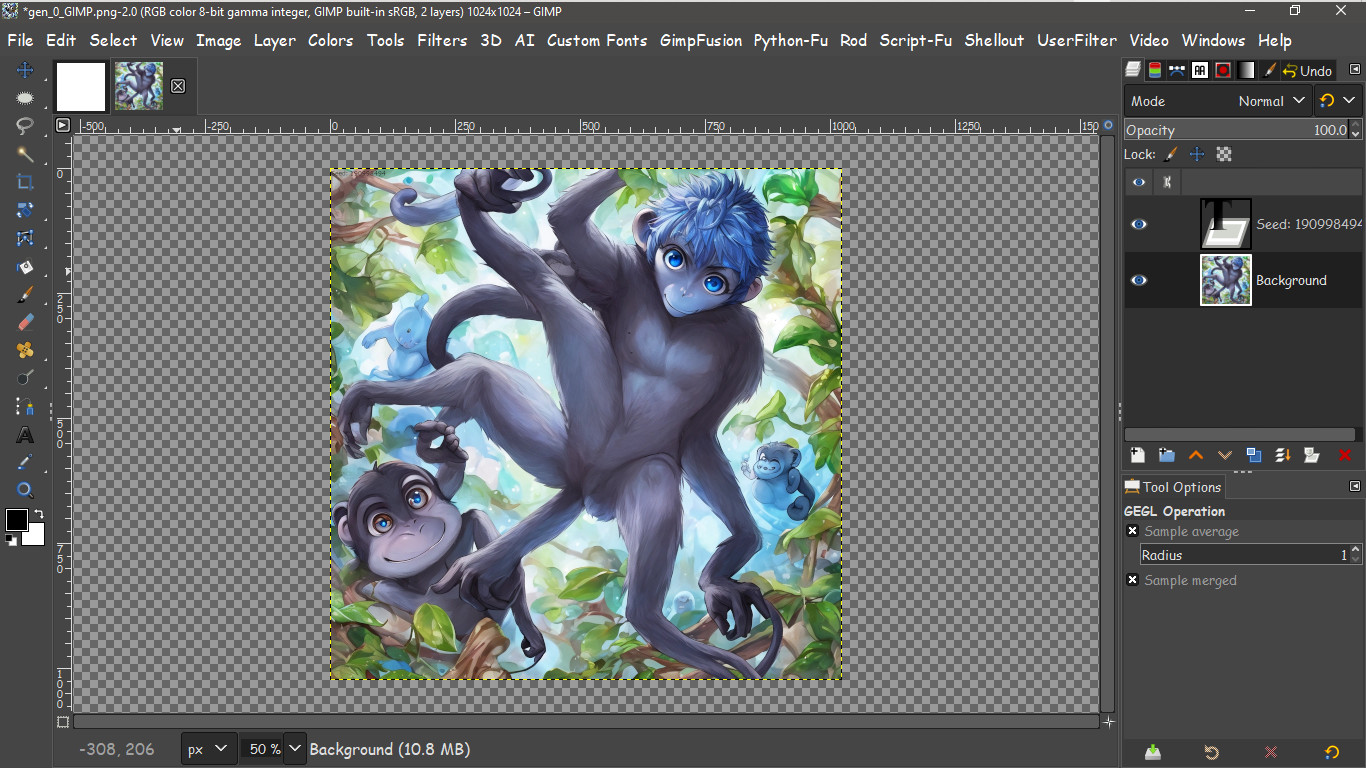
Pretty crazy how many legs and arms that the blue eyed monkey has as i didn't ask for those.

What is really kind of cool is it will also generate a random seed for you.

You can save the seed and gen it later or delete it entirely. I just saved it all as a XCF file.

Now to install is not hard at all. These files i have attached are all you need.
To install -
1) unzip the attached zip file
2) go to the
https://www.stablehorde.net/register website place in any username and click submit. a new API KEY will be generated just for you. Copy it to notepad or in a text file for later.
3) locate the file API.KEY from the folder you unzipped. Open it in notepad and paste your API KEY you generated in the file and save it.
4) Place the API.KEY file into the C:/USERS/"your name" folder.
5) Place the 4 python files into your C:/USERS/"your name" Folder/APPDATA/ROAMING/GIMP/2.10/plugins folder.
Restart GIMP and you should see a new AI menu item in the top window menu.
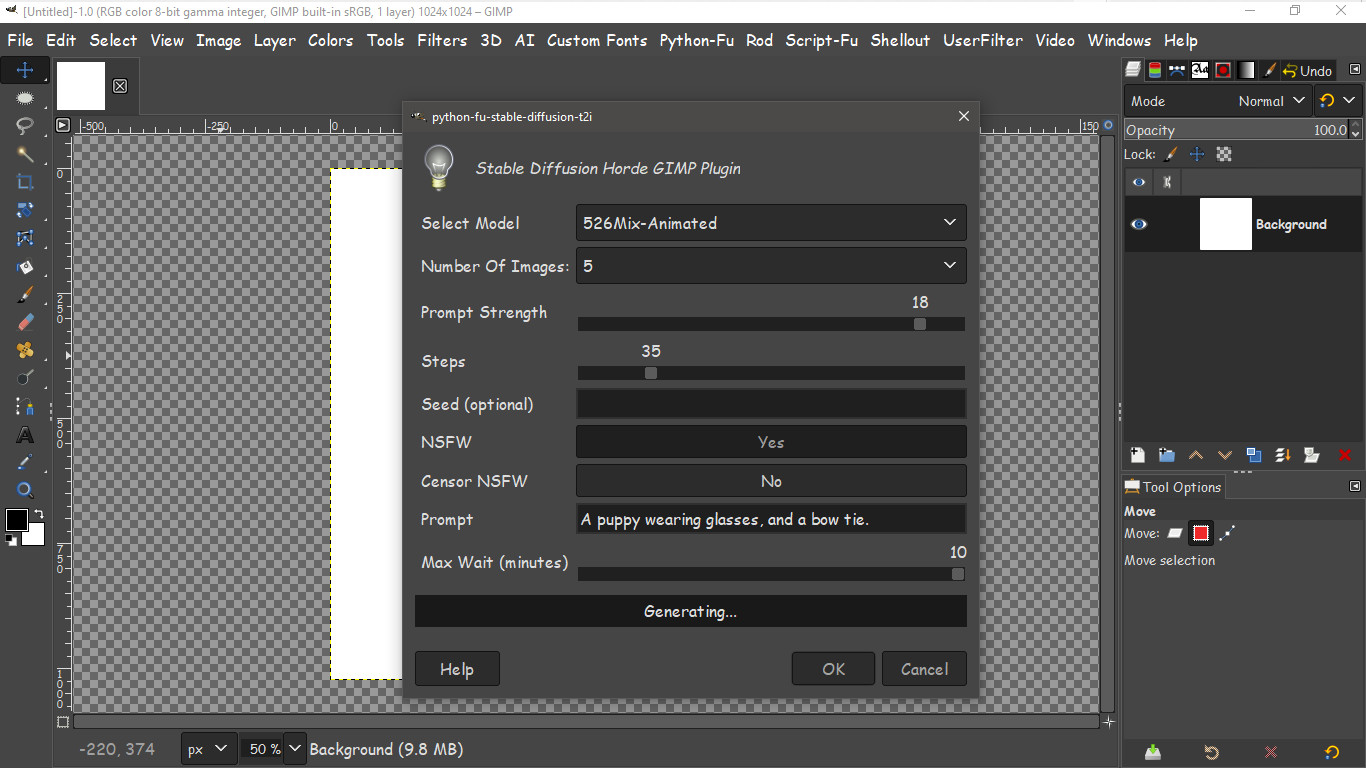
It's important to remember there are many models included in the plugin. Some may throw an error that there are no workers try later. Just try a different model. That's what i did "ACertainThing"
More info here
https://www.reddit.com/r/StableDiffusio ... ?rdt=47807Also the Binary Mass website on GitHub (the repository).
https://github.com/binarymass/gimp-stable-diffusionbut it can be confusing to follow. Thats why i included correct working install directions here.
Save you the trouble and headache i recieved
If using in Linux make sure to CHMOD 766. In Windows there is no need. ENJOY!! AI in GIMP!!!
 Login
Login Register
 Tweets
 FAQ
FAQ Advanced Search


 on the ai. Still can't get it right.





 So addicting.