It is currently Mon Jun 15, 2026 4:17 pm


All times are UTC - 5 hours [ DST ]


Post new topic Reply to topic  [ 22 posts ]  Go to page 1, 2  Next
Author Message
 Post subject: Chalk Board Writer v-3.0
PostPosted: Wed Aug 01, 2012 7:18 pm  (#1) 
Offline
Global Moderator
User avatar

Joined: May 16, 2010
Posts: 16028
Don't mock me it's my first script :lol
i was checking out Lyle's great chalk board tutorial.
Thought it was cool so i decided to try and write a simple script based on oilify , neon, and spread noise filters.
So here it is.
You will find it in Filters>Artistic>Chalk Board Writer


Attachment:
chalk-board-writerV-03-RD.scm [1.8 KiB]
Downloaded 375 times


Thanks! :bigthup

Image

Older versions -


Attachments:
chalk-board-writerV-02-RD.scm [1.9 KiB]
Downloaded 274 times
chalk-board-writer-RD.scm [1.76 KiB]
Downloaded 308 times

_________________
Image
Share on Facebook Share on Twitter Share on Orkut Share on Digg Share on MySpace Share on Delicious Share on Technorati
Top
 Post subject: Re: Chalk Board Writer v-1.0
PostPosted: Wed Aug 01, 2012 7:25 pm  (#2) 
Offline
Global Moderator
User avatar

Joined: May 16, 2010
Posts: 16028
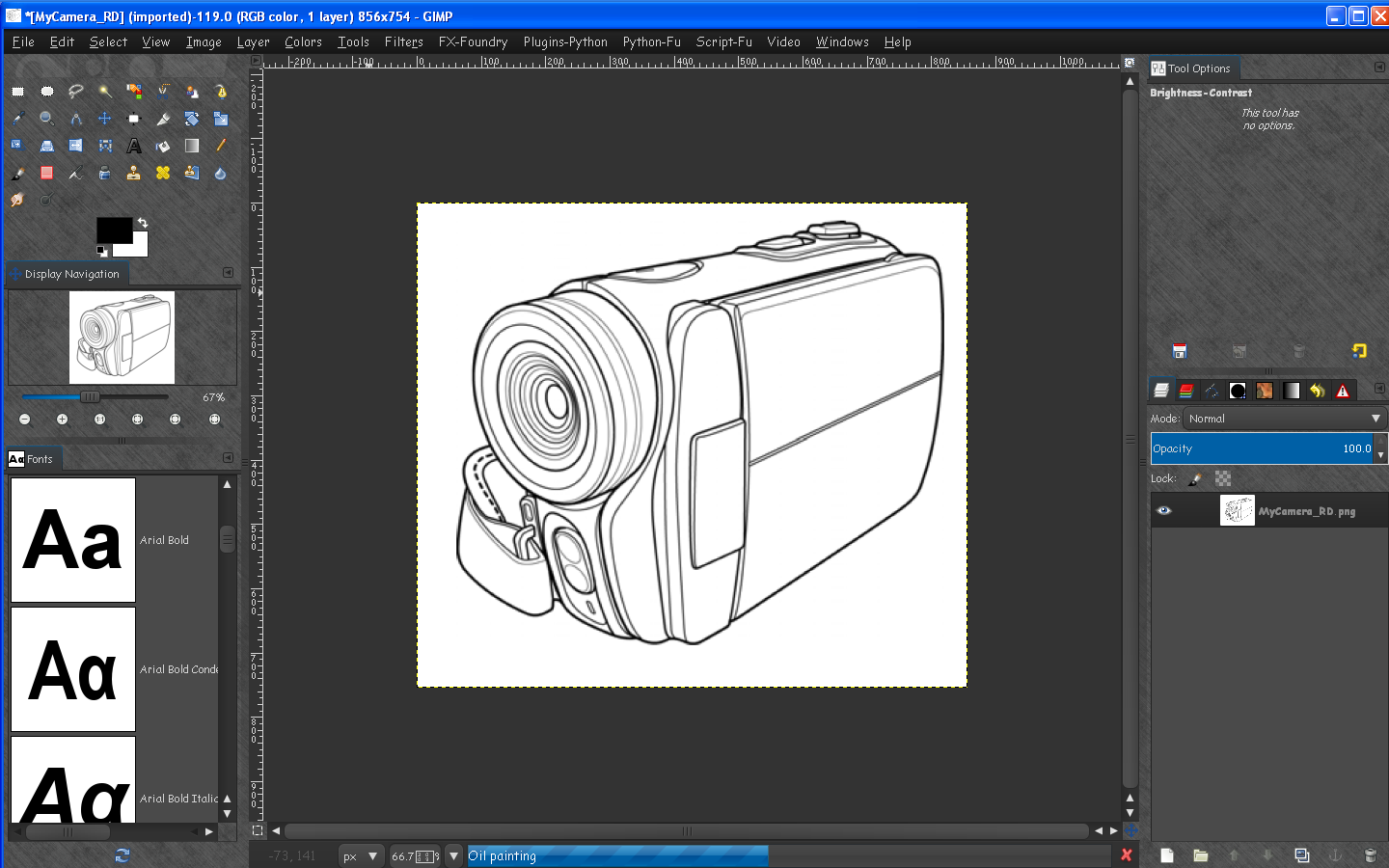
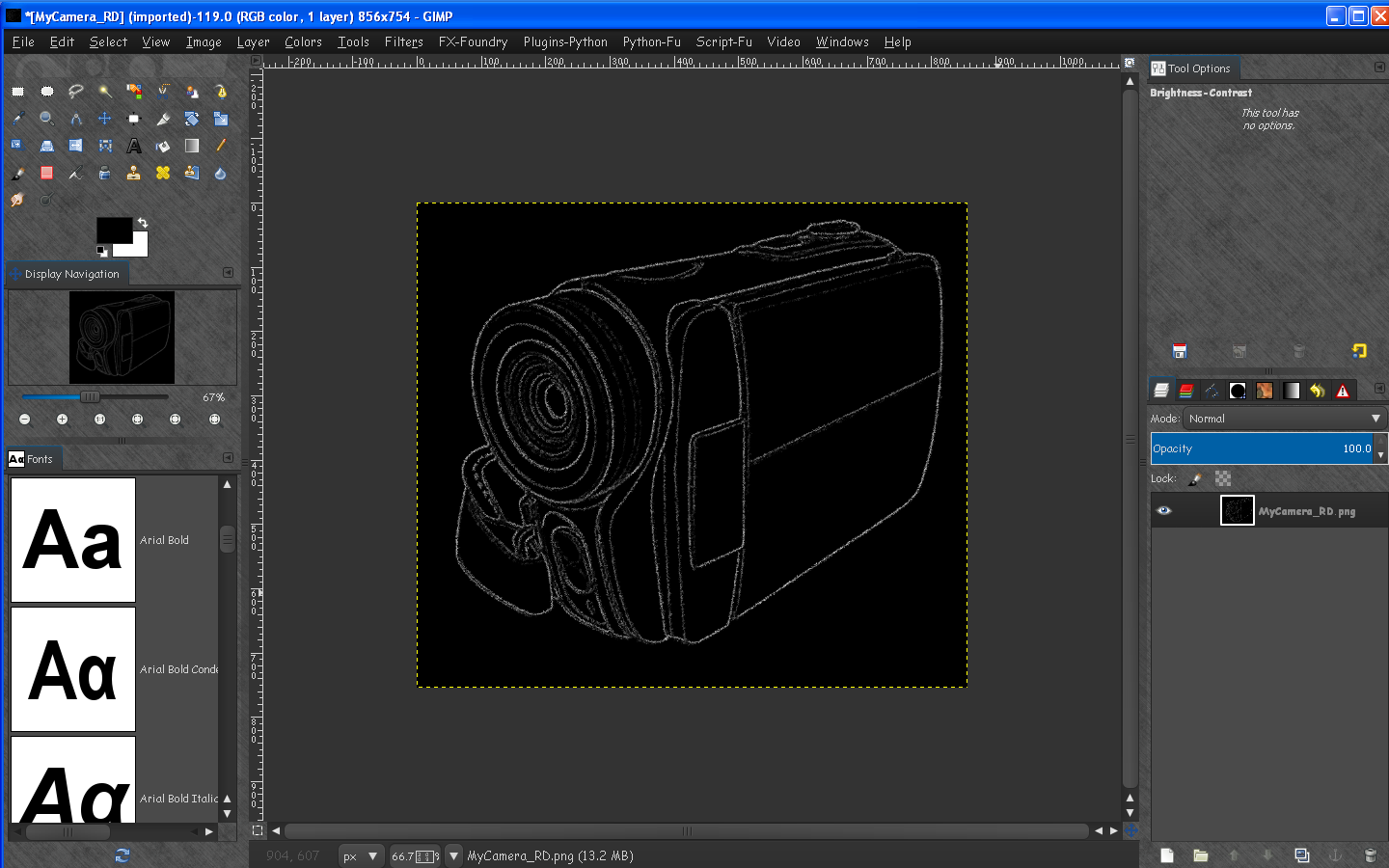
Here is an example on a black and white image
Image

Image

_________________
Image


Top
 Post subject: Re: Chalk Board Writer v-1.0
PostPosted: Wed Aug 01, 2012 7:38 pm  (#3) 
Offline
GimpChat Member
User avatar

Joined: Sep 24, 2010
Posts: 12775
Looks cool Rod. As a side note, I'm creating another Chalk it up tut which I'll post shortly (just an alternative way to get the lines). The chalk step itself remains the same. :)

_________________
Lyle

Psalm 109:8

Image


Top
 Post subject: Re: Chalk Board Writer v-1.0
PostPosted: Wed Aug 01, 2012 7:57 pm  (#4) 
Offline
GimpChat Member

Joined: Jul 14, 2012
Posts: 162
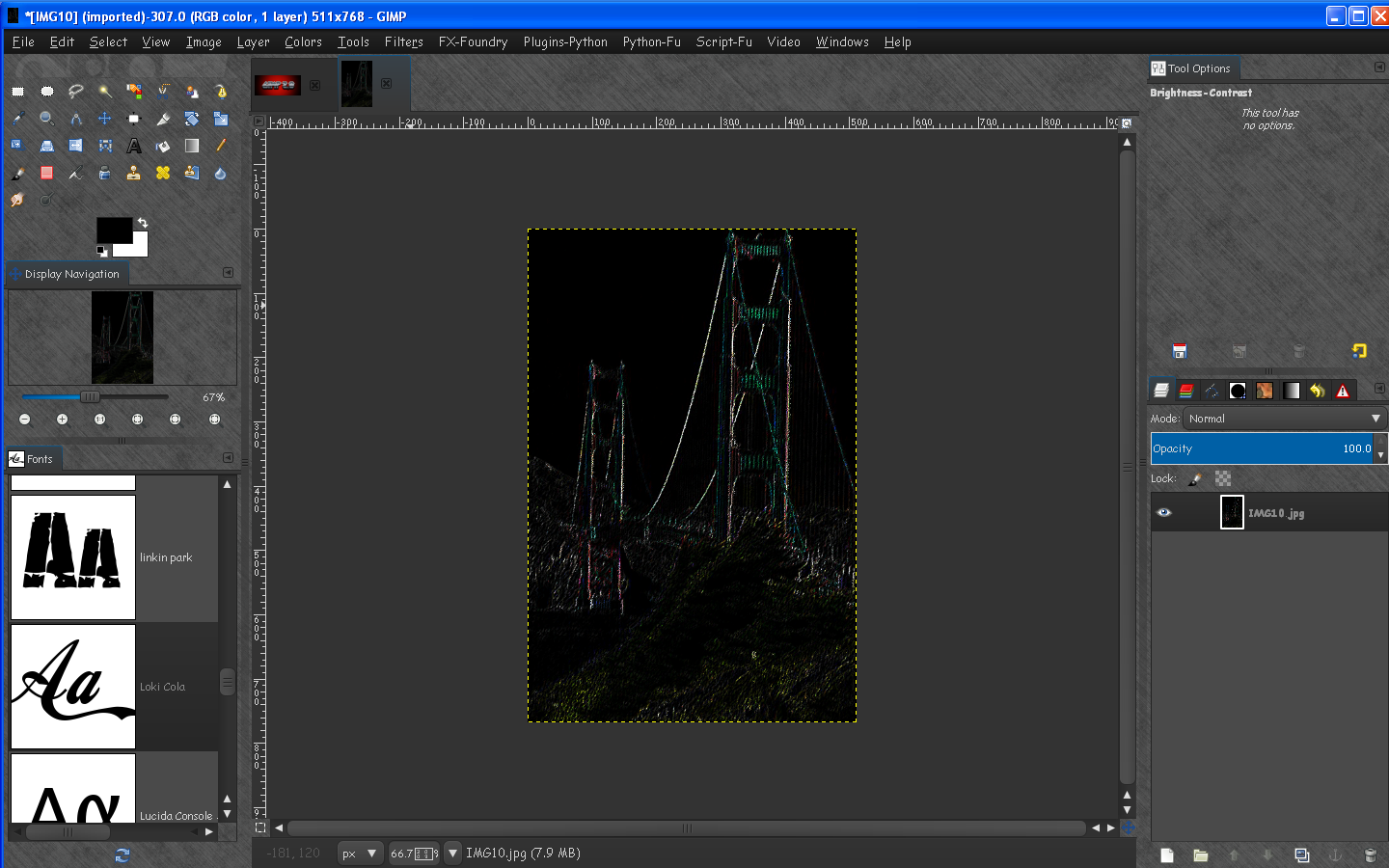
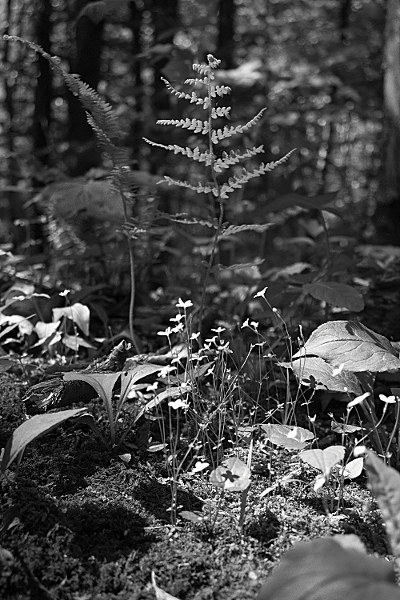
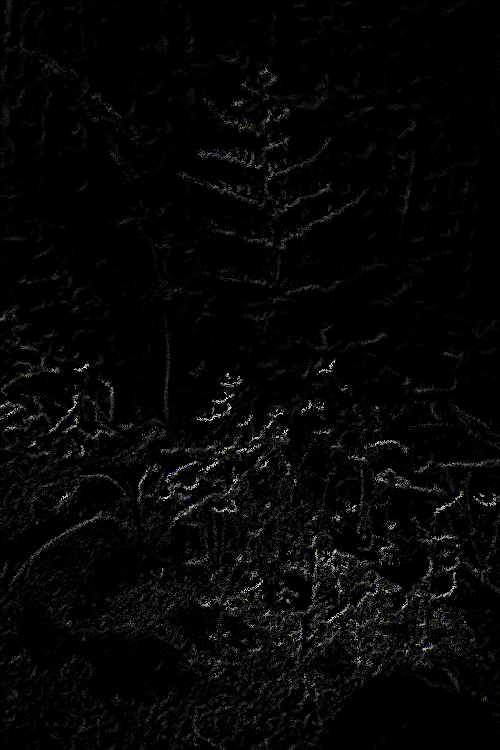
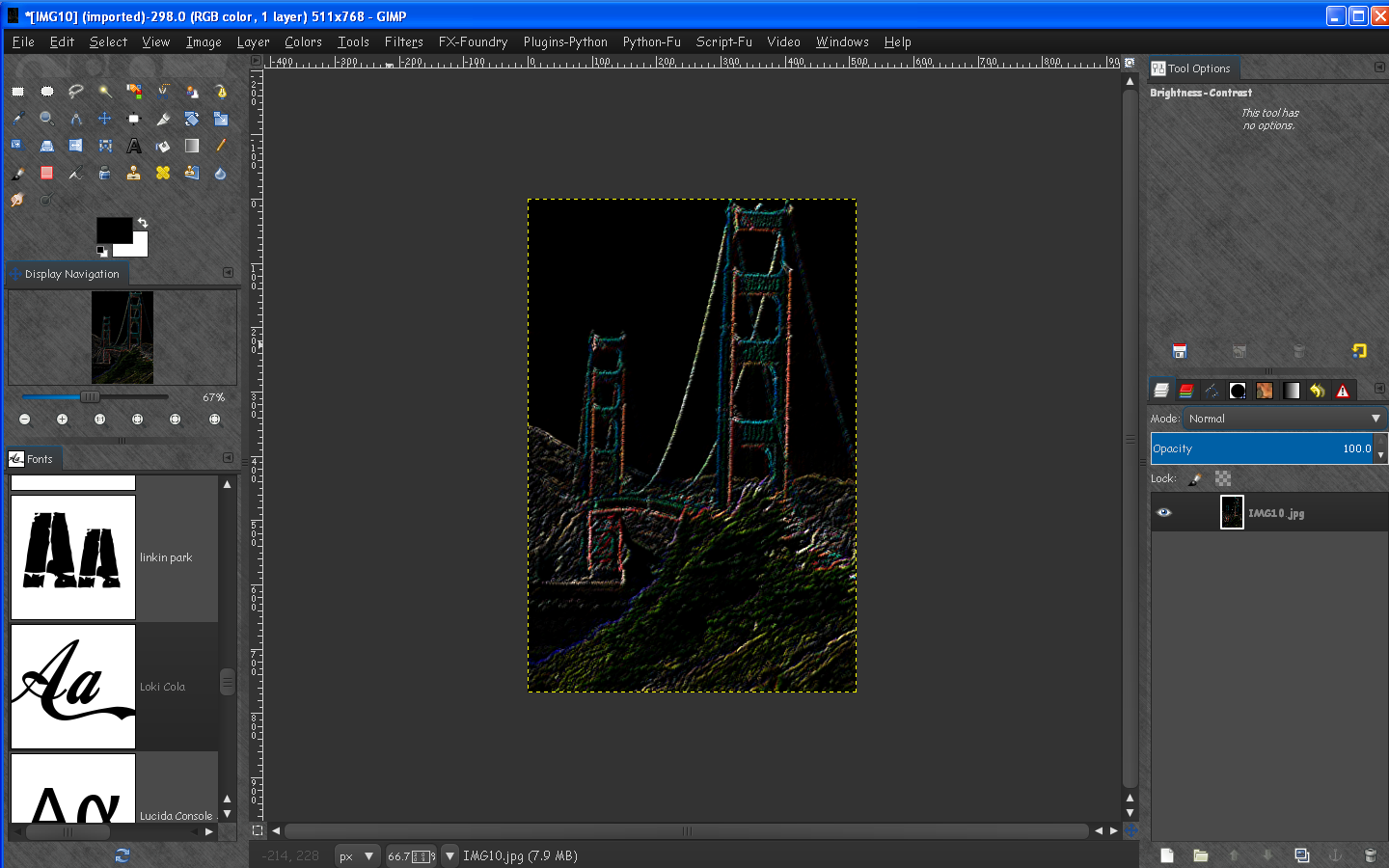
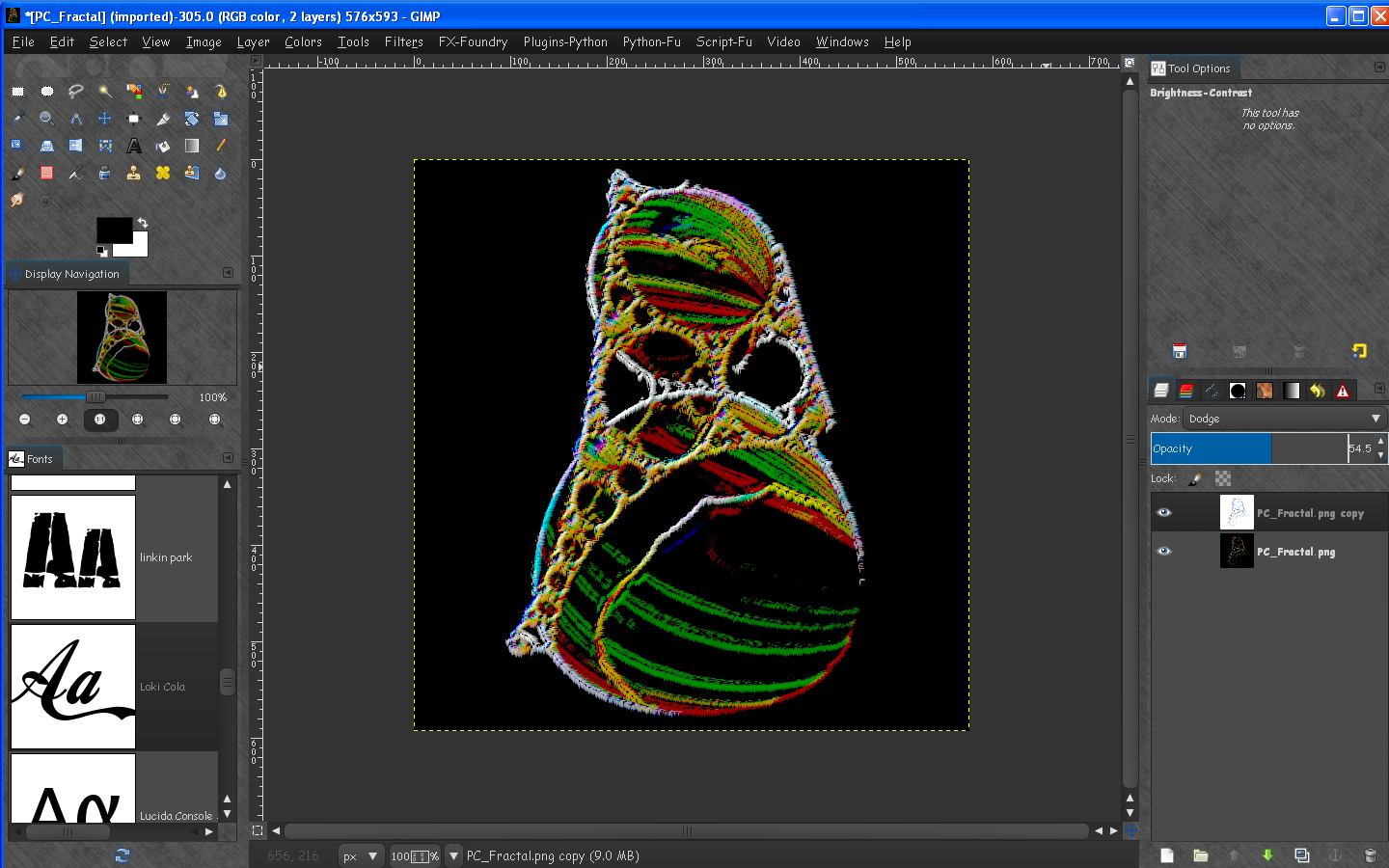
The results look good using line art. I tried it out on a couple of photos, b/w and color, and the results came out pretty dark.

Image

Image


Top
 Post subject: Re: Chalk Board Writer v-1.0
PostPosted: Wed Aug 01, 2012 8:07 pm  (#5) 
Offline
Global Moderator
User avatar

Joined: May 16, 2010
Posts: 16028
Colors in images seem to come out a little dark. :)
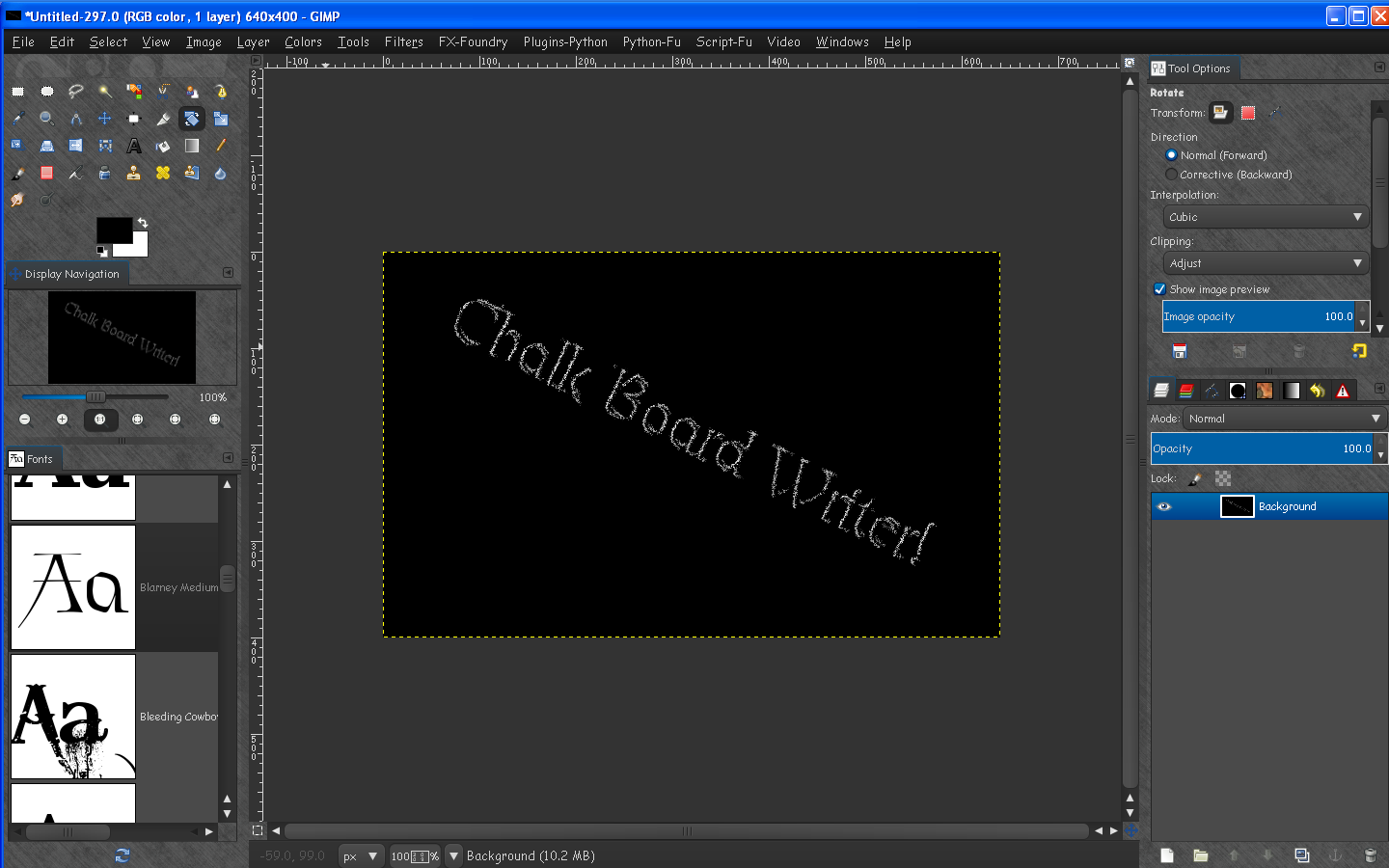
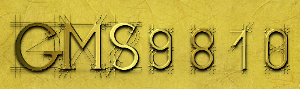
But it does do some cool white chalkboard text!

Image


Create a new white layer - write your text in black - merge the two layers and run the script.

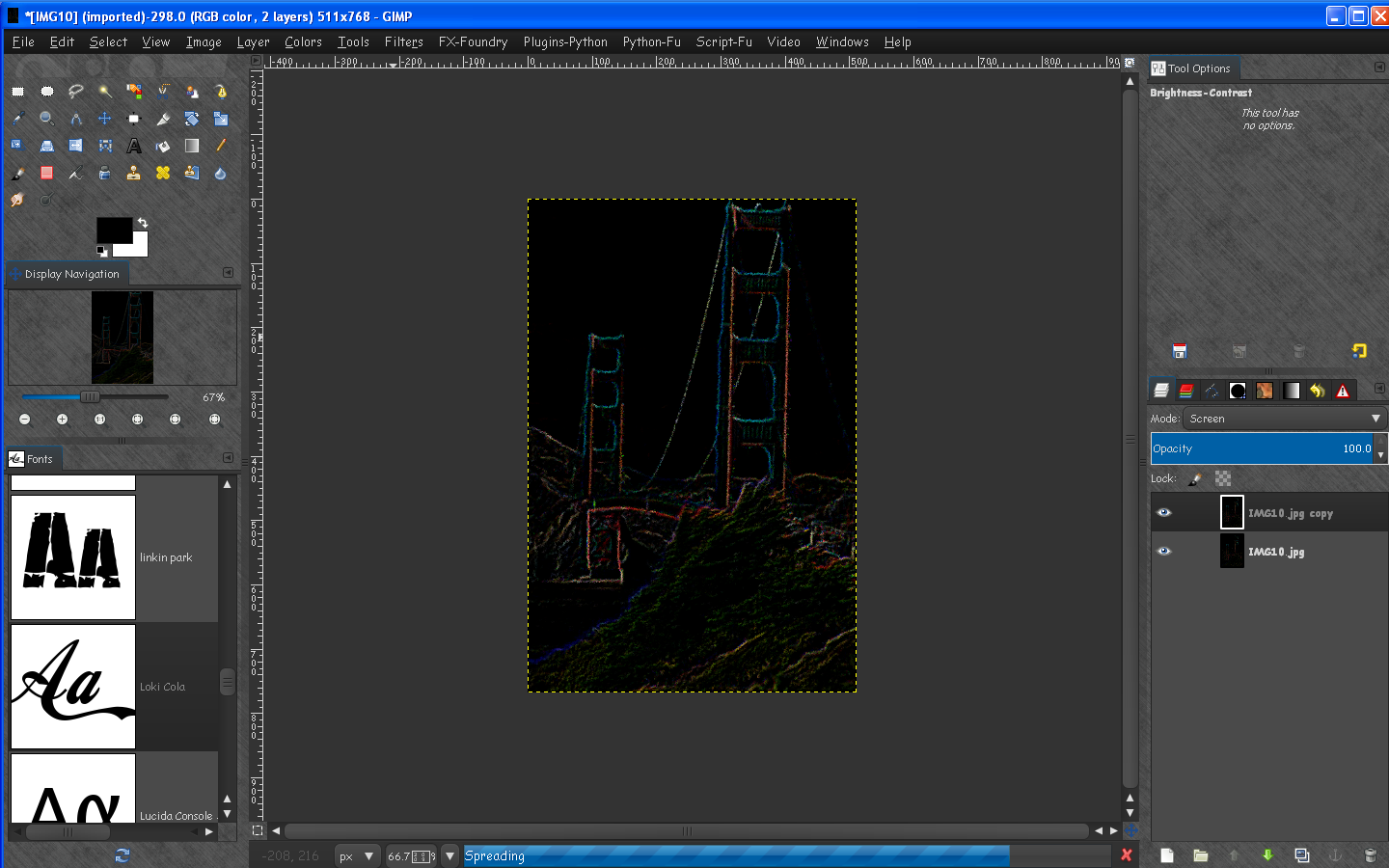
I am working on the script now trying a dup layer with screen mode. :)

_________________
Image


Top
 Post subject: Re: Chalk Board Writer v-1.0
PostPosted: Wed Aug 01, 2012 8:10 pm  (#6) 
Offline
Global Moderator
User avatar

Joined: May 16, 2010
Posts: 16028
Almost got it. :) :bigthup
Image

_________________
Image


Top
 Post subject: Re: Chalk Board Writer v-1.0
PostPosted: Wed Aug 01, 2012 8:43 pm  (#7) 
Offline
Global Moderator
User avatar

Joined: May 16, 2010
Posts: 16028
Version 2 is up and is much faster now. :)

Image

_________________
Image


Top
 Post subject: Re: Chalk Board Writer v-1.0
PostPosted: Wed Aug 01, 2012 8:45 pm  (#8) 
Offline
Global Moderator
User avatar

Joined: May 16, 2010
Posts: 16028
I may have to rename it to Embroider though :lol

_________________
Image


Top
 Post subject: Re: Chalk Board Writer v-1.0
PostPosted: Wed Aug 01, 2012 8:48 pm  (#9) 
Offline
Global Moderator
User avatar

Joined: May 16, 2010
Posts: 16028
It does look more like embroidery to me. :)

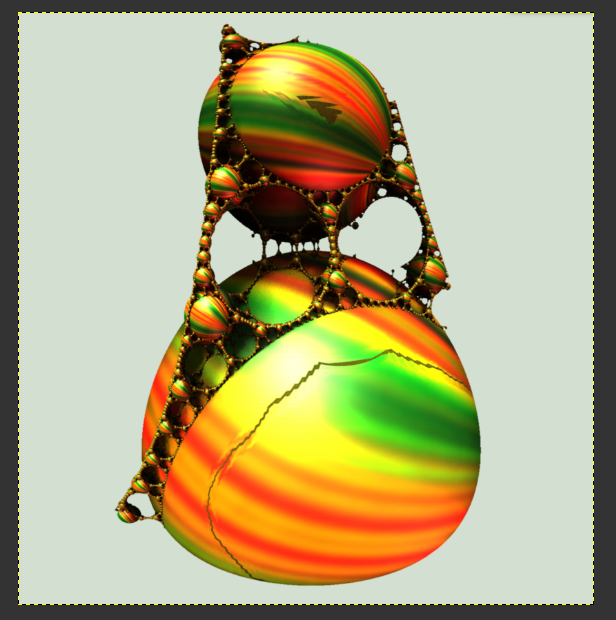
Image by PC...thanks PC.

Image

Image

_________________
Image


Top
 Post subject: Re: Chalk Board Writer v-1.0
PostPosted: Wed Aug 01, 2012 9:03 pm  (#10) 
Offline
GimpChat Member
User avatar

Joined: Sep 24, 2010
Posts: 12775
It does look like embroidary now Rod; maybe sharpen it up some and it will push it more to that look. :)

_________________
Lyle

Psalm 109:8

Image


Top
 Post subject: Re: Chalk Board Writer v-1.0
PostPosted: Wed Aug 01, 2012 9:30 pm  (#11) 
Offline
GimpChat Member
User avatar

Joined: Apr 30, 2010
Posts: 1937
Location: Missouri
lylejk wrote:
It does look like embroidary now Rod; maybe sharpen it up some and it will push it more to that look. :)

For embroidery I haven't found anything that beats embroidery effect, a stand alone application. this was just the default settings, it can be a lot better.

_________________
Image
The last time I kept an open mind,
my brain fell out and the dog grabbed it.
Now it's full of dirt, toothmarks, and dog slobber.
No more open minds or dogs for me.


Top
 Post subject: Re: Chalk Board Writer v-3.0
PostPosted: Wed Aug 01, 2012 9:33 pm  (#12) 
Offline
Global Moderator
User avatar

Joined: May 16, 2010
Posts: 16028
This one has been updated to version 3.
I decided to just make 2 different scripts.
embroidery and chalk board

When i learn how to add GMIC scripting parameters i can make it better. :)

_________________
Image


Top
 Post subject: Re: Chalk Board Writer v-3.0
PostPosted: Mon Aug 06, 2012 2:34 pm  (#13) 
Offline
GimpChat Founder
User avatar

Joined: May 22, 2008
Posts: 5241
Location: Gimpville
Nice work, Rod! Congrats on your first script. Hope to see many more from you.

_________________
“If you reach for the stars, you just might land on a decently sized hill.” - Stuart Hill


Top
 Post subject: Re: Chalk Board Writer v-3.0
PostPosted: Mon Aug 06, 2012 2:52 pm  (#14) 
Offline
GimpChat Member

Joined: Apr 12, 2010
Posts: 5870
Rod wrote:

When i learn how to add GMIC scripting parameters i can make it better. :)


I hope this sort of template script updated to script fu changes in 2.8
;;
;;   File        : gmic_in_script.scm
;;                 ( Scheme script for GIMP )
;;
;;   Description : Show how to call G'MIC commands from a GIMP script.
;;                 ( http://gmic.sourceforge.net )
;;
;;   Copyright   : David Tschumperle
;;                 ( http://www.greyc.ensicaen.fr/~dtschump/ )
;;
;;   License     : CeCILL v2.0
;;                 ( http://www.cecill.info/licences/Licence_CeCILL_V2-en.html )
;;
;;   This software is governed by the CeCILL  license under French law and
;;   abiding by the rules of distribution of free software.  You can  use,
;;   modify and/ or redistribute the software under the terms of the CeCILL
;;   license as circulated by CEA, CNRS and INRIA at the following URL
;;   "http://www.cecill.info".
;;
;;   As a counterpart to the access to the source code and  rights to copy,
;;   modify and redistribute granted by the license, users are provided only
;;   with a limited warranty  and the software's author,  the holder of the
;;   economic rights,  and the successive licensors  have only  limited
;;   liability.
;;
;;   In this respect, the user's attention is drawn to the risks associated
;;   with loading,  using,  modifying and/or developing or reproducing the
;;   software by the user in light of its specific status of free software,
;;   that may mean  that it is complicated to manipulate,  and  that  also
;;   therefore means  that it is reserved for developers  and  experienced
;;   professionals having in-depth computer knowledge. Users are therefore
;;   encouraged to load and test the software's suitability as regards their
;;   requirements in conditions enabling the security of their systems and/or
;;   data to be ensured and,  more generally, to use and operate it in the
;;   same conditions as regards security.
;;
;;   The fact that you are presently reading this means that you have had
;;   knowledge of the CeCILL license and that you accept its terms.
;;

(define   (script-with-gmic img drawable x y z)

  ;; Start undo group.
  (gimp-image-undo-group-start img)

  (let* (
         (copy-layer (car (gimp-layer-copy drawable TRUE)))
         )

    ;; Add a copy of the layer to the image.
    (gimp-image-add-layer img copy-layer -1)

    ;; Render a 3D mapped cube from the active layer, using G'MIC.
    (plug-in-gmic 1 img drawable 1
                  (string-append
                   "-v - " ; To have a silent output. Remove it to display errors from the G'MIC interpreter on stderr.
                   "-gimp_imageobject3d 1,{w},{h},0.5,"
                   (number->string x) ","
                   (number->string y) ","
                   (number->string z) ",45,0,0,-100,0.5,0.7,4"
                   ))

    ;; Merge two layers together, using the G'MIC 'edges' mode (this layer mode does not exist by default in GIMP).
    (plug-in-gmic 1 img drawable 2 "-v - -compose_edges 1")

    )

  ;; Flush display.
  (gimp-displays-flush)

  ;; End undo group.
  (gimp-image-undo-group-end img)
  )

(script-fu-register "script-with-gmic"
                    _"<Image>/Filters/G'MIC Script test..."
                    "Show how to call G'MIC from a GIMP script"
                    "David Tschumperlé"
                    "David Tschumperlé"
                    "October 2009"
                    "*"
                    SF-IMAGE      "Image"      0
                    SF-DRAWABLE         "Drawable"      0
                    SF-ADJUSTMENT   _"X-Angle"   '(57  0 360  1 2 0 0)
                    SF-ADJUSTMENT   _"Y-Angle"   '(41  0 360  1 2 0 0)
                    SF-ADJUSTMENT   _"Z-Angle"   '(21  0 360  1 2 0 0)
                    )


Anyway it should give a good base, Graechan may know more because he often did in his script

Other examples in some script from Samj

http://samjcreations.blogspot.it/2012/0 ... 28scm.html

http://samjcreations.blogspot.it/2012/0 ... 3gmic.html

_________________
My 3D Gallery on Deviantart http://photocomix2.deviantart.com/
Main gallery http://www.flickriver.com/photos/photocomix-mandala/
Mandala and simmetry http://www.flickriver.com/photos/photocomix_mandala/

Image

Mrs Wilbress


Top
 Post subject: Re: Chalk Board Writer v-3.0
PostPosted: Thu May 02, 2013 8:24 am  (#15) 
Offline
Global Moderator
User avatar

Joined: May 16, 2010
Posts: 16028
I was getting ready to post this on GimpScripts.com and was checking out some parameters to inform the user when i saw this.

I found out something really cool with the script folks. :)
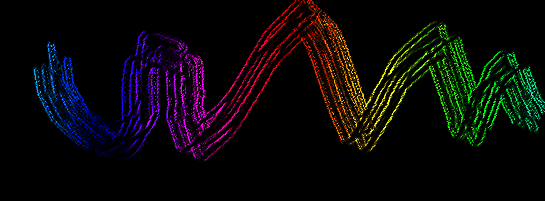
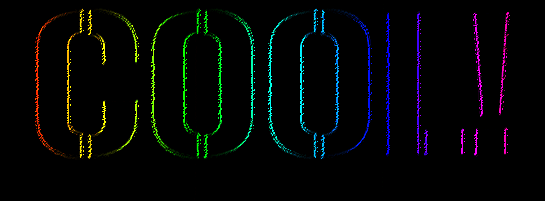
If you create a gradient bg and write with white paint over it and run the script (version 3.0) you get this.

Image :gimp

Try it with different bg gradient colors and brushes.It's pretty cool.
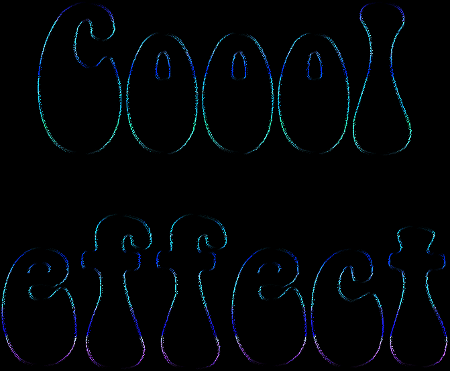
Here is one with a gradient bg and type merged down and the script ran on that. :bigthup

Image

Almost like that Flame Painter effect i posted earlier! :) Pretty nifty.

Just something i didn't know the filter was capable of until now, and i thought i would share it.

_________________
Image


Top
 Post subject: Re: Chalk Board Writer v-3.0
PostPosted: Thu May 02, 2013 9:08 am  (#16) 
Offline
Retired Staff
User avatar

Joined: May 22, 2008
Posts: 6946
Location: Somewhere in GIMP
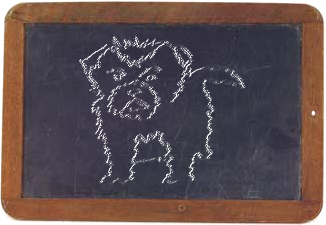
Pretty doggone nice for a first try.
Image

_________________
Image
World War IV will be fought with sticks and stones. - Albert Einstein


Top
 Post subject: Re: Chalk Board Writer v-3.0
PostPosted: Thu May 02, 2013 9:12 am  (#17) 
Offline
Global Moderator
User avatar

Joined: May 16, 2010
Posts: 16028
Oregonian wrote:
Pretty doggone nice for a first try.
[ Image ]

That looks pretty dog gone good O. :)

This has been out for a while now.I just started placing scripts on GimpScripts.com and i will normally check to see what the user needs to know before running the filter.I thought i would try different backgrounds and paint colors, and when i ran it with a gradient it blew me away. :hehe

_________________
Image


Top
 Post subject: Re: Chalk Board Writer v-3.0
PostPosted: Thu May 02, 2013 5:21 pm  (#18) 
Offline
GimpChat Member
User avatar

Joined: Aug 16, 2012
Posts: 4271
Location: Göteborg, Sweden
rod: i remember that chalk board effect lylejk made, i had lots of fun with that when i first joined gc :). never tried the script, though, but of course i just had to after seeing that gradient thing! now i wish i could keep the layers and change thickness of chalk lines and stuff - is that possible?
Image

_________________


Top
 Post subject: Re: Chalk Board Writer v-3.0
PostPosted: Thu May 02, 2013 5:47 pm  (#19) 
Offline
GimpChat Member
User avatar

Joined: Apr 07, 2010
Posts: 14182
Cute pooch O.

_________________
Image


Top
 Post subject: Re: Chalk Board Writer v-3.0
PostPosted: Thu May 02, 2013 6:57 pm  (#20) 
Offline
Global Moderator
User avatar

Joined: May 16, 2010
Posts: 16028
AnMal wrote:
rod: i remember that chalk board effect lylejk made, i had lots of fun with that when i first joined gc :). never tried the script, though, but of course i just had to after seeing that gradient thing! now i wish i could keep the layers and change thickness of chalk lines and stuff - is that possible?

[ Image ]

AnMal i will work on a version 4 that allows spreading the lines thicker.This will of course mean a interface for the user to adjust those parameters.As far as layers the filters creates everything from one layer.But i will see what i can do.

Thanks everyone for trying it out.

_________________
Image


Top
Post new topic Reply to topic  [ 22 posts ]  Go to page 1, 2  Next

All times are UTC - 5 hours [ DST ]


cron

* Login  


Powered by phpBB3 © phpBB Group