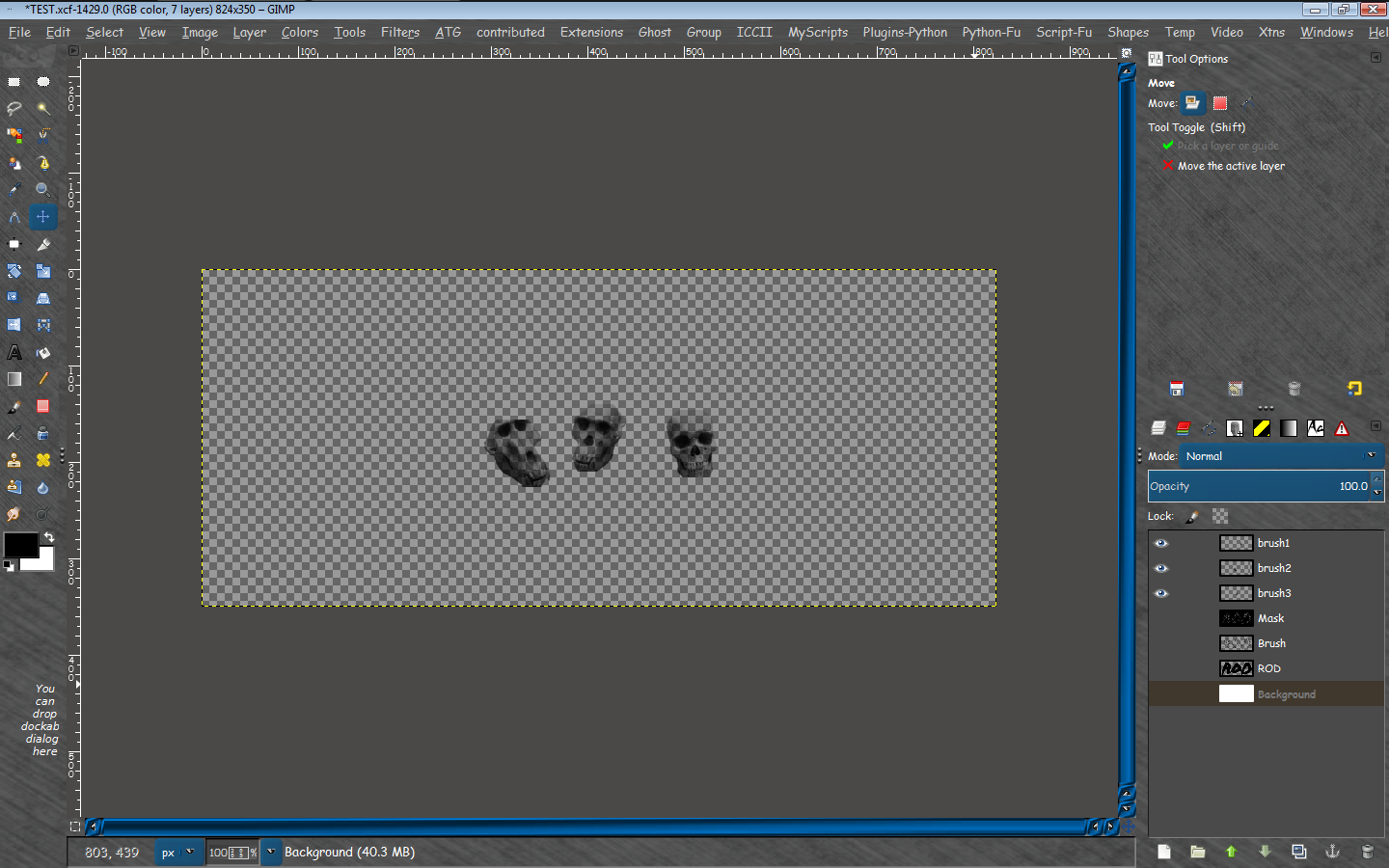
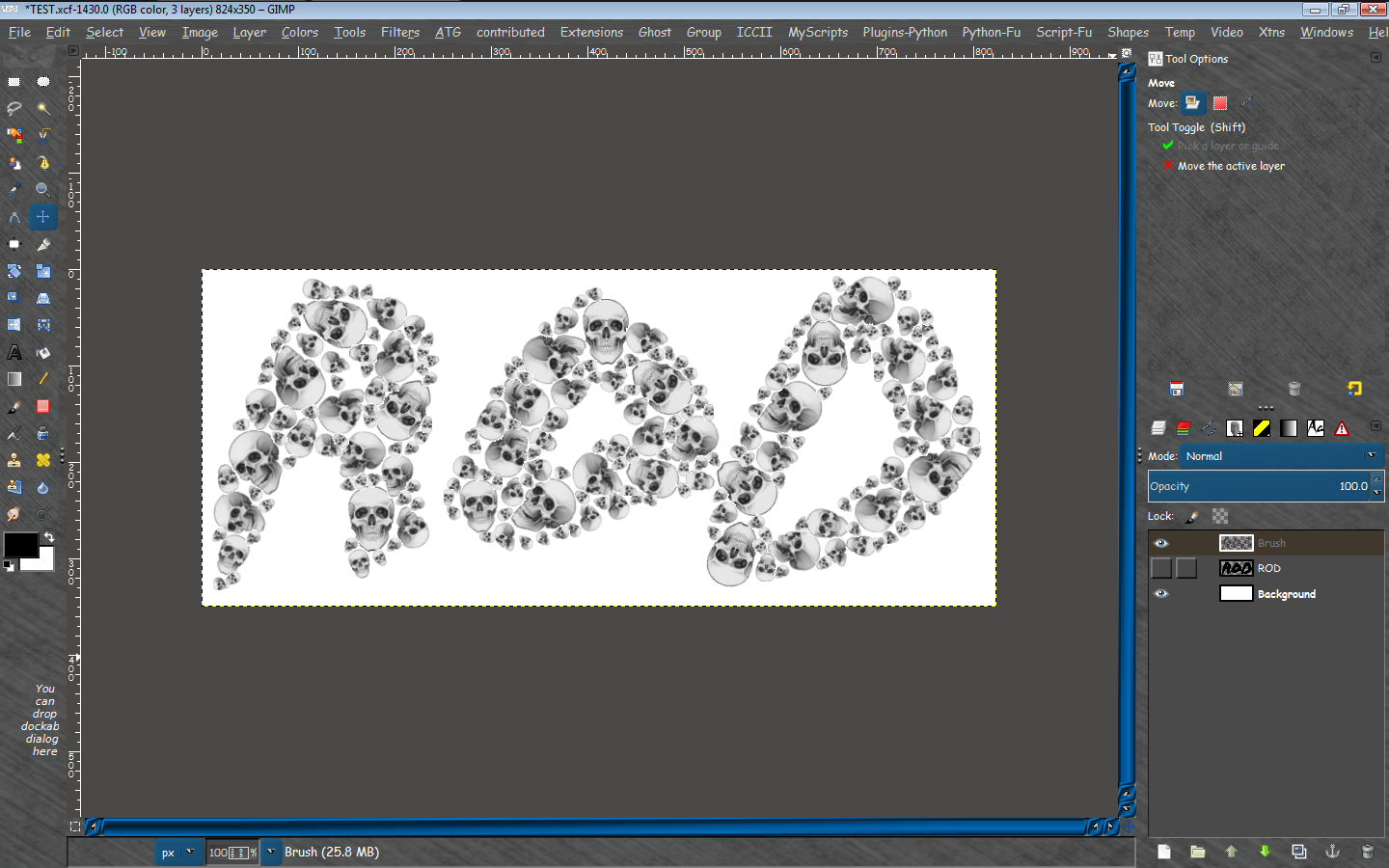
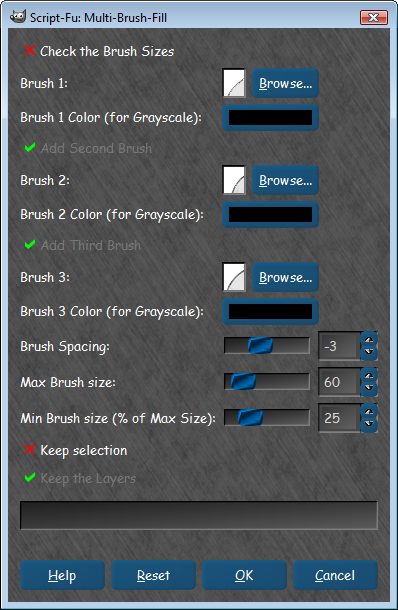
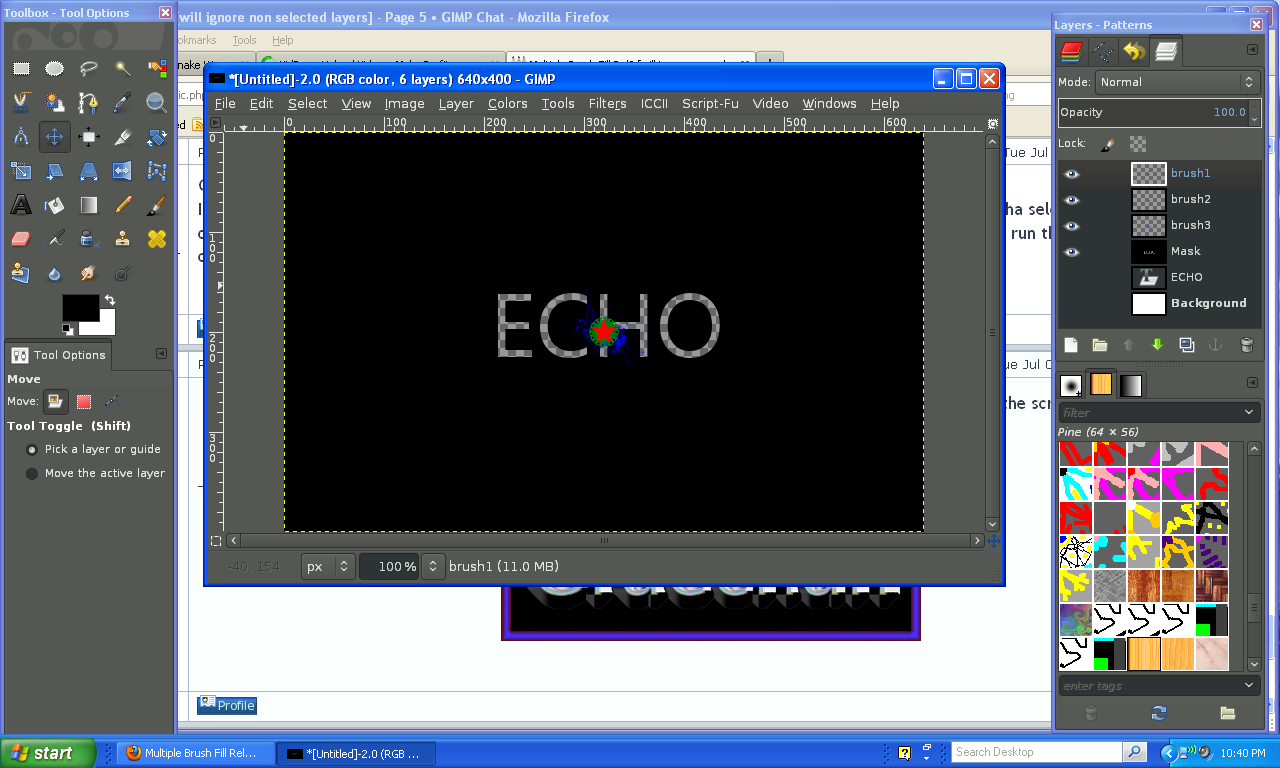
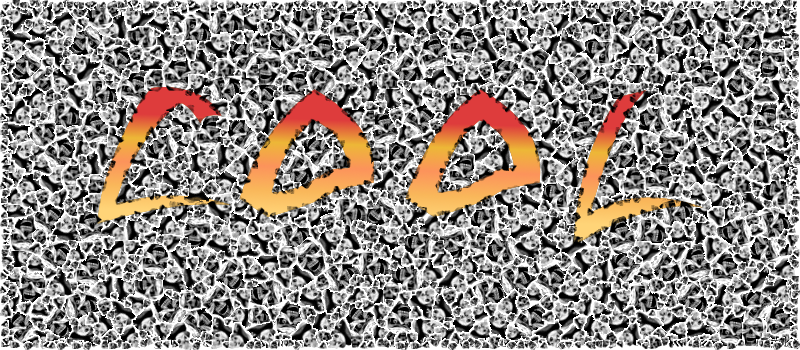
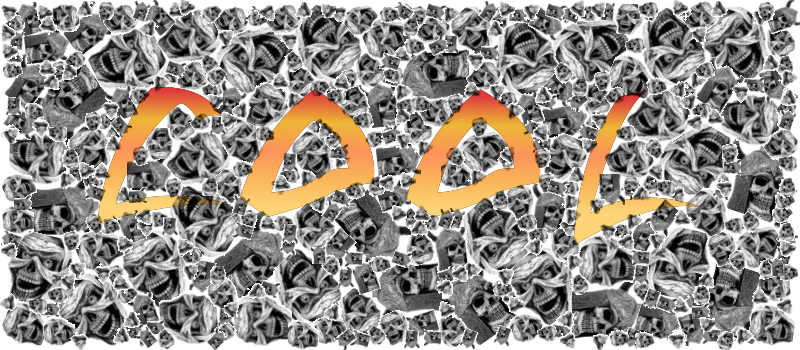
Pirate these are my steps.
Create a new image
Create a text layer, or shape layer (these are optional if you want a square fill just create a bg layer)
Select the bg, text or shape layer you want to create the mask FROM. Or make a selection.
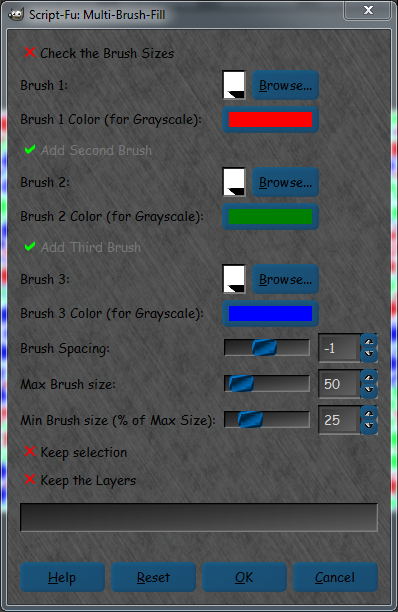
Now open Filters>Render>Multi Brush Fill
Select at least 1 brush. You can use a GIH if you select the same brush for each brush value.
I have not tried different GIH brushes you may want to. SOME (not all) ABR brushes now work also.Be sure to set the brush colors to black for those though.
Select a max brush size and min % of that size.
I usually select keep layers, and selection if i make a selection.
Make sure to check the check brush size option at the top and run the filter.
Look at the results to assure the brush size isn't too large.
Now do a undo> Multifill
Filters>Reshow Multifill
Uncheck check brush size
Run the script again.
If you get a GMIC error try a smaller size for the brush.
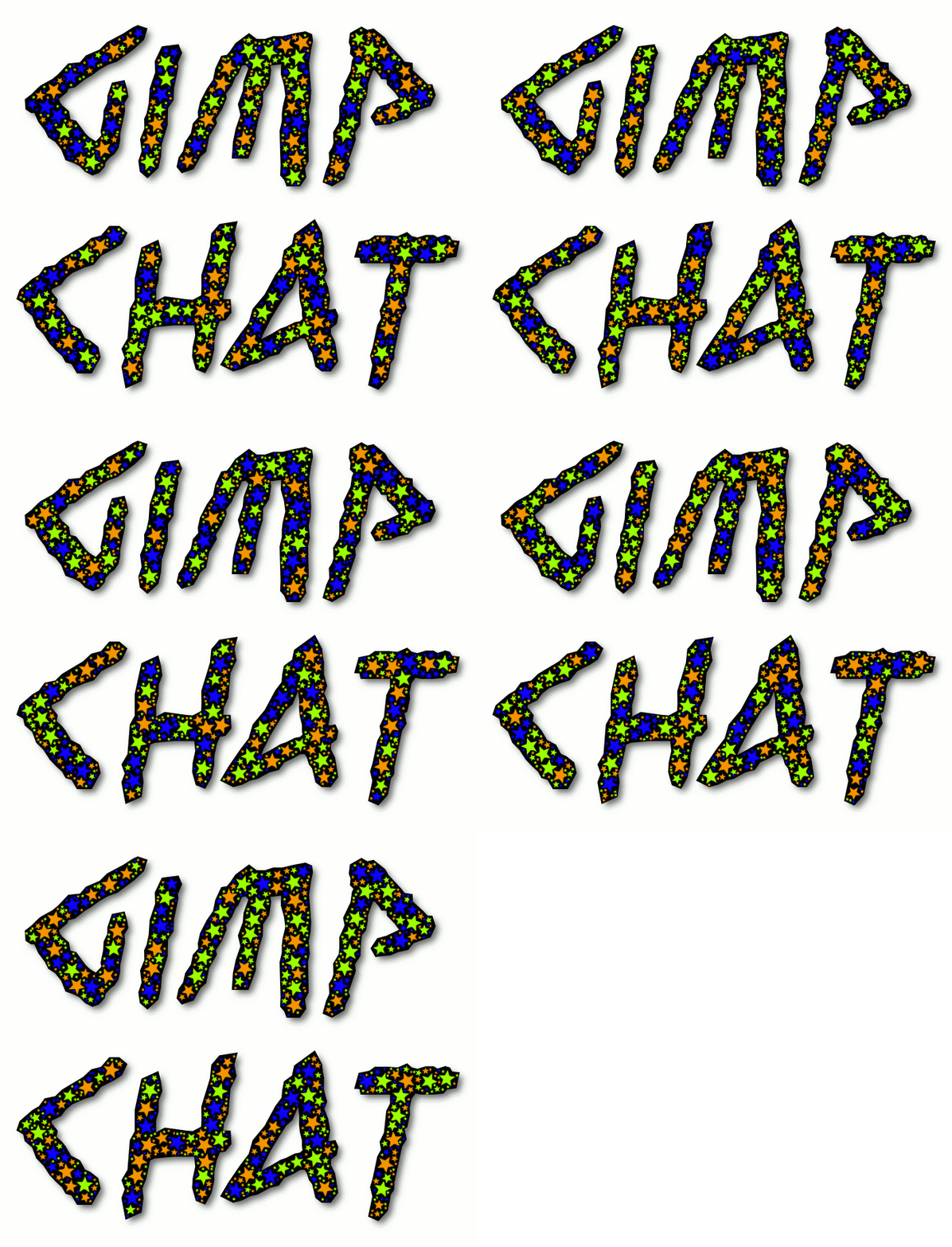
The script will create a mask from the selected layer or a selection you make filled with your brush shapes.If you used a GIH it will take the first 3 shapes (images) of the brush and use those.It did for me anyways.

This could vary. Using three different brushes is probably the best way to go.
That's it. The script should run correctly following those directions.
 Login
Login Register
 Tweets
 FAQ
FAQ Advanced Search



 happens to the best of us Graechan.