Hello friends,
The holidays are over for me, so I've been back to work on some new G'MIC stuffs, preparing the upcoming major
1.6.0.0 version.
Today, I've coded a new filter for detail enhancement, and backported it for users of previous G'MIC versions (requires 1.5.8.0+ anyway).
So, let me present this filter a little bit. It is basically a variation of the classical
Unsharp mask filter, with the following differences :
1. It does not use gaussian smoothing to find the details scale, but anisotropic smoothing.
2. It allows to have a better control on the amount of details you want to keep.
3. It allows some funny 'painting' effect.
4. It can be used for : Local Contrast Enhancement, Color boosting, Painting effects.
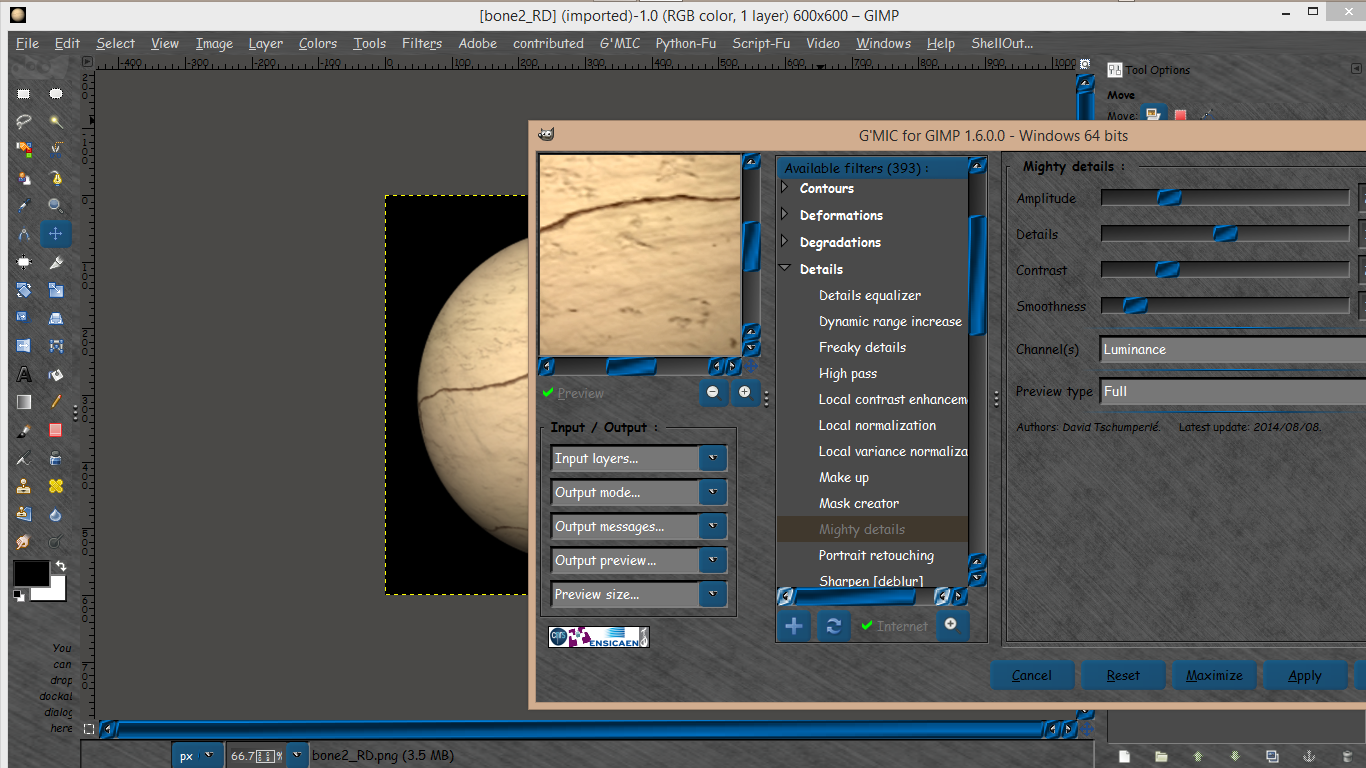
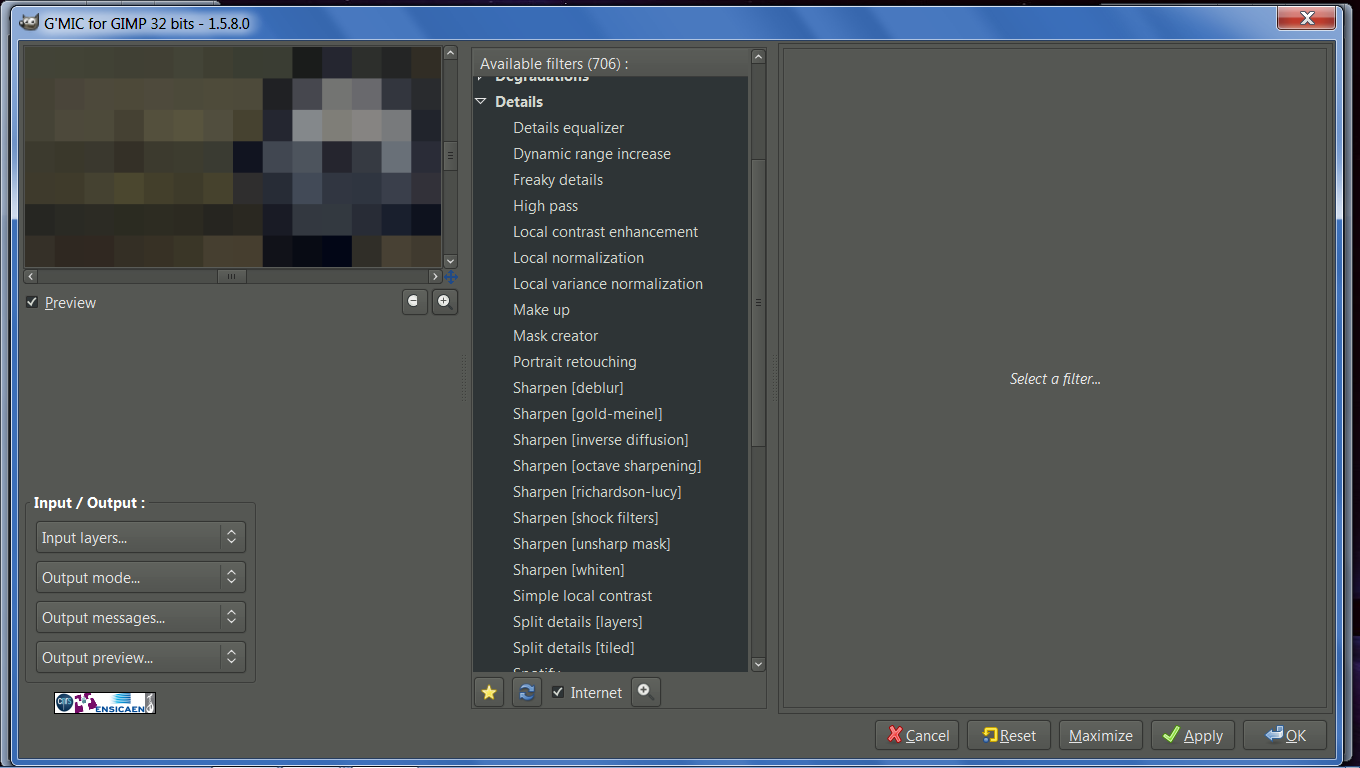
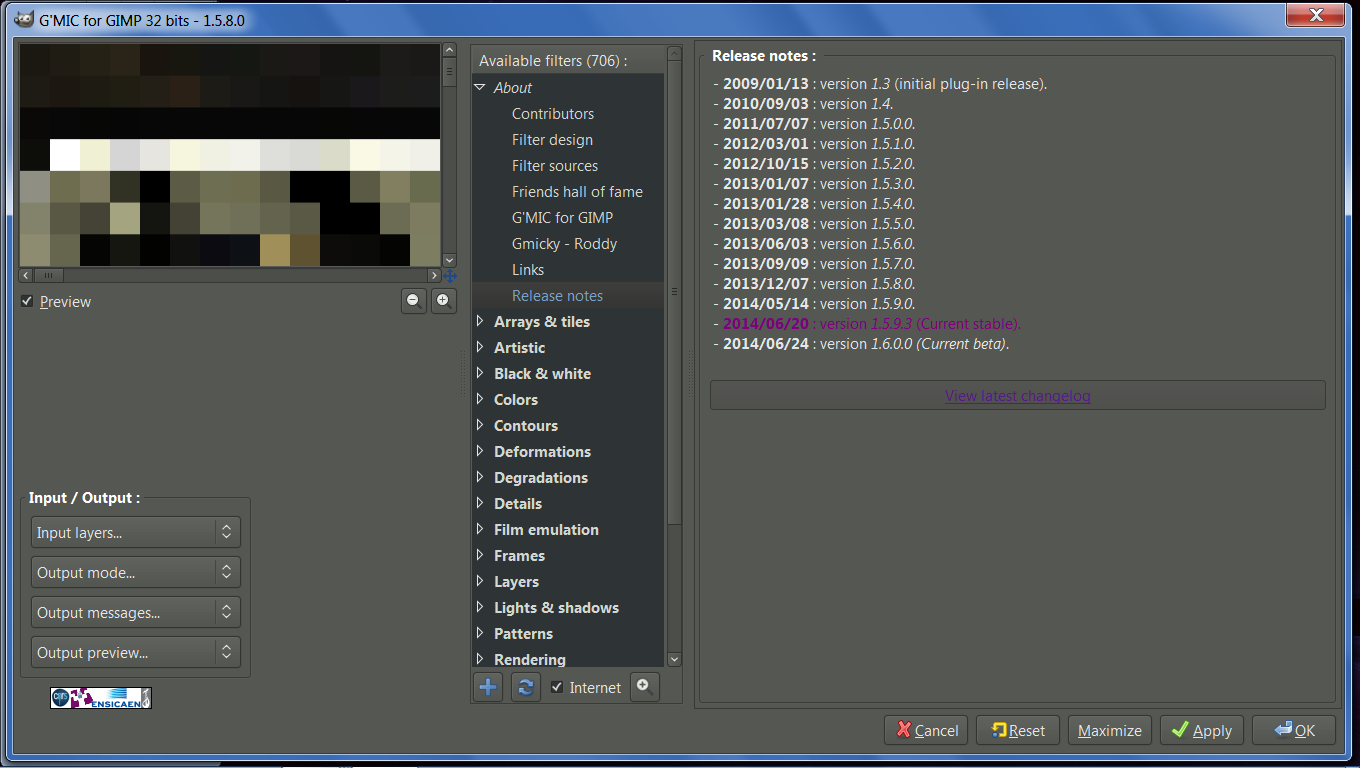
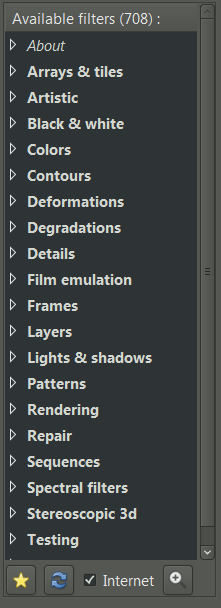
You should be able to get it, as soon you click on the
Refresh button from the G'MIC plug-in interface. Once downloaded, this new filter is located at
Details / Mighty details.
Let see how it works.
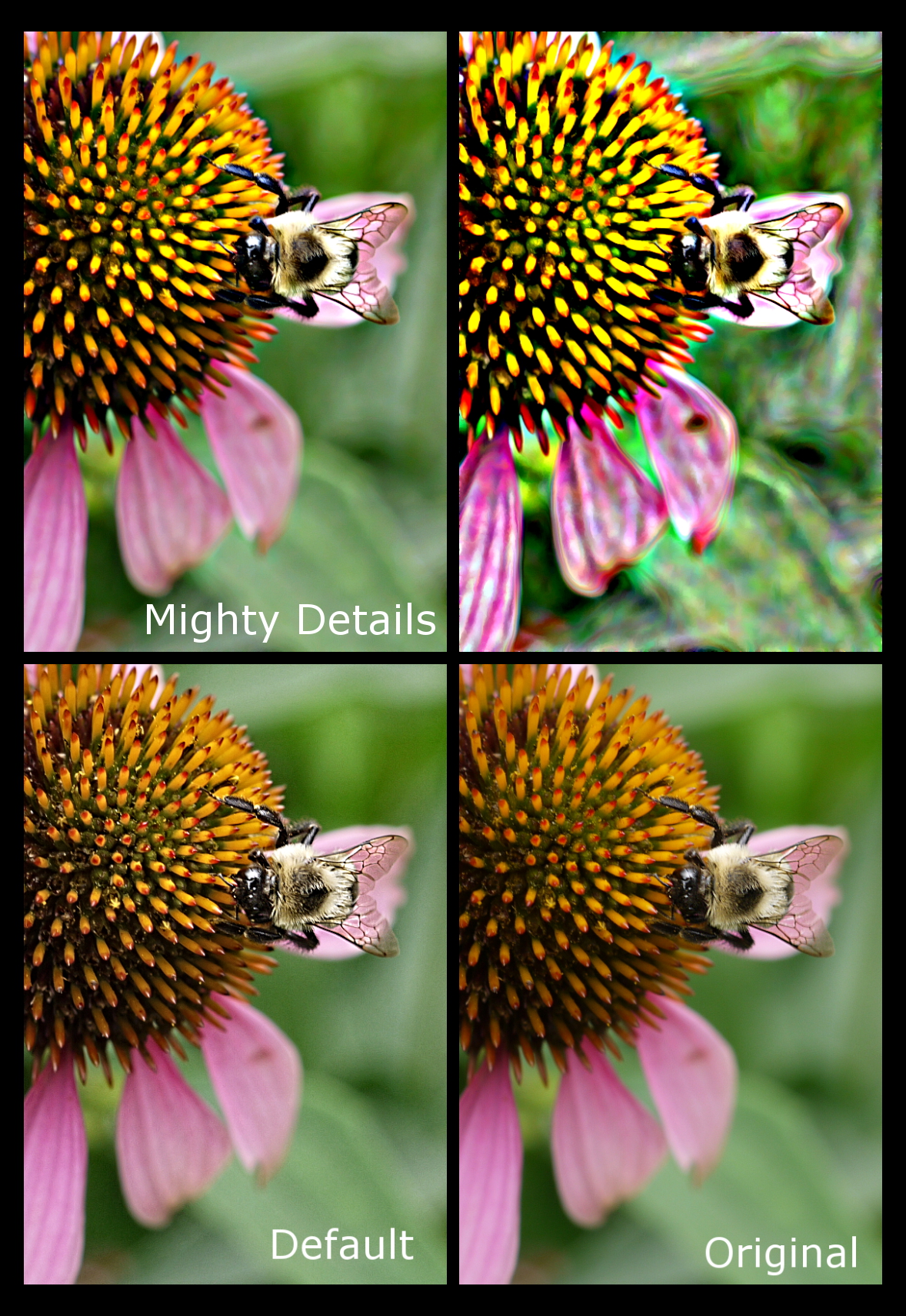
The default settings correspond to a classical Local Contrast Enhancement action :

Here is another set of parameters, to boost the image contrast more globally :

And another one to create painting effects :

And here is an example of what you can obtain, at full size :

(I'm sure PhotoComiX will love this filter

).
And for curious tech people, here is the G'MIC source code of this filter :
#@gimp Mighty details : gimp_mighty_details, gimp_mighty_details_preview(0)
#@gimp : Amplitude = float(25,0,100)
#@gimp : Details = float(1,0,2)
#@gimp : Contrast = float(25,1,100)
#@gimp : Smoothness = int(1,0,10)
#@gimp : sep = separator()
#@gimp : Channel(s) = choice(3,"All","RGBA","RGB","Luminance","Blue/red chrominances","Blue chrominance","Red chrominance","Lightness","ab-components","a-component","b-component","Hue","Saturation","Value","Key","Green chrominance","ch-components","c-component","h-component","Red","Green","Blue","Alpha")
#@gimp : sep = separator(), Preview type = choice("Full","Forward horizontal","Forward vertical","Backward horizontal","Backward vertical","Duplicate horizontal","Duplicate vertical")
#@gimp : sep = separator(), note = note("<small>Authors: <i>David Tschumperlé</i> and <i>Patrick David</i>. Latest update: <i>2014/08/08</i>.</small>")
_gimp_mighty_details :
--smooth $3,0,1,0.5,0.5 --[1] [0]
--abs[-1] -sign[-2] M={iM} -^[-1] {2-$2} -*[-1] {$M/iM} -*[-2,-1]
--diffusiontensors[0] 0,1,0.5,0.5
-repeat $4 -smooth[1] [2],20 -done
-*[1] {-$1/5} -+
gimp_mighty_details :
-apply_channels "-_gimp_mighty_details ${1-4}",$5
-n 0,255
gimp_mighty_details_preview :
-gimp_split_preview "-gimp_mighty_details $*",$-1
Well that's it. I'm sure there are a lot of nice things to do with this filter, so don't hesitate to post your experiments with it.
Enjoy!
 Login
Login Register
 Tweets
 FAQ
FAQ Advanced Search