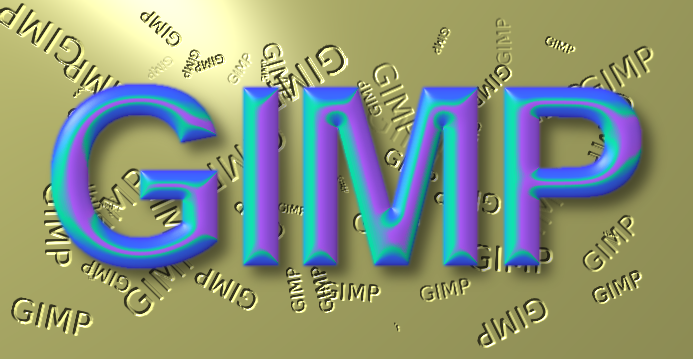
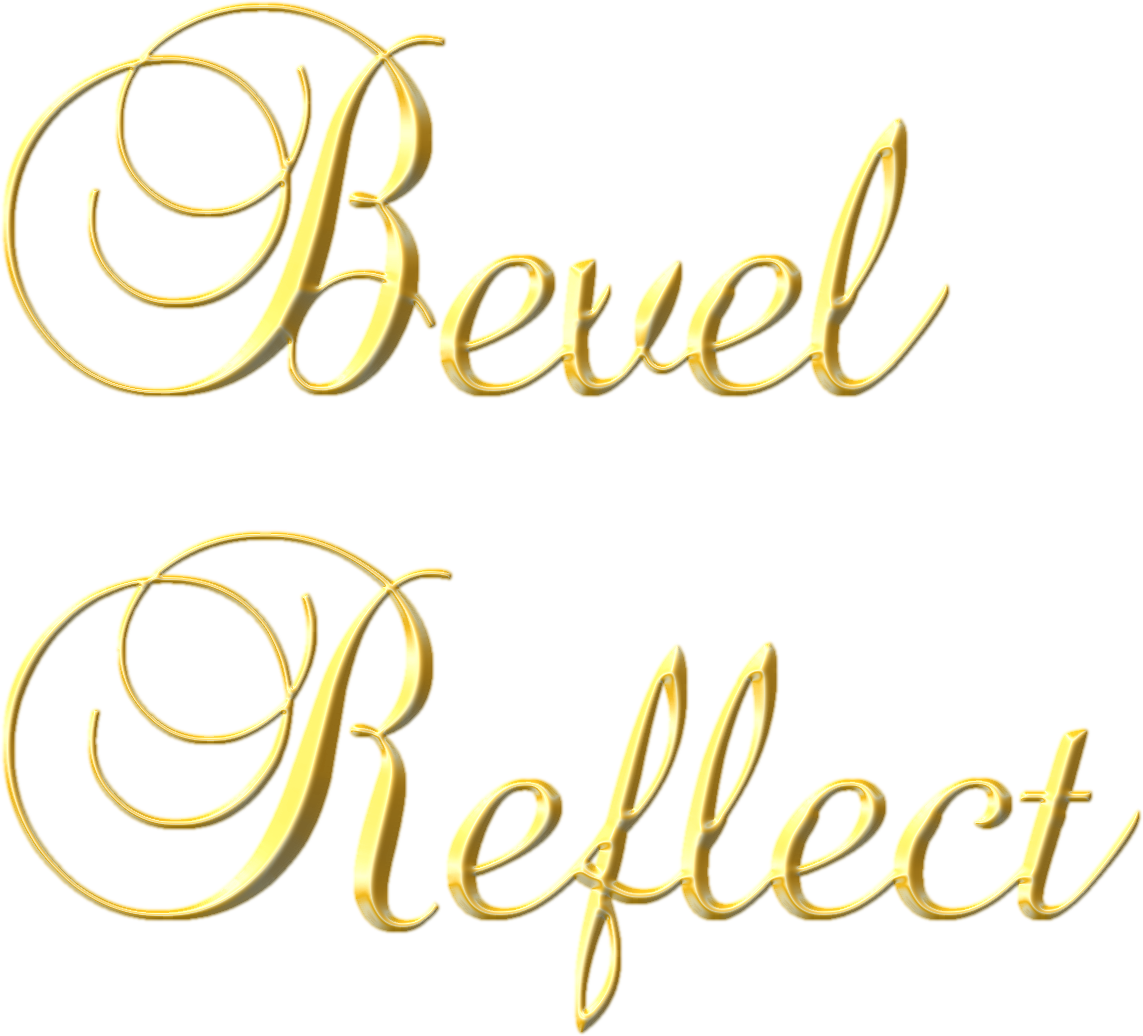
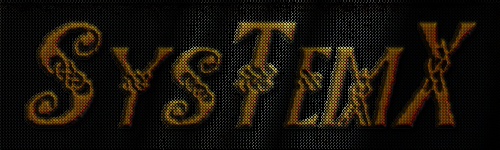
oldmangrumpy wrote:
Any helpful pointers on 'how to use BRL for beginners' would be appreciated.
If you haven't already installed the Script-Fu Scrolling Interface mod, you should do that. Use
V1.1 for GIMP 2.8.14 or
V1.0 for earlier versions of GIMP 2.8.x.
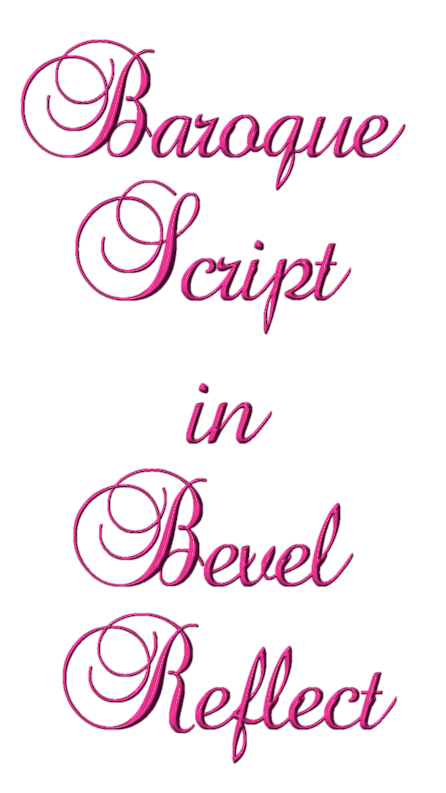
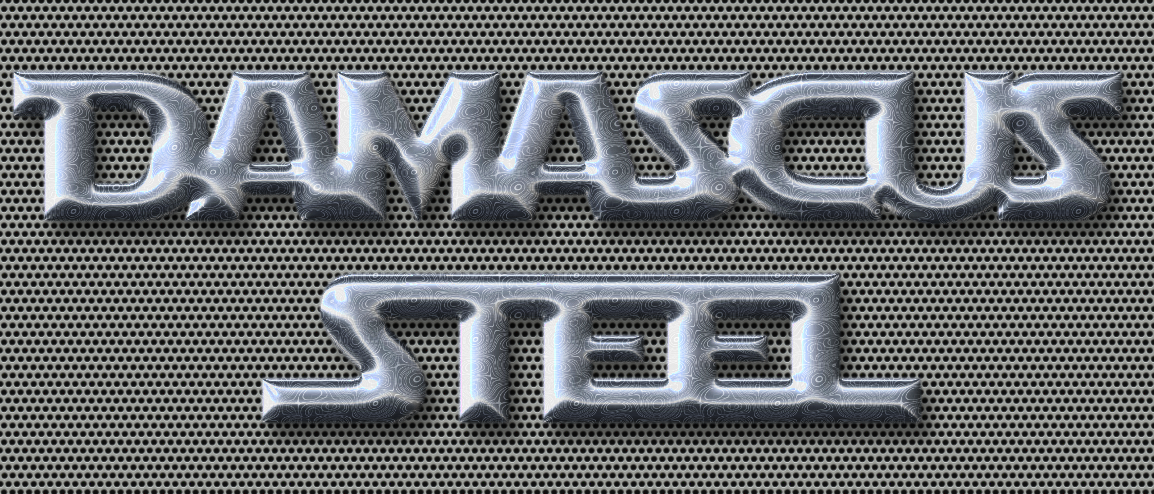
Start by running BRL from the "File/Create/Logos(gimpchat.com)/" menu. Just enter the Text, along with the Font & Size you want, select a Bevel Slope Option and its corresponding Depth, then select the gradient to use for your Spherical Map, and click OK.
Different gradients will produce different maps, which will yield different results when mapped. Different slopes and depths will also produce different results. The Flat Bevel Slope has a smoothing option slider and a depth. The other two Bevel slope options only have depths.
Instead of having the the script generate a Spherical Map from a gradient, you can load a preexisting map from
this thread and BRL will not generate a map. All of the map generation options will be ignored and it will use the map you load.
Once you get familiar with BRL by running from the File Create Menu, you can try running it from the Alpha To Logo menu, on a layer already containing text, dings or images. It will also work on a selection in a layer.
There is a bit of a leaning curve but the results you can get are worth the effort.

Notes: The higher the depth value, the longer it takes the script to run. Also, the larger the object, the longer it takes the script to run. A large solid object at high depths can take several minutes to complete, even on a fast system.
When running from the "Alpha to Logo" menu,
make sure you don't have the entire layer selected or it will take forever to complete and you won't get the results you are after. It might just appear to lock up. The script will automatically perform an Alpha to Selection, if there is no selection present.
Hope that helps!
 Login
Login Register
 Tweets
 FAQ
FAQ Advanced Search