It is currently Tue Aug 18, 2026 2:45 am


All times are UTC - 5 hours [ DST ]


Post new topic Reply to topic  [ 35 posts ]  Go to page Previous  1, 2
Author Message
 Post subject: Re: G'MIC Pencil Portrait Delay
PostPosted: Mon Feb 08, 2016 3:36 pm  (#21) 
Offline
GimpChat Member
User avatar

Joined: Jun 02, 2013
Posts: 2090
Ronounours wrote:
Do you have an idea when this happened ?
Is it only the latest version 1.6.9, or is it older ?

It's always been a little slow, but real slow now. I have the latest version of G'MIC.

_________________
Image


Top
 Post subject: Re: G'MIC Pencil Portrait Delay
PostPosted: Mon Feb 08, 2016 6:08 pm  (#22) 
Offline
GimpChat Member
User avatar

Joined: Jan 31, 2015
Posts: 146
I haven't noticed any difference.

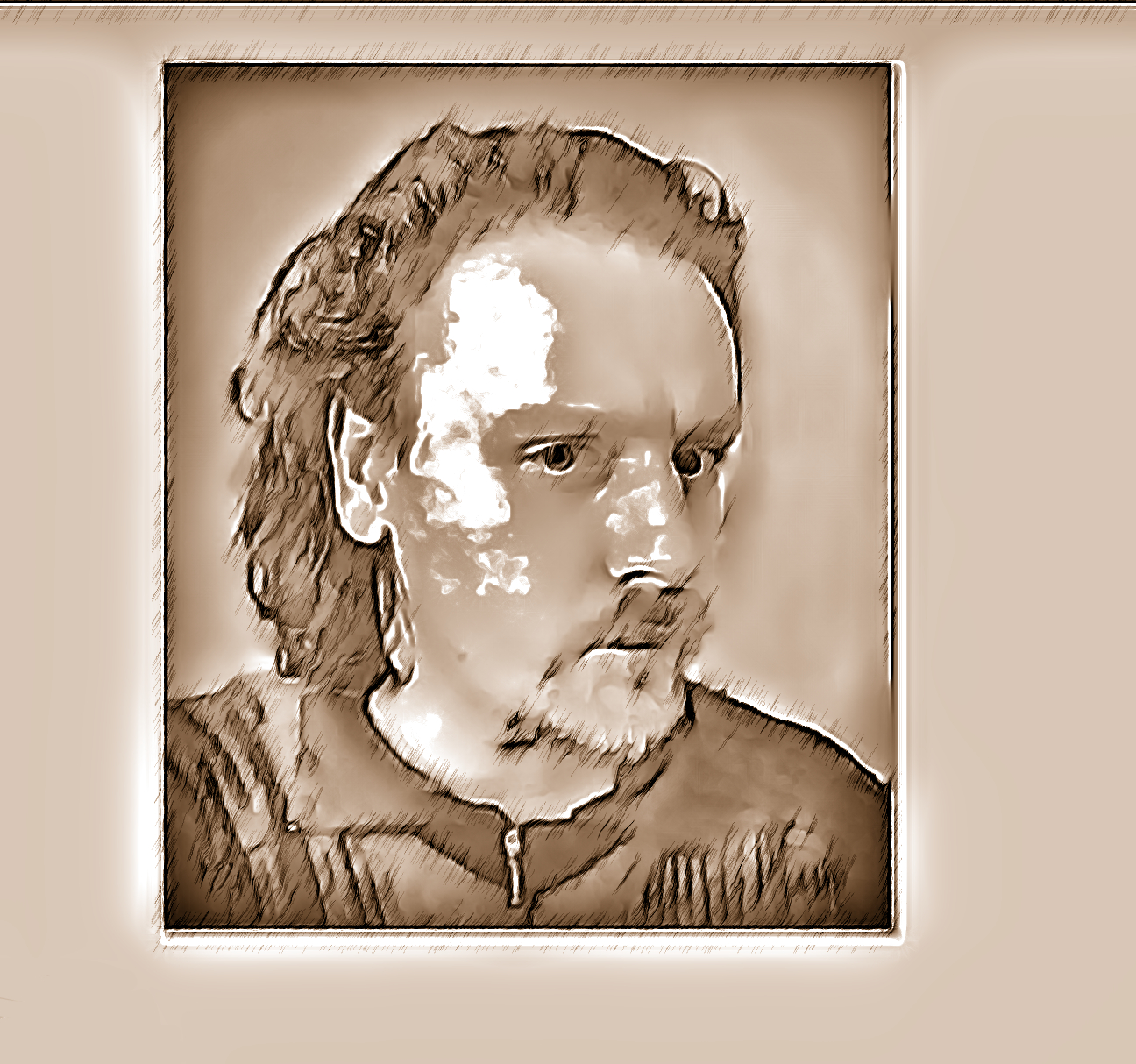
Tested on Linux 64-bit, Gimp 2.8.14, G'MIC 2.6.9:

Image size: 1296 x 1214

Time: Circa 120 seconds:

Image


Top
 Post subject: Re: G'MIC Pencil Portrait Delay
PostPosted: Mon Feb 08, 2016 8:48 pm  (#23) 
Offline
GimpChat Member
User avatar

Joined: Jun 02, 2013
Posts: 2090
Not sure what the dealio is. Perhaps it's just my PC. I reinstalled GIMP, without any extra plug ins, or scripts. Installed the latest G'MIC, and had the same result.

_________________
Image


Top
 Post subject: Re: G'MIC Pencil Portrait Delay
PostPosted: Mon Feb 08, 2016 11:46 pm  (#24) 
Offline
Global Moderator
User avatar

Joined: Apr 01, 2012
Posts: 8457
Location: On the other side of your screen
Gimp vs I used for this 2.8.10 and G'MIC vs 1.6.8
Image 1,400+ x 1,900+ took 500 plus seconds

Image 911x527 took 27secs
Image410x615 took 16secs

Gimp 2.9.3 and G'MIC 1.6.9
1st one took 120 secs
Image

_________________
Image
Free Fun Photo Editing & resources
Poems from the Lord
Gimp Newby
Gimp version 3.2.4 and GMIC-Qt 4.0.2 OS :- Windows 10 Home 64


Top
 Post subject: Re: G'MIC Pencil Portrait Delay
PostPosted: Tue Feb 09, 2016 6:25 am  (#25) 
Offline
GimpChat Member
User avatar

Joined: Jun 02, 2013
Posts: 2090
Thanks SallyAnne.

The Warrior wrote:
Not sure what the dealio is. Perhaps it's just my PC. I reinstalled GIMP, without any extra plug ins, or scripts. Installed the latest G'MIC, and had the same result.

Even though the results are the same, I must admit that a reinstall was a good thing. There's about 50 scripts I had in my scripts folder I rarely, to never used. Good to clean things up a bit.

_________________
Image


Top
 Post subject: Re: G'MIC Pencil Portrait Delay
PostPosted: Tue Feb 09, 2016 9:30 am  (#26) 
Offline
GimpChat Member

Joined: Jul 11, 2010
Posts: 349
If GMIC uses the GPU for acceleration, that could help explain the differences.


Top
 Post subject: Re: G'MIC Pencil Portrait Delay
PostPosted: Tue Feb 09, 2016 11:56 am  (#27) 
Offline
Global Moderator
User avatar

Joined: May 16, 2010
Posts: 16161
The Warrior wrote:
Thanks SallyAnne.

The Warrior wrote:
Not sure what the dealio is. Perhaps it's just my PC. I reinstalled GIMP, without any extra plug ins, or scripts. Installed the latest G'MIC, and had the same result.

Even though the results are the same, I must admit that a reinstall was a good thing. There's about 50 scripts I had in my scripts folder I rarely, to never used. Good to clean things up a bit.

I suggest the MareroQ filter managers Warrior.
viewtopic.php?f=9&t=4371&start=0#p54131

Script manager is here, viewtopic.php?f=9&t=4371&start=0#p54313 remember SCRIPTS must be zipped and in a dif folder than /.gimp-2.8/scripts. I place all my resources in a folder named GIMP in the C directory ie
c:\GIMP\scripts\ all the zipped scm files here
Everything else should be in separate folders under the GIMP folder. Same goes for patterns also.
c:\GIMP\brushes\ wing brushes, circle brushes, ect

Then you can place all your scm files (zipped) in that folder and call them as you need them. Same with patterns and brushes. It saves a lot on loading time.

_________________
Image


Top
 Post subject: Re: G'MIC Pencil Portrait Delay
PostPosted: Tue Feb 09, 2016 4:00 pm  (#28) 
Offline
GimpChat Member
User avatar

Joined: Jun 02, 2013
Posts: 2090
Rod wrote:
The Warrior wrote:
Thanks SallyAnne.

The Warrior wrote:
Not sure what the dealio is. Perhaps it's just my PC. I reinstalled GIMP, without any extra plug ins, or scripts. Installed the latest G'MIC, and had the same result.

Even though the results are the same, I must admit that a reinstall was a good thing. There's about 50 scripts I had in my scripts folder I rarely, to never used. Good to clean things up a bit.

I suggest the MareroQ filter managers Warrior.
viewtopic.php?f=9&t=4371&start=0#p54131

Script manager is here, viewtopic.php?f=9&t=4371&start=0#p54313 remember SCRIPTS must be zipped and in a dif folder than /.gimp-2.8/scripts. I place all my resources in a folder named GIMP in the C directory ie
c:\GIMP\scripts\ all the zipped scm files here
Everything else should be in separate folders under the GIMP folder. Same goes for patterns also.
c:\GIMP\brushes\ wing brushes, circle brushes, ect

Then you can place all your scm files (zipped) in that folder and call them as you need them. Same with patterns and brushes. It saves a lot on loading time.

I use it for brushes only. Like I said, good to clean the scripts up. I still saved them. I rarely use most scripts. Most times, I install them for the cool factor, then don't really use them anymore.

_________________
Image


Top
 Post subject: Re: G'MIC Pencil Portrait Delay
PostPosted: Sun Feb 26, 2017 4:33 pm  (#29) 
Offline
GimpChat Member
User avatar

Joined: Jun 02, 2013
Posts: 2090
Over 536 seconds for a 1024x768 photo. This is my favorite feature on G'MIC, and the only one that works this way. Everything else seems to work fine.

_________________
Image


Top
 Post subject: Re: G'MIC Pencil Portrait Delay
PostPosted: Sun Feb 26, 2017 4:48 pm  (#30) 
Offline
GimpChat Member
User avatar

Joined: Jun 02, 2013
Posts: 2090
Is it possible to make a separate script/plugin for pencil portrait?

_________________
Image


Top
 Post subject: Re: G'MIC Pencil Portrait Delay
PostPosted: Wed Mar 01, 2017 4:10 am  (#31) 
Offline
Script Coder
User avatar

Joined: Jun 22, 2010
Posts: 1171
Location: Here and there
I would recommend trying the new QT based G'MIC: viewtopic.php?f=28&t=15330

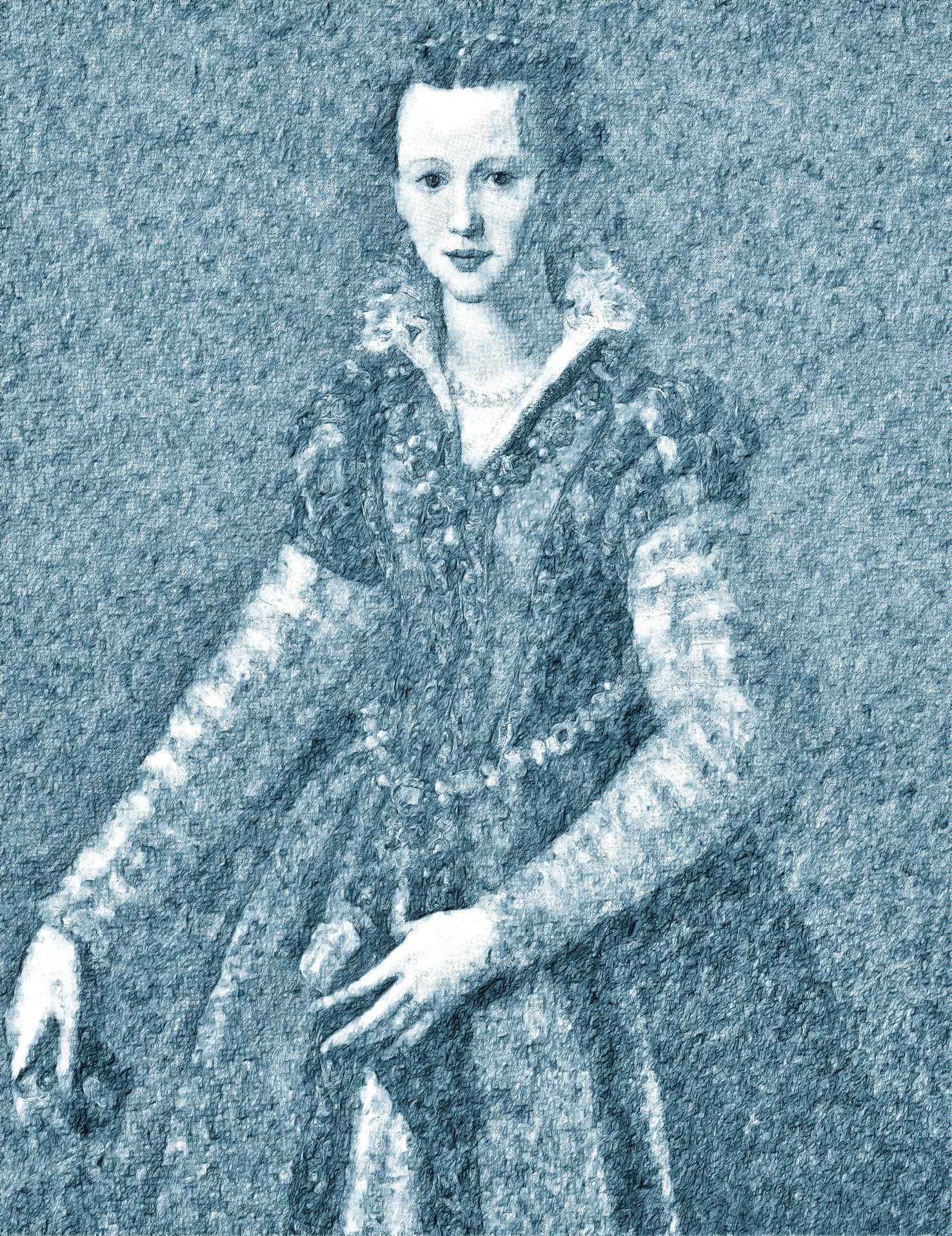
The samj knows how to optimise the compilation of the plug-in and the version 3 ran pencil-portrait in 5 seconds for an 600x800 on my Windows 7 machine:
Attachment:
P1000427_sml_pencil.JPG
P1000427_sml_pencil.JPG [ 324.39 KiB | Viewed 2532 times ]


Attachment:
Untitled.png
Untitled.png [ 327.49 KiB | Viewed 2531 times ]

Kevin


Top
 Post subject: Re: G'MIC Pencil Portrait Delay
PostPosted: Wed Mar 01, 2017 4:36 am  (#32) 
Offline
GimpChat Member
User avatar

Joined: Jan 20, 2013
Posts: 14831
Location: roma, italy
Kevin, you're perfectly right.
Installed samj's GMIC-QT and that filter runs in few seconds!
Thanks for sharing this very useful info.
Hence no need any more to provide something similar for The Warrior, the original one works very quickly now.
Samj knows Windows...

_________________
"Where am I ?"


Top
 Post subject: Re: G'MIC Pencil Portrait Delay
PostPosted: Wed Mar 01, 2017 3:23 pm  (#33) 
Offline
GimpChat Member
User avatar

Joined: Jun 02, 2013
Posts: 2090
Thanks for the info, appreciate it. I have an older pc though, 32 bit. I tried it anyway, but couldn't get it to work for me.

_________________
Image


Top
 Post subject: Re: G'MIC Pencil Portrait Delay
PostPosted: Thu Mar 02, 2017 8:31 am  (#34) 
Offline
Global Moderator
User avatar

Joined: May 16, 2010
Posts: 16161
The Warrior wrote:
Thanks for the info, appreciate it. I have an older pc though, 32 bit. I tried it anyway, but couldn't get it to work for me.

This is odd because Sam usually compresses both a 32 and 64 bit in her compiles for distribution. Maybe not so for G'MIC-QT?

_________________
Image


Top
 Post subject: Re: G'MIC Pencil Portrait Delay
PostPosted: Thu Mar 02, 2017 7:11 pm  (#35) 
Offline
GimpChat Member
User avatar

Joined: Jun 02, 2013
Posts: 2090
Rod wrote:
The Warrior wrote:
Thanks for the info, appreciate it. I have an older pc though, 32 bit. I tried it anyway, but couldn't get it to work for me.

This is odd because Sam usually compresses both a 32 and 64 bit in her compiles for distribution. Maybe not so for G'MIC-QT?

Guess not. Not yet anywhos: viewtopic.php?f=28&t=15330&start=30#p211949

_________________
Image


Top
Post new topic Reply to topic  [ 35 posts ]  Go to page Previous  1, 2

All times are UTC - 5 hours [ DST ]


* Login  


Powered by phpBB3 © phpBB Group