gimptest wrote:
GIMP Version: 2.8.16
Operating System: Windows
GIMP Experience: New User
HI,Questions are as follows:
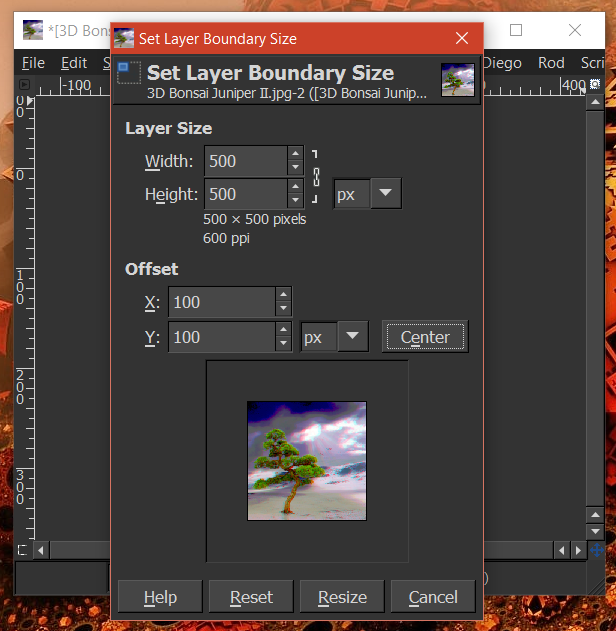
(gimp-layer-scale-full drawable 200 200 TRUE 2)
I scale layer 300 to 200, and then save, but there was a problem,
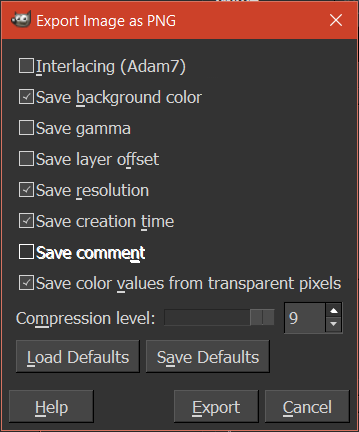
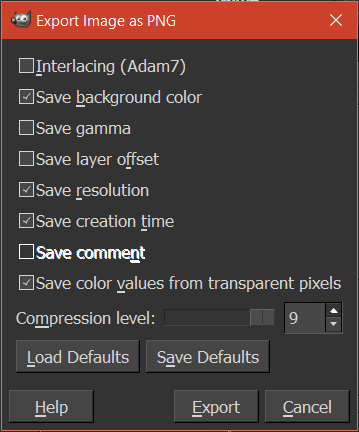
(file-png-save2 1 image drawable filename filename 0 9 0 0 0 1 1 1 1)
PNG are automatically cropped to the image size of the saved 200, I need it to keep the transparent part of the canvas size does not change
Why the same arguments
(file-png-save2 0 image drawable filename filename 0 9 0 0 0 1 1 1 1)
just click the OK button to save the image using the interactive operations will retain the transparent part, PNG is still 300.why AutoSave may not retain the canvas size?
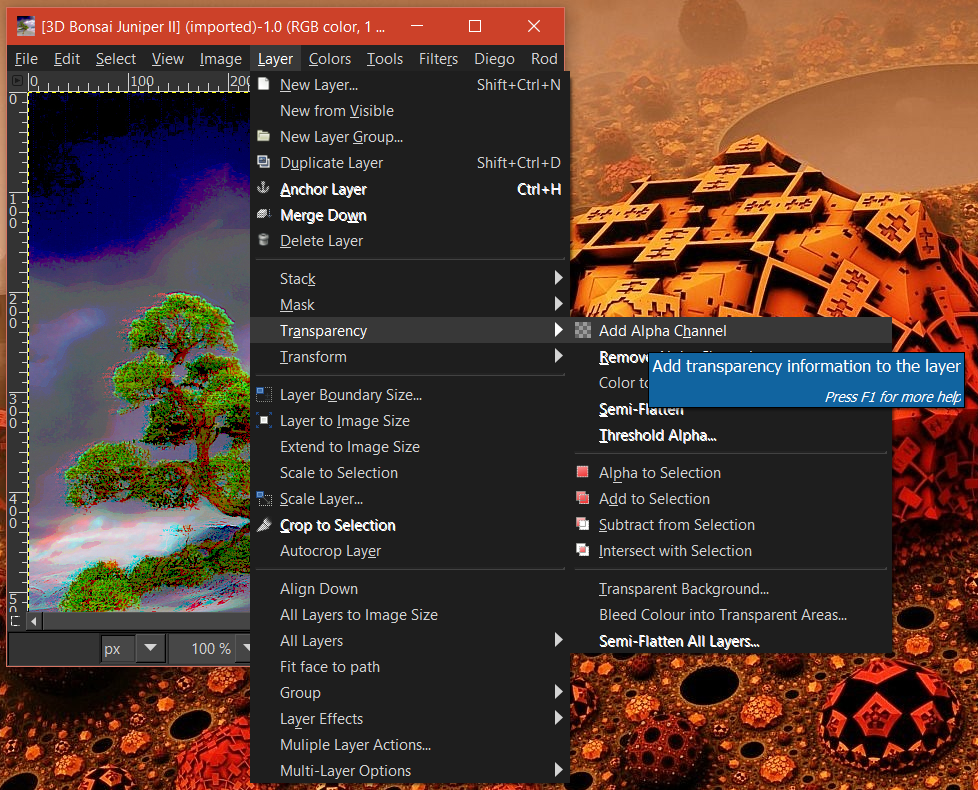
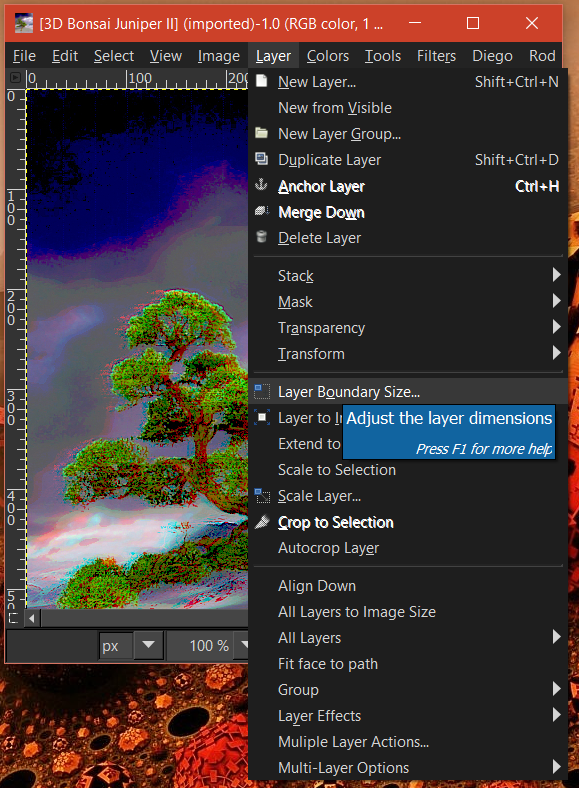
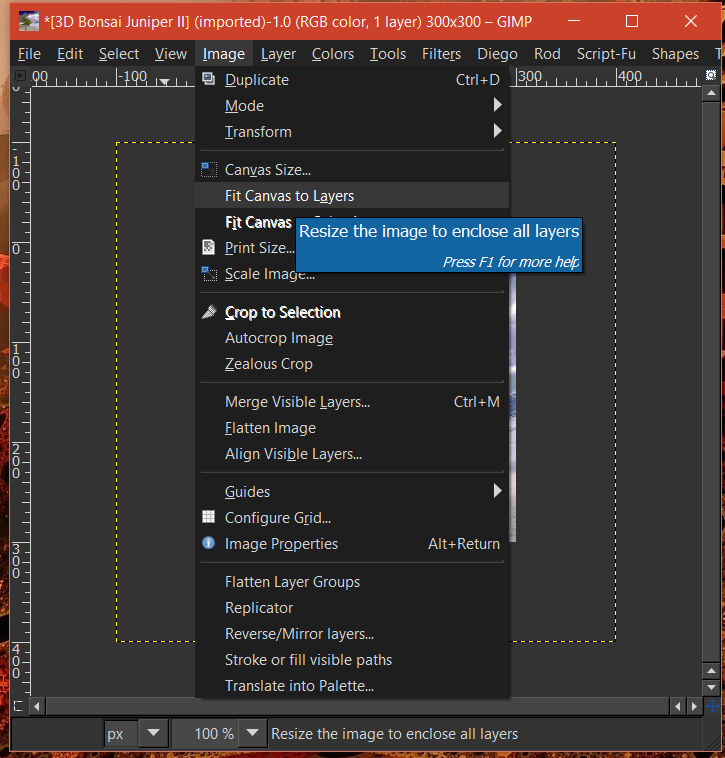
The API saves a single layer, so the resulting PNG is the size of the layer you saved. When you use the menu, a temporary image is produced by flattening the current image, so the resulting image is the size of the canvas. You may need to use
(gimp-layer-resize-to-image-size layer)
before saving.
 Login
Login Register
 Tweets
 FAQ
FAQ Advanced Search