Pat625 wrote:
Rod, Thank you for the information. I would like to attempt making a font but it looks like a very slow process for me as I am not a coder and have never tried this stuff before. I am up to the challenge once I know what I am to do!
When you font experts have it all figured out, will you write a "Custom Font for Dummies" instruction manual for us "dummies"? That would be perfect for the Resources Thread.
Really its pretty simple.
1) Open GIMP and create a new text file with all the glyphs. Save this as your new "Font-template.xcf" for future endeavors.

2) Open G'MIC and go to Arrays and Tiles>extract Objects
3) Rename each layer according to the glyph ie... a.png , A.png, !.png , ?.png, and even period is "..png"
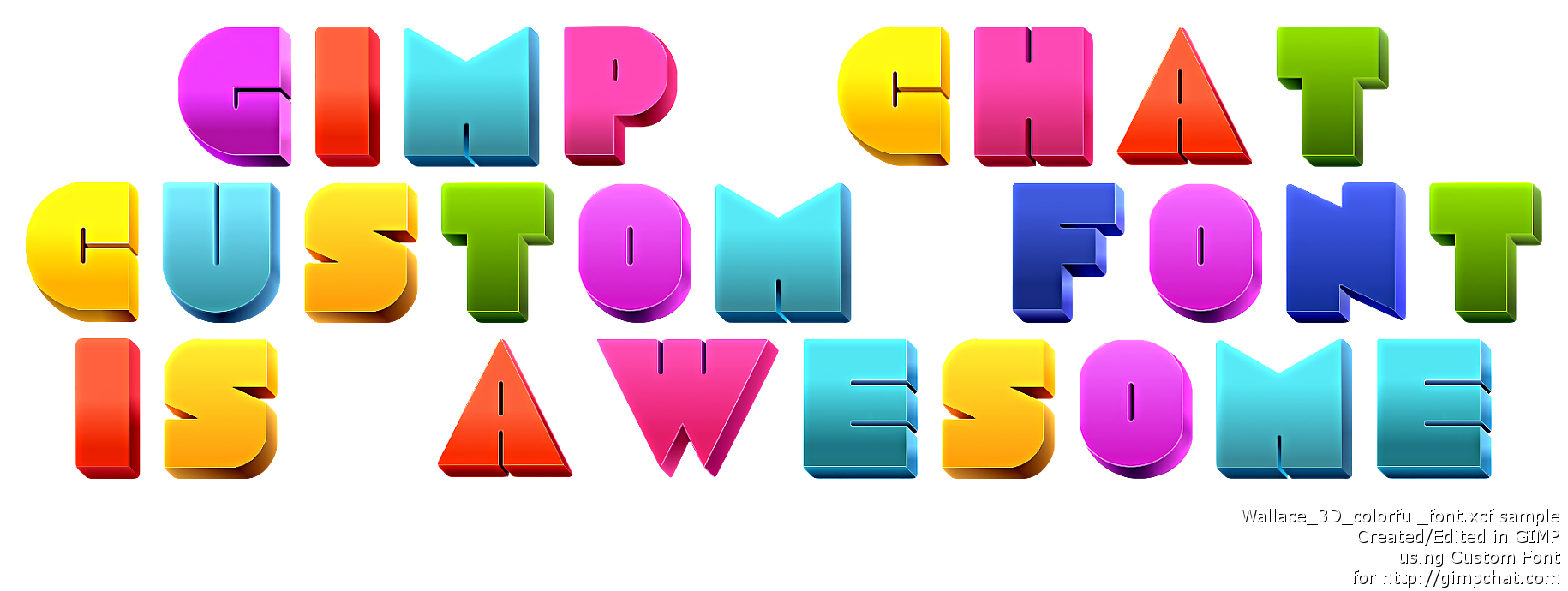
4) Now design each layer how you want. Perhaps alpha to selection and that selection to path. Now stroke the path with a brush. That is how i made the "Mahvins Christmas Lights" XCF font file. I also made the Grassy Vine font this way.
But you can do anything you want to each character and save it as your new font name.xcf.
5) Now just test it in the script "Custom Font" and see what it looks like.
6) Release your new creation to the GIMP user public!

7) Do it again
Thats it. Not hard at all.
You can also open any image of fonts and extract those to new layers and go from there. If you do that though be sure and do an extraction then a "Fit Canvas to Layer Size" . So you don't cut off any images.
 Login
Login Register
 Tweets
 FAQ
FAQ Advanced Search




 . I tried everything to get the XCF font file correct for width and height and it must be the script the way it places the characters because it is squishing them no matter what i do.