It is currently Fri Aug 14, 2026 2:52 pm


All times are UTC - 5 hours [ DST ]


Post new topic Reply to topic  [ 774 posts ]  Go to page Previous  1 ... 4, 5, 6, 7, 8, 9, 10 ... 39  Next
Author Message
 Post subject: Re: small ancillary filters (index on first post)
PostPosted: Wed Jul 05, 2017 8:42 am  (#121) 
Offline
GimpChat Member
User avatar

Joined: Mar 01, 2014
Posts: 14128
Location: Spain, Aragón
Thank you so much Dinasset. I like this new filter a lot, as you say, the results are funny and colourful. Yes, I'll do more patterns.


Attachments:
the_dancing_swan_by_roy3d_DN_QBs.jpg
the_dancing_swan_by_roy3d_DN_QBs.jpg [ 1.67 MiB | Viewed 1617 times ]
kate-upton-paint-152780_DN_QBs.jpg
kate-upton-paint-152780_DN_QBs.jpg [ 884.02 KiB | Viewed 1617 times ]
dreamstime_xxl_83066001_DN_QBs.jpg
dreamstime_xxl_83066001_DN_QBs.jpg [ 995.6 KiB | Viewed 1617 times ]

_________________
Image

Gimp 2.10.30(samj) portable _ OS Windows 10 Home_ 64bits
Don’t be afraid to start over. It’s a new chance to rebuild what you want.
Top
 Post subject: Re: small ancillary filters (index on first post)
PostPosted: Wed Jul 05, 2017 8:53 am  (#122) 
Offline
GimpChat Member
User avatar

Joined: Jan 20, 2013
Posts: 14831
Location: roma, italy
"dreamstime" came out very very nice!

_________________
"Where am I ?"


Top
 Post subject: Re: small ancillary filters (index on first post)
PostPosted: Wed Jul 05, 2017 9:21 am  (#123) 
Offline
GimpChat Member
User avatar

Joined: Mar 01, 2014
Posts: 14128
Location: Spain, Aragón
Yes, I like it , too. The result is different each time one applies the filter. :) :bigthup


Attachments:
women_jessica_DN_QBs.jpg
women_jessica_DN_QBs.jpg [ 1.17 MiB | Viewed 1614 times ]

_________________
Image

Gimp 2.10.30(samj) portable _ OS Windows 10 Home_ 64bits
Don’t be afraid to start over. It’s a new chance to rebuild what you want.
Top
 Post subject: Re: small ancillary filters (index on first post)
PostPosted: Thu Jul 06, 2017 4:14 am  (#124) 
Offline
GimpChat Member
User avatar

Joined: Jan 20, 2013
Posts: 14831
Location: roma, italy
For Issabella (and the other unregistered downloader of the filter) I've prepared a second set of patterns.
The base is the same of the previous one, but some "fractal" texture has been added to each pattern.
Because they are named QBf...(the previous ones QBs...) you may launch the filter (after installing the new set) in one of these 3 modes:
- filter for names = "QBs" = only the first set is used
- filter for names = "QBf" = only the new set is used
- filter for names = "QB" (default) = both are randomly used
Enjoy
Attachment:
QBistf01f10_jpg.zip [4.98 MiB]
Downloaded 605 times

Attachment:
QBistf11f20_jpg.zip [4.61 MiB]
Downloaded 729 times

_________________
"Where am I ?"


Top
 Post subject: Re: small ancillary filters (index on first post)
PostPosted: Thu Jul 06, 2017 5:19 am  (#125) 
Offline
GimpChat Member
User avatar

Joined: Mar 01, 2014
Posts: 14128
Location: Spain, Aragón
THANKS Dinasset!! the new patterns are great and I wanted to test them and check the differences using the three possibilities. :clap


Attachments:
Carolina Landea-DN_QBs.jpg
Carolina Landea-DN_QBs.jpg [ 1.12 MiB | Viewed 1594 times ]
Carolina Landea-DN_QBf.jpg
Carolina Landea-DN_QBf.jpg [ 1.11 MiB | Viewed 1594 times ]
Carolina Landea-DN_QB.jpg
Carolina Landea-DN_QB.jpg [ 1.14 MiB | Viewed 1594 times ]

_________________
Image

Gimp 2.10.30(samj) portable _ OS Windows 10 Home_ 64bits
Don’t be afraid to start over. It’s a new chance to rebuild what you want.
Top
 Post subject: Re: small ancillary filters (index on first post)
PostPosted: Thu Jul 06, 2017 5:20 am  (#126) 
Offline
GimpChat Member
User avatar

Joined: Mar 01, 2014
Posts: 14128
Location: Spain, Aragón
another results.


Attachments:
child-628565_DN_QBs.jpg
child-628565_DN_QBs.jpg [ 627.6 KiB | Viewed 1594 times ]
child-628565_DN_QBf.jpg
child-628565_DN_QBf.jpg [ 629.35 KiB | Viewed 1594 times ]
child-628565_DN_QB.jpg
child-628565_DN_QB.jpg [ 716.66 KiB | Viewed 1594 times ]

_________________
Image

Gimp 2.10.30(samj) portable _ OS Windows 10 Home_ 64bits
Don’t be afraid to start over. It’s a new chance to rebuild what you want.
Top
 Post subject: Re: small ancillary filters (index on first post)
PostPosted: Thu Jul 06, 2017 5:32 am  (#127) 
Offline
GimpChat Member
User avatar

Joined: Jan 20, 2013
Posts: 14831
Location: roma, italy
They look nice in any config.
So the user has alternatives...

_________________
"Where am I ?"


Top
 Post subject: Re: small ancillary filters (index on first post)
PostPosted: Thu Jul 06, 2017 6:28 am  (#128) 
Offline
Global Moderator
User avatar

Joined: Apr 01, 2012
Posts: 8457
Location: On the other side of your screen
Dinasset, where do I put the patterns - in the patterns folder or elsewhere?
My OS is windows.

_________________
Image
Free Fun Photo Editing & resources
Poems from the Lord
Gimp Newby
Gimp version 3.2.4 and GMIC-Qt 4.0.2 OS :- Windows 10 Home 64


Top
 Post subject: Re: small ancillary filters (index on first post)
PostPosted: Thu Jul 06, 2017 6:33 am  (#129) 
Offline
GimpChat Member
User avatar

Joined: Jan 20, 2013
Posts: 14831
Location: roma, italy
Yes, in the user patterns folder

_________________
"Where am I ?"


Top
 Post subject: Re: small ancillary filters (index on first post)
PostPosted: Thu Jul 06, 2017 6:36 am  (#130) 
Offline
GimpChat Member
User avatar

Joined: Jan 20, 2013
Posts: 14831
Location: roma, italy
...refresh patterns after having copied them into your patterns folder (you'll see them in the patterns window)

_________________
"Where am I ?"


Top
 Post subject: Re: small ancillary filters (index on first post)
PostPosted: Thu Jul 06, 2017 8:01 am  (#131) 
Offline
Global Moderator
User avatar

Joined: Apr 01, 2012
Posts: 8457
Location: On the other side of your screen
My first tries
Image
Image
Image
Thanks dinasset.
Time for bed now, I will try it more in the next few days. Maybe tomorrow night and the weekend.

_________________
Image
Free Fun Photo Editing & resources
Poems from the Lord
Gimp Newby
Gimp version 3.2.4 and GMIC-Qt 4.0.2 OS :- Windows 10 Home 64


Top
 Post subject: Re: small ancillary filters (index on first post)
PostPosted: Fri Jul 07, 2017 12:16 am  (#132) 
Offline
GimpChat Member
User avatar

Joined: Jan 20, 2013
Posts: 14831
Location: roma, italy
Thanks Sallyanne.
Awaiting your todays' experiments.
When exhausted those with my default patterns, you may create your own (and they will be probably nicer than mine); suggestion: call yours with a name beginning with QBa, so you can play with different options: all QBist textures (leaving QB as filter for the names) or yours only (entering QBa as filter for the names).

_________________
"Where am I ?"


Top
 Post subject: Re: small ancillary filters (index on first post)
PostPosted: Fri Jul 07, 2017 8:28 am  (#133) 
Offline
GimpChat Member
User avatar

Joined: Mar 01, 2014
Posts: 14128
Location: Spain, Aragón
Sallyanne, very nice results. Good being you in the play, too. :hi5


Attachments:
4_P_DN_QB.jpg
4_P_DN_QB.jpg [ 696.68 KiB | Viewed 1593 times ]
3_P_DN_QBf.jpg
3_P_DN_QBf.jpg [ 729.76 KiB | Viewed 1593 times ]

_________________
Image

Gimp 2.10.30(samj) portable _ OS Windows 10 Home_ 64bits
Don’t be afraid to start over. It’s a new chance to rebuild what you want.
Top
 Post subject: Re: small ancillary filters (index on first post)
PostPosted: Fri Jul 07, 2017 8:29 am  (#134) 
Offline
GimpChat Member
User avatar

Joined: Mar 01, 2014
Posts: 14128
Location: Spain, Aragón
and these,


Attachments:
girl-2209147_DN_QBs.jpg
girl-2209147_DN_QBs.jpg [ 692.97 KiB | Viewed 1593 times ]
Woman_Long Hair_DN_QB.jpg
Woman_Long Hair_DN_QB.jpg [ 724.73 KiB | Viewed 1593 times ]

_________________
Image

Gimp 2.10.30(samj) portable _ OS Windows 10 Home_ 64bits
Don’t be afraid to start over. It’s a new chance to rebuild what you want.
Top
 Post subject: Re: small ancillary filters (index on first post)
PostPosted: Fri Jul 07, 2017 6:45 pm  (#135) 
Offline
GimpChat Member

Joined: May 12, 2015
Posts: 4693
I have never really been a fan of QBist. Here are some of the ones I really like and enjoy:
Attachment:
Dinasset 2Hues.Kitten.jpg
Dinasset 2Hues.Kitten.jpg [ 181.87 KiB | Viewed 1578 times ]

Attachment:
Dinasset.Add Structure.Limes.jpg
Dinasset.Add Structure.Limes.jpg [ 456.96 KiB | Viewed 1578 times ]

Attachment:
Dinasset.OverlayHue.DandelionPuff.jpg
Dinasset.OverlayHue.DandelionPuff.jpg [ 329.47 KiB | Viewed 1578 times ]


Top
 Post subject: Re: small ancillary filters (index on first post)
PostPosted: Fri Jul 07, 2017 6:52 pm  (#136) 
Offline
GimpChat Member

Joined: May 12, 2015
Posts: 4693
And another one:
Attachment:
DN.Nuanced.PostsInOcean.Red.jpg
DN.Nuanced.PostsInOcean.Red.jpg [ 203.78 KiB | Viewed 1578 times ]


Top
 Post subject: Re: small ancillary filters (index on first post)
PostPosted: Fri Jul 07, 2017 9:55 pm  (#137) 
Offline
GimpChat Member
User avatar

Joined: Jan 20, 2013
Posts: 14831
Location: roma, italy
for Pat:
Attachment:
[09f837afadbcda442c502c53f9cacac2_Q] (imported), with a random QBist textures (colour areas =32).jpeg
[09f837afadbcda442c502c53f9cacac2_Q] (imported), with a random QBist textures (colour areas =32).jpeg [ 1.74 MiB | Viewed 1575 times ]

_________________
"Where am I ?"


Top
 Post subject: Re: small ancillary filters (index on first post)
PostPosted: Fri Jul 07, 2017 10:30 pm  (#138) 
Offline
Global Moderator
User avatar

Joined: Apr 01, 2012
Posts: 8457
Location: On the other side of your screen
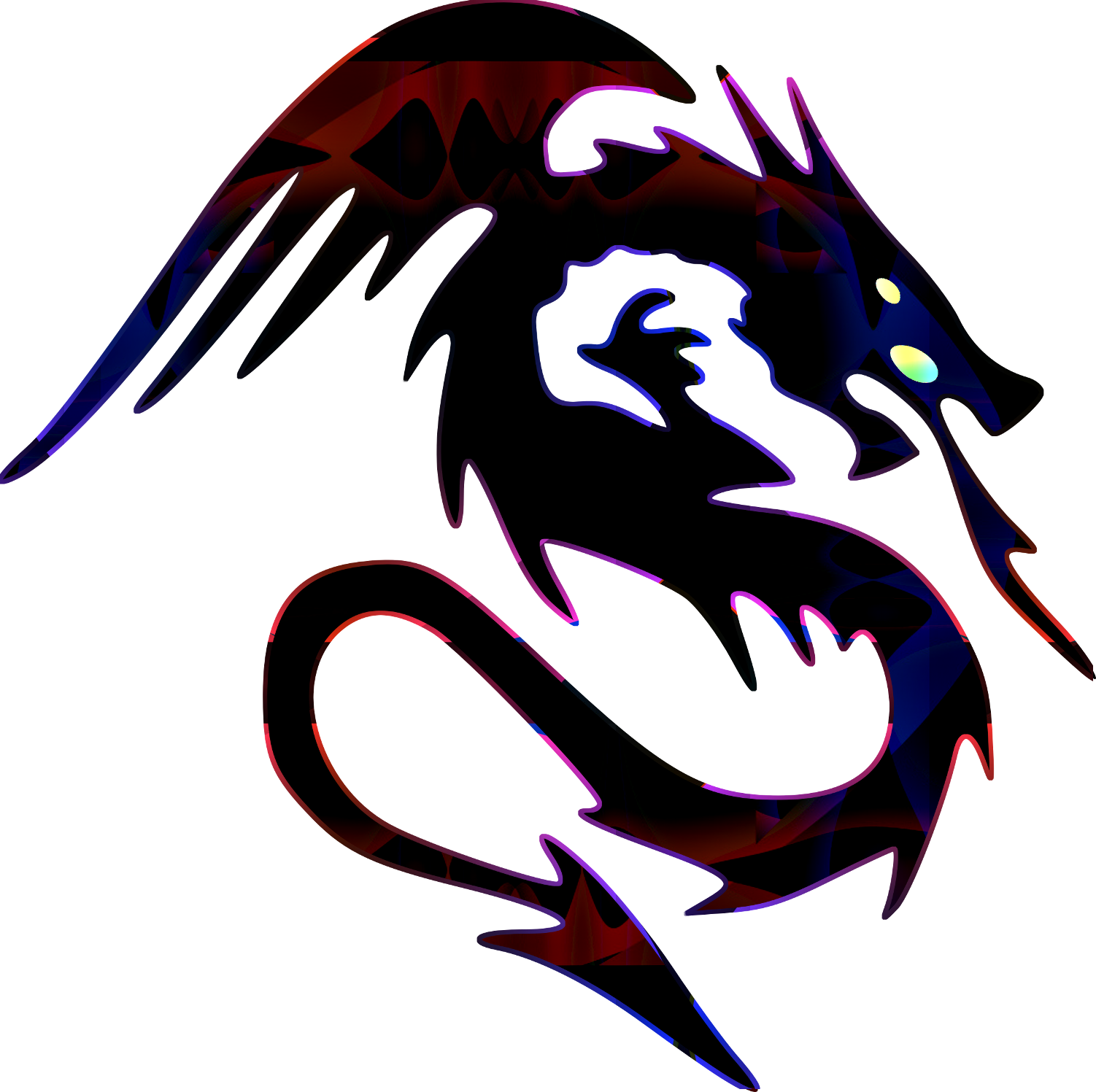
Did the dragon again and took the black background out
Image

_________________
Image
Free Fun Photo Editing & resources
Poems from the Lord
Gimp Newby
Gimp version 3.2.4 and GMIC-Qt 4.0.2 OS :- Windows 10 Home 64


Top
 Post subject: Re: small ancillary filters (index on first post)
PostPosted: Fri Jul 07, 2017 10:52 pm  (#139) 
Offline
GimpChat Member
User avatar

Joined: Jan 20, 2013
Posts: 14831
Location: roma, italy
Nice one, Sallyanne.
I'm with you, I like QBist.

_________________
"Where am I ?"


Top
 Post subject: Re: small ancillary filters (index on first post)
PostPosted: Fri Jul 07, 2017 11:06 pm  (#140) 
Offline
Global Moderator
User avatar

Joined: Apr 01, 2012
Posts: 8457
Location: On the other side of your screen
Cant remember if that was a single pattern or not (ie I selected the area then ran Qbist on it)I did one like that but can't remember if I saved it or not.
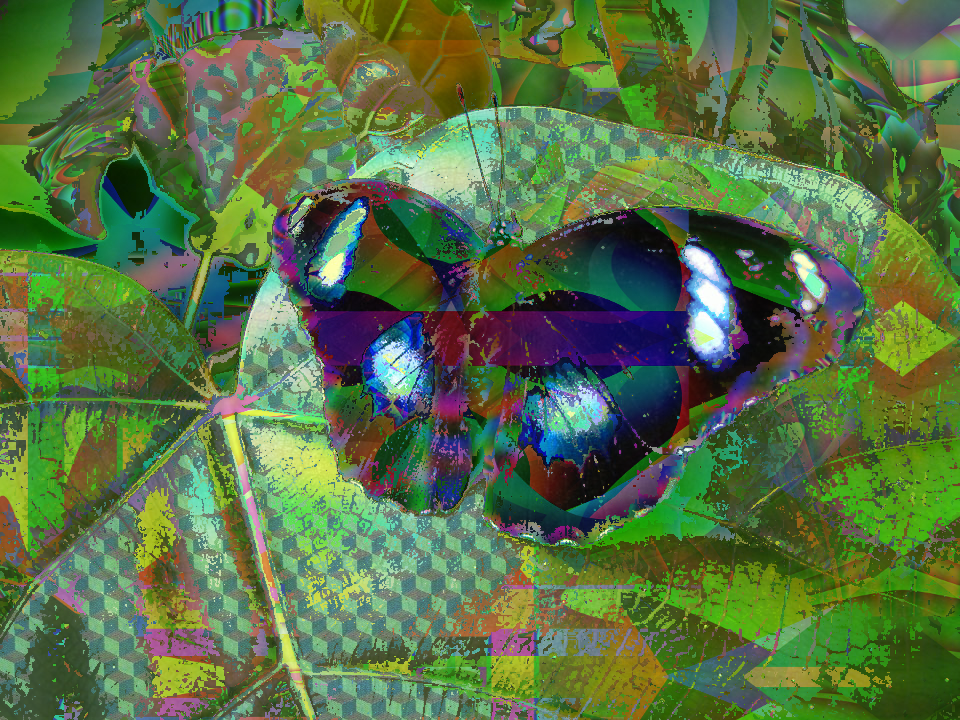
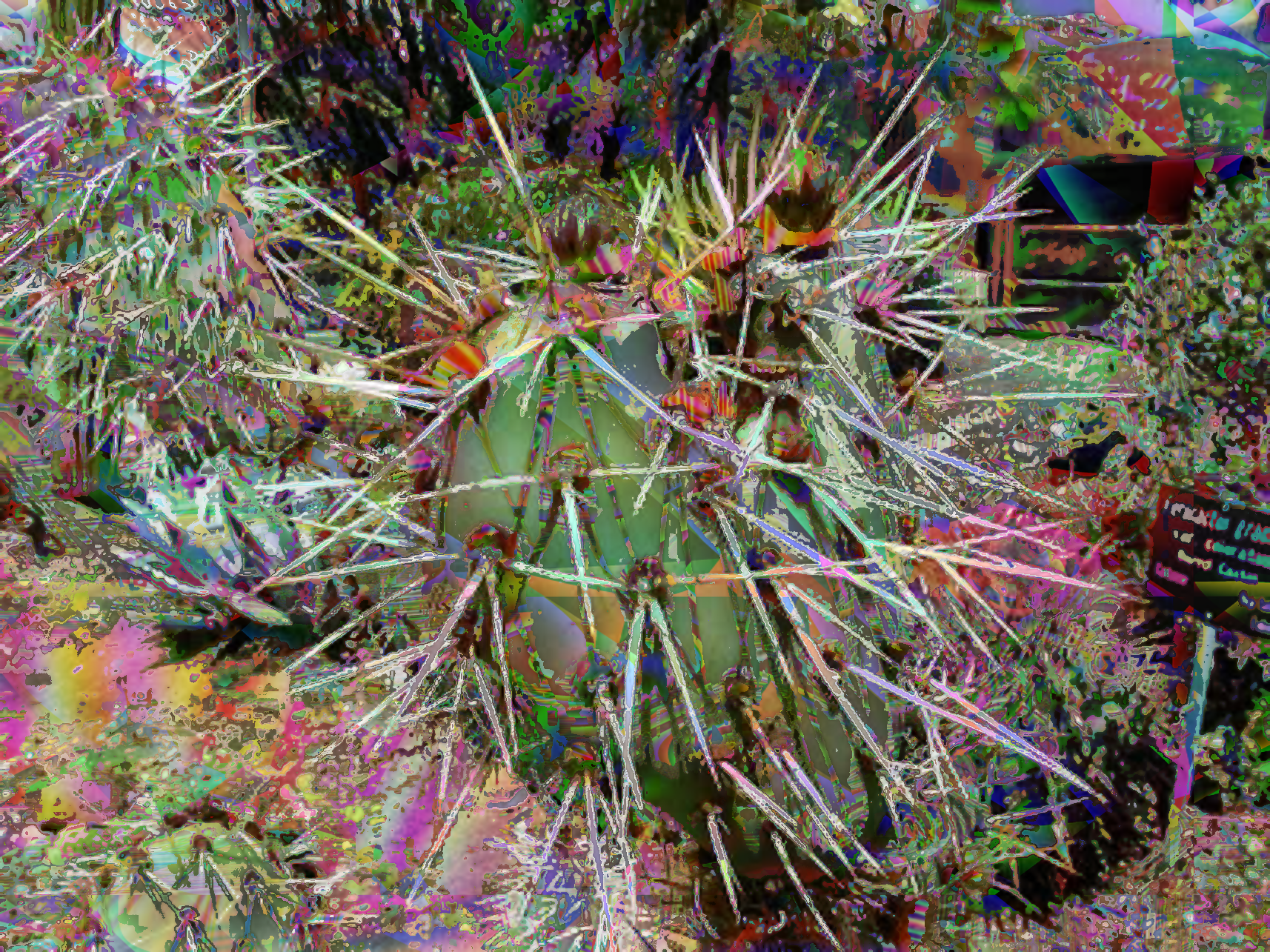
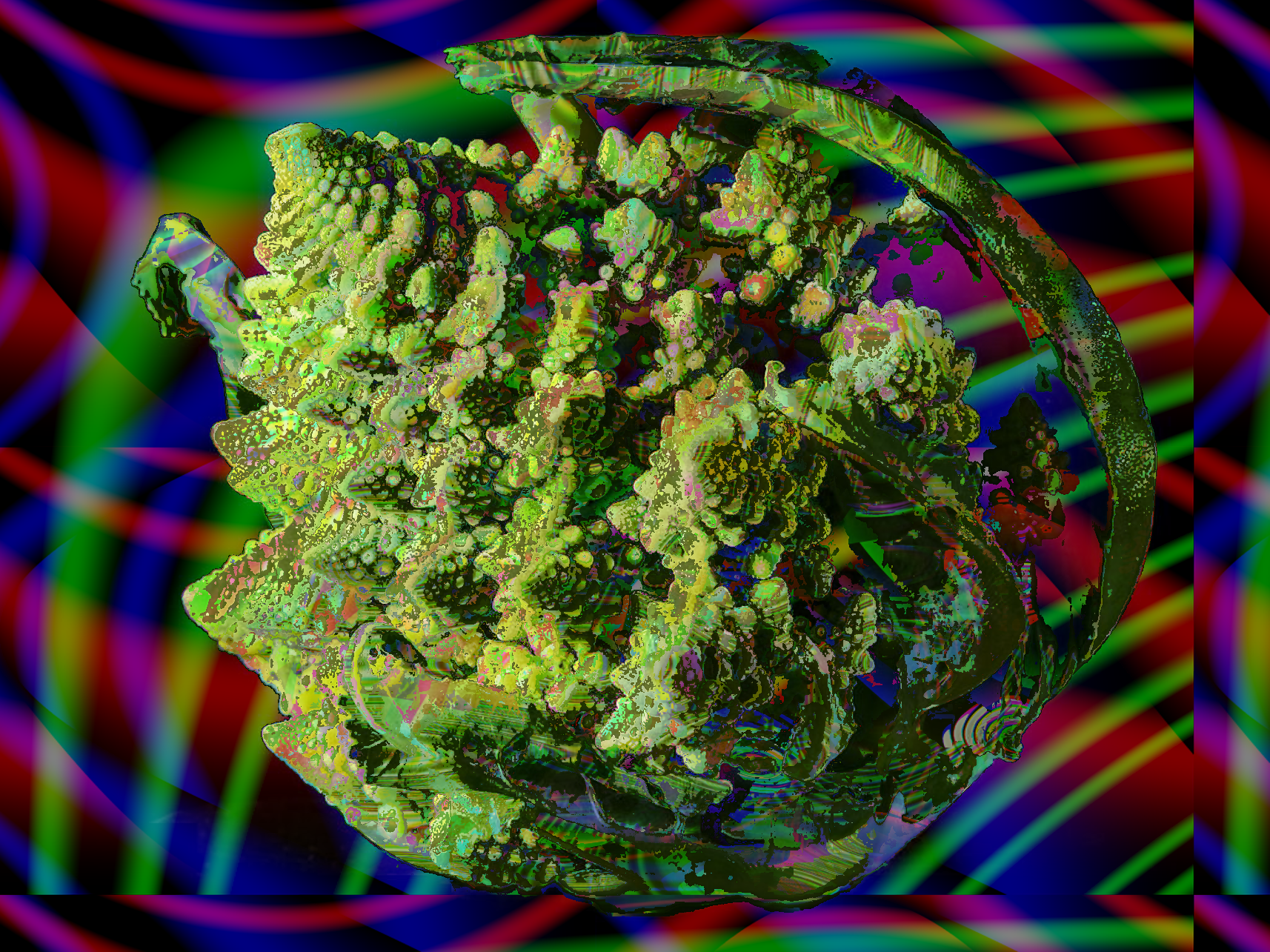
Here are some more using your filter and extra patterns.
Image
Image
Image
Image

_________________
Image
Free Fun Photo Editing & resources
Poems from the Lord
Gimp Newby
Gimp version 3.2.4 and GMIC-Qt 4.0.2 OS :- Windows 10 Home 64


Top
Post new topic Reply to topic  [ 774 posts ]  Go to page Previous  1 ... 4, 5, 6, 7, 8, 9, 10 ... 39  Next

All times are UTC - 5 hours [ DST ]


cron

* Login  


Powered by phpBB3 © phpBB Group