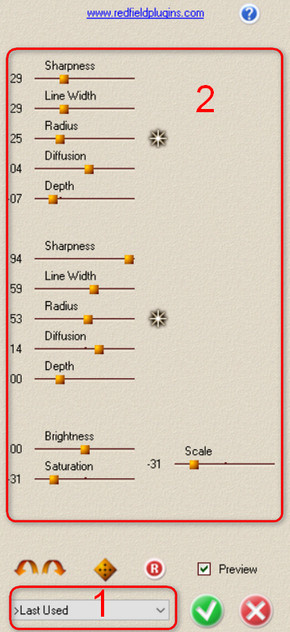
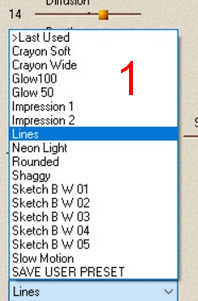
Yes you can use some Photoshop plugins with Gimp 2.10. This person from the link, don't explain the whole process.

Now, I only can explain to you in Windows because that is my OS.
1. Download the plugin PSPI. Open the .zip folder and place this folder inside the Gimp plugin folder in your Gimp directory: C:\Users\User\AppData\Roaming\GIMP\2.10\plug-ins.
2. Inside this folder place all the Photoshop plugins folder with the .8bf inside that are compatible. Make sure you Re-name the folder with their respective Names.
3. In the process, you are going to Start, close and Re-start gimp. Now, Start Gimp and go to: Edit/Preferences, click on the Folders dropdown and select Plug-ins.
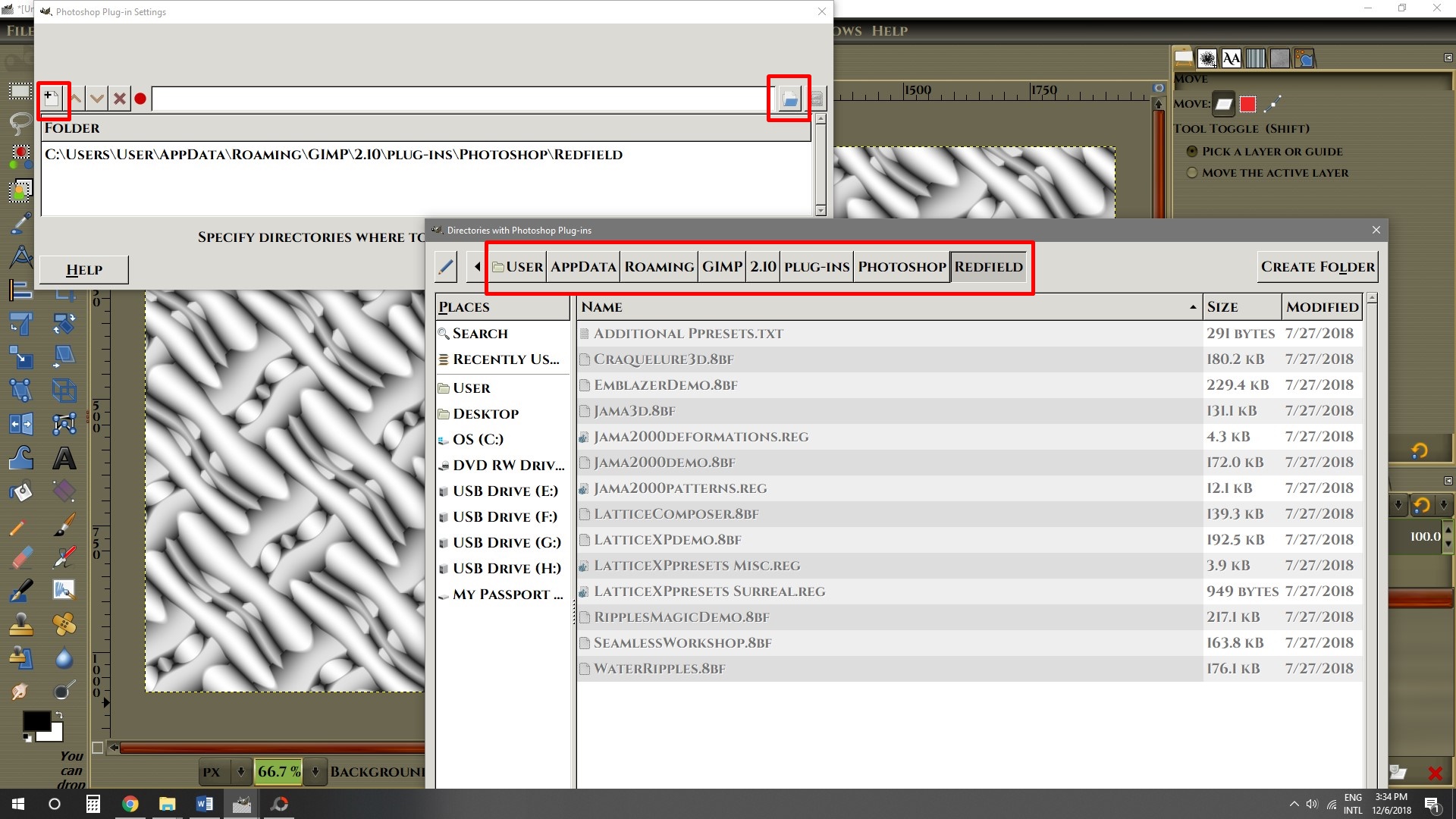
Here is where you going to direct Gimp to open the folder when gimp start. Click on the little white page icon the Click on the Folder Icon at the other end. The Click on your Gimp directory: C:\Users\User\AppData\Roaming\GIMP\2.10\plug-ins\Photoshop


4. Close Gimp and Re-Start Gimp. Go to Filters and go all the way down until you find “Photoshop plugins settings”. Click on it.

5. Now, just like you did before in the Preferences, Click on the little White page, the on the folder across. Look for the Photoshop folder in your Gimp directory and choose the plugin you want. In this setting, you have to do the same procedure with each individual plugin.
6. Start Gimp and you should have the plugin in the Filters menu.
I hope this can help you.
 Login
Login Register
 Tweets
 FAQ
FAQ Advanced Search