ZebraTrace is a simple tool to trace bitmap images as svg.
Requires ZebraTrace program which must be installed.
My installation steps:1. Downolad from
https://maxim-s-barabash.github.io/ZebraTrace/ ... ZebraTRACE-0.6.0-win32.msi

2. Run msi installer
3. Select the default installation path c:\Program Files (x86)\ZebraTRACE\

4. Download and unzip plugin-ZebraTrace.zip (in ... 'HomeDirectory'\plug-ins\plugin-ZebraTrace.py)
5. Uruchom Gimp 2.
In menu: Filters ➤ Render ➤ ZebraTrace...
Select options in the plugin and run it

Select Preset


Save ➤ Replace Name temp-file.svg

Close ZT and you will be back to Gimp with the result
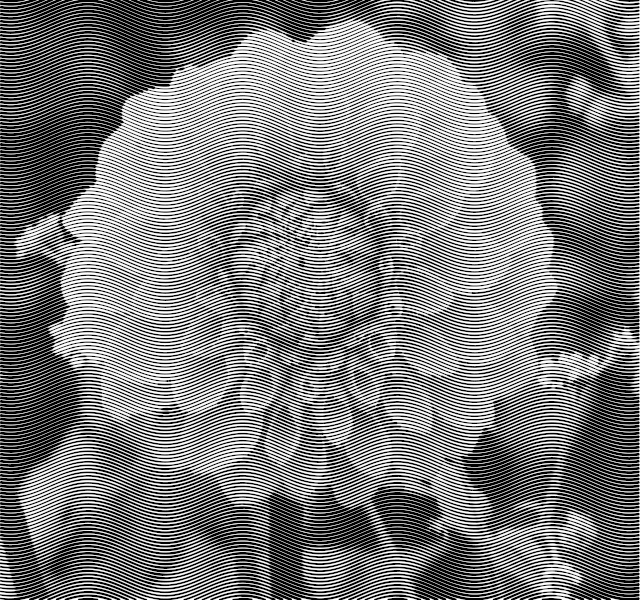
Another example

 Login
Login Register
 Tweets
 FAQ
FAQ Advanced Search









