It is currently Tue Sep 08, 2026 1:16 am


All times are UTC - 5 hours [ DST ]


Post new topic Reply to topic  [ 142 posts ]  Go to page Previous  1 ... 4, 5, 6, 7, 8  Next
Author Message
 Post subject: Re: Another try at Circlism.
PostPosted: Thu Oct 13, 2011 9:13 am  (#121) 
Offline
GimpChat Member
User avatar

Joined: Sep 24, 2010
Posts: 12845
Ronounours wrote:
Another attempt :

Image


Now the subtle details are coming through David. What were your settings for this one? Fantastic result for Ghandi. :)

_________________
Lyle

Psalm 109:8

Image


Top
 Post subject: Re: Another try at Circlism.
PostPosted: Thu Oct 13, 2011 10:16 am  (#122) 
Offline
Global Moderator
User avatar

Joined: May 16, 2010
Posts: 16170
Just a sepia toned image perhaps Lyle?More detail with black and white or 2 toned images i imagine.
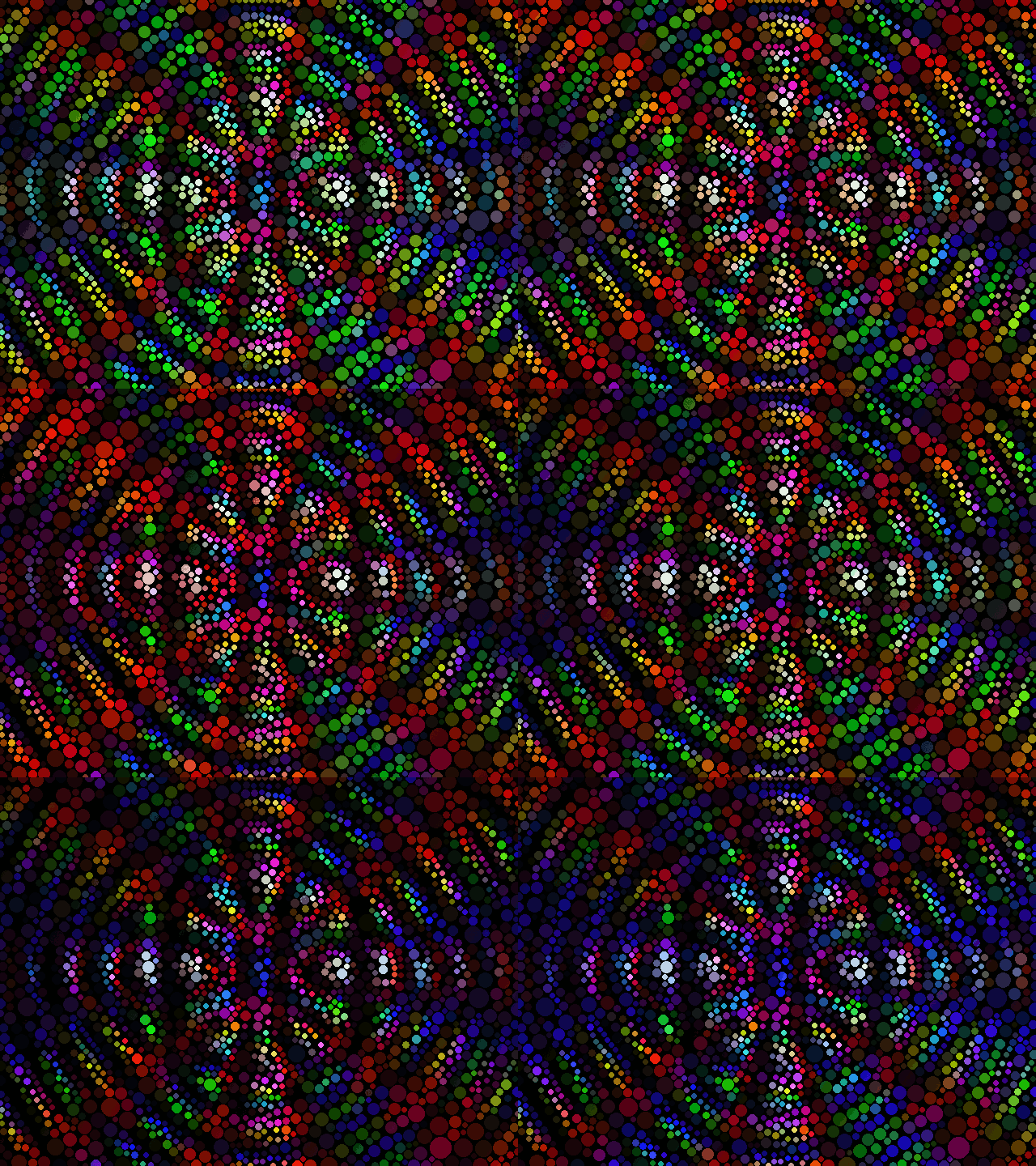
Here is another with diffraction bump mapped. :)
This is just too much fun!

I am now thinking of animating the circles using PC's technique with varying transparencies.

Image

_________________
Image


Top
 Post subject: Re: Another try at Circlism.
PostPosted: Thu Oct 13, 2011 10:34 am  (#123) 
Offline
Global Moderator
User avatar

Joined: May 16, 2010
Posts: 16170
Here is an animation using my fruit salad gradients as overlays for 12 separate frames over my diffraction circles image. :)

Image

I will attempt the transparencies later i think.Going to be a lot of work i believe.

_________________
Image


Top
 Post subject: Re: Another try at Circlism.
PostPosted: Thu Oct 13, 2011 11:22 am  (#124) 
Offline
Global Moderator
User avatar

Joined: May 16, 2010
Posts: 16170
This isn't the same but i used resynth to create a circle pattern for setting in hard light mode over any image.Than just move the pattern to fit the image shape (kinda works)
Altogether different effect as the circles are different colors instead of solid.That and resynth made some of the circles blobs :lol

Image

Pattern file attached


Attachments:
Circleism_RD9.pat [1.17 MiB]
Downloaded 131 times

_________________
Image
Top
 Post subject: Re: Another try at Circlism.
PostPosted: Thu Oct 13, 2011 11:25 am  (#125) 
Offline
Global Moderator
User avatar

Joined: May 16, 2010
Posts: 16170
This one has a bit more transparency applied to the pattern layer.About 67 % opacity.

Image

_________________
Image


Top
 Post subject: Re: Another try at Circlism.
PostPosted: Thu Oct 13, 2011 11:43 am  (#126) 
Offline
GimpChat Member
User avatar

Joined: Jan 03, 2011
Posts: 1656
Rod, the difference is that your method does not care about the image content to place the circles, while the G'MIC one does :)


Top
 Post subject: Re: Another try at Circlism.
PostPosted: Thu Oct 13, 2011 11:44 am  (#127) 
Offline
GimpChat Member
User avatar

Joined: Jan 03, 2011
Posts: 1656
Image


Top
 Post subject: Re: Another try at Circlism.
PostPosted: Thu Oct 13, 2011 11:51 am  (#128) 
Offline
Global Moderator
User avatar

Joined: May 16, 2010
Posts: 16170
David that is awesome to say the least.

One more! Really and then i will quit. Well actually i will go back to doing it with GMIC. :lol :)

This one is in dissolve mode.
Image

_________________
Image


Top
 Post subject: Re: Another try at Circlism.
PostPosted: Thu Oct 13, 2011 12:03 pm  (#129) 
Offline
Global Moderator
User avatar

Joined: May 16, 2010
Posts: 16170
Okay back to normal circleism :)

Image

Talk about addicting :lol

Geesh!

_________________
Image


Top
 Post subject: Re: Another try at Circlism.
PostPosted: Thu Oct 13, 2011 1:11 pm  (#130) 
Offline
GimpChat Member
User avatar

Joined: Jan 03, 2011
Posts: 1656
I like the second one best :) :)


Top
 Post subject: Re: Another try at Circlism.
PostPosted: Thu Oct 13, 2011 1:14 pm  (#131) 
Offline
Global Moderator
User avatar

Joined: May 16, 2010
Posts: 16170
Me too! :)
That is one excellent filter David.

Now lets do it with other shapes?

_________________
Image


Top
 Post subject: Re: Another try at Circlism.
PostPosted: Thu Oct 13, 2011 2:02 pm  (#132) 
Offline
Retired Staff
User avatar

Joined: May 22, 2008
Posts: 6946
Location: Somewhere in GIMP
I was testing out a gradient to see what it would look like after being processed with the Circlism filter. I had intended it for a skull (Lyle, I love your skull). I turned on the skull layer that was above the gradient and then wondered what would happen if I merged the untreated skull to the treated gradient. The results are on the right. I love the gravelly look of the gradient after it had been processed twice with the filter.

Image

_________________
Image
World War IV will be fought with sticks and stones. - Albert Einstein


Top
 Post subject: Re: Another try at Circlism.
PostPosted: Thu Oct 13, 2011 2:15 pm  (#133) 
Offline
GimpChat Member
User avatar

Joined: Sep 24, 2010
Posts: 12845
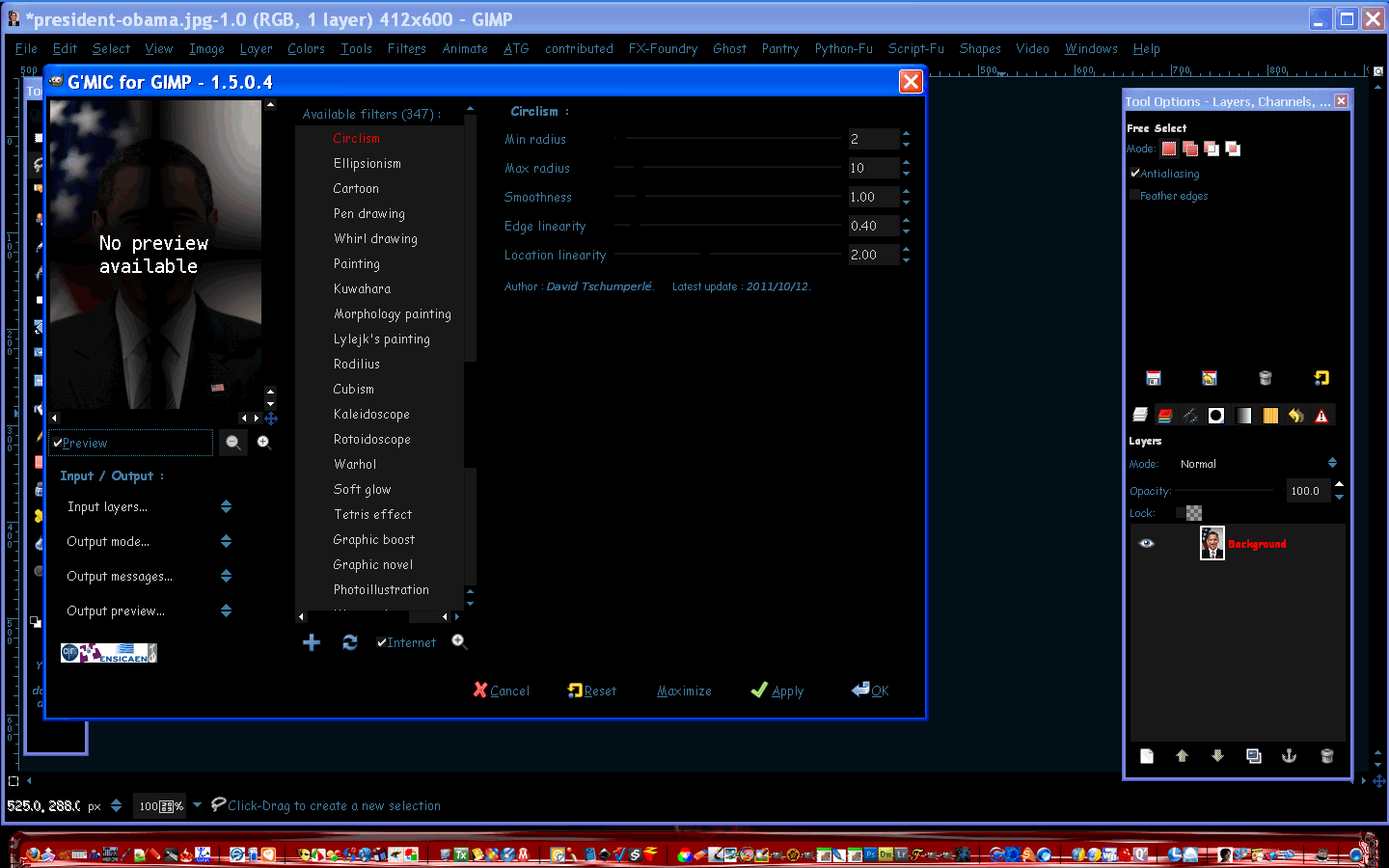
OK; getting a better handle with the parameters. I found that increasing Location Linearity and decreasing Edge Linearity gives better results. Of course sacrificing speed. I suppose pushing these settings further will give you even more accurate results, but even this crop took my PC over 8 minutes so going to be happy with these settings for now. lol

I did do some preprocessig before running Circlism (high-keyed then applied my illustrative flow). :)

ref: http://www.fontplay.com/freephotos/sixt ... 06-016.jpg

Attachment:
settings.png
settings.png [ 165.4 KiB | Viewed 2281 times ]


Attachments:
fp091706-016.png
fp091706-016.png [ 106.45 KiB | Viewed 2281 times ]

_________________
Lyle

Psalm 109:8

Image
Top
 Post subject: Re: Another try at Circlism.
PostPosted: Thu Oct 13, 2011 3:58 pm  (#134) 
Offline
GimpChat Member

Joined: Apr 12, 2010
Posts: 5870
Nice one lyle
i see from you screenshot that the filter changed :
Linearity is splitted in 2 parameters am opening now gmic to update the script

Still i have a question :
what Edge and Location Linearity do exactly. what they control ?

_________________
My 3D Gallery on Deviantart http://photocomix2.deviantart.com/
Main gallery http://www.flickriver.com/photos/photocomix-mandala/
Mandala and simmetry http://www.flickriver.com/photos/photocomix_mandala/

Image

Mrs Wilbress


Top
 Post subject: Re: Another try at Circlism.
PostPosted: Thu Oct 13, 2011 6:57 pm  (#135) 
Offline
Global Moderator
User avatar

Joined: May 16, 2010
Posts: 16170
I think they define the exact area of colors PC.
The linearaty edges controlling the outside edge of color areas and the location linearity controlling the inside.
At least that is what it looks like to me. :)

_________________
Image


Top
 Post subject: Re: Another try at Circlism.
PostPosted: Thu Oct 13, 2011 7:37 pm  (#136) 
Offline
Global Moderator
User avatar

Joined: May 16, 2010
Posts: 16170
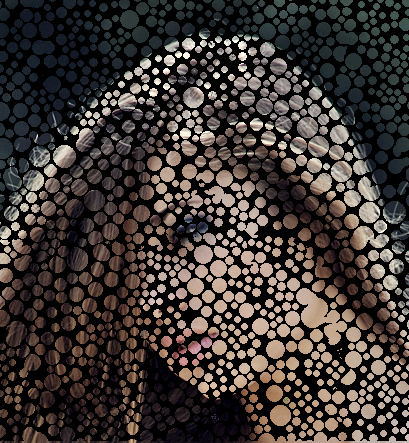
With these settings the Presidents image took 23 minutes. :)
Image

Must have been the darker areas that made it so slow.

Image

_________________
Image


Top
 Post subject: Re: Another try at Circlism.
PostPosted: Thu Oct 13, 2011 7:46 pm  (#137) 
Offline
Global Moderator
User avatar

Joined: May 16, 2010
Posts: 16170
Same image i selected all the inner circles and select > shrink by 1 pixel.
Then i took that layer and did a brightness >contrast effect.Turned out kinda cool looking.
Obviously this would look way better on larger circles.

Image

_________________
Image


Top
 Post subject: Re: Another try at Circlism.
PostPosted: Thu Oct 13, 2011 7:56 pm  (#138) 
Offline
Global Moderator
User avatar

Joined: May 16, 2010
Posts: 16170
This one i just set the top shrunken pixel layer to Difference mode.WOW!

Image

_________________
Image


Top
 Post subject: Re: Another try at Circlism.
PostPosted: Thu Feb 21, 2013 11:46 am  (#139) 
Offline
GimpChat Member
User avatar

Joined: Jul 04, 2010
Posts: 2253
Location: Retired Moderator Slowly Returning to the Living.
Does anyone have the old voronoi scripts that would run without G'MIC? I have the zip file with the test image file but it was a command line feature and I don't remember how we would set it up to access it through the menu system within Gimp.

_________________
Artists aren't crazy! We're eccentric! ~G.M. Ross

Image

My Sigs = My Photos
Check out my work at http://www.flickr.com/photos/photomastergreg.


Top
 Post subject: Re: Another try at Circlism.
PostPosted: Thu Feb 21, 2013 12:15 pm  (#140) 
Offline
GimpChat Member
User avatar

Joined: Jan 03, 2011
Posts: 1656
Cool avatar Photomaster, it remind me the avatar of someone else, but I can't remember who :)


Top
Post new topic Reply to topic  [ 142 posts ]  Go to page Previous  1 ... 4, 5, 6, 7, 8  Next

All times are UTC - 5 hours [ DST ]


* Login  


Powered by phpBB3 © phpBB Group