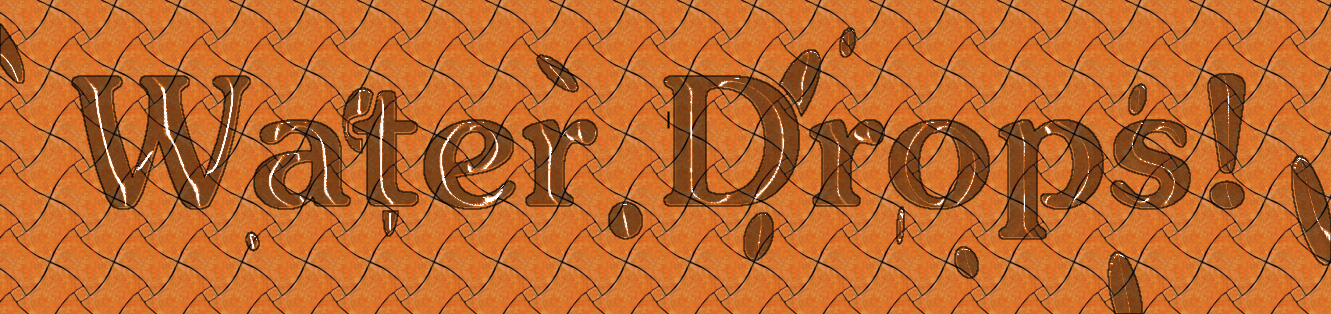
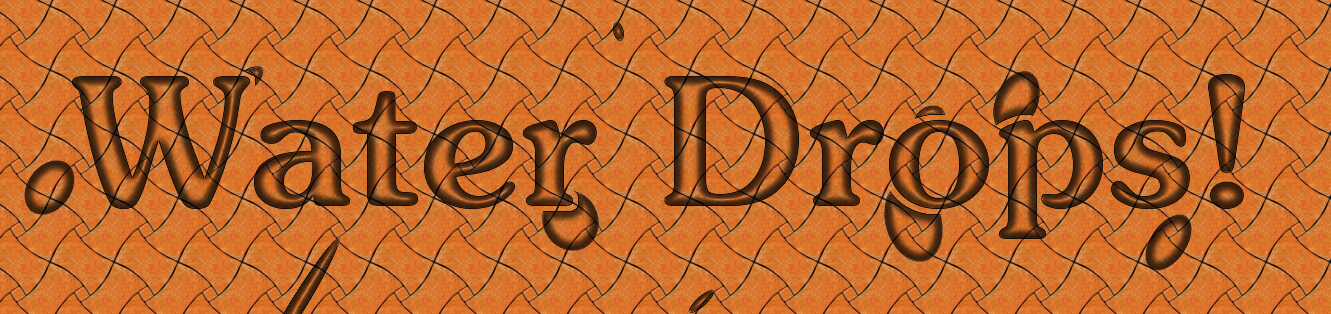
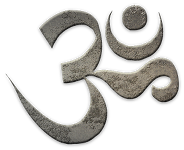
On a side note the create soap bubbles script allows you to open Iwarp interactively.
Have you given any thought about using it for waterdrop distortion?
This works great with my waterdrop brush.
I apply the brush on a transparent layer
Select the drop -alpha to selection
Create a new shadow layer. - fill selection with black
Then depending on the looks i may do a select shrink on the shadow and delete the inside of the shadow effect.
Set the shadow opacity - set the drop opacity
Merge drop layer and shadow layer
Open Iwarp and distort the drop to look more realistic
Use the free select tool to select just inside the drop area
select my pattern - create a pattern layer
Select the pattern layer and run Filters > Distort > Lens Distort with all settings 0 except zoom (depends on drop size)
Adjust as needed.
Done
Drop before start of waterdrop effect

Drop effect when done
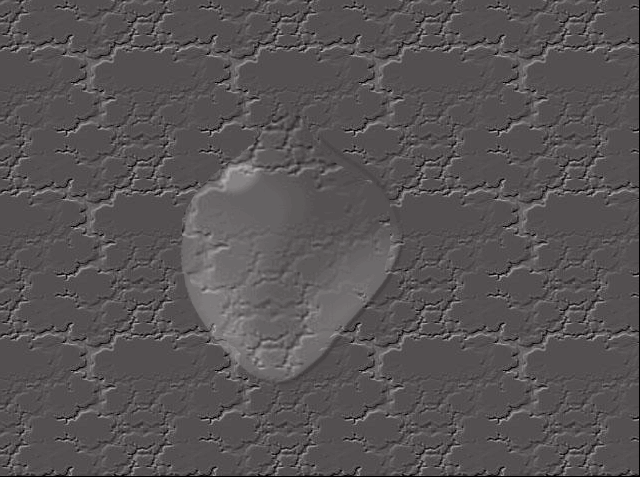
The beauty of using Iwarp is that i can create as many drops as i want, use Iwarp to distort each one differently.
I can flip/rotate the results to get different lighting effects/direction after.
 Login
Login Register
 Tweets
 FAQ
FAQ Advanced Search