micki wrote:
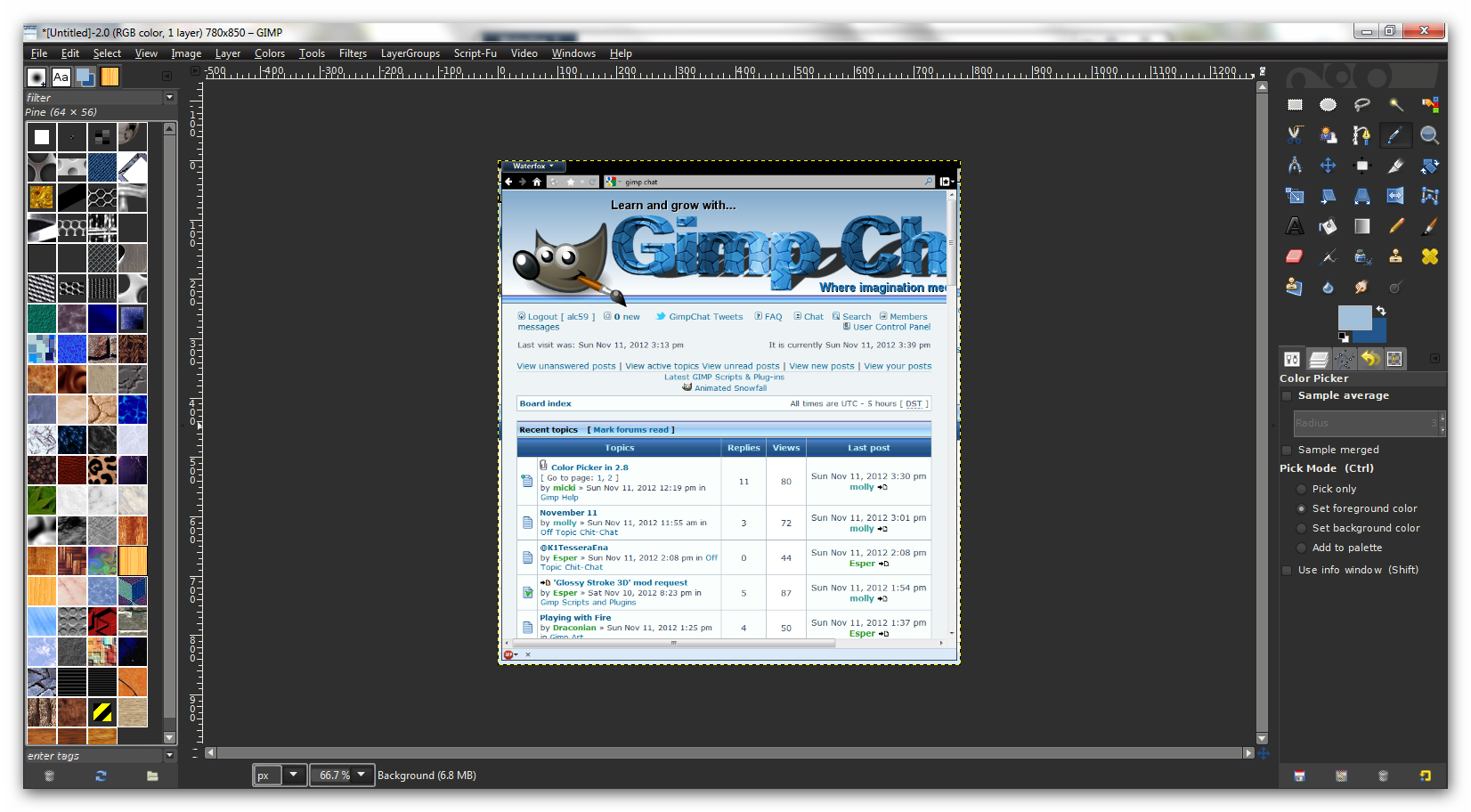
ok found it and added it..now how to I get it to work to pull a color off a website or picture from a website? mainly pulling colors for football teams to match the order I receive for them
Instead of using the Color Picker, you might try using the eyedropper in the Color Selector dialog. This will allow you to pick your color from anywhere on your display.
There are two ways to access this "full-screen eyedropper":
you can explicitly open the FG/BG Color Selector dialog using "Windows->Dockable Dialogs->Colors" (this dialog can be permanently added to one of your docks if you wisht)
Attachment:
 fg-bg-dialog.png [ 7.51 KiB | Viewed 2077 times ]
or you can use the Color Selector dialog that opens whenever you click on any one of the "color swatches" strewn about the GIMP's interface (e.g., the main FG/BG chooser in you Toolbox, the color selector for text, ...)
Attachment:
 color-selector.png [ 12.92 KiB | Viewed 2077 times ]
In either case, the "full-screen eyedropper" is accessed with the button that I circled in red in the above screenshot. After clicking on that button, GIMP will wait for you to click somewhere on the screen, and then your foreground color will be set to the color under the cursor. After picking your color, the cursor returns to its normal mode.
 Login
Login Register
 Tweets
 FAQ
FAQ Advanced Search