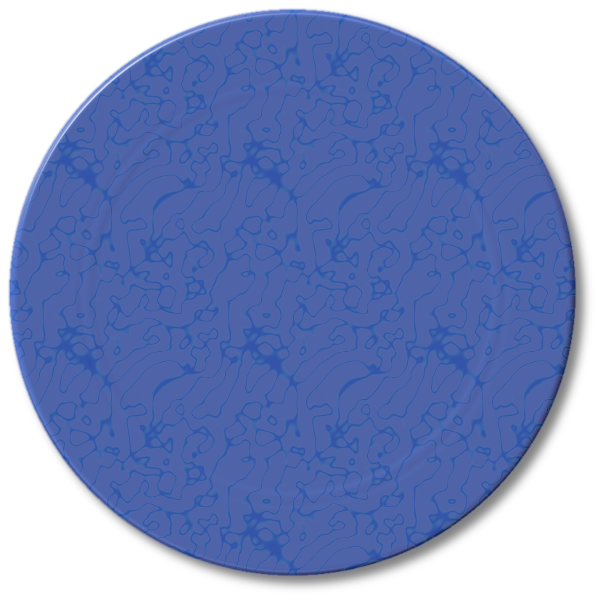
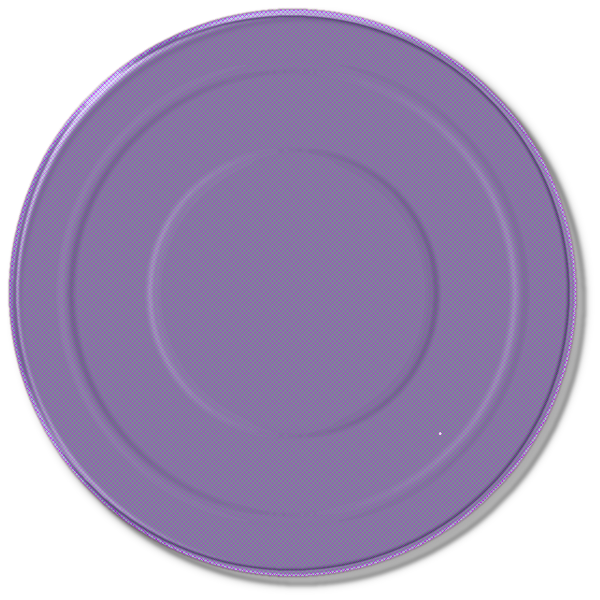
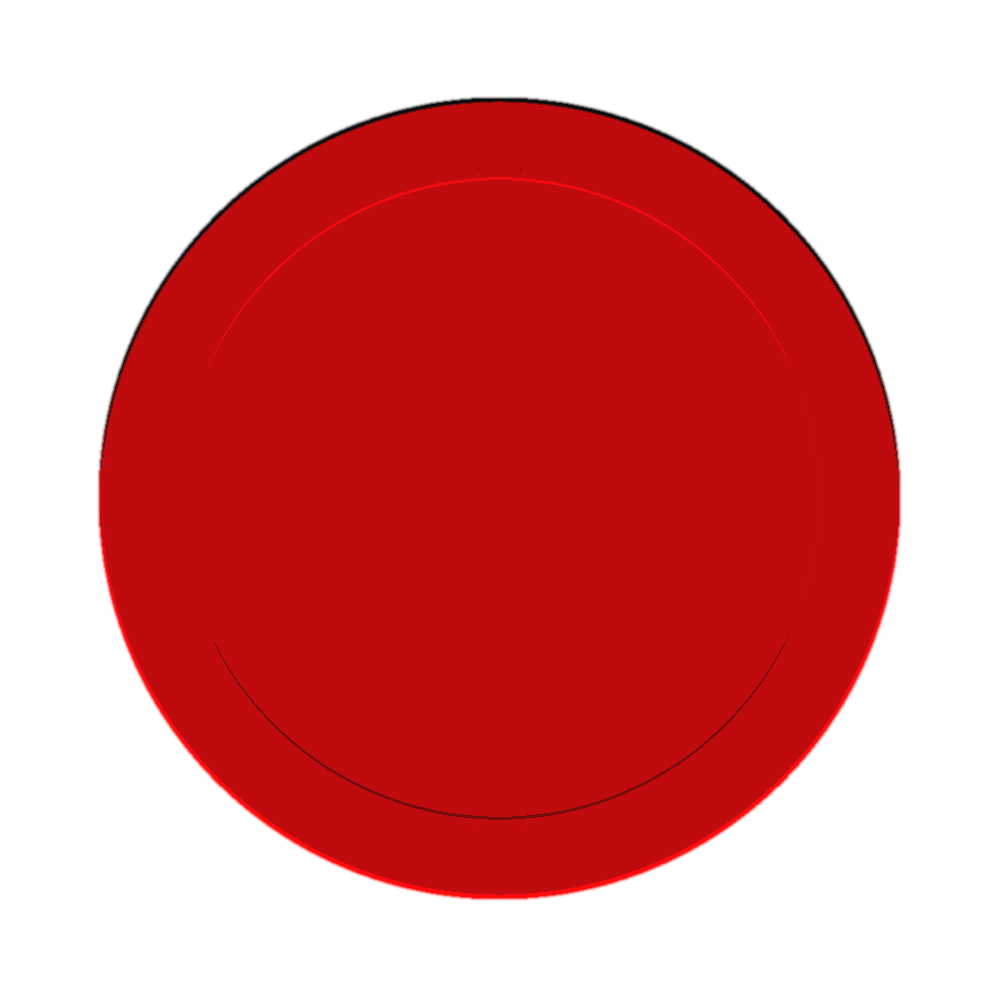
molly wrote:
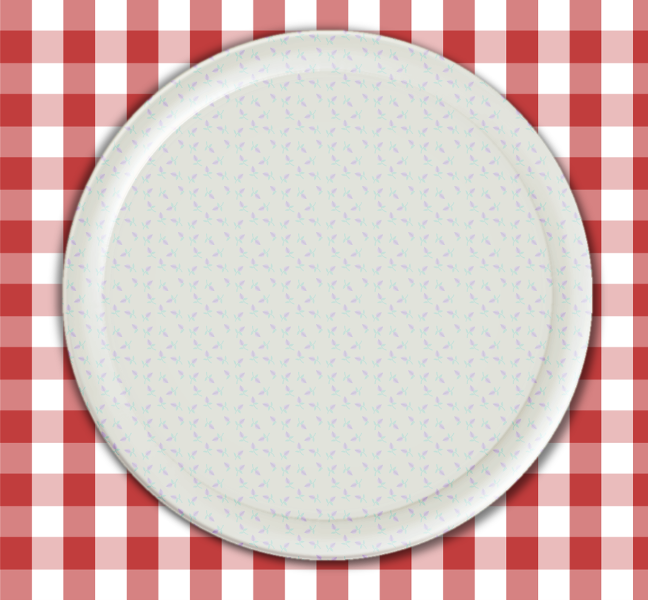
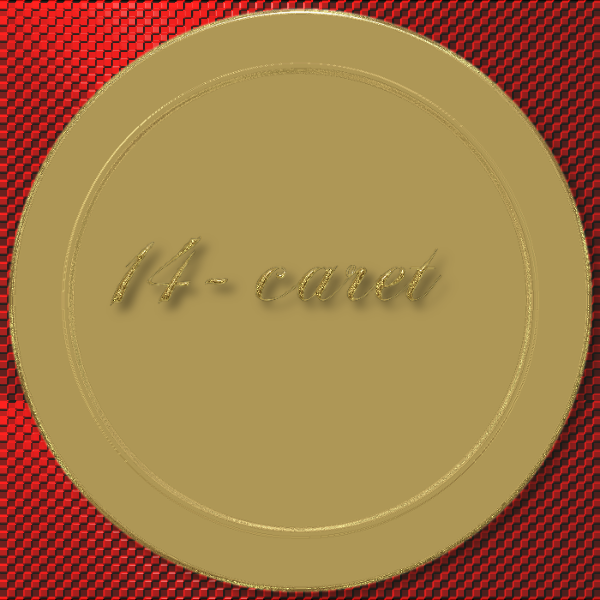
Tux, I tried and tried to make a plate template and I can't get it to work. Can you give away your secret as how you did it.
SysTemX wrote:
Molly - You need to lower the opacity on the ares you want changed.

What I did..
Create a 800x800 canvas, create a circular selection and filled with black.
I ran Gaussian blur of 3px for an edge bevel.
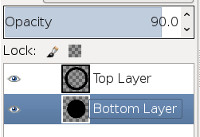
Duplicated the layer and performed alpha to selection on the top layer.
Shrink by 80px and deleted the center section of the top layer, creating an 80px ring.
Select the bottom layer, grow selection by 10, invert the selection and delete the outer area.
Set the top layer's opacity to 95 and the bottom layer's opacity to 90, then merge down the top layer.
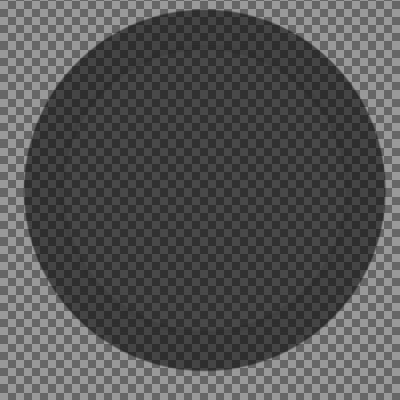
The overlapping 10px area will be darker, which gives you the center ring in the plate.

You can see it if you decrease the opacity of the merged layer to less than 100%.
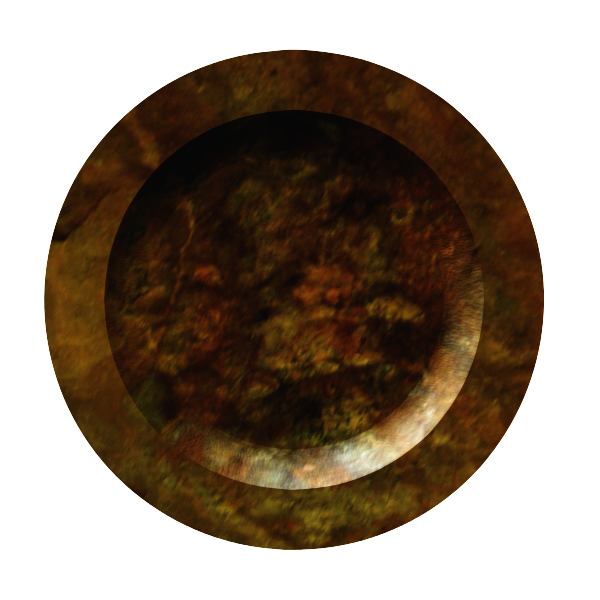
Then, ensure the merged layer is back at 100% opacity and run BRL, using the map of your choice.
You should experiment with variations of this. It would be interesting to see the results if the outer ring had a graduated transparency/opacity (gradient transparency) that when from the outer edge of the ring to the inner edge.
 Login
 Register
 Tweets
 FAQ
 Advanced Search













 Neither can I.