It is currently Fri Nov 13, 2026 12:14 pm


All times are UTC - 5 hours [ DST ]


Post new topic Reply to topic  [ 98 posts ]  Go to page Previous  1, 2, 3, 4, 5  Next
Author Message
 Post subject: Re: A Plate?
PostPosted: Tue Oct 14, 2014 3:47 am  (#61) 
Offline
Global Moderator
User avatar

Joined: Oct 02, 2014
Posts: 5092
Location: Sydney Australia
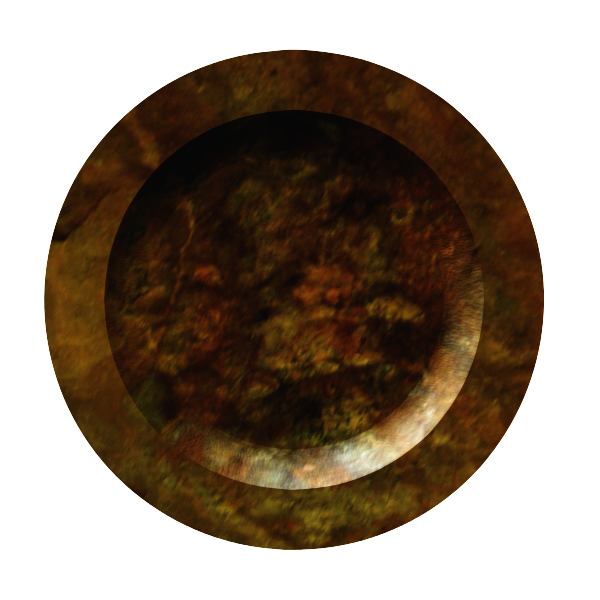
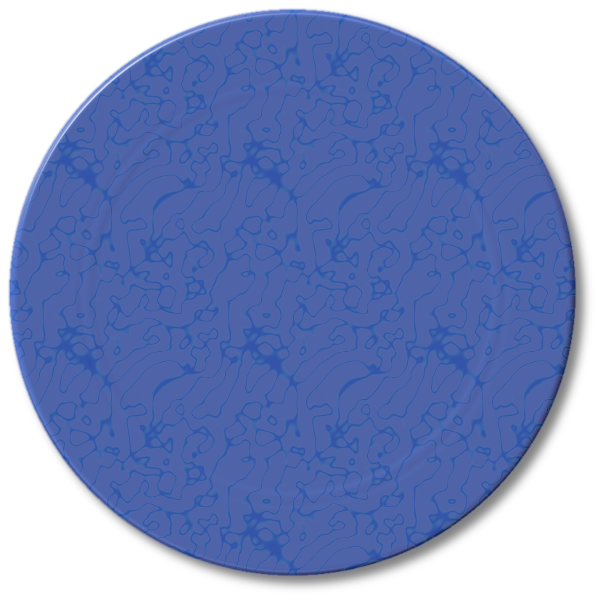
Well thank you Sallyanne - and now my last plate (for a while anyway), a soup plate made out of a rockface from Kakadu National Park.

Image

_________________
Image

Respect should be offered freely but hard earned


Top
 Post subject: Re: A Plate?
PostPosted: Tue Oct 14, 2014 4:03 am  (#62) 
Offline
Global Moderator
User avatar

Joined: Apr 01, 2012
Posts: 8504
Location: On the other side of your screen
Another good one, you have got some good textures and I assume great memories too.

_________________
Image
Free Fun Photo Editing & resources
Poems from the Lord
Gimp Newby
Gimp version 3.2.8 and GMIC-Qt 4.0.2 OS :- Windows 10 Home 64


Top
 Post subject: Re: A Plate?
PostPosted: Tue Oct 14, 2014 5:31 am  (#63) 
Offline
GimpChat Member
User avatar

Joined: Apr 07, 2010
Posts: 14182
Thanks system, I will try that.

_________________
Image


Top
 Post subject: Re: A Plate?
PostPosted: Tue Oct 14, 2014 7:15 am  (#64) 
Offline
GimpChat Founder
User avatar

Joined: May 22, 2008
Posts: 5241
Location: Gimpville
molly wrote:
Tux, I tried and tried to make a plate template and I can't get it to work. Can you give away your secret as how you did it.
SysTemX wrote:
Molly - You need to lower the opacity on the ares you want changed. :)


What I did..

Create a 800x800 canvas, create a circular selection and filled with black.
I ran Gaussian blur of 3px for an edge bevel.
Duplicated the layer and performed alpha to selection on the top layer.
Shrink by 80px and deleted the center section of the top layer, creating an 80px ring.
Select the bottom layer, grow selection by 10, invert the selection and delete the outer area.
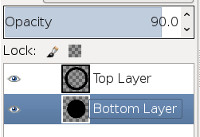
Set the top layer's opacity to 95 and the bottom layer's opacity to 90, then merge down the top layer.
Image

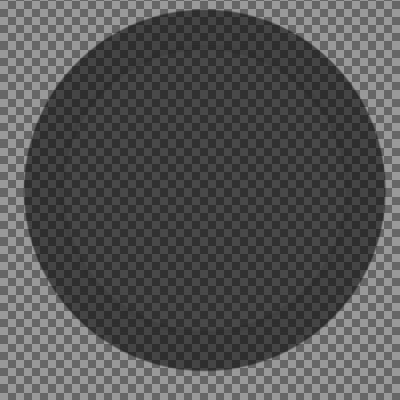
The overlapping 10px area will be darker, which gives you the center ring in the plate. :bigthup

You can see it if you decrease the opacity of the merged layer to less than 100%.
Image

Then, ensure the merged layer is back at 100% opacity and run BRL, using the map of your choice.

You should experiment with variations of this. It would be interesting to see the results if the outer ring had a graduated transparency/opacity (gradient transparency) that when from the outer edge of the ring to the inner edge.

_________________
“If you reach for the stars, you just might land on a decently sized hill.” - Stuart Hill


Top
 Post subject: Re: A Plate?
PostPosted: Tue Oct 14, 2014 7:38 am  (#65) 
Offline
GimpChat Member
User avatar

Joined: Dec 08, 2013
Posts: 1088
:ninja
This is mine :)


Attachments:
Template-opacity.png
Template-opacity.png [ 138.85 KiB | Viewed 1550 times ]

_________________
Image
Top
 Post subject: Re: A Plate?
PostPosted: Tue Oct 14, 2014 7:47 am  (#66) 
Offline
GimpChat Member
User avatar

Joined: Apr 07, 2010
Posts: 14182
GnuTux wrote:
molly wrote:
Tux, I tried and tried to make a plate template and I can't get it to work. Can you give away your secret as how you did it.
SysTemX wrote:
Molly - You need to lower the opacity on the ares you want changed. :)


What I did..

Create a 800x800 canvas, create a circular selection and filled with black.
I ran Gaussian blur of 3px for an edge bevel.
Duplicated the layer and performed alpha to selection on the top layer.
Shrink by 80px and deleted the center section of the top layer, creating an 80px ring.
Select the bottom layer, grow selection by 10, invert the selection and delete the outer area.
Set the top layer's opacity to 95 and the bottom layer's opacity to 90, then merge down the top layer.

[ Image ]

The overlapping 10px area will be darker, which gives you the center ring in the plate. :bigthup

You can see it if you decrease the opacity of the merged layer to less than 100%.

[ Image ]

Then, ensure the merged layer is back at 100% opacity and run BRL, using the map of your choice.

You should experiment with variations of this. It would be interesting to see the results if the outer ring had a graduated transparency/opacity (gradient transparency) that when from the outer edge of the ring to the inner edge.


Thank you Tux I can't wait to try this. If it is a success, I will save the templates. woo hoo :jumpclap

@system, I love how you did the plate with the S. cool

_________________
Image


Top
 Post subject: Re: A Plate?
PostPosted: Tue Oct 14, 2014 9:18 am  (#67) 
Offline
GimpChat Founder
User avatar

Joined: May 22, 2008
Posts: 5241
Location: Gimpville
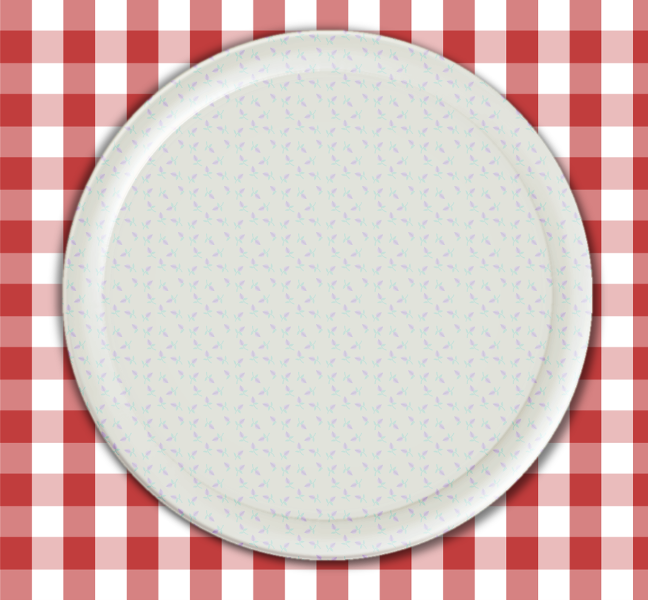
Another simple approach is an outer ring at 100% opacity and an inner ring of 98% opacity. It does takes longer to render at higher depths.

Here are a couple of results...

Image

Image

_________________
“If you reach for the stars, you just might land on a decently sized hill.” - Stuart Hill


Top
 Post subject: Re: A Plate?
PostPosted: Tue Oct 14, 2014 9:37 am  (#68) 
Offline
GimpChat Member
User avatar

Joined: Apr 07, 2010
Posts: 14182
Very cool, love the second one.

_________________
Image


Top
 Post subject: Re: A Plate?
PostPosted: Tue Oct 14, 2014 1:27 pm  (#69) 
Offline
GimpChat Member
User avatar

Joined: Apr 07, 2010
Posts: 14182
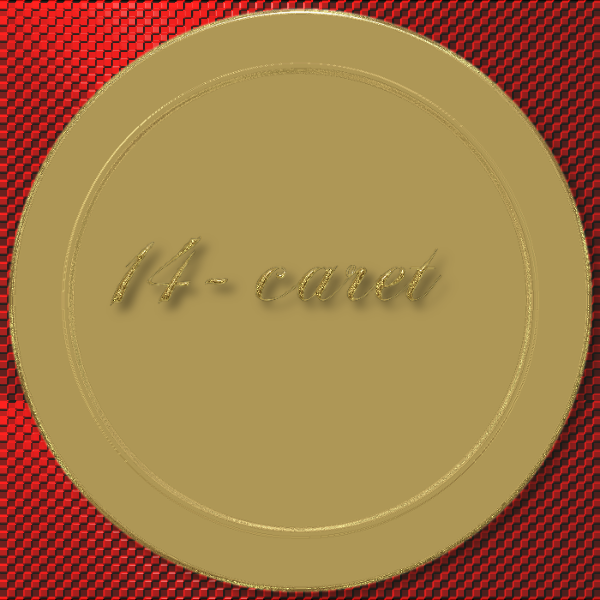
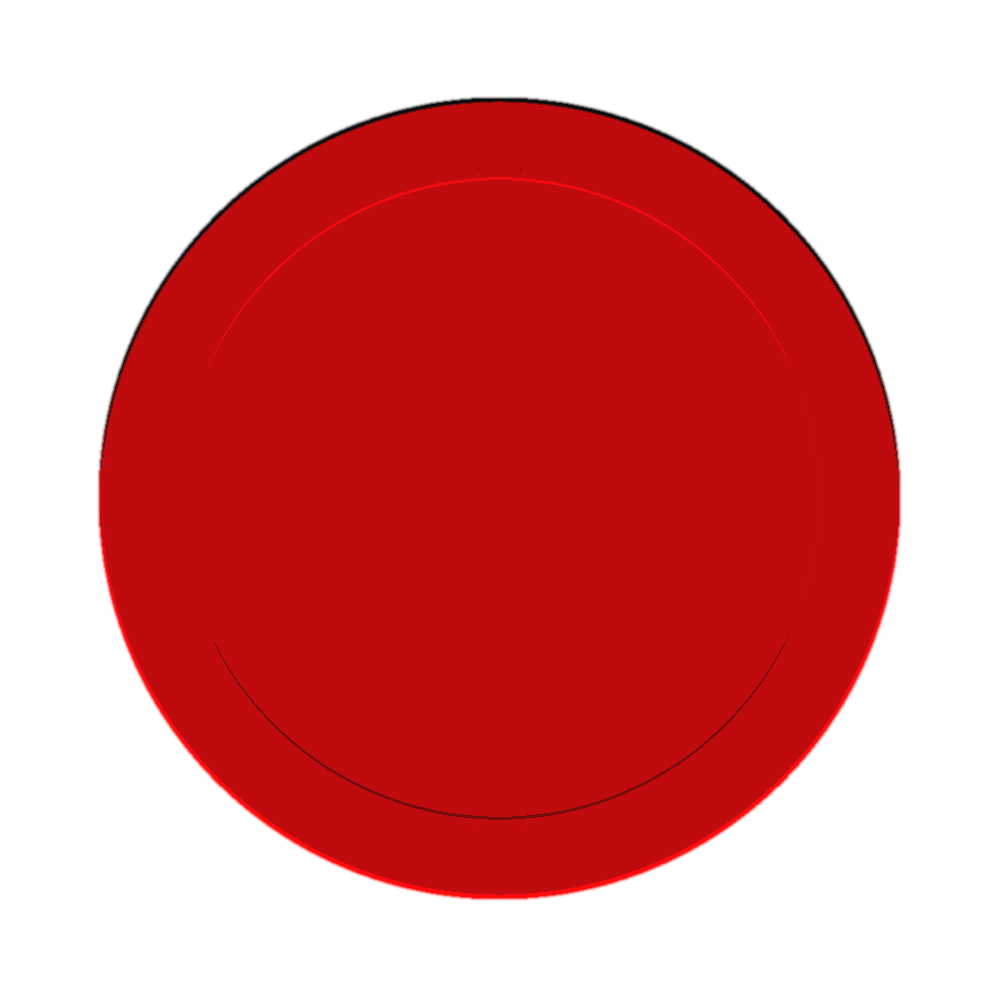
My first try at building a template, I am going to start experimenting with different shapes next.
I would like to try to make the plate deeper with more depth.
Image

_________________
Image


Top
 Post subject: Re: A Plate?
PostPosted: Tue Oct 14, 2014 1:29 pm  (#70) 
Offline
GimpChat Member
User avatar

Joined: Dec 08, 2013
Posts: 1088
Try feathering the edges or stroking with soft brush Molly.

_________________
Image


Top
 Post subject: Re: A Plate?
PostPosted: Tue Oct 14, 2014 1:37 pm  (#71) 
Offline
GimpChat Member
User avatar

Joined: Apr 07, 2010
Posts: 14182
I wanted that one to look like the gold is rough like glitter. I could have gotten a smoother edge but I kind of liked the rough edge effect in this one. Thanks System for the feedback.

_________________
Image


Top
 Post subject: Re: A Plate?
PostPosted: Tue Oct 14, 2014 1:47 pm  (#72) 
Offline
GimpChat Founder
User avatar

Joined: May 22, 2008
Posts: 5241
Location: Gimpville
Nice start, Molly. Can't wait to see what you come up with. :hehe

_________________
“If you reach for the stars, you just might land on a decently sized hill.” - Stuart Hill


Top
 Post subject: Re: A Plate?
PostPosted: Tue Oct 14, 2014 2:30 pm  (#73) 
Offline
GimpChat Member
User avatar

Joined: Apr 07, 2010
Posts: 14182
Thanks, :lol Neither can I.
_________________
Image


Top
 Post subject: Re: A Plate?
PostPosted: Tue Oct 14, 2014 4:59 pm  (#74) 
Offline
GimpChat Member
User avatar

Joined: Apr 07, 2010
Posts: 14182
Image

Image

_________________
Image


Top
 Post subject: Re: A Plate?
PostPosted: Tue Oct 14, 2014 8:42 pm  (#75) 
Offline
Global Moderator
User avatar

Joined: Oct 02, 2014
Posts: 5092
Location: Sydney Australia
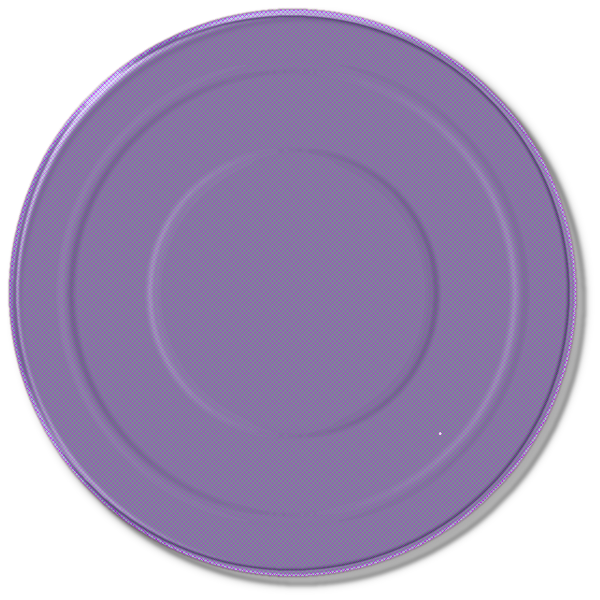
Well there is me saying no more plate pictures ... then GnuTux gives away the secrets of his BRL templates!

So I could not resist trying out the technique and the first 3 plates all looked OK ...
Image

but thereafter, using that same template, they all looked like formless, flat discs!

_________________
Image

Respect should be offered freely but hard earned


Top
 Post subject: Re: A Plate?
PostPosted: Wed Oct 15, 2014 6:05 am  (#76) 
Offline
GimpChat Member
User avatar

Joined: Apr 07, 2010
Posts: 14182
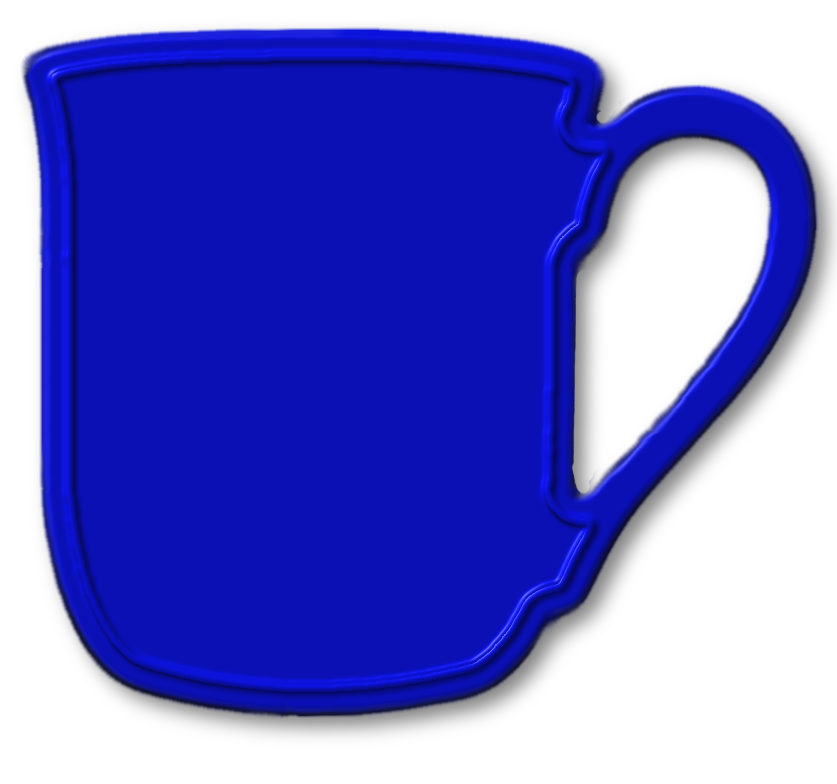
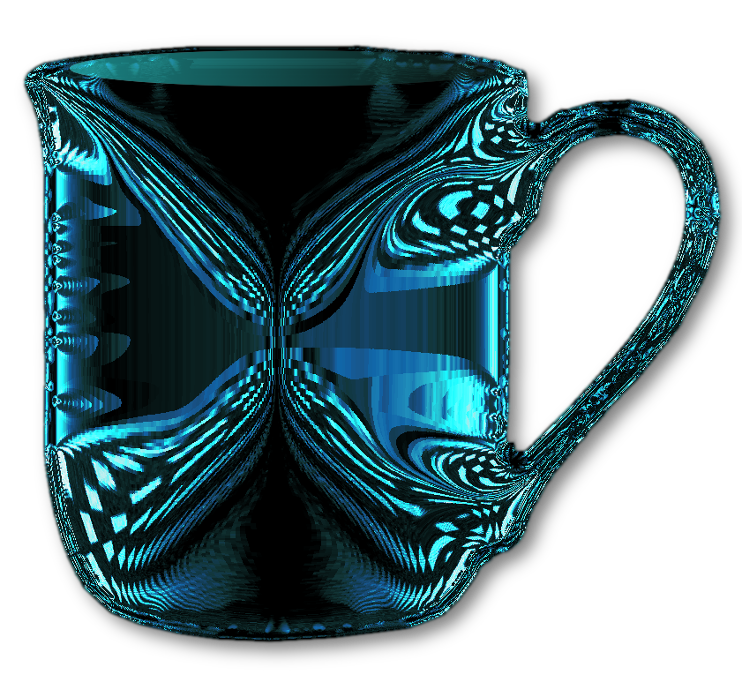
I tried a coffee mug with the same steps but different values and it just came out with a ridge instead of rounded. SHUCKS

Image

_________________
Image


Top
 Post subject: Re: A Plate?
PostPosted: Wed Oct 15, 2014 8:03 am  (#77) 
Offline
Global Moderator
User avatar

Joined: Apr 01, 2012
Posts: 8504
Location: On the other side of your screen
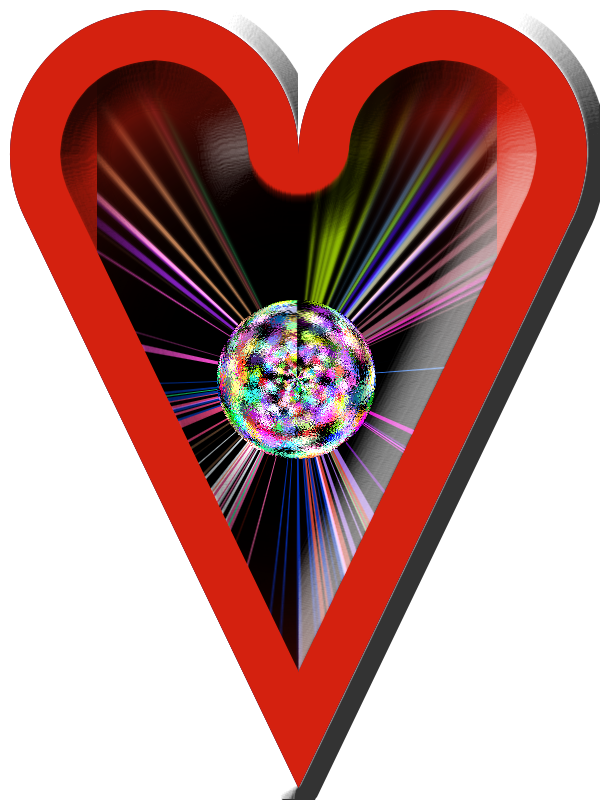
I tried it with a heart
Image

_________________
Image
Free Fun Photo Editing & resources
Poems from the Lord
Gimp Newby
Gimp version 3.2.8 and GMIC-Qt 4.0.2 OS :- Windows 10 Home 64


Top
 Post subject: Re: A Plate?
PostPosted: Wed Oct 15, 2014 8:36 am  (#78) 
Offline
Global Moderator
User avatar

Joined: Apr 01, 2012
Posts: 8504
Location: On the other side of your screen
And a 'nibbles' bowl
Image

_________________
Image
Free Fun Photo Editing & resources
Poems from the Lord
Gimp Newby
Gimp version 3.2.8 and GMIC-Qt 4.0.2 OS :- Windows 10 Home 64


Last edited by sallyanne on Wed Oct 15, 2014 9:24 am, edited 1 time in total.

Top
 Post subject: Re: A Plate?
PostPosted: Wed Oct 15, 2014 9:03 am  (#79) 
Offline
GimpChat Member
User avatar

Joined: Apr 07, 2010
Posts: 14182
great sallyanne,
On this one I started with a white mug, gave it a 3 blur, shrank it 4 pixels, Ran it through the BRL, and this is what I ended with.
Image

_________________
Image


Top
 Post subject: Re: A Plate?
PostPosted: Wed Oct 15, 2014 9:22 am  (#80) 
Offline
Global Moderator
User avatar

Joined: Apr 01, 2012
Posts: 8504
Location: On the other side of your screen
Wow that is fantastic molly. Looks like glass now.
Thanx but I didn't like mine so changed it.

_________________
Image
Free Fun Photo Editing & resources
Poems from the Lord
Gimp Newby
Gimp version 3.2.8 and GMIC-Qt 4.0.2 OS :- Windows 10 Home 64


Top
Post new topic Reply to topic  [ 98 posts ]  Go to page Previous  1, 2, 3, 4, 5  Next

All times are UTC - 5 hours [ DST ]


* Login  


Powered by phpBB3 © phpBB Group