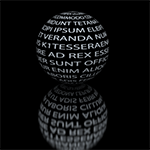
With this scribble (or something similar, I don't remember what I used exactly

):
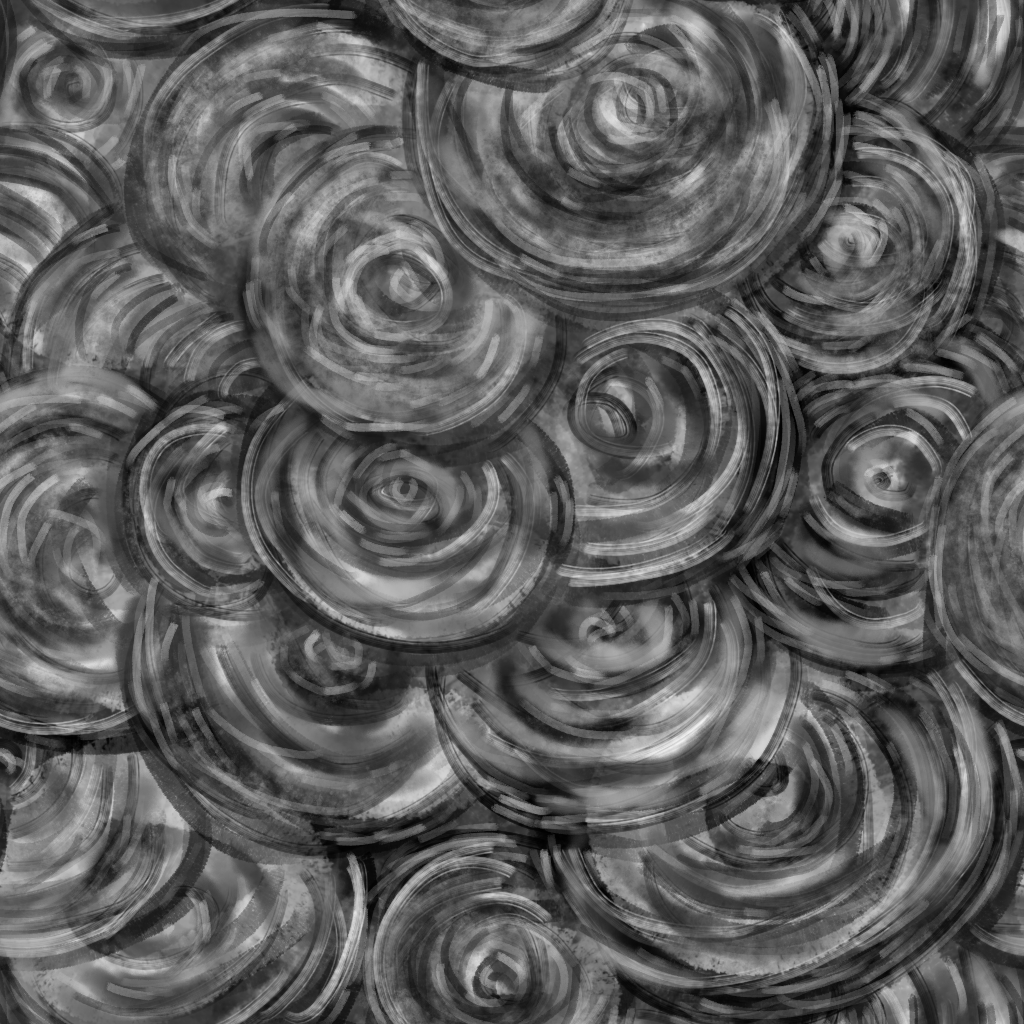
and a photo, I made this:
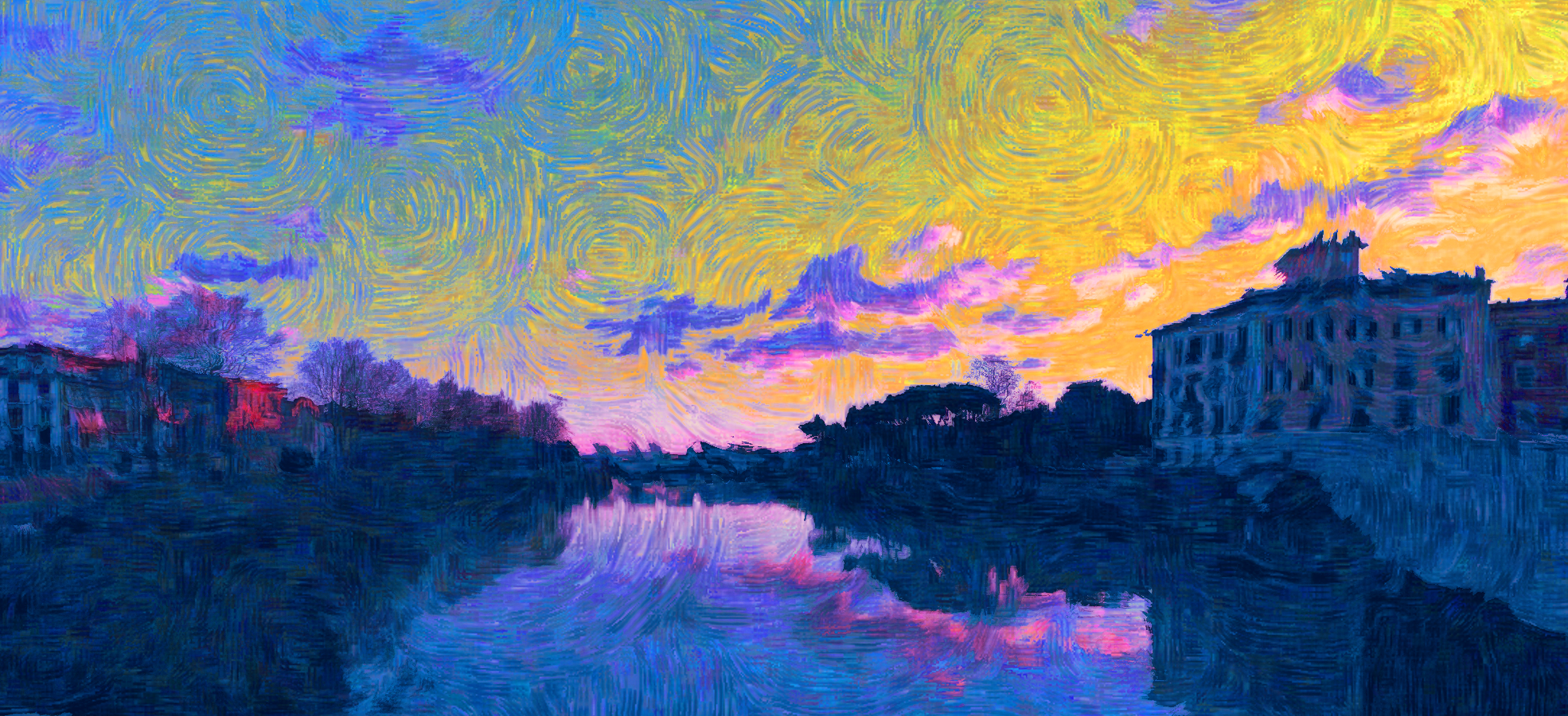
I don't remember each step but basically:
With G'mic: used the texture as a warp map and as overlay layer; Lylejk's Painting (iteration=1); erased and/or blurred some areas; values and colour correction.
Simplifying:
-Duplicate the original
-Draw some circle (or some radial gradient) in a new layer, this time I used a blue-yellow gradient
-Overlay, merge the circles with the layer below
-G'mic, custom code (similar to the original filter by Lylejk) the result is size-dependent:
--gimp_lylejk_stencil 6,7.5,0.75,0
    -smooth[-1] 300,0.26,1,0,7
    -blend_edges[0,-1] 1
    -gimp_kuwahara 1,5,0
-Adjust the opacity of the filtered layer, adjust the colours, done.
 Login
 Register
 Tweets
 FAQ
 Advanced Search






 .