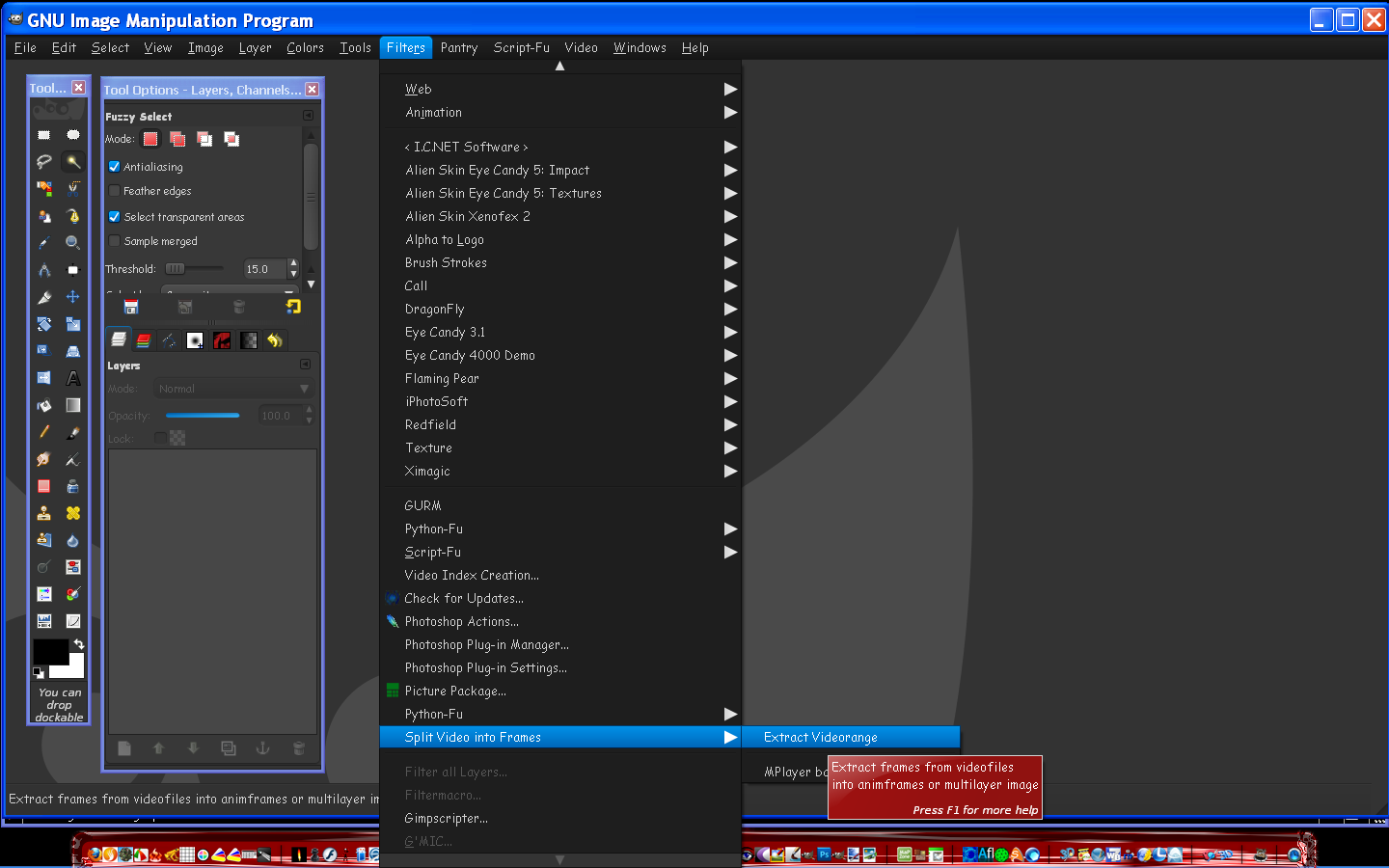
mahvin wrote:
Use mplayer via command line:
-ss <timepos> Seek to given (seconds or hh:mm:ss) position
-frames <number> Play/convert only first <number> frames, then quit.
-vo <gif89a,jpeg,pnm,png,tga>
If you start mplayer with the "-vf screenshot" option, then you can watch the movie interactively and press the "s" key whenever you want to create a PNG image (saved automatically using the name "shot####.png"). Alternately, you can press "S" (SHIFT+s) and start saving all frames (using same filenaming scheme) until you press "S" again. This works whether you are viewing in realtime, slow-motion, or single-frame.
A few useful keys when navigating with mplayer:
SPACE = pause movie
PERIOD = step single frame forward (while paused)
] = Increase speed
[ = Decrease speed
LEFT/RIGHT cursors = skip backward or forward 10 seconds
UP/DOWN cursors = skip backward or forward 60 seconds[/list]
 Login
Login Register
 Tweets
 FAQ
FAQ Advanced Search