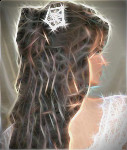
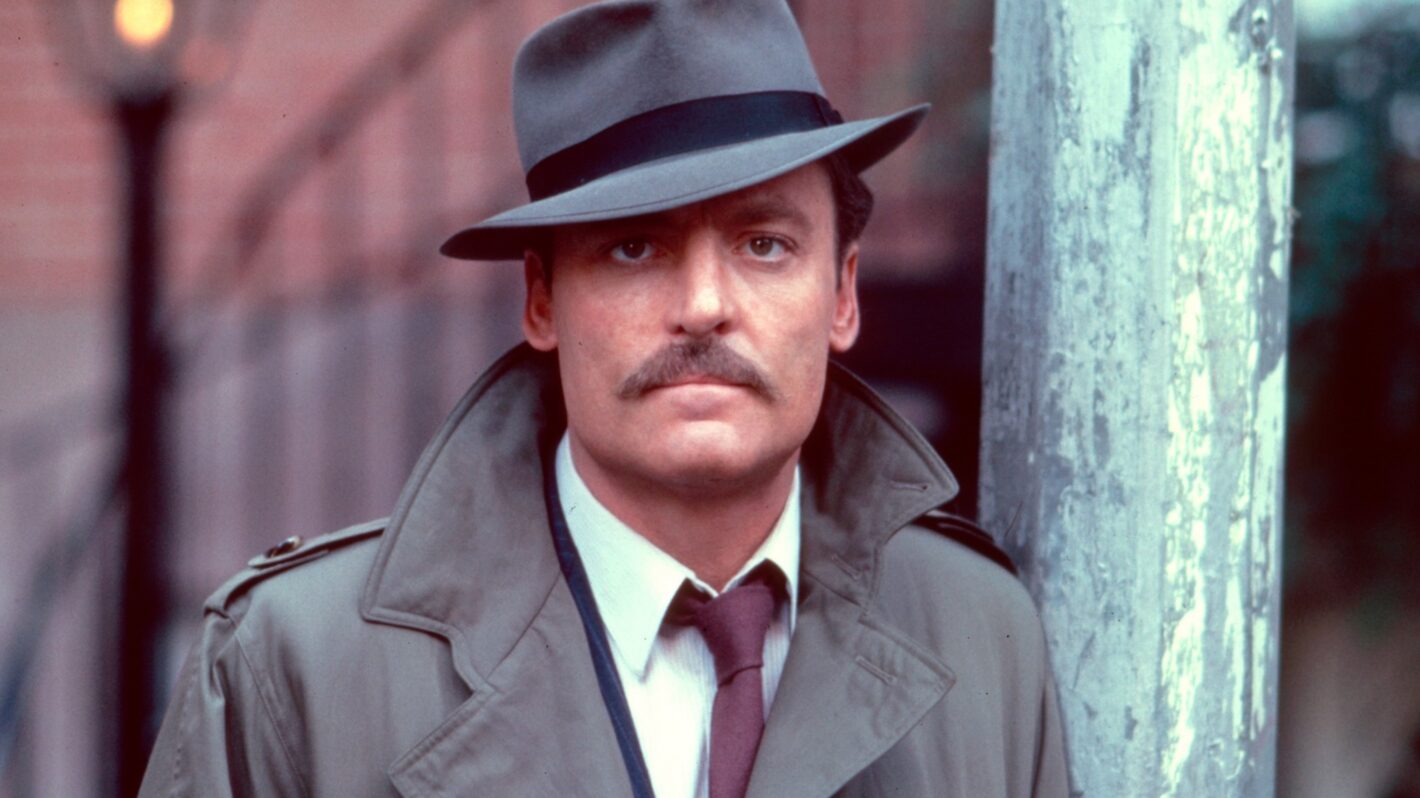
Sort of can give you an idea. I used G'MIC's new Marker Drawing preset (play with lengths and width of line and also set background color to transparent (0)) with base layer original. I use the eraser to get the eye detail back as needed, and then I run Redfield's Fine Touch preset (still works in PSPI) to get a more illustrated look. Of course that's just a good starting point. Do play with G'MIC's Illustrative look in the blend more often than not, too (before running Marker Drawing step that is). All about the blending; have to play with the settings for yourself. At the end, I add an Ivory (like elephan ivory; lol) texture for the paper look (would think it would work but surprisingly, the Ivory texture I have when blended in looks like paper to me; lol).
Appreciate the feedback, too, Issabella.

edit: Just realized that I didn't add paper texture for this particular render. lol
 Login
 Register
 Tweets
 FAQ
 Advanced Search