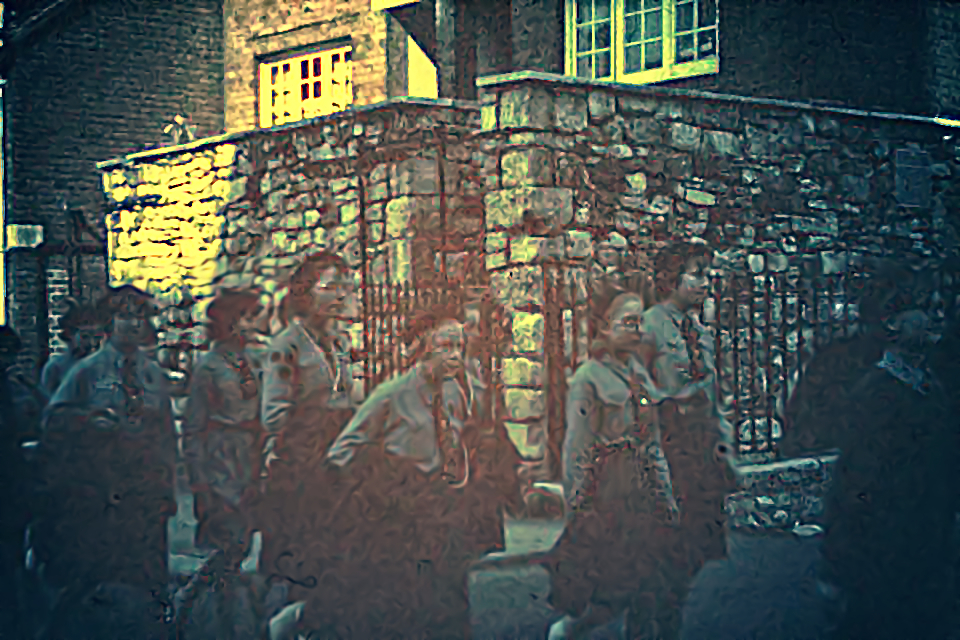
My try:
Attachment:
 1831_28059107_10156081415624462_4803962561090463202_n_edit.jpg [ 445.19 KiB | Viewed 9177 times ]
edit:
Sallyanne, this color cast is hard to correct.
Here I used first the channel mixer (GIMP>Colours>Components>'Channel Mixer' ..
No Preserve Luminosity)
In G'MIC you can use G'MIC>Colors>'RGB tone' and 'CMYK tone'. On my system 'CMYK tone' is not very stable in G'MIC Qt. For
this blue cast the 'CMYK tone' filter is the best. I think these filters do something like the Channel Mixer in GIMP, but expanded. Unfortunately they crash in Qt, so I used G'MIC 1.79 here. So the 'magic' here is "Channel Mixing". This method is also very useful for underwater image color correction.
Also an interesting filter for
this color cast is G'MIC>Colors>Mixer [CMYK].
After using the filters I described here above, I used G'MIC>Colors>Curves,
G'MIC>Colors>Boost chromaticity (YCbCr distinct) and
G'MIC>Colors>Specific saturation.
In this process I create layer after layer. Everytime I blend those layers with the last layer with an opacity I like. Sometimes I copy an 'old' lower layer to correct for Value, (or/and) Color, (or/and) Saturation or/and Tint on top of the newer layers.
I also warmly recommend a brand new G'MIC filter .....G'MIC>Details>'Local Processing'
with Action: Equalize
with 'Process channels individualy'
On.
with Channels: RGB [all]
 Login
Login Register
 Tweets
 FAQ
FAQ Advanced Search


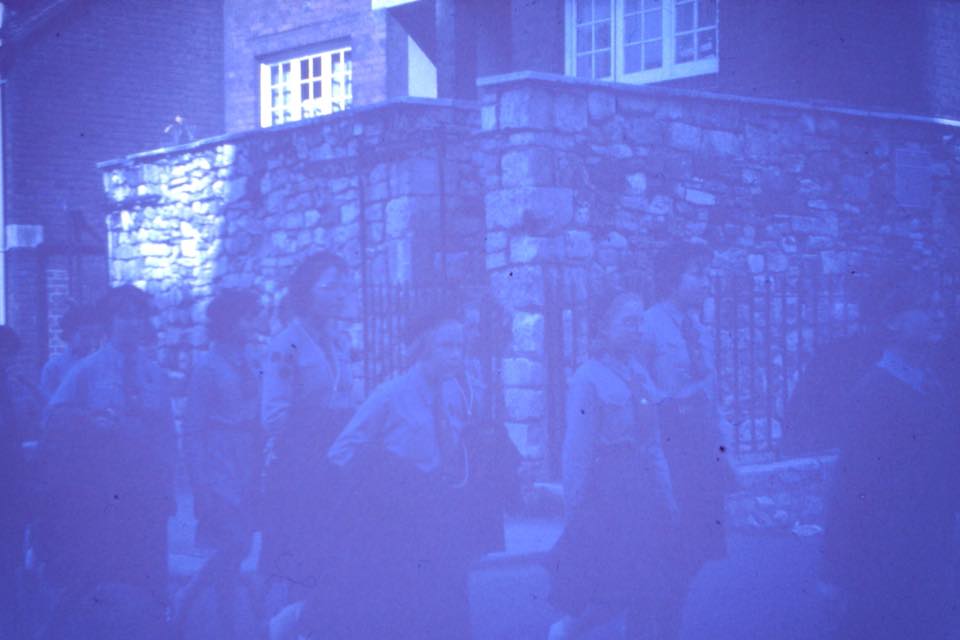







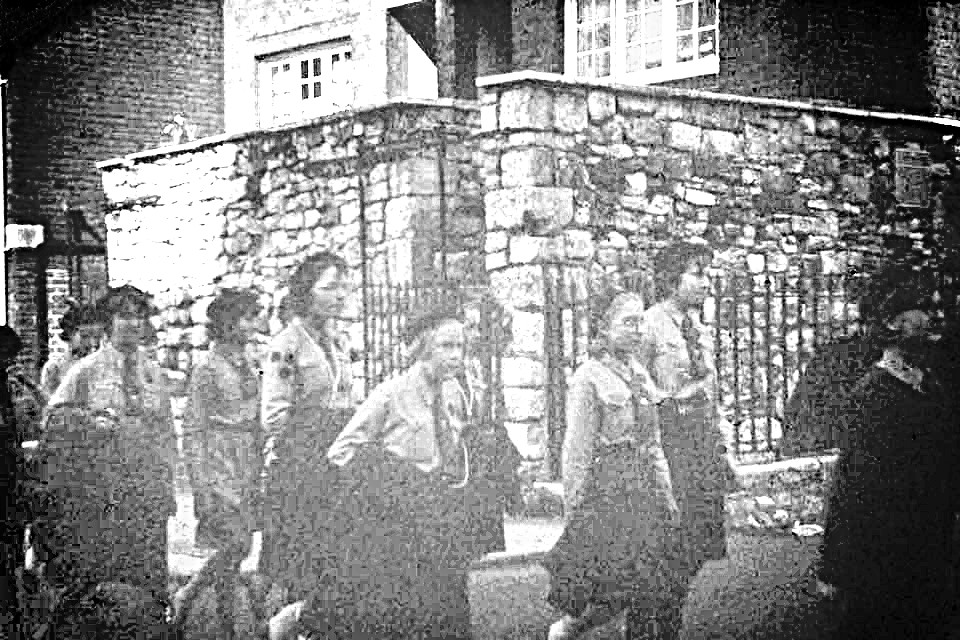


 . I know you say you used temperature and levels, but how did you make the temperature manipulations? Gimp tools or a g'mic restoration tool or something?