If you are trying to get themes to work in Gimp Painter you need to add some files that came from the themes software download.
Particularly theme folders with the gtkrc file in them and the engine dll files
Go to C:\Program Files\GIMP-2.0\lib\gtk-2.0\2.10.0\engines
and copy all the dll files to the same directory in Gimp Painter
Now go to the C:\Program Files\GIMP-2.0\share\themes folder and copy ALL the folder themes you want to use into the same directory in Gimp Painter.
Now you have to replace the gtkrc file in Gimp Painter with one from the themes folders. The one you want to use.
All there is to it really. You can not change the theme via preferences though.
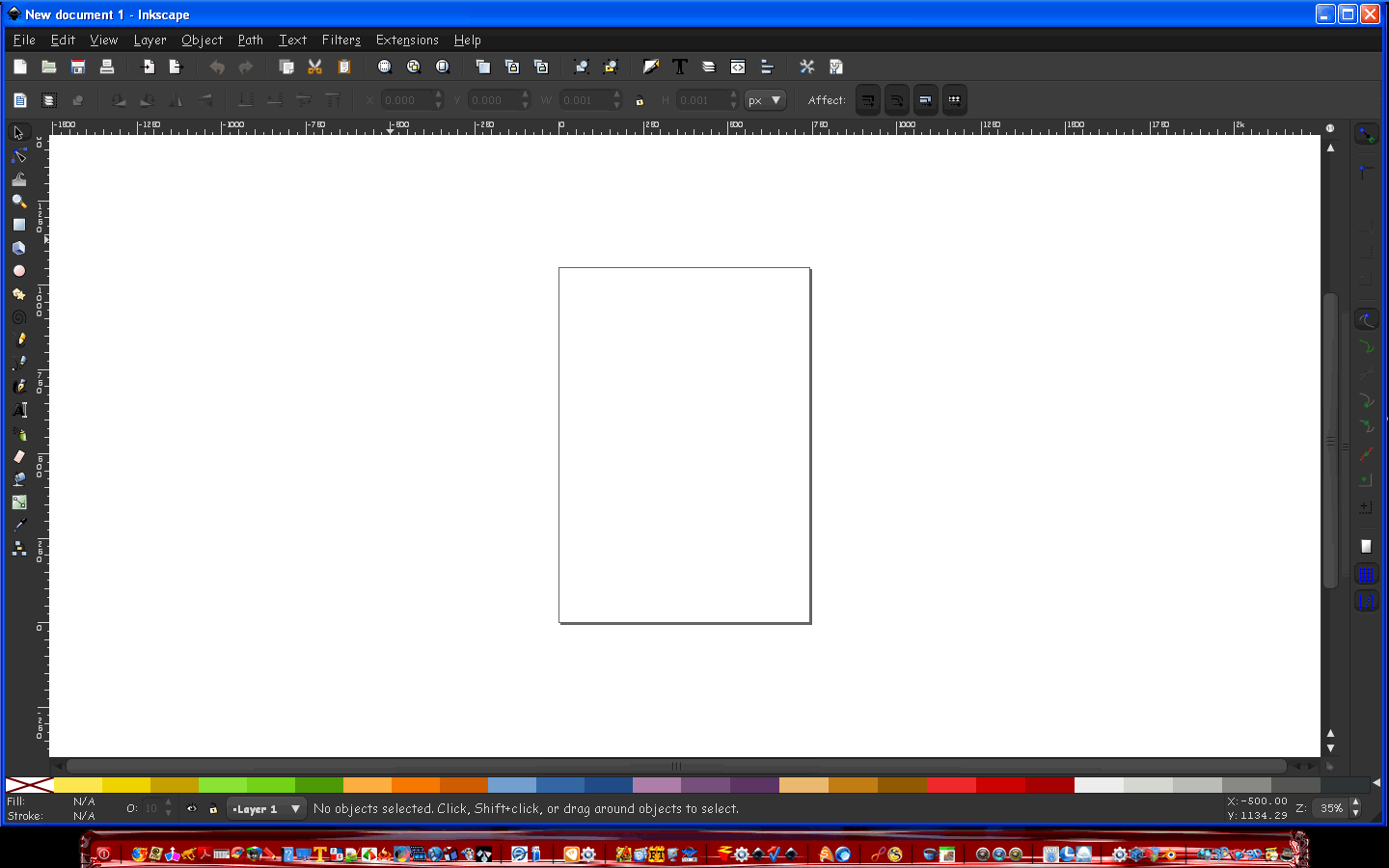
You can add themes to Inkscape the same way.

 Login
Login Register
 Tweets
 FAQ
FAQ Advanced Search









