It is currently Tue Sep 22, 2026 9:20 am


All times are UTC - 5 hours [ DST ]


Post new topic Reply to topic  [ 6 posts ] 
Author Message
 Post subject: New theme Gimp painter problem
PostPosted: Sun Mar 25, 2012 2:15 pm  (#1) 
Offline
GimpChat Member
User avatar

Joined: Mar 23, 2012
Posts: 7388
Location: Göteborg at last!
GIMP Version: 2.6.11
Operating System: Windows
OS Version: XP - SP3
GIMP Experience: Intermediate Level

List any relevant plug-ins or scripts:
Gimp painter "Run Gimp" script


I've installed a new theme which works fine with the normal Gimp exe but when opening with Gimp Painter's run Gimp script, the default grey theme opens. Is there any way to remedy this?


Share on Facebook Share on Twitter Share on Orkut Share on Digg Share on MySpace Share on Delicious Share on Technorati
Top
 Post subject: Re: New theme Gimp painter problem
PostPosted: Sun Mar 25, 2012 2:26 pm  (#2) 
Offline
GimpChat Member
User avatar

Joined: Jan 20, 2012
Posts: 583
At least you can get your themes to work. I have to use an external theme manager for windows 2.6.12 gimp :(

_________________


"In the face of adversity, there's three things: fly, freeze or fight; We're choosing to fight..."- Guy Boucher, Tampa Bay Lighting Head Coach


Top
 Post subject: Re: New theme Gimp painter problem
PostPosted: Sun Mar 25, 2012 2:52 pm  (#3) 
Offline
GimpChat Member
User avatar

Joined: Mar 23, 2012
Posts: 7388
Location: Göteborg at last!
I stuck with 2.6.11 and I don't think much of 2.8 if the development releases are anything to go by!


Top
 Post subject: Re: New theme Gimp painter problem
PostPosted: Sun Mar 25, 2012 3:05 pm  (#4) 
Offline
Global Moderator
User avatar

Joined: May 16, 2010
Posts: 16173
If you are trying to get themes to work in Gimp Painter you need to add some files that came from the themes software download.
Particularly theme folders with the gtkrc file in them and the engine dll files
Go to C:\Program Files\GIMP-2.0\lib\gtk-2.0\2.10.0\engines
and copy all the dll files to the same directory in Gimp Painter
Now go to the C:\Program Files\GIMP-2.0\share\themes folder and copy ALL the folder themes you want to use into the same directory in Gimp Painter.
Now you have to replace the gtkrc file in Gimp Painter with one from the themes folders. The one you want to use.

All there is to it really. You can not change the theme via preferences though.
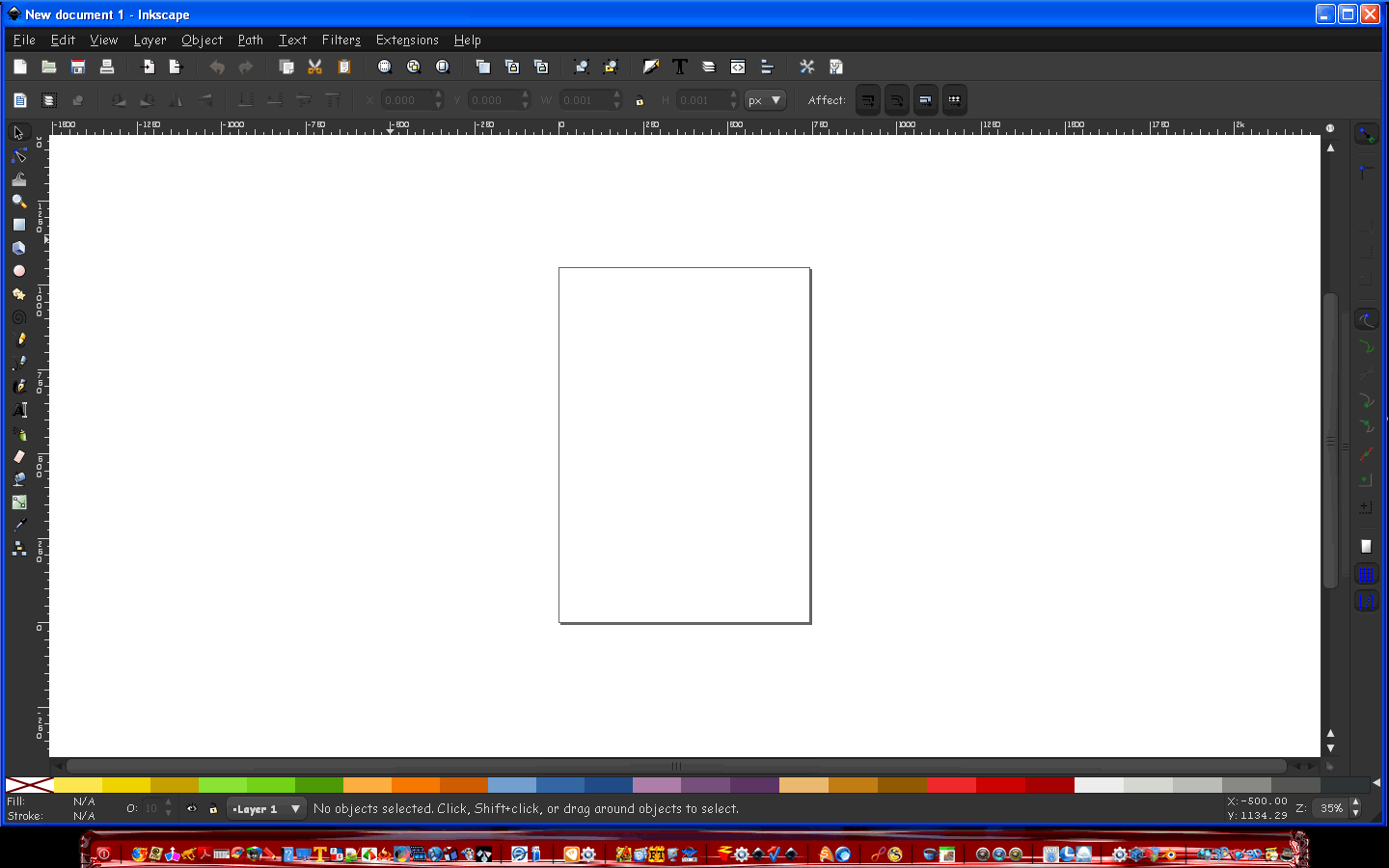
You can add themes to Inkscape the same way. :)
Image

_________________
Image


Top
 Post subject: Re: New theme Gimp painter problem
PostPosted: Sun Mar 25, 2012 3:34 pm  (#5) 
Offline
GimpChat Member
User avatar

Joined: Mar 23, 2012
Posts: 7388
Location: Göteborg at last!
Thank you Rod, I'll give that a try.


Top
 Post subject: Re: New theme Gimp painter problem
PostPosted: Sun Mar 25, 2012 4:01 pm  (#6) 
Offline
GimpChat Member
User avatar

Joined: Mar 23, 2012
Posts: 7388
Location: Göteborg at last!
Worked a treat Rod - Thanks again! :jumpclap


Attachments:
Screenprint 01.jpg
Screenprint 01.jpg [ 340.52 KiB | Viewed 1987 times ]
Top
Post new topic Reply to topic  [ 6 posts ] 

All times are UTC - 5 hours [ DST ]


cron

* Login  


Powered by phpBB3 © phpBB Group