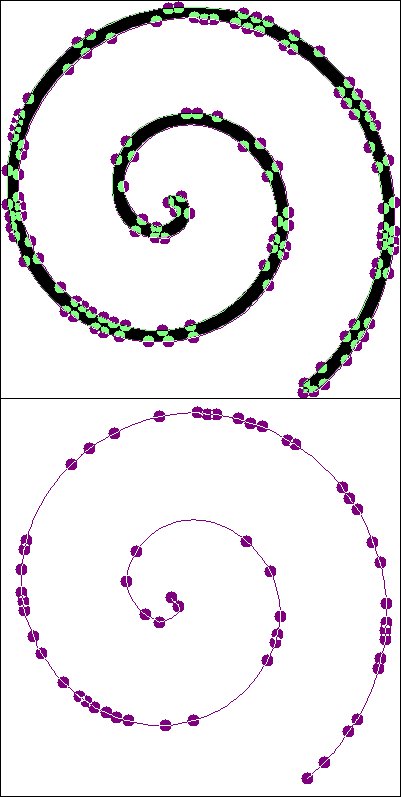
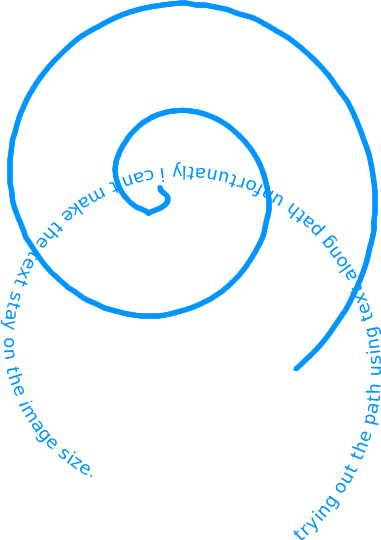
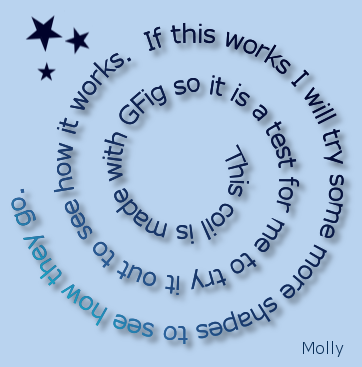
This is how I would create a spiral path by hand:
1. Render the spiral with a very narrow brush - I used the "Pixel" brush.
2. Create a crude path with the points at approximately constant angles.
That sounds confusing.

Here's an example: I set up center guides so I'd know where the 0, 90, 180 and 270 degree angles were (i.e. the axes). I started at the center and put path nodes where the spiral crossed the guides and approximately half way in between.
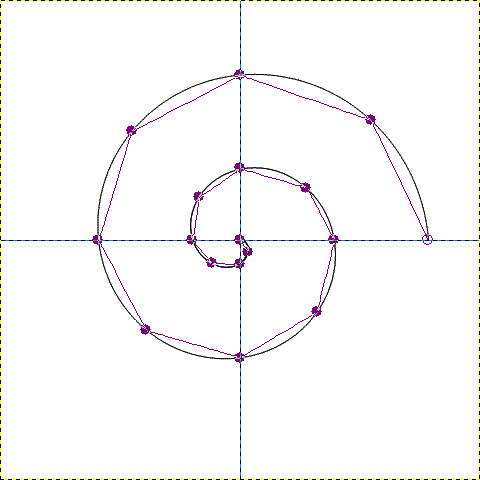
3. Smooth the path.
There is a plug-in to do this
http://registry.gimp.org/node/20069 Look at the comments to find compiled versions for Windows. I assume Linux users will know how to compile the plug-in. The plug-in registers in the path menu (right click on the path in the paths dialog).
The smoothed path isn't perfect, but it's close. More points would give a better result.
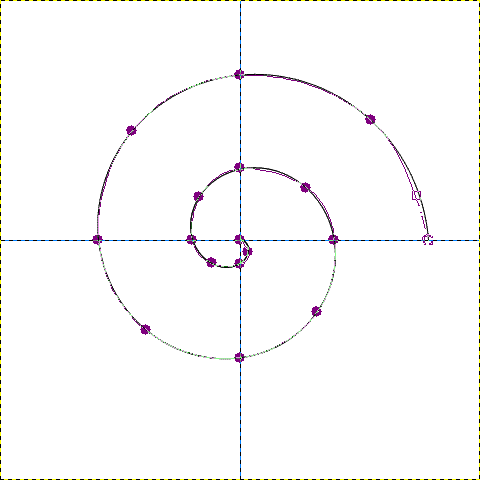
4. Optional: Tweak the path. Adjust the node handles to get a better alignment between the path and the rendered spiral. Hold down the shift key while adjusting the node handle to adjust both handles symmetrically. (This avoids bumps at the nodes.)
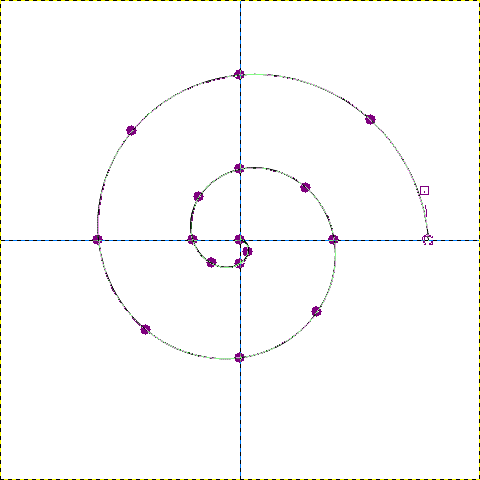
That's it.
The other option is to use a script that renders the spiral to a path, but such scripts usually have the option to draw many types of spirals and thus they can be rather confusing to use. (I wrote such a script, but I think you'd find the method described above to be easier to use.)
 Login
 Register
 Tweets
 FAQ
 Advanced Search




 I use that on my path-waves script, and a similar technique to generate the sines.