saulgoode wrote:
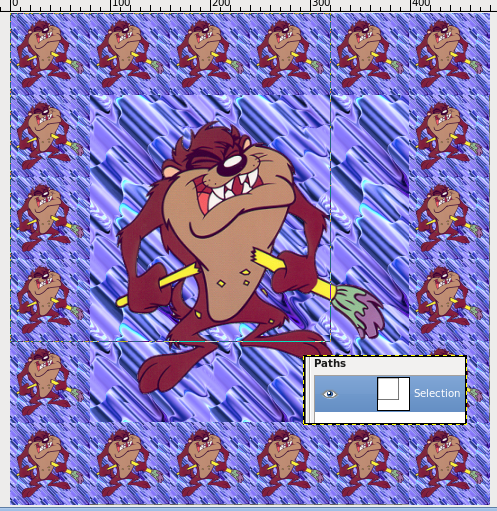
It seems to me that the heart of the problem is that the G'Mic filter is poorly behaved. A script/plug-in should avoid modifying any more of the image than necessary to accomplish the desired effect. For this case of adding a tiled border around a layer using the contents of the layer as the tile, it would seem to me unnecessary to be repositioning the layer relative to other elements of the image (e.g., paths, channels, or other layers).
While I may be misinterpreting what the G'Mic filter is supposed be doing, I would have you check out
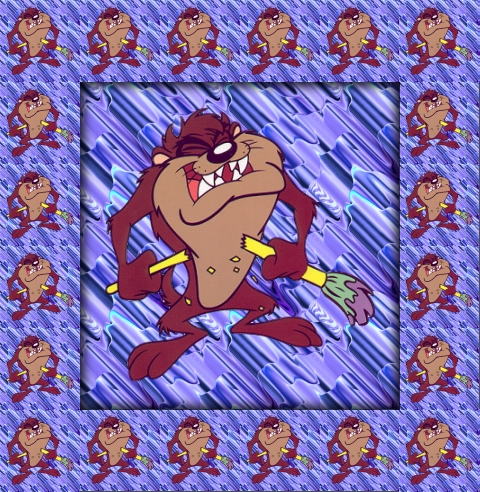
this script. It tiles around the active layer with scaled versions of the contents of the selection (or the full layer, if no selection) yet it leaves the original layer intact -- creating a new layer holding the rendered border. If the "Expand as necessary" option is checked, the image may increase in size; regardless, all existing layers, channels, and paths retain their original positioning
relative to the original layer. Since the script is well-behaved, there is no need to re-align things after it has executed.
That works perfectly for me. The main image is on a layer by itself and the border on another. Most cool.
Thank you very much, saulgoode.
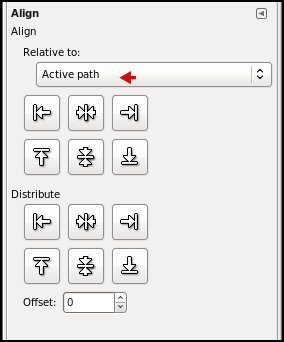
@ofnuts: Even with the path visible in the image window, when I click the alignment tool and click within the visible path, the alignment squares still are in the corners of the image window, not around the path.
 Login
 Register
 Tweets
 FAQ
 Advanced Search