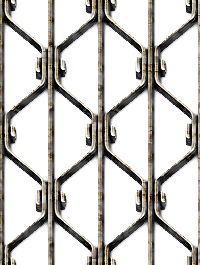
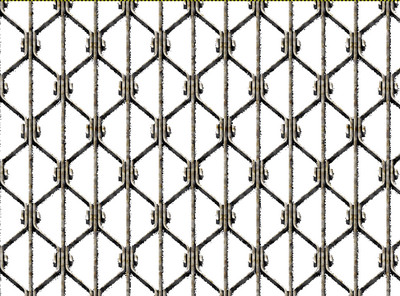
level_0 wrote:
thank you both for going over the topic to tell me that the pattern was clean but still being at level_0, it did not tell me what I had to do to not have the black grains ...

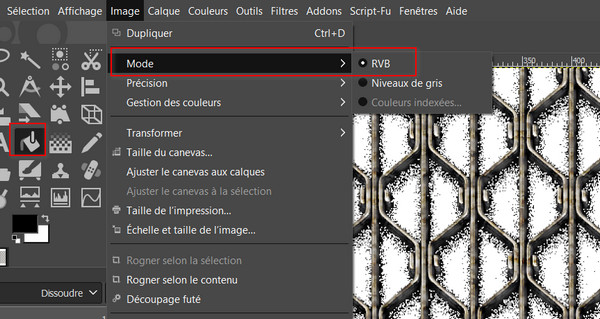
It is as Ofnuts pointed out, in an Indexed mode image the drop-shadow is dithered. Why? Indexed does not support partial transparency, either all or nothing, so the shadow is replaced by spaced solid dots. (dithering)
When converting to indexed Image -> Mode -> Indexed there is an option to turn that off. The semi-transparent then becomes solid.

To fix it for Indexed, remove the drop shadow. Fortunately not too difficult with those patterns.
Right click on the pattern in the patterns dialogue and open as an image.
Use the colour select tool with a large threshold

Cut the selection.
Export that as a png and put the file in your Gimp patterns folder. Gimp can use pngs and jpegs as pattern files without converting to a Gimp.pat file That one attached, I will let you practice on the other one.
EDIT: No - still produces a rubbish result. Needs a degree of cleaning. Try as described by Blighty.
Hate to be beat, this time cut-outs using a path, since there is symmetry, only had to make one then much duplicating, moving and flipping
 Login
 Register
 Tweets
 FAQ
 Advanced Search


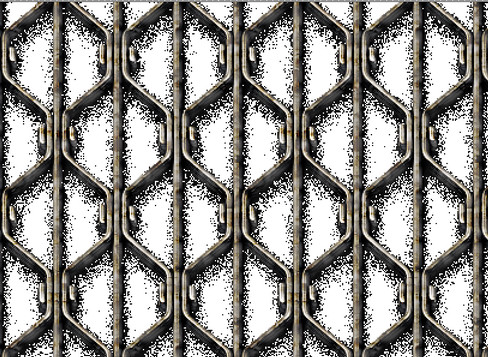
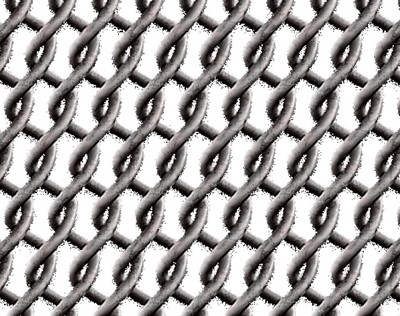




 but have you tried on a white background?



 )