GIMP Version: 2.10.8
Operating System: Windows
GIMP Experience: New User
Windows 10
Hello,
Another day, another newbie question...

...
My question today is, How do I compress my .xcf files?
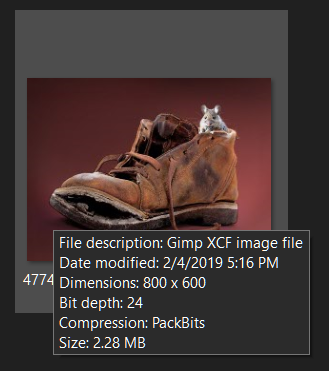
The reason I am asking, is, I downloaded a .xcf file & just happened to rest my pointer on the icon thumbnail & saw that it was compressed...
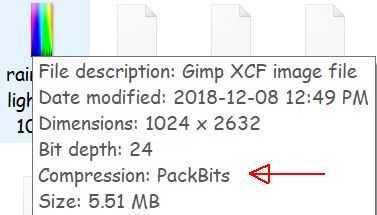
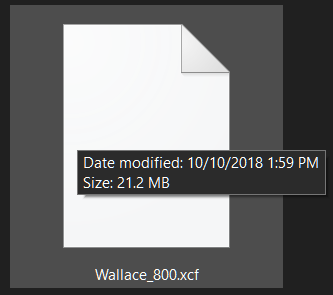
Then I put my pointer on a .xcf file that I had created, & there was no compression...

So obviously I'm missing a step in my saving.....
I've been using File, Save As (to change my Save location) Save....
Putting an x by "Save this xcf file with better but slower compression" doesn't seem to make any difference, my files are still uncompressed....
Do your .xcf files automatically compress when you save them?....do they show PackBits when you put your pointer on them or uncompressed?
I appreciate your help...
 Login
Login Register
 Tweets
 FAQ
FAQ Advanced Search









 ....
....