GIMP Version: 2.6.11
Operating System: Linux
OS Version: XP - SP3
GIMP Experience: Beginner Level
Attachment:
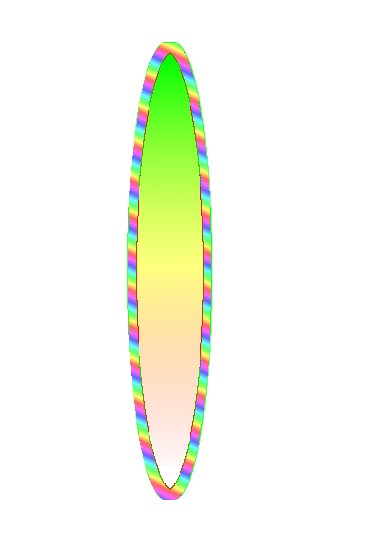 ellipsexperiment.jpg [ 11.06 KiB | Viewed 1392 times ]
Attachment:
ellipsexperiment.jpg [ 11.06 KiB | Viewed 1392 times ]
I am trying to make a logo for a kayak.
It will be a "stylized" (if that is the right word) bird.
I want to have stylized feathers on it in different colors.
I made something and first saved it with the selection as .xcf.
When I load this picture it still contains the selection.
When I load it as layers it doesn't have the selection anymore.
Then I saved it as .gbr but no more selection and thus no possibility of using different colors.
The first picture is a test gbr which I used on a white background.
I then removed the green with color select and replaced it with a gradient.
Then removed the red same way and replaced it with another gradient.
This way I'll be able to have multicolored "feathers" (which will not be elliptical).
Needless to say I would like to have something simpler than this.
Anyone have a better solution?
Many thanks in advance.
Gerard.
Edit:I don't know what I did wrong but the first 2 pics are the same and the result while the last one is the brush.
 Login
Login Register
 Tweets
 FAQ
FAQ Advanced Search





