I am finishing a new version...well the first attempt lead to weird results (see
viewtopic.php?f=11&t=1196 )
This instead works as supposed for a Contrast Mask, and has a added option to limit color shift
ORIGINAL (from Pranav )
Attachment:
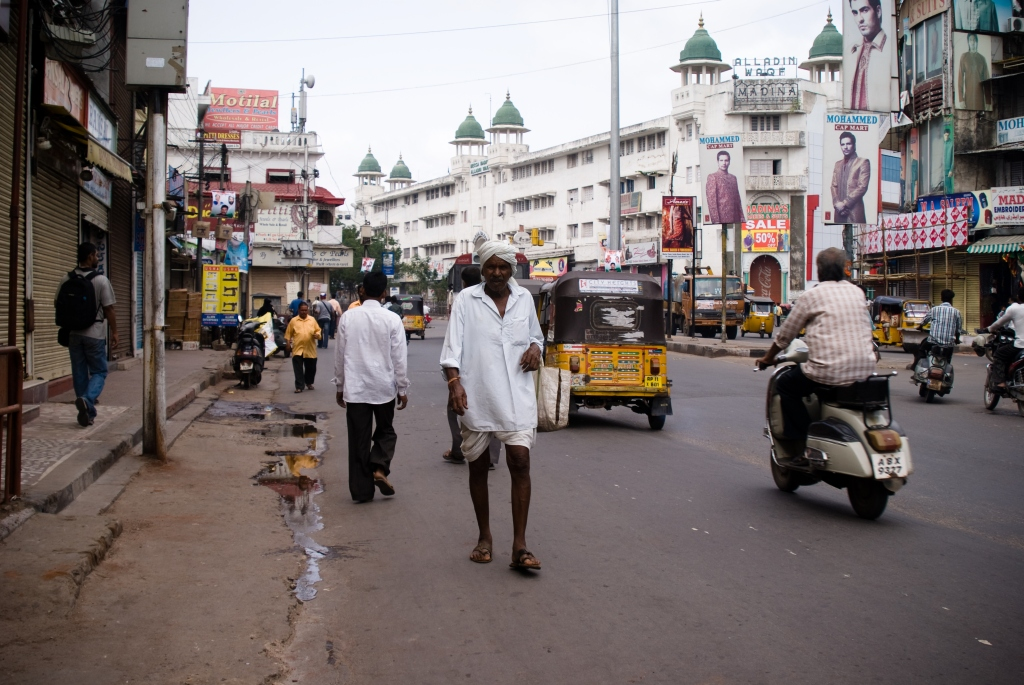 1original.png [ 1.02 MiB | Viewed 2397 times ]
Contrast mask
Attachment:
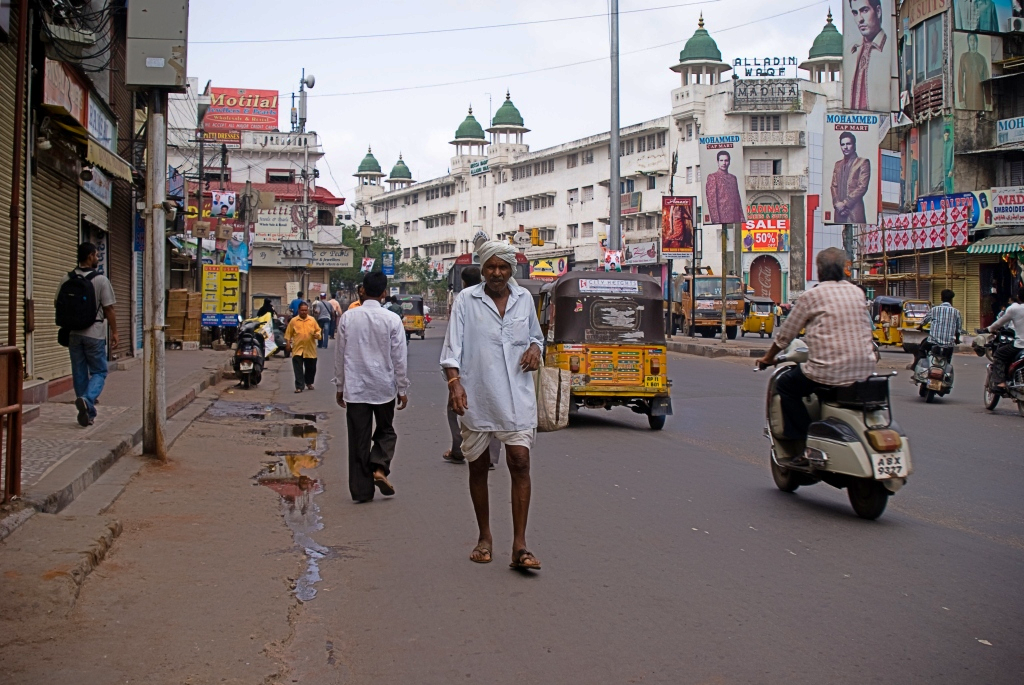 1default.png [ 1.17 MiB | Viewed 2397 times ]
Contrast mask with "correct color shift"
Attachment:
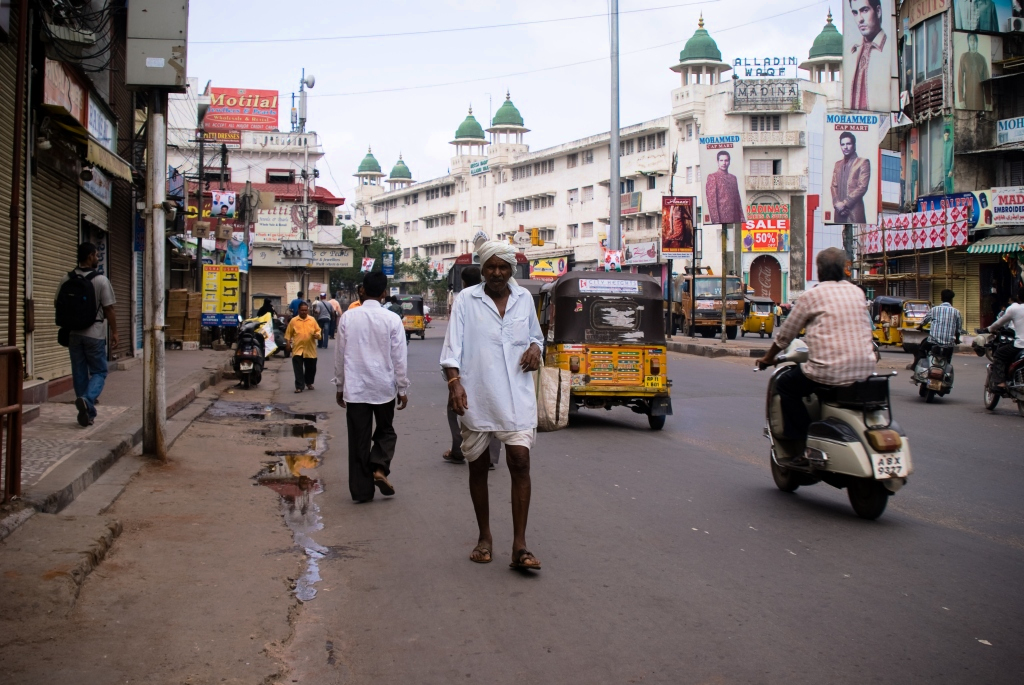 1new.png [ 1.06 MiB | Viewed 2397 times ]
"correct color shift" seems have a good effect on the color but for some reason also lower the intensity of the effect on the contrast...
well i think to know the reason but i didn't fix yet here what i get as now
It is compatible with the older version
########################################################
#################################################################################################################################à
#@gimp Contrast Swiss Mask 3 : gimp_contrast_swm3 , gimp_contrast_swm3(0)
#@gimp : sep = separator ()
#@gimp : Blur the mask = float(2,0.5,10)
#@gimp : sep = separator ()
#@gimp : note = note ("Contrast Mask need the negative of the mask")
#@gimp : SKIP to use the mask to boost = bool(false)
#@gimp : note = note ("Uncheck for Contrast Mask,Check for Contrast Boost")
#@gimp : sep = separator ()
#@gimp : note = note("Merge the Mask")
#@gimp : Intensity = float (1,0,1)
#@gimp : sep = separator ()
#@gimp : Correct Color Shift = bool(true)
#@gimp : Correction Intensity = float(1,0,1)
#@gimp : sep = separator(), note = note("<small>Author : <i>PhotoComiX</i>. Last update : <i>2010/12/26</i>.</small>")
#@gimp : note = link("Filter explained here","http://www.gimpchat.com/viewtopic.php?f=9&t=864")
gimp_contrast_swm3 :
-repeat @# -l[$>] -split_opacity -l[0]
--gimp_do_nothing
--luminance[-1] -to_rgb[-1]
-blur_xy[-1] $1,$1
-if {$2==0} -negative[-1] -elif {$2==1} -gimp_do_nothing -endif
-reverse[-1,-2] -gimp_compose_hardlight[-1,-2] $3
-if {$4==0} -keep[-1] -elif {$4==1} -gimp_compose_value[-1,-2] $5 -endif
-endl -a c -endl -done
###############################################################
 Login
Login Register
 Tweets
 FAQ
FAQ Advanced Search





