It is currently Tue Nov 24, 2026 2:54 pm


All times are UTC - 5 hours [ DST ]


Post new topic Reply to topic  [ 132 posts ]  Go to page Previous  1 ... 3, 4, 5, 6, 7  Next
Author Message
 Post subject: Re: Packing multiple sprites
PostPosted: Mon Jul 01, 2013 6:04 am  (#101) 
Offline
GimpChat Member
User avatar

Joined: Apr 07, 2010
Posts: 14182
Wow, I had better take another look at the filter and learn how to do that. I love it, nice job

_________________
Image


Top
 Post subject: Re: Packing multiple sprites
PostPosted: Mon Jul 01, 2013 6:36 am  (#102) 
Offline
GimpChat Member
User avatar

Joined: Jan 20, 2013
Posts: 14835
Location: roma, italy
David, first of all thanks a lot for this fantastic gmic function!
Now a (very simple) question:
is it true that -if the function is called with the background completely empty (and other levels, on top of the background, filled, of course) it return an error message
"*** Error in ./gimp_pack_sprites/*if/../*local/*repeat/*if/*local/ *** Unknown filename '3,0,1,1,-1'. " or does this happen only to me?
To double-check this behaviour I first created 3 layers filled in and run the function: good, excellent output.
Then I added (deliberately) an empty layer and put it as background; called the function I got that error.
This question is posted just to know, nothing to complain about.
Thanks

_________________
"Where am I ?"


Top
 Post subject: Re: Packing multiple sprites
PostPosted: Mon Jul 01, 2013 7:12 am  (#103) 
Offline
GimpChat Member
User avatar

Joined: Jan 03, 2011
Posts: 1656
Well, I would be interested to get a .xcf file where I can reproduce the problem. Everything seems to work fine on my machine.


Top
 Post subject: Re: Packing multiple sprites
PostPosted: Mon Jul 01, 2013 7:16 am  (#104) 
Offline
GimpChat Member
User avatar

Joined: Jan 20, 2013
Posts: 14835
Location: roma, italy
here it is, thanks
Attachment:
test-empty-bg.xcf [95.64 KiB]
Downloaded 99 times

_________________
"Where am I ?"


Top
 Post subject: Re: Packing multiple sprites
PostPosted: Mon Jul 01, 2013 7:26 am  (#105) 
Offline
GimpChat Member
User avatar

Joined: Jan 03, 2011
Posts: 1656
What is your Pack Sprites settings ?
When I select 'Input -> All layers', and 'Mask as bottom layer', everything works as expected.


Top
 Post subject: Re: Packing multiple sprites
PostPosted: Mon Jul 01, 2013 7:52 am  (#106) 
Offline
GimpChat Member
User avatar

Joined: Jan 20, 2013
Posts: 14835
Location: roma, italy
Yes, it works, thanks! I omitted the "Mask as bottom layer", I left default "No mask".
Thanks David

_________________
"Where am I ?"


Top
 Post subject: Re: Packing multiple sprites
PostPosted: Thu Jul 04, 2013 7:18 pm  (#107) 
Offline
GimpChat Member
User avatar

Joined: Apr 08, 2010
Posts: 5420
Location: Northwest Ohio
I tried this with a geometric shape of two colors and it all worked well. Then I tried it with a small photo, actually rendered to it's just a person on transparency. It doesn't work with that. What are the limits as far was what you can use...like should I have made the render posterized down to just a few colors?


Top
 Post subject: Re: Packing multiple sprites
PostPosted: Fri Jul 05, 2013 2:24 am  (#108) 
Offline
GimpChat Member
User avatar

Joined: Jan 03, 2011
Posts: 1656
No, the number of colors has no effects on how the filter work.
Did you check that your input sprite is not too big. If you try to pack a big image into a small one, the result will be transparent, as no locations will be find to draw your image.


Top
 Post subject: Re: Packing multiple sprites
PostPosted: Fri Aug 02, 2013 12:26 am  (#109) 
Apologies for reviving this thread, but I finally updated my G'mic and was pretty happy with the result for a first try.
I Will need to experiment some more, but looks great.
:bigthup to all those involved in this filter's production.

My results reminded me of a platter full of Raspberry Tarts.
Image


Top
 Post subject: Re: Packing multiple sprites
PostPosted: Fri Aug 02, 2013 12:45 am  (#110) 
Offline
Global Moderator
User avatar

Joined: May 16, 2010
Posts: 16309
fluffybunny wrote:
Apologies for reviving this thread, but I finally updated my G'mic and was pretty happy with the result for a first try.
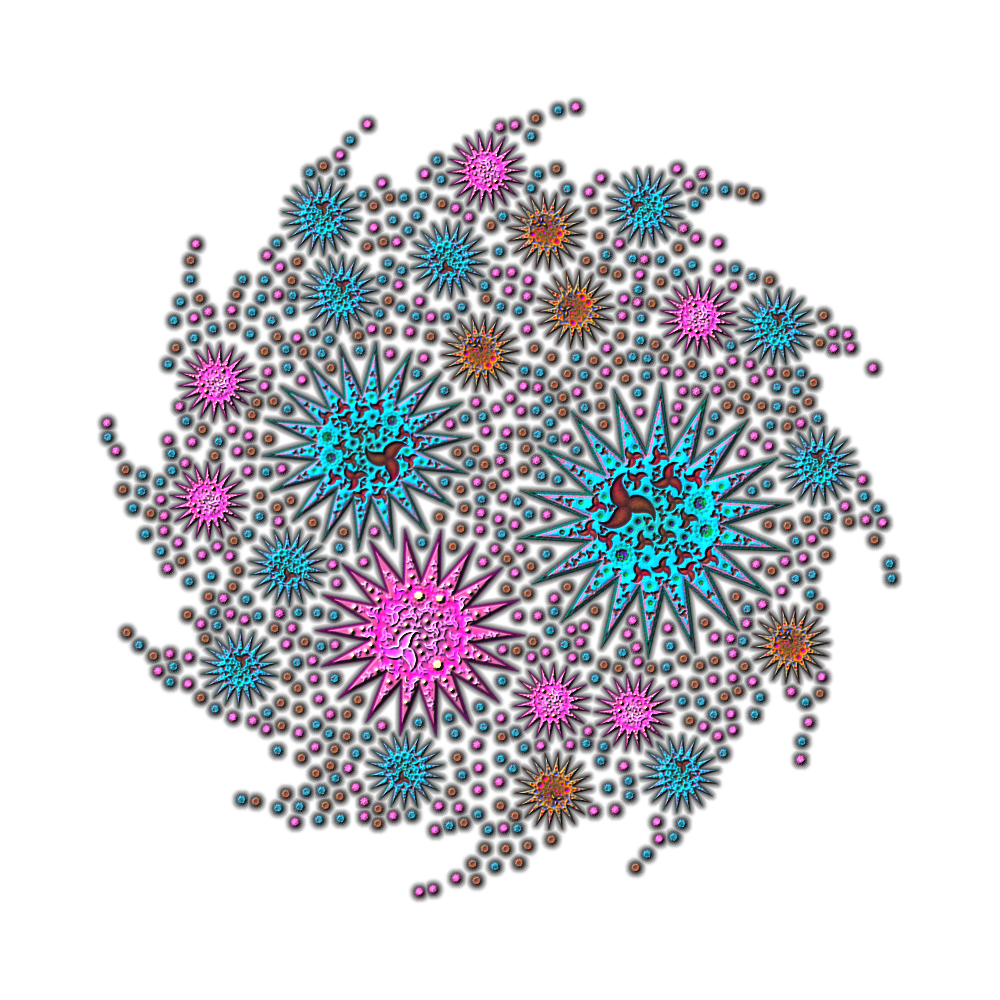
I Will need to experiment some more, but looks great.
:bigthup to all those involved in this filter's production.

My results reminded me of a platter full of Raspberry Tarts.
Image


Nicely done fluffybunny. :)

_________________
Image


Top
 Post subject: Re: Packing multiple sprites
PostPosted: Fri Aug 02, 2013 2:23 am  (#111) 
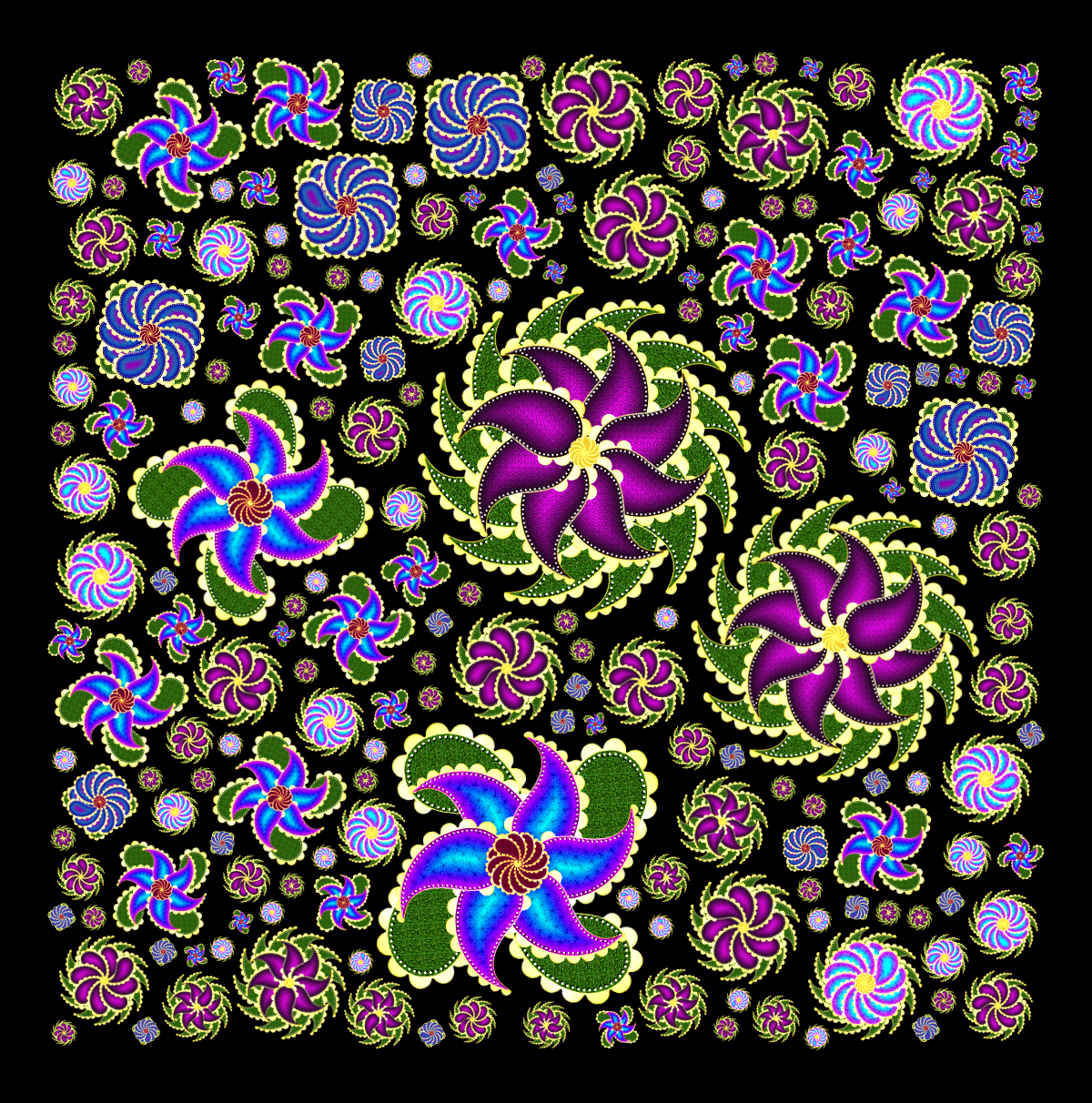
I made so many paisleys before deciding on the 'Raspberry tart' above,
I thought they would best be used to produce a field of paisley flowers...
Image


Top
 Post subject: Re: Packing multiple sprites
PostPosted: Fri Aug 02, 2013 2:33 am  (#112) 
Offline
GimpChat Member
User avatar

Joined: Aug 16, 2012
Posts: 4271
Location: Göteborg, Sweden
fluffybunny: :wow :wow :wow oooh, those paisleys are lovely!!! nice job, fluffy, you used the filter well :). i like that you make an asymmetrical edge on your paisleys, my old paisley quilt had paisley units like that.

_________________


Top
 Post subject: Re: Packing multiple sprites
PostPosted: Fri Aug 02, 2013 2:46 am  (#113) 
Offline
GimpChat Member
User avatar

Joined: Jan 20, 2013
Posts: 14835
Location: roma, italy
Amica Coniglietto,
I don't like paisleys, but you did a superb work! Congratulations...

_________________
"Where am I ?"


Top
 Post subject: Re: Packing multiple sprites
PostPosted: Fri Aug 02, 2013 7:22 am  (#114) 
Offline
GimpChat Member
User avatar

Joined: Sep 24, 2010
Posts: 12870
billps wrote:
This really is a very nice filter, I can think of so many uses for it already including photo collages.
:tyspin Ronounours.

[ Image ]

[ Image ]


Missed this one; excellent result. :)

_________________
Lyle

Psalm 109:8

Image


Top
 Post subject: Re: Packing multiple sprites
PostPosted: Fri Aug 02, 2013 7:23 am  (#115) 
Offline
GimpChat Member
User avatar

Joined: Sep 24, 2010
Posts: 12870
fluffybunny wrote:
I made so many paisleys before deciding on the 'Raspberry tart' above,
I thought they would best be used to produce a field of paisley flowers...
Image


Really like the tarts Fluffy. :)

_________________
Lyle

Psalm 109:8

Image


Top
 Post subject: Re: Packing multiple sprites
PostPosted: Fri Aug 02, 2013 5:06 pm  (#116) 
@Rod: Thanks, this filter looks very promising can't wait to try more...
@AnMal: I knew you would enjoy my paisleys. :)
@dinasset: thank you my friend.
@lylejk: Glad you like, don't eat too many at once now! ;)


Top
 Post subject: Re: Packing multiple sprites
PostPosted: Fri Aug 02, 2013 5:35 pm  (#117) 
Offline
GimpChat Member
User avatar

Joined: Jul 06, 2013
Posts: 2667
Location: California
I got the same error that 2-ton had received. I too have G'Mic already installed. I downloaded the 1.5.6.0+ version of it. I have windows 7. My questions are how do I add the newer updated version of it and where do I add it to? Should I delete the files I have & start over? I have them listed in my plug-ins folder which stores gimp 2.8.. under my name in my users folder on my c drive. The G'Mic app is telling me to update the information and I'm not sure how. The new folder I have on flash drive is labeled: gmic_gimp_1.5.6.1_beta_win_64.

Sorry if this seems confusing. If anyone can help me, PM me or reply to this message.

Edit: I reinstalled G'Mic & it works, but I don't see the sprites package listed. how can i add it to the version of gimp that I already have? I use Gimp 2.8 on 64 bit and Windows 7. I would really like some help please.

Thanks,

Mackenzie


Top
 Post subject: Re: Packing multiple sprites
PostPosted: Wed Aug 07, 2013 3:43 am  (#118) 
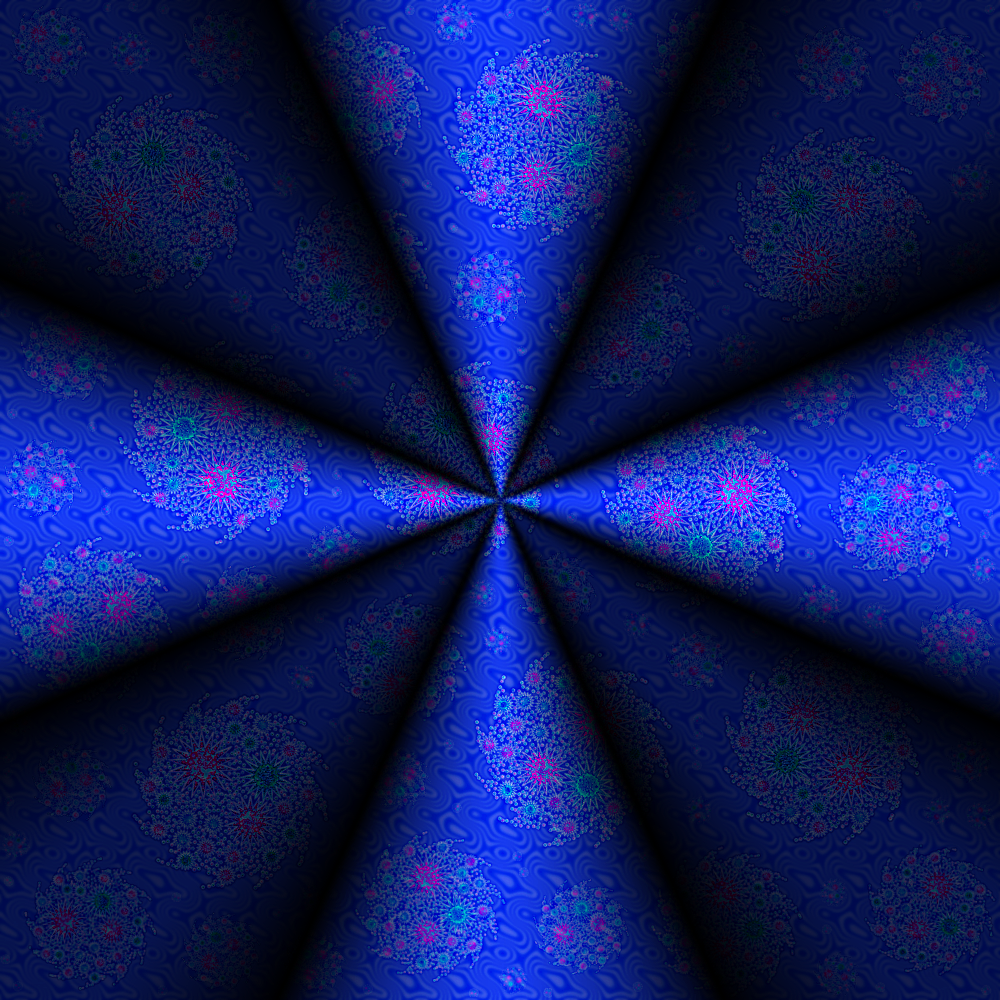
Help, I can't stop packing sprites... this is very addictive :)

Today was about 'recursion'.
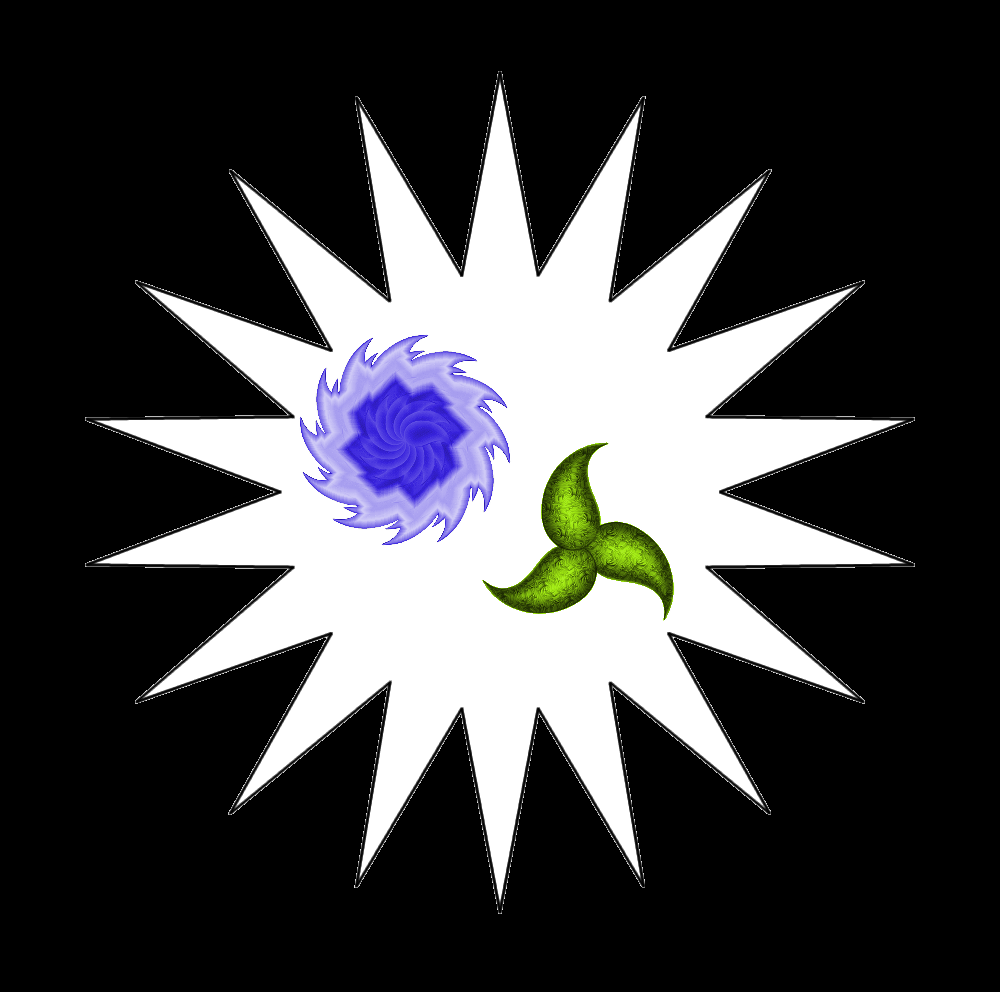
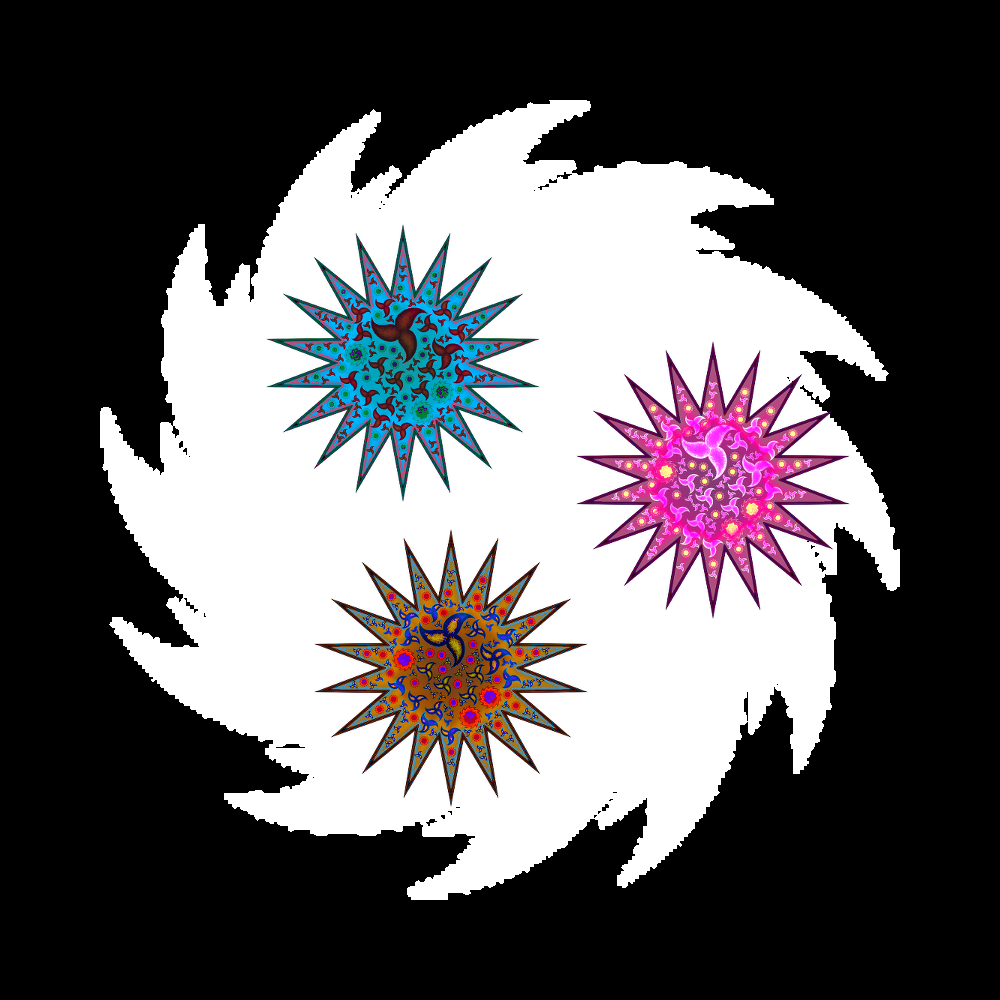
I wanted to experiment by creating some sprites and packing them into a shape using a mask.
Then taking the output and using it as sprites for another masked etc etc.

I started with my Paisley Flower brushes to make some sprites to be packed into a Star shaped mask.
Image
I then made those star shaped sprites into some more sprites for the next mask.
Image
Then I used that output as the sprite for my final fabric pattern.
Image
Then used that to create this Satin fabric design.
Image
I hope you enjoy viewing ;)


Top
 Post subject: Re: Packing multiple sprites
PostPosted: Wed Aug 07, 2013 8:11 am  (#119) 
Offline
GimpChat Member
User avatar

Joined: Sep 24, 2010
Posts: 12870
Now you have the taste in my pretty much over 5 year quest to create jigsaw image mosaics Fluffy. lol

Packing objects to make found object mosaics is just way too cool. Next step; color aware. Not sure how this one will be pulled off though. I've been steering it sort of by separating light from dark; yin/yang or tao technique, but it would be astronomically better to be able to place similar colored object with similar brightness, but again, I asketh for too mucheth. lolol

:)

_________________
Lyle

Psalm 109:8

Image


Top
 Post subject: Re: Packing multiple sprites
PostPosted: Wed Aug 07, 2013 9:39 am  (#120) 
Offline
GimpChat Member

Joined: Apr 12, 2010
Posts: 5870
fluffybunny wrote:
Help, I can't stop packing sprites... this is very addictive :)

Today was about 'recursion'.
I wanted to experiment by creating some sprites and packing them into a shape using a mask.
Then taking the output and using it as sprites for another masked etc etc.

I started with my Paisley Flower brushes to make some sprites to be packed into a Star shaped mask.
Image
I then made those star shaped sprites into some more sprites for the next mask.
Image
Then I used that output as the sprite for my final fabric pattern.
Image
Then used that to create this Satin fabric design.
Image
I hope you enjoy viewing ;)


really a nice series, this filter looks very addictive ...

_________________
My 3D Gallery on Deviantart http://photocomix2.deviantart.com/
Main gallery http://www.flickriver.com/photos/photocomix-mandala/
Mandala and simmetry http://www.flickriver.com/photos/photocomix_mandala/

Image

Mrs Wilbress


Top
Post new topic Reply to topic  [ 132 posts ]  Go to page Previous  1 ... 3, 4, 5, 6, 7  Next

All times are UTC - 5 hours [ DST ]


* Login  


Powered by phpBB3 © phpBB Group