molly wrote:
I think it is best to do a clean install and make sure every bit of your 2.6 is deleted.
For your brushes, patterns, plugins etc, save them.
@molly, good advice. In other words, uninstall 2.6.
Running Win. 7 Home, 64bit
I just upgraded to 2.8. Felt it was about time. If I want to use 2.6 again, I'll just use a portable version. After upgrading, I installed the gimp extension pack. The plugin
separate+ generates an error on startup
Quote:
"libtiff-3.dll is missing"
I tried seth's blog post
url: seth dot killey dot me/?p=820
by manually copying libtiff-3.dll and also tried libtiff3.dll to no avail.
Does anyone have detailed instructions on how to fix this?
I also tried to install the
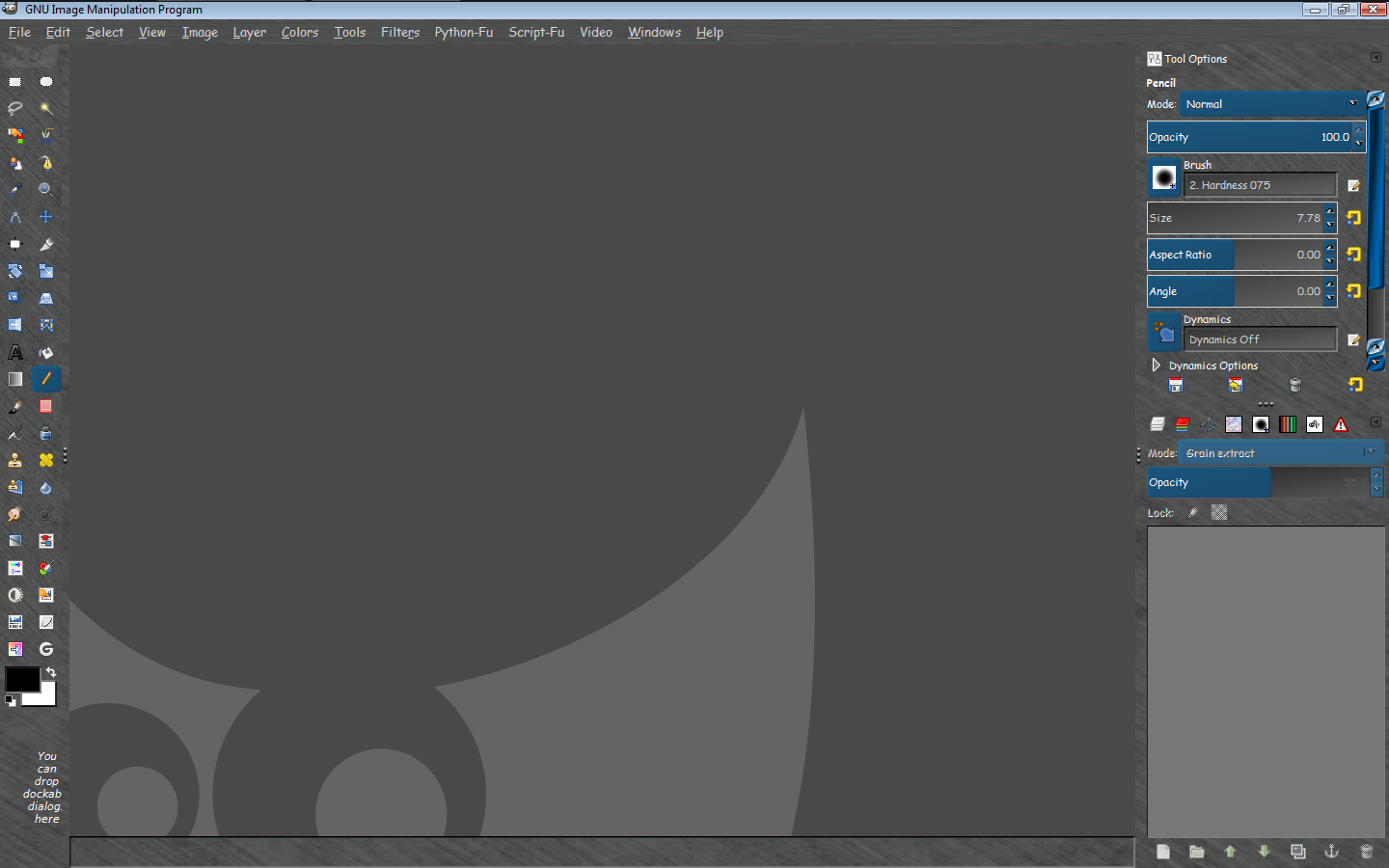
standard zip file from portable gimp photoshop layout. It would not stretch the left toolbox to the left side. Anyone have a solution to that? Possibly clashes with paint studio or something else?
 Login
Login Register
 Tweets
 FAQ
FAQ Advanced Search






 .
.