It is currently Mon Aug 03, 2026 9:55 am


All times are UTC - 5 hours [ DST ]


Post new topic Reply to topic  [ 1370 posts ]  Go to page Previous  1 ... 19, 20, 21, 22, 23, 24, 25 ... 69  Next
Author Message
 Post subject: Re: Bevel Reflect Logo V1.5 (Depth Adjustments For Bevel Options)
PostPosted: Thu Apr 03, 2014 11:06 pm  (#421) 
Offline
GimpChat Member
User avatar

Joined: Jun 02, 2013
Posts: 2090
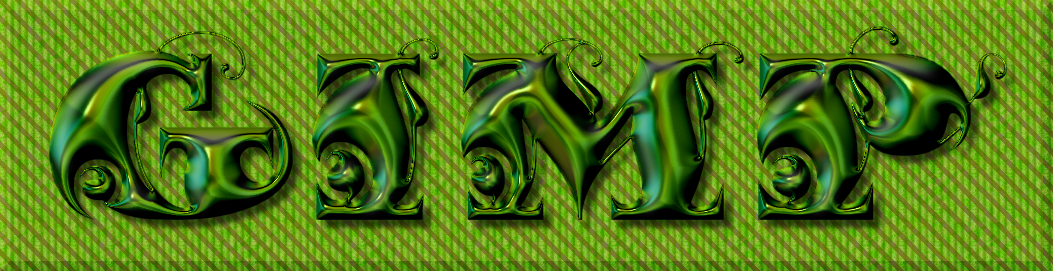
I like this font:

Image

_________________
Image


Top
 Post subject: Re: Bevel Reflect Logo V1.5 (Depth Adjustments For Bevel Options)
PostPosted: Thu Apr 03, 2014 11:31 pm  (#422) 
Offline
GimpChat Member
User avatar

Joined: Jun 02, 2013
Posts: 2090
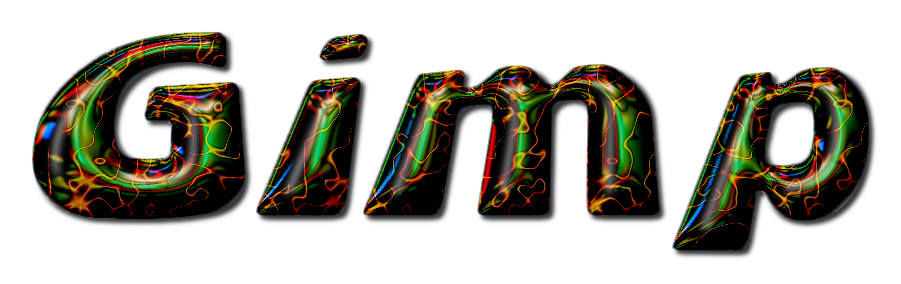
Another one. Some wild colors. Please click to resize:

Image

_________________
Image


Top
 Post subject: Re: Bevel Reflect Logo V1.5 (Depth Adjustments For Bevel Options)
PostPosted: Fri Apr 04, 2014 5:16 am  (#423) 
Offline
GimpChat Member
User avatar

Joined: Apr 07, 2010
Posts: 14182
very nice, I like the felt background

_________________
Image


Top
 Post subject: Re: Bevel Reflect Logo V1.5 (Depth Adjustments For Bevel Options)
PostPosted: Fri Apr 04, 2014 5:18 am  (#424) 
Offline
GimpChat Member
User avatar

Joined: Apr 07, 2010
Posts: 14182
The Warrior wrote:
I like this font:

[ Image ]

yes it is a nice font, what is it?

_________________
Image


Top
 Post subject: Re: Bevel Reflect Logo V1.5 (Depth Adjustments For Bevel Options)
PostPosted: Fri Apr 04, 2014 6:24 am  (#425) 
Offline
GimpChat Member
User avatar

Joined: Jun 02, 2013
Posts: 2090
molly wrote:
The Warrior wrote:
I like this font:

[ Image ]

yes it is a nice font, what is it?
Thanks Molly. The font is called "Fantastic": http://www.dafont.com/fantastic-mf.font?text=fantastic

_________________
Image


Top
 Post subject: Re: Bevel Reflect Logo V1.5 (Depth Adjustments For Bevel Options)
PostPosted: Fri Apr 04, 2014 6:30 am  (#426) 
Offline
GimpChat Member
User avatar

Joined: Apr 07, 2010
Posts: 14182
Thank you warrior. I like fancy fonts, but only readable ones. Some of them are so fancy, you can't make them out.

_________________
Image


Top
 Post subject: Re: Bevel Reflect Logo V1.5 (Depth Adjustments For Bevel Options)
PostPosted: Fri Apr 04, 2014 6:32 am  (#427) 
Offline
GimpChat Member
User avatar

Joined: Jun 02, 2013
Posts: 2090
molly wrote:
Thank you warrior. I like fancy fonts, but only readable ones. Some of them are so fancy, you can't make them out.

You're welcome. I know what you mean. I think this font looks nice with the Bevel Reflect plug-in.

_________________
Image


Top
 Post subject: Re: Bevel Reflect Logo V1.5 (Depth Adjustments For Bevel Options)
PostPosted: Fri Apr 04, 2014 6:36 am  (#428) 
Offline
GimpChat Member
User avatar

Joined: Apr 07, 2010
Posts: 14182
yeah, you are right there.

_________________
Image


Top
 Post subject: Re: Bevel Reflect Logo V1.5 (Depth Adjustments For Bevel Options)
PostPosted: Fri Apr 04, 2014 11:40 am  (#429) 
Offline
GimpChat Member
User avatar

Joined: Apr 08, 2010
Posts: 5420
Location: Northwest Ohio
Just got my first cataract surgery so I have time to play! Finally tried out the bevel reflect on the pc...can't wait until it's compiled for mac. My pc only has the original basic gimp, my mac has all the goodies that I have added...too many goodies, actually!
Image


Top
 Post subject: Re: Bevel Reflect Logo V1.5 (Depth Adjustments For Bevel Options)
PostPosted: Fri Apr 04, 2014 3:11 pm  (#430) 
Offline
GimpChat Member
User avatar

Joined: Jun 02, 2013
Posts: 2090
Image

_________________
Image


Top
 Post subject: Re: Bevel Reflect Logo V1.5 (Depth Adjustments For Bevel Options)
PostPosted: Fri Apr 04, 2014 4:57 pm  (#431) 
Offline
GimpChat Member
User avatar

Joined: Apr 07, 2010
Posts: 14182
Is that a C or a P on the end of that word?

_________________
Image


Top
 Post subject: Re: Bevel Reflect Logo V1.5 (Depth Adjustments For Bevel Options)
PostPosted: Fri Apr 04, 2014 5:39 pm  (#432) 
Offline
GimpChat Member
User avatar

Joined: Jun 02, 2013
Posts: 2090
molly wrote:
Is that a C or a P on the end of that word?

Haha, "P". One of those hard to tell fonts.

_________________
Image


Top
 Post subject: Re: Bevel Reflect Logo V1.5 (Depth Adjustments For Bevel Options)
PostPosted: Fri Apr 04, 2014 6:31 pm  (#433) 
Offline
GimpChat Member
User avatar

Joined: Apr 07, 2010
Posts: 14182
:paint Eye cee.

_________________
Image


Top
 Post subject: Re: Bevel Reflect Logo V1.5 (Depth Adjustments For Bevel Options)
PostPosted: Fri Apr 04, 2014 7:03 pm  (#434) 
Offline
GimpChat Member
User avatar

Joined: Jun 02, 2013
Posts: 2090
Image

_________________
Image


Top
 Post subject: Re: Bevel Reflect Logo V1.5 (Depth Adjustments For Bevel Options)
PostPosted: Fri Apr 04, 2014 7:14 pm  (#435) 
Offline
GimpChat Member
User avatar

Joined: Apr 07, 2010
Posts: 14182
:hehe That's better, I like it

_________________
Image


Top
 Post subject: Re: Bevel Reflect Logo V1.5 (Depth Adjustments For Bevel Options)
PostPosted: Fri Apr 04, 2014 7:55 pm  (#436) 
Offline
GimpChat Member
User avatar

Joined: Jun 02, 2013
Posts: 2090
molly wrote:
:hehe That's better, I like it

Haha, tis a bit easier to read. I've been testing out some new maps I made.

_________________
Image


Top
 Post subject: Re: Bevel Reflect Logo V1.5 (Depth Adjustments For Bevel Options)
PostPosted: Fri Apr 04, 2014 10:18 pm  (#437) 
Offline
Script Coder
User avatar

Joined: Feb 18, 2011
Posts: 4826
Location: Bendigo Vic. Australia
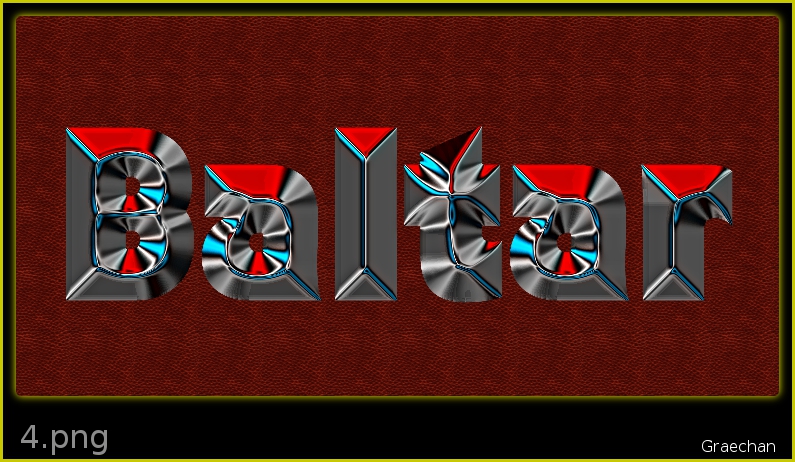
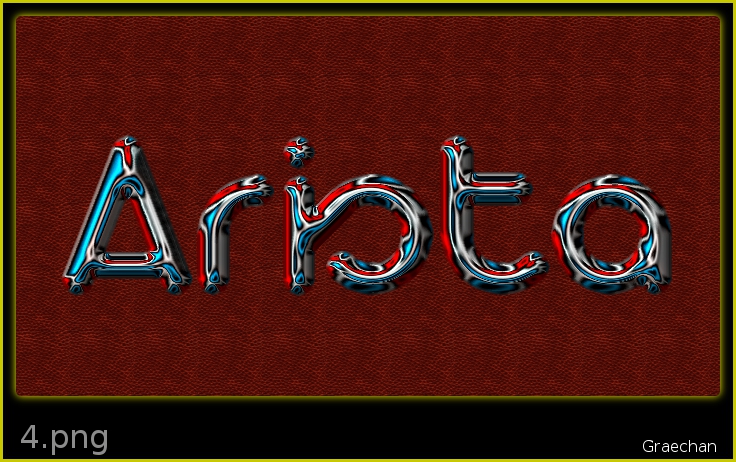
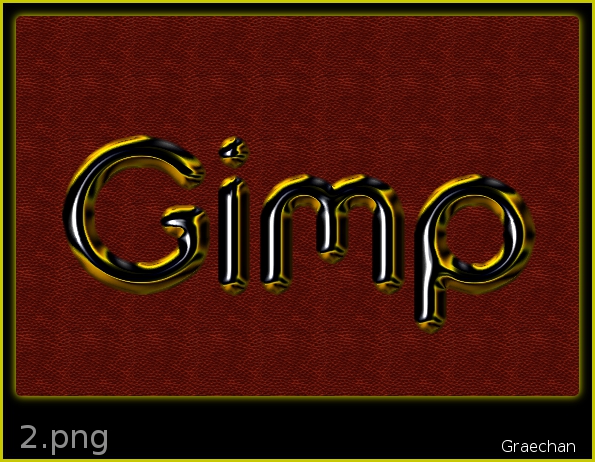
Warrior I've no Idea how you achieved that finish using the Bevel Reflect Logo script as it doesn't have a pattern overlay option
Image
I'm still busy trying out your latest environment maps, whew so many
Image

_________________
Image
No matter how much you push the envelope, it'll still be stationery.


Top
 Post subject: Re: Bevel Reflect Logo V1.5 (Depth Adjustments For Bevel Options)
PostPosted: Fri Apr 04, 2014 11:34 pm  (#438) 
Offline
GimpChat Member
User avatar

Joined: Jun 02, 2013
Posts: 2090
Graechan wrote:
Warrior I've no Idea how you achieved that finish using the Bevel Reflect Logo script as it doesn't have a pattern overlay option
[ Image ]
I'm still busy trying out your latest environment maps, whew so many
[ Image ]

Add the pattern after the fact.

Also, some of the new maps I made are more wild than the others. They work best on Round2 Bevel, on the Bevel-Slope options.

_________________
Image


Top
 Post subject: Re: Bevel Reflect Logo V1.5 (Depth Adjustments For Bevel Options)
PostPosted: Sat Apr 05, 2014 12:00 am  (#439) 
Offline
Script Coder
User avatar

Joined: Feb 18, 2011
Posts: 4826
Location: Bendigo Vic. Australia
Warrior thanks for the new environment maps I've been using them
Image
Image
Image

_________________
Image
No matter how much you push the envelope, it'll still be stationery.


Top
 Post subject: Re: Bevel Reflect Logo V1.5 (Depth Adjustments For Bevel Options)
PostPosted: Sat Apr 05, 2014 12:24 am  (#440) 
Offline
GimpChat Member
User avatar

Joined: Aug 30, 2012
Posts: 2174
GnuTux wrote:
@He4rty - Those are excellent rings. Did you use contours (alpha curves) to get those results?


Sorry for the late reply, No curves used, just made a white ring slightly larger than the blue circle to try and create the illusion of the bevel being offset, then ran the script on default settings. Ran my favourite Dream smoothing filter, I turn off the "Equalise at each step" and turn "Iterations" up to 10. Finally used my initial ring to crop the bevel layer.

_________________
Image


Top
Post new topic Reply to topic  [ 1370 posts ]  Go to page Previous  1 ... 19, 20, 21, 22, 23, 24, 25 ... 69  Next

All times are UTC - 5 hours [ DST ]


* Login  


Powered by phpBB3 © phpBB Group