It is currently Mon Aug 24, 2026 12:02 am


All times are UTC - 5 hours [ DST ]


Post new topic Reply to topic  [ 178 posts ]  Go to page 1, 2, 3, 4, 5 ... 9  Next
Author Message
 Post subject: Lion Photo Manip
PostPosted: Mon Apr 28, 2014 11:28 pm  (#1) 
Offline
GimpChat Member
User avatar

Joined: Jun 02, 2013
Posts: 2090
Lion manip, before and after:

Image

Image

_________________
Image


Share on Facebook Share on Twitter Share on Orkut Share on Digg Share on MySpace Share on Delicious Share on Technorati
Top
 Post subject: Re: Lion Photo Manip
PostPosted: Mon Apr 28, 2014 11:41 pm  (#2) 
Offline
GimpChat Member
User avatar

Joined: Nov 16, 2011
Posts: 5127
Location: Metro Vancouver, BC
That looks great The Warrior.

_________________
Image
Gimp 2.8.18, Linux, median user
Gimp Chat Tutorials Index
Spirit Bear (Kermode)


Top
 Post subject: Re: Lion Photo Manip
PostPosted: Tue Apr 29, 2014 12:38 am  (#3) 
Offline
New Member

Joined: Mar 16, 2013
Posts: 3
Great work! Would love to know how it was done


Top
 Post subject: Re: Lion Photo Manip
PostPosted: Tue Apr 29, 2014 1:04 am  (#4) 
Offline
Global Moderator
User avatar

Joined: Apr 01, 2012
Posts: 8461
Location: On the other side of your screen
Looks cool. Can we have a play too. Huh. Can we?

_________________
Image
Free Fun Photo Editing & resources
Poems from the Lord
Gimp Newby
Gimp version 3.2.4 and GMIC-Qt 4.0.2 OS :- Windows 10 Home 64


Top
 Post subject: Re: Lion Photo Manip
PostPosted: Tue Apr 29, 2014 2:03 am  (#5) 
Offline
GimpChat Member
User avatar

Joined: Jun 02, 2013
Posts: 2090
Another before and after:

Image

Image

_________________
Image


Top
 Post subject: Re: Lion Photo Manip
PostPosted: Tue Apr 29, 2014 2:27 am  (#6) 
Offline
Script Coder
User avatar

Joined: Feb 18, 2011
Posts: 4826
Location: Bendigo Vic. Australia
I particularly like the way the eyes changed to blue (I'm sure Rodilius was used somewhere) but what else was done I've no Idea

_________________
Image
No matter how much you push the envelope, it'll still be stationery.


Top
 Post subject: Re: Lion Photo Manip
PostPosted: Tue Apr 29, 2014 3:26 am  (#7) 
Offline
GimpChat Member
User avatar

Joined: Mar 01, 2014
Posts: 14142
Location: Spain, Aragón
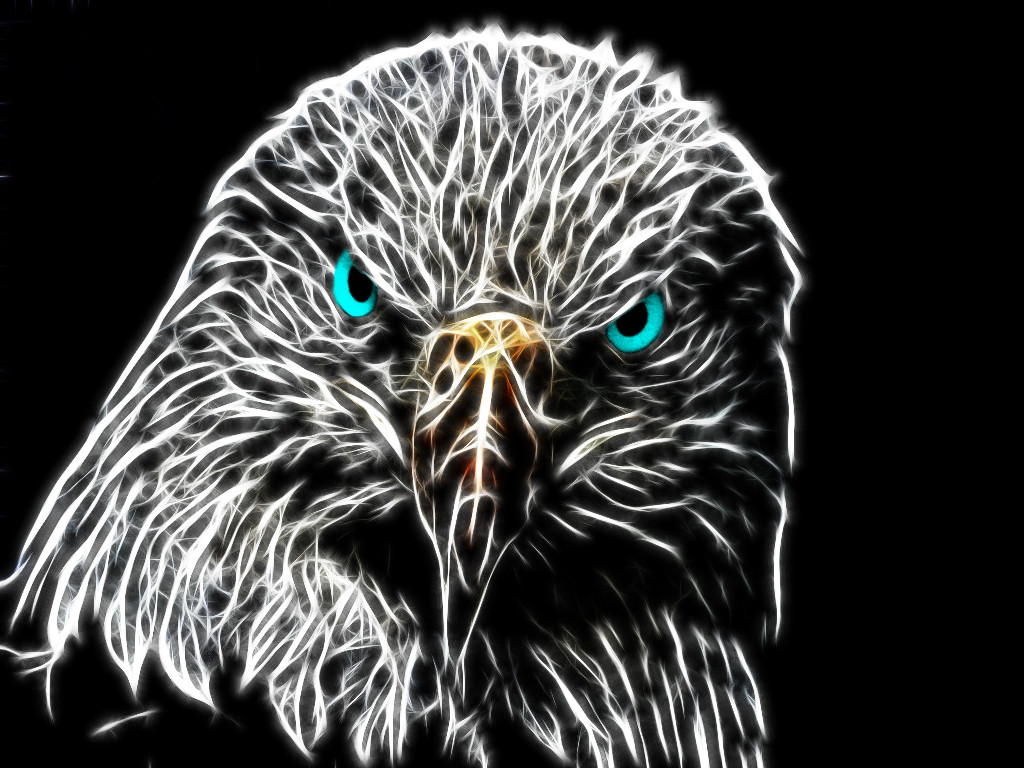
The Warrior good job! I've tried to guess how to do it, but I don't get the real point. In my opinion Graechan is right that you used Rodilius, is that like that? I didn't get the right way to change the colour in its eyes. Here my try. :tyspin


Attachments:
aguila2.jpg
aguila2.jpg [ 650 KiB | Viewed 9219 times ]
aguila1.jpg
aguila1.jpg [ 106.98 KiB | Viewed 9285 times ]

_________________
Image

Gimp 2.10.30(samj) portable _ OS Windows 10 Home_ 64bits
Don’t be afraid to start over. It’s a new chance to rebuild what you want.


Last edited by Issabella on Tue Apr 29, 2014 10:42 am, edited 1 time in total.
Top
 Post subject: Re: Lion Photo Manip
PostPosted: Tue Apr 29, 2014 6:04 am  (#8) 
Offline
Global Moderator
User avatar

Joined: Apr 01, 2012
Posts: 8461
Location: On the other side of your screen
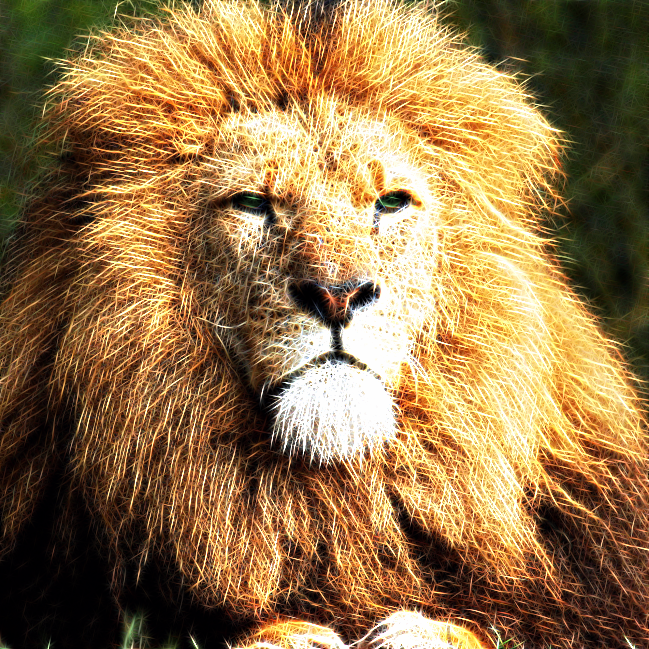
Image
Image

Brilliant thus fur people. I thought it may have been rodilus but have no idea how he changed the eyes. Some people are just clever.
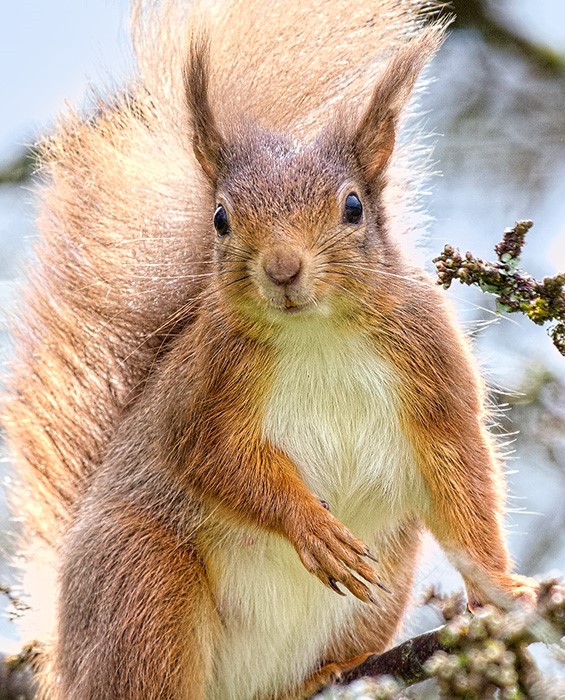
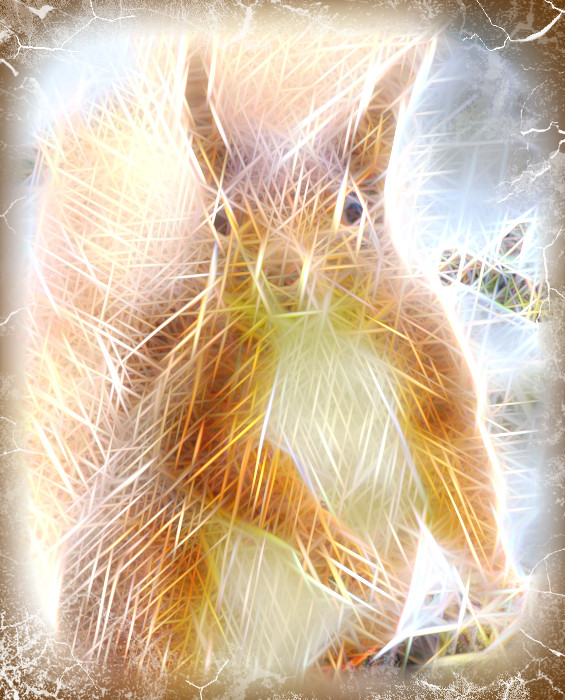
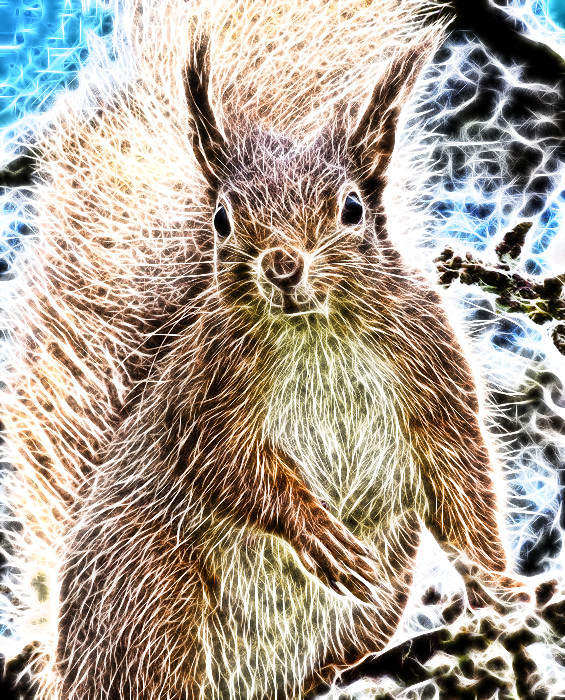
I got this photo from retouching forum in depreview. All I did here was run the rodilus filter and framed it with a rip border after a blurred frame in beautify

_________________
Image
Free Fun Photo Editing & resources
Poems from the Lord
Gimp Newby
Gimp version 3.2.4 and GMIC-Qt 4.0.2 OS :- Windows 10 Home 64


Top
 Post subject: Re: Lion Photo Manip
PostPosted: Tue Apr 29, 2014 9:04 am  (#9) 
Offline
GimpChat Member
User avatar

Joined: Jun 02, 2013
Posts: 2090
A few more. I colored the eyes separately:

Image

Image

_________________
Image


Top
 Post subject: Re: Lion Photo Manip
PostPosted: Tue Apr 29, 2014 9:40 am  (#10) 
Offline
GimpChat Member
User avatar

Joined: Jun 02, 2013
Posts: 2090
Image

Image

_________________
Image


Top
 Post subject: Re: Lion Photo Manip
PostPosted: Tue Apr 29, 2014 10:24 am  (#11) 
Offline
GimpChat Member
User avatar

Joined: Mar 24, 2014
Posts: 137
Location: New York
Ok, don't keep us in suspense any more, what filters did you use? This would make an excellent tutorial.

_________________
Image


Top
 Post subject: Re: Lion Photo Manip
PostPosted: Tue Apr 29, 2014 10:46 am  (#12) 
Offline
GimpChat Member
User avatar

Joined: Mar 01, 2014
Posts: 14142
Location: Spain, Aragón
The Warrior you are so artistic! Good job! I like the last effects very much. You give that special touch of genius. :clap :paint

_________________
Image

Gimp 2.10.30(samj) portable _ OS Windows 10 Home_ 64bits
Don’t be afraid to start over. It’s a new chance to rebuild what you want.


Top
 Post subject: Re: Lion Photo Manip
PostPosted: Tue Apr 29, 2014 11:39 am  (#13) 
Offline
GimpChat Member
User avatar

Joined: Jun 02, 2013
Posts: 2090
Image

Image

_________________
Image


Top
 Post subject: Re: Lion Photo Manip
PostPosted: Tue Apr 29, 2014 12:06 pm  (#14) 
Offline
GimpChat Member
User avatar

Joined: Mar 01, 2014
Posts: 14142
Location: Spain, Aragón
Jaja, Will you do a tut? please.... ;)

_________________
Image

Gimp 2.10.30(samj) portable _ OS Windows 10 Home_ 64bits
Don’t be afraid to start over. It’s a new chance to rebuild what you want.


Top
 Post subject: Re: Lion Photo Manip
PostPosted: Tue Apr 29, 2014 12:09 pm  (#15) 
Offline
GimpChat Member

Joined: Nov 04, 2013
Posts: 207
Very nice!


Top
 Post subject: Re: Lion Photo Manip
PostPosted: Tue Apr 29, 2014 1:46 pm  (#16) 
Offline
GimpChat Member
User avatar

Joined: Mar 24, 2014
Posts: 137
Location: New York
Ok, this is what I got, not exact but close enough.

Attachment:
RodiliusLion.png
RodiliusLion.png [ 697 KiB | Viewed 4879 times ]


You can get the XCF here: https://www.mediafire.com/?7uwbbc4a0fkbzml

_________________
Image


Top
 Post subject: Re: Lion Photo Manip
PostPosted: Tue Apr 29, 2014 1:50 pm  (#17) 
Offline
GimpChat Member
User avatar

Joined: Jun 02, 2013
Posts: 2090
David Wood wrote:
Ok, this is what I got, not exact but close enough.

Attachment:
RodiliusLion.png


You can get the XCF here: https://www.mediafire.com/?7uwbbc4a0fkbzml

Nice work David! I think it looks better than mine. Smoother looking.

_________________
Image


Top
 Post subject: Re: Lion Photo Manip
PostPosted: Tue Apr 29, 2014 11:11 pm  (#18) 
Offline
GimpChat Member
User avatar

Joined: Jun 02, 2013
Posts: 2090
Image

Image

Image

Image

_________________
Image


Top
 Post subject: Re: Lion Photo Manip
PostPosted: Wed Apr 30, 2014 3:38 am  (#19) 
Offline
Global Moderator
User avatar

Joined: Apr 01, 2012
Posts: 8461
Location: On the other side of your screen
I have to admit I usually use default settings. I gave this cat dark green eyes.
Image

_________________
Image
Free Fun Photo Editing & resources
Poems from the Lord
Gimp Newby
Gimp version 3.2.4 and GMIC-Qt 4.0.2 OS :- Windows 10 Home 64


Top
 Post subject: Re: Lion Photo Manip
PostPosted: Wed Apr 30, 2014 8:15 am  (#20) 
Offline
GimpChat Member
User avatar

Joined: Jun 02, 2013
Posts: 2090
Cool sallyanne.

_________________
Image


Top
Post new topic Reply to topic  [ 178 posts ]  Go to page 1, 2, 3, 4, 5 ... 9  Next

All times are UTC - 5 hours [ DST ]


cron

* Login  


Powered by phpBB3 © phpBB Group