It is currently Sat Aug 15, 2026 11:33 pm


All times are UTC - 5 hours [ DST ]


Post new topic Reply to topic  [ 56 posts ]  Go to page Previous  1, 2, 3  Next
Author Message
 Post subject: Metal Wurx - Part I
PostPosted: Sun May 05, 2013 2:06 pm  (#21) 
Offline
New Member
User avatar

Joined: May 04, 2013
Posts: 2
WOW! Thanks so much for your rapid response and detailed information. Your work is most through and interesting, however I might not have presented my actual intent with my original request. I have a simple line drawing of a medallion, a cameo of a small boy that I would like to make appear as if it is metallic, like a coin or medal. I guess you might say I wish to make an inanimate object (picture), appear as if it has depth and weight and is tangible. Is that possible in GIMP? Rather than a background or metallized gradient full screen, a small object, a drawing maybe placed on an attractive background or displayed alone, suspended with a slight shadow underneath... ;)


Top
 Post subject: Re: Metal Wurx - Part I
PostPosted: Sun May 05, 2013 3:10 pm  (#22) 
Offline
GimpChat Member
User avatar

Joined: Jul 17, 2012
Posts: 2769
samsons1 wrote:
I have a simple line drawing of a medallion, a cameo of a small boy that I would like to make appear as if it is metallic, like a coin or medal. I guess you might say I wish to make an inanimate object (picture), appear as if it has depth and weight and is tangible. Is that possible in GIMP? Rather than a background or metallized gradient full screen, a small object, a drawing maybe placed on an attractive background or displayed alone, suspended with a slight shadow underneath... ;)
what you might wanna try is called bump-mapping

you can find a tutorial for this effect here:
http://www.mahvin.com/2010/01/gimp-tuto ... coins.html


Top
 Post subject: Re: Metal Wurx - Part I
PostPosted: Sun May 05, 2013 3:19 pm  (#23) 
Offline
Global Moderator
User avatar

Joined: May 16, 2010
Posts: 16158
samsons1 wrote:
WOW! Thanks so much for your rapid response and detailed information. Your work is most through and interesting, however I might not have presented my actual intent with my original request. I have a simple line drawing of a medallion, a cameo of a small boy that I would like to make appear as if it is metallic, like a coin or medal. I guess you might say I wish to make an inanimate object (picture), appear as if it has depth and weight and is tangible. Is that possible in GIMP? Rather than a background or metallized gradient full screen, a small object, a drawing maybe placed on an attractive background or displayed alone, suspended with a slight shadow underneath... ;)

Are you trying to make an embossed effect?
Image

Image

Filters>Map>Bump map works best for that. :bigthup

_________________
Image


Top
 Post subject: Re: Antique Metal Script Rel2
PostPosted: Fri Apr 11, 2014 12:15 am  (#24) 
Offline
Script Coder
User avatar

Joined: Feb 18, 2011
Posts: 4826
Location: Bendigo Vic. Australia
Antique Metal Rel2 has been posted on initial post and sort of posted at GimpScripts, please read the Readme file

_________________
Image
No matter how much you push the envelope, it'll still be stationery.


Top
 Post subject: Re: Antique Metal Script Rel2
PostPosted: Sat May 31, 2014 6:42 am  (#25) 
Offline
Global Moderator
User avatar

Joined: Apr 01, 2012
Posts: 8457
Location: On the other side of your screen
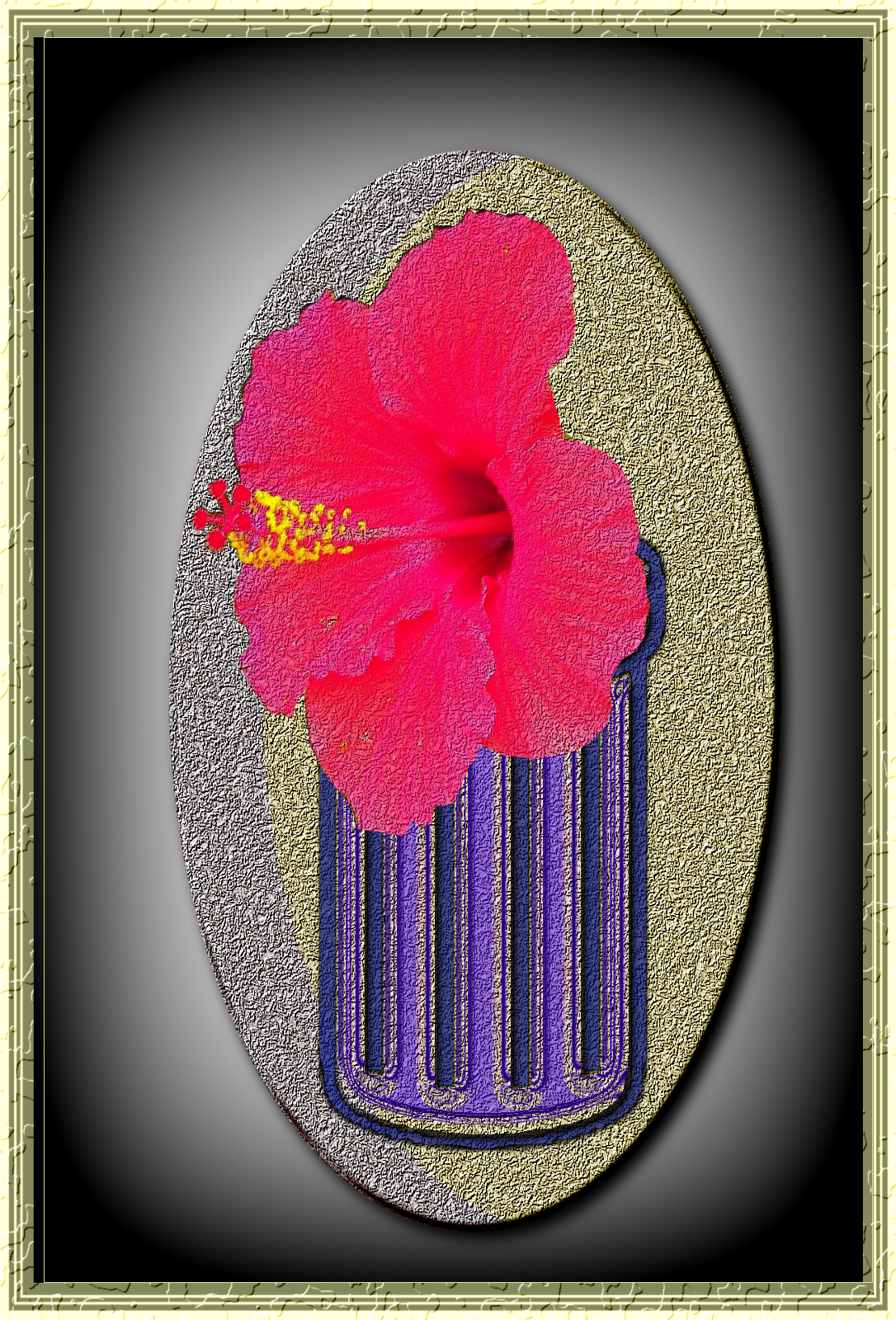
Image
using two scripts, a brush and a photo I put this together

_________________
Image
Free Fun Photo Editing & resources
Poems from the Lord
Gimp Newby
Gimp version 3.2.4 and GMIC-Qt 4.0.2 OS :- Windows 10 Home 64


Top
 Post subject: Re: Antique Metal Script Rel2
PostPosted: Sat May 31, 2014 7:29 am  (#26) 
Offline
GimpChat Member
User avatar

Joined: Apr 07, 2010
Posts: 14182
very nice sallyanne.

_________________
Image


Top
 Post subject: Re: Antique Metal Script Rel2
PostPosted: Sat May 31, 2014 8:27 am  (#27) 
Offline
Global Moderator
User avatar

Joined: Apr 01, 2012
Posts: 8457
Location: On the other side of your screen
thank you molly. I had some play this afternoon.

_________________
Image
Free Fun Photo Editing & resources
Poems from the Lord
Gimp Newby
Gimp version 3.2.4 and GMIC-Qt 4.0.2 OS :- Windows 10 Home 64


Top
 Post subject: Re: Antique Metal Script Rel2
PostPosted: Sat May 31, 2014 12:01 pm  (#28) 
Offline
GimpChat Member
User avatar

Joined: Jan 20, 2013
Posts: 14831
Location: roma, italy
SallyAnne,
your outcome is very nice
my -much simpler- trial

Attachment:
SA.png
SA.png [ 1.51 MiB | Viewed 2567 times ]

_________________
"Where am I ?"


Top
 Post subject: Re: Antique Metal Script Rel2
PostPosted: Sun Jun 01, 2014 7:08 am  (#29) 
Offline
Global Moderator
User avatar

Joined: Apr 01, 2012
Posts: 8457
Location: On the other side of your screen
Looks very nice dinasett

_________________
Image
Free Fun Photo Editing & resources
Poems from the Lord
Gimp Newby
Gimp version 3.2.4 and GMIC-Qt 4.0.2 OS :- Windows 10 Home 64


Top
 Post subject: Re: Antique Metal Script Rel2
PostPosted: Sun Jun 01, 2014 6:13 pm  (#30) 
Offline
GimpChat Member
User avatar

Joined: Oct 07, 2010
Posts: 439
Location: home/Nixnine/.gimp-2.0/scripts/nixnine.scm
Can anyone explain why my results are as such?


Attachment:
Screenshot.png
Screenshot.png [ 729.94 KiB | Viewed 2544 times ]

_________________
I refuse to be confused, but am often confused at this refusal.


Top
 Post subject: Re: Antique Metal Script Rel2
PostPosted: Thu Jun 05, 2014 6:24 pm  (#31) 
Offline
GimpChat Member
User avatar

Joined: Oct 07, 2010
Posts: 439
Location: home/Nixnine/.gimp-2.0/scripts/nixnine.scm
No takers on an explanation for this, eh?

_________________
I refuse to be confused, but am often confused at this refusal.


Top
 Post subject: Re: Antique Metal Script Rel2
PostPosted: Thu Jun 05, 2014 7:31 pm  (#32) 
Offline
GimpChat Member
User avatar

Joined: Apr 07, 2010
Posts: 14182
Gee, that is different., what happens when you turn off one layer. Graechan probably knows, isn't it his script?.

_________________
Image


Top
 Post subject: Re: Antique Metal Script Rel2
PostPosted: Fri Jun 06, 2014 12:52 am  (#33) 
Offline
Script Coder
User avatar

Joined: Feb 18, 2011
Posts: 4826
Location: Bendigo Vic. Australia
Nixnine I can explain how this happened, It's simple really. I Stuffed up :sleepkbd
A new version will be posted soon, sorry about this

_________________
Image
No matter how much you push the envelope, it'll still be stationery.


Top
 Post subject: Re: Antique Metal Script Rel3
PostPosted: Fri Jun 06, 2014 2:18 am  (#34) 
Offline
Script Coder
User avatar

Joined: Feb 18, 2011
Posts: 4826
Location: Bendigo Vic. Australia
Rel3 with the typo fix has been posted see initial post

_________________
Image
No matter how much you push the envelope, it'll still be stationery.


Top
 Post subject: Re: Antique Metal Script Rel3
PostPosted: Fri Jun 06, 2014 3:21 am  (#35) 
Offline
GimpChat Founder
User avatar

Joined: May 22, 2008
Posts: 5241
Location: Gimpville
Thanks, Graechan! Release 3 working great.

Image

_________________
“If you reach for the stars, you just might land on a decently sized hill.” - Stuart Hill


Top
 Post subject: Re: Antique Metal Script Rel3
PostPosted: Fri Jun 06, 2014 3:31 am  (#36) 
Offline
Global Moderator
User avatar

Joined: Apr 01, 2012
Posts: 8457
Location: On the other side of your screen
Thank you Graechan
Image

_________________
Image
Free Fun Photo Editing & resources
Poems from the Lord
Gimp Newby
Gimp version 3.2.4 and GMIC-Qt 4.0.2 OS :- Windows 10 Home 64


Top
 Post subject: Re: Antique Metal Script Rel3
PostPosted: Fri Jun 06, 2014 9:54 pm  (#37) 
Offline
GimpChat Member
User avatar

Joined: Oct 07, 2010
Posts: 439
Location: home/Nixnine/.gimp-2.0/scripts/nixnine.scm
Cool. Thanks.

I do have another problem (he said sheepishly.) I check the box to keep the layers but it doesn't do anything.

_________________
I refuse to be confused, but am often confused at this refusal.


Top
 Post subject: Re: Antique Metal Script Rel3
PostPosted: Fri Jun 13, 2014 2:40 am  (#38) 
Offline
GimpChat Member
User avatar

Joined: Oct 07, 2010
Posts: 439
Location: home/Nixnine/.gimp-2.0/scripts/nixnine.scm
Anyone had a chance to look at this?

I would like to be able to keep the layers.

_________________
I refuse to be confused, but am often confused at this refusal.


Top
 Post subject: Re: Antique Metal Script Rel3
PostPosted: Fri Jun 13, 2014 3:09 am  (#39) 
Offline
Script Coder
User avatar

Joined: Feb 18, 2011
Posts: 4826
Location: Bendigo Vic. Australia
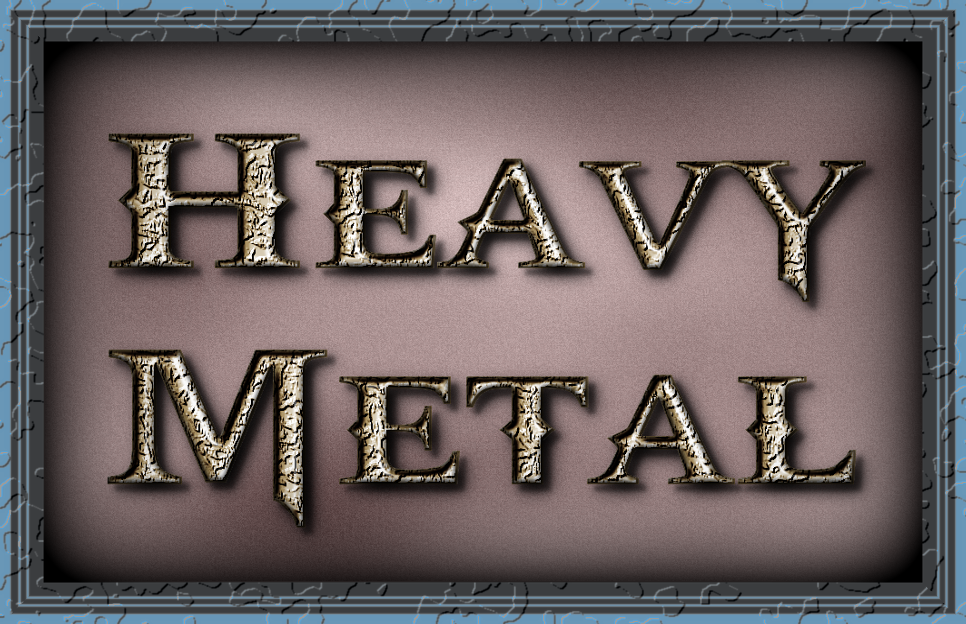
I could only keep the frame layer and vignette separate from the antique metal text because it used gmic for a lot of the text creation
Image

_________________
Image
No matter how much you push the envelope, it'll still be stationery.


Top
 Post subject: Re: Antique Metal Script Rel3
PostPosted: Fri Jun 13, 2014 3:54 am  (#40) 
Offline
GimpChat Member
User avatar

Joined: Mar 01, 2014
Posts: 14128
Location: Spain, Aragón
Thank you again Graechan. This one runs perfectly and one can get a lot of possibilities with it. :jumpclap


Attachments:
Hi.png
Hi.png [ 2.83 MiB | Viewed 2486 times ]

_________________
Image

Gimp 2.10.30(samj) portable _ OS Windows 10 Home_ 64bits
Don’t be afraid to start over. It’s a new chance to rebuild what you want.
Top
Post new topic Reply to topic  [ 56 posts ]  Go to page Previous  1, 2, 3  Next

All times are UTC - 5 hours [ DST ]


* Login  


Powered by phpBB3 © phpBB Group