This way can give a little control over the color spectrum of each area.
I started of by using [Colors] [Desaturate].
Then used the curves dialog to break the image down into three basic colors. This is where the control comes in. Look hard at the Curves Dialog box below to see the lines I drew in with the [Freehand] curve type.

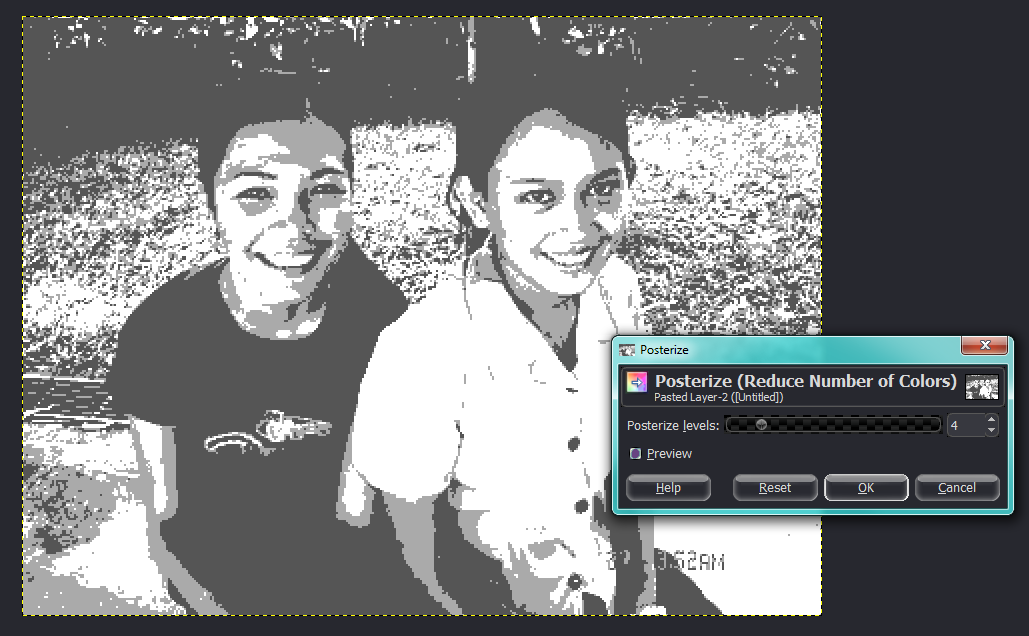
Then I used [Posterize] to make sure there are only three colors. With a setting of 4 levels.
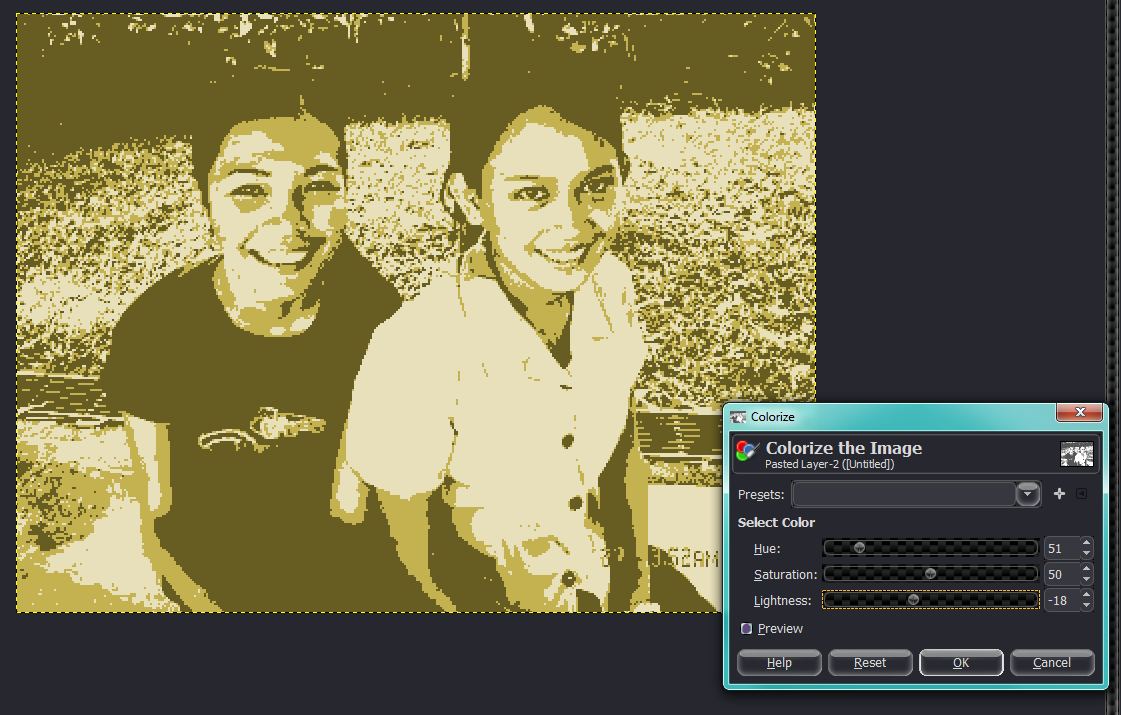
Then colorize to try and get a skin tone.
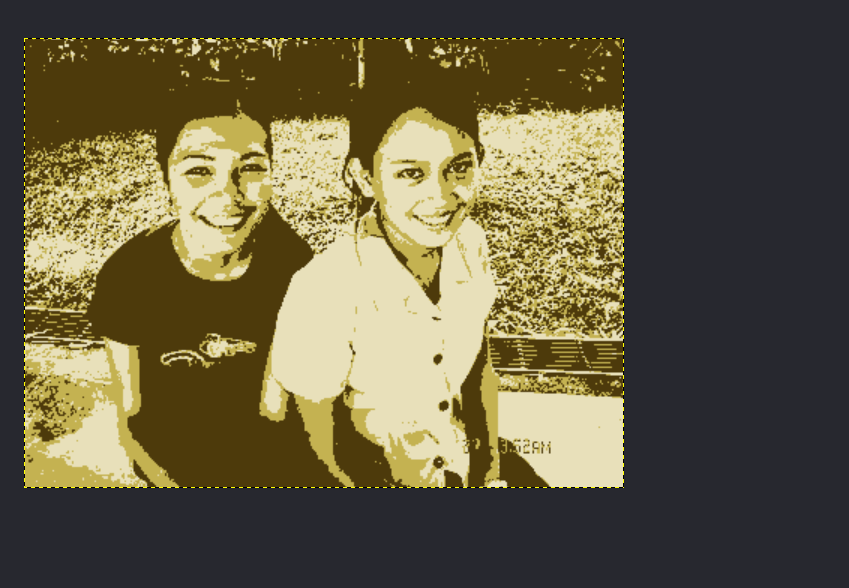
And then selected the darker areas with the [Select by Color Tool] and pasted in a ForeGround color of dark brown.
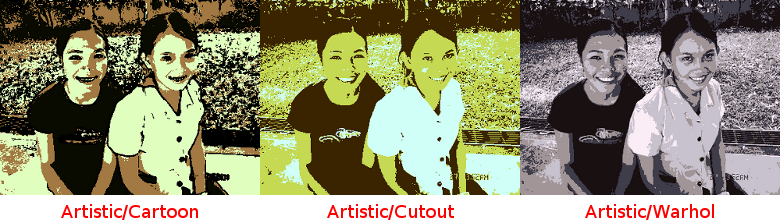
There's lots of ways to do this.
 Login
Login Register
 Tweets
 FAQ
FAQ Advanced Search



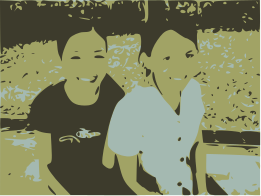



 Thx Molly




