It is currently Wed Nov 18, 2026 3:56 am


All times are UTC - 5 hours [ DST ]


Post new topic Reply to topic  [ 32 posts ]  Go to page Previous  1, 2
Author Message
 Post subject: Re: Paisley effect (script).
PostPosted: Mon Jul 14, 2014 1:42 am  (#21) 
Offline
Script Coder
User avatar

Joined: May 07, 2014
Posts: 4561
Location: Canada
Mikechat wrote:
well tin
i apologize, if don't say things as well as
i should it is me. i guess i will quit
saying any thing here.
if you don't understand.
my explanation are not that good
i am sorry.

I noticed there's a whole thread on spherical emaps i just haven't played with it yet to know. :)

_________________
Image
Visualize your and others dreams coming true.


Top
 Post subject: Re: Paisley effect (script).
PostPosted: Mon Jul 14, 2014 1:45 am  (#22) 
Offline
GimpChat Founder
User avatar

Joined: May 22, 2008
Posts: 5244
Location: Gimpville
sallyanne wrote:
now I have two Gradient scripts in my folder but nothing is happening.

There should only be one version of the gradient script in the scripts folder because all the versions have the same name and one should overwrite the other.

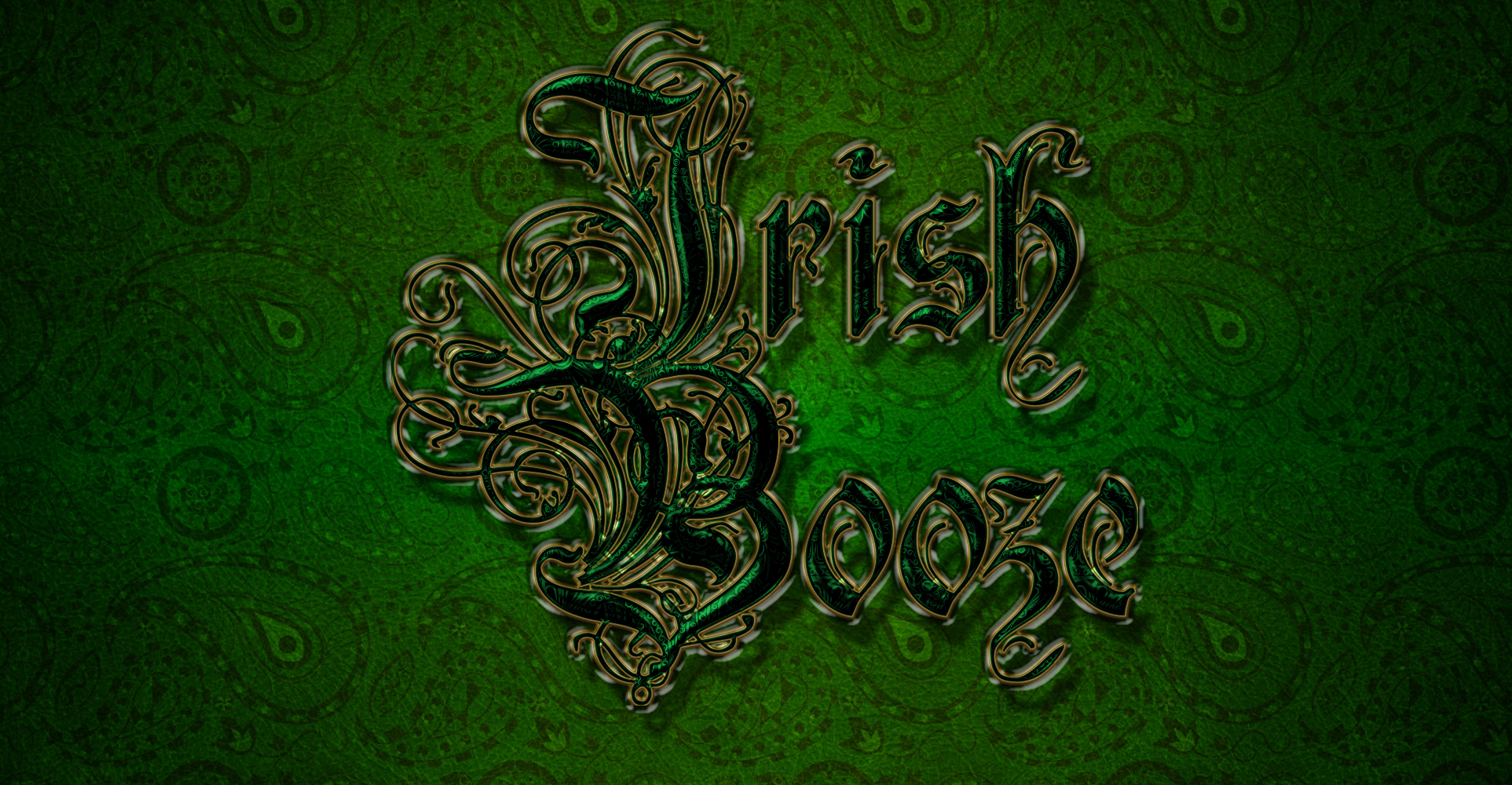
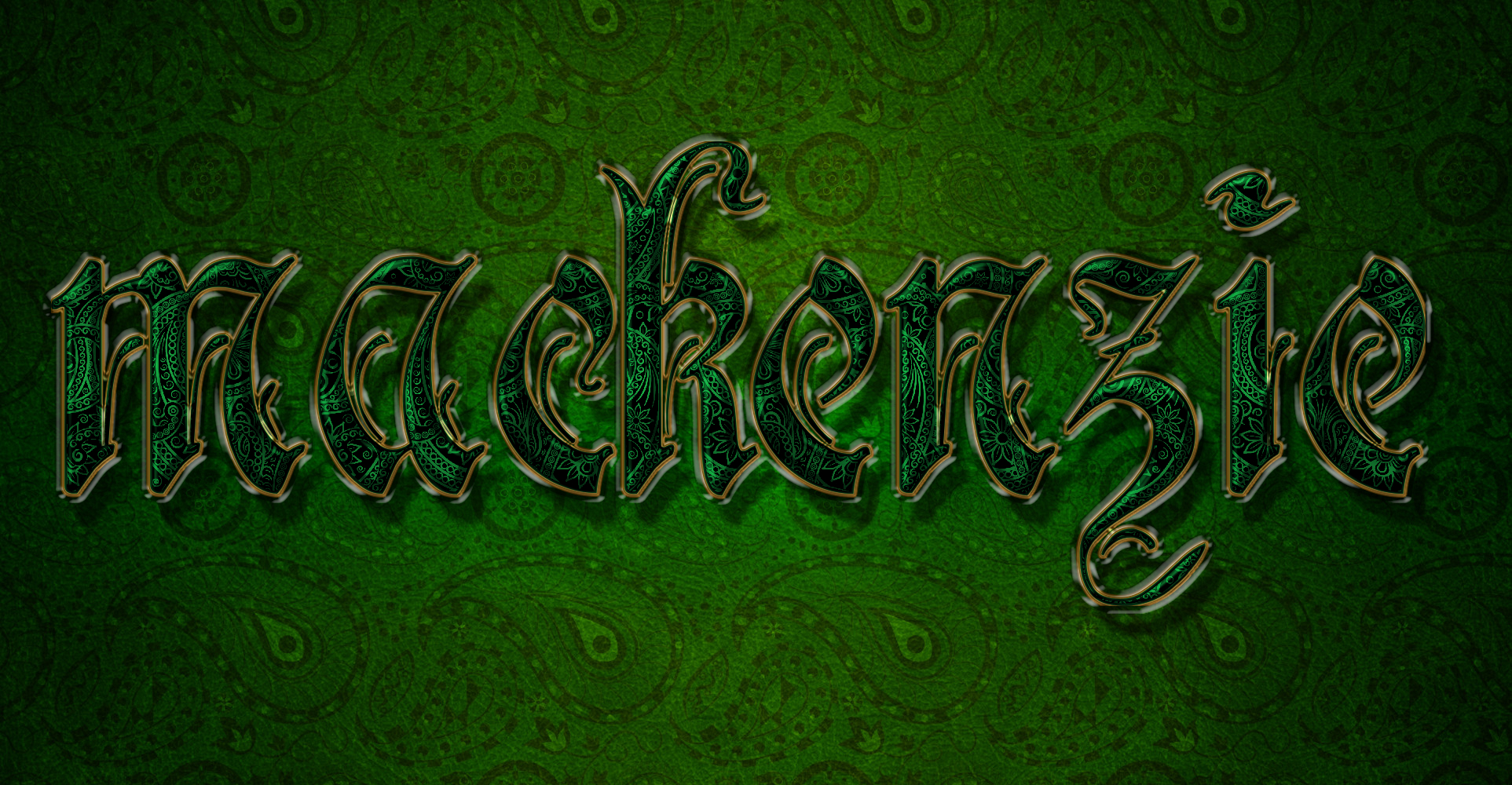
Here is my result. I modified the paisley script to work with the latest version of the gradient-stroke script. One issue that users will have is that the values given in the tutorial are specific to the size of the image and font. If the user varies from those sizes when using the script, it's not going to look right. For example I had to change my stroke width from 5 to 2, when using an image size of 910px. So, certain values in the script need to be user configurable.

Image

_________________
"If Microsoft ever does applications for Linux it means I've won." - Linus Torvalds


Top
 Post subject: Re: Paisley effect (script).
PostPosted: Mon Jul 14, 2014 1:51 am  (#23) 
Offline
Script Coder
User avatar

Joined: May 07, 2014
Posts: 4561
Location: Canada
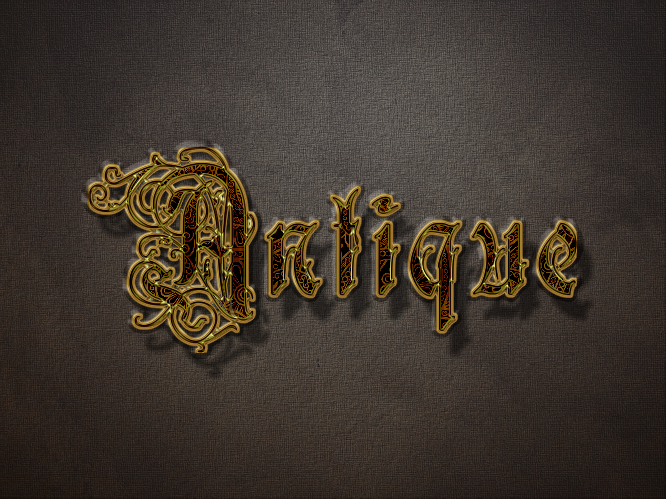
another test of latest version (looks very close to the real thing in tutorial with position specified and layer ordered bug is fixed by Tux, so the gold doesn't look as bright which is closer to the tutorial result).
Image

_________________
Image
Visualize your and others dreams coming true.


Top
 Post subject: Re: Paisley effect (script).
PostPosted: Mon Jul 14, 2014 1:54 am  (#24) 
Offline
GimpChat Founder
User avatar

Joined: May 22, 2008
Posts: 5244
Location: Gimpville
Looks good, Tin. :bigthup

_________________
"If Microsoft ever does applications for Linux it means I've won." - Linus Torvalds


Top
 Post subject: Re: Paisley effect (script).
PostPosted: Mon Jul 14, 2014 2:02 am  (#25) 
Offline
Script Coder
User avatar

Joined: May 07, 2014
Posts: 4561
Location: Canada
there's a bug, it's too dark in the inner pattern.
Edit: updated script in first post to fix the dark bug,(it didn't set the shadow of the bevel and emboss properly)

_________________
Image
Visualize your and others dreams coming true.


Top
 Post subject: Re: Paisley effect (script).
PostPosted: Mon Jul 14, 2014 2:25 am  (#26) 
Offline
Global Moderator
User avatar

Joined: Apr 01, 2012
Posts: 8507
Location: On the other side of your screen
Image

_________________
Image
Free Fun Photo Editing & resources
Poems from the Lord
Gimp Newby
Gimp version 3.2.8 and GMIC-Qt 4.0.2 OS :- Windows 10 Home 64


Top
 Post subject: Re: Paisley effect (script).
PostPosted: Mon Jul 14, 2014 2:32 am  (#27) 
Offline
GimpChat Member
User avatar

Joined: Dec 08, 2013
Posts: 1088
Well done Sallyanne.

_________________
Image


Top
 Post subject: Re: Paisley effect (script).
PostPosted: Mon Jul 14, 2014 10:56 am  (#28) 
Offline
GimpChat Member
User avatar

Joined: Jan 20, 2013
Posts: 590
My outcome. It means: "Smile".


Attachments:
Sorria.png
Sorria.png [ 3.21 MiB | Viewed 1750 times ]

_________________
Image
Top
 Post subject: Re: Paisley effect (script).
PostPosted: Mon Jul 14, 2014 11:10 am  (#29) 
Offline
GimpChat Member
User avatar

Joined: Mar 01, 2014
Posts: 14252
Location: Spain, Aragón
Thank you Tin, "Gracias = Thanks" :clap


Attachments:
Thanks.jpg
Thanks.jpg [ 879.37 KiB | Viewed 1744 times ]

_________________
Image

Gimp 2.10.36 (samj) portable _ OS Windows 10 Home_ 64bits
Don’t be afraid to start over. It’s a new chance to rebuild what you want.
Top
 Post subject: Re: Paisley effect (script).
PostPosted: Mon Jul 14, 2014 12:13 pm  (#30) 
Offline
GimpChat Member
User avatar

Joined: Jul 06, 2013
Posts: 2667
Location: California
Do we have to use the green paisley background for the script or can we use different ones?

Here's my attempt:
Image


Top
 Post subject: Re: Paisley effect (script).
PostPosted: Mon Jul 14, 2014 12:45 pm  (#31) 
Offline
GimpChat Member
User avatar

Joined: Dec 10, 2013
Posts: 1004
I'm following everyone else - Tin - easier to type ; ) Thank you for the script!

Image

_________________
Image
Macbook Air - MacOS Sierra 10.12
McGimp 2.8.14
G'mic 1.6.5


Top
 Post subject: Re: Paisley effect (script).
PostPosted: Tue Jul 15, 2014 7:27 am  (#32) 
Offline
GimpChat Member
User avatar

Joined: Dec 08, 2013
Posts: 1088
Issabella wrote:
Thank you Tin, "Gracias = Thanks" :clap

WOW!!!

_________________
Image


Top
Post new topic Reply to topic  [ 32 posts ]  Go to page Previous  1, 2

All times are UTC - 5 hours [ DST ]


* Login  


Powered by phpBB3 © phpBB Group