It is currently Sun Jul 12, 2026 11:14 pm


All times are UTC - 5 hours [ DST ]


Post new topic Reply to topic  [ 75 posts ]  Go to page Previous  1, 2, 3, 4
Author Message
 Post subject: Re: Symmetry Tile
PostPosted: Wed Jul 16, 2014 9:10 am  (#61) 
Offline
GimpChat Member
User avatar

Joined: Sep 24, 2010
Posts: 12796
Well, I tried it and still get no output. Oh well. :)

_________________
Lyle

Psalm 109:8

Image


Top
 Post subject: Re: Symmetry Tile
PostPosted: Wed Jul 16, 2014 9:16 am  (#62) 
Offline
GimpChat Member
User avatar

Joined: Mar 01, 2014
Posts: 14053
Location: Spain, Aragón
The first time didn't work pmm, then I set the option in Yes, then it worked right.

_________________
Image

Gimp 2.10.30(samj) portable _ OS Windows 10 Home_ 64bits
Don’t be afraid to start over. It’s a new chance to rebuild what you want.


Top
 Post subject: Re: Symmetry Tile
PostPosted: Wed Jul 16, 2014 9:42 am  (#63) 
Offline
GimpChat Member
User avatar

Joined: Sep 24, 2010
Posts: 12796
OK; when I saved the .py file, it actually saved on my machine as an html file (hence the 200K plus size) not to mention it didn't work and I was actually running an older version which was in my GIMP's plugin directory (from program files). lol

Works great; may want to add a zip file like you did for the original plugin Elfnor to remove any confusion. :)

_________________
Lyle

Psalm 109:8

Image


Top
 Post subject: Re: Symmetry Tile
PostPosted: Wed Jul 16, 2014 9:56 am  (#64) 
Offline
GimpChat Member
User avatar

Joined: Sep 24, 2010
Posts: 12796
Here's a PMM sample. :)

Attachment:
AU_pmm.png
AU_pmm.png [ 187.47 KiB | Viewed 2033 times ]


Attachments:
au_tiled.png
au_tiled.png [ 211.44 KiB | Viewed 2033 times ]

_________________
Lyle

Psalm 109:8

Image
Top
 Post subject: Re: Symmetry Tile
PostPosted: Wed Jul 16, 2014 1:31 pm  (#65) 
Offline
GimpChat Member
User avatar

Joined: Mar 10, 2014
Posts: 845
lylejk wrote:
OK; when I saved the .py file, it actually saved on my machine as an html file (hence the 200K plus size) not to mention it didn't work and I was actually running an older version which was in my GIMP's plugin directory (from program files). lol

Works great; may want to add a zip file like you did for the original plugin Elfnor to remove any confusion. :)

I copy/paste the py file to have a txt file , after I delete .txt to leave only
Symmetry_tile.py but is not working
can you help me ? Thanks in advance


Top
 Post subject: Re: Symmetry Tile
PostPosted: Wed Jul 16, 2014 1:38 pm  (#66) 
Offline
GimpChat Member
User avatar

Joined: Sep 24, 2010
Posts: 12796
I had to highlight the text portion from github and copy it manually in a text fire which I then named symmetry_tile.py Marcello. I then had to put it in my programs>GIMP>plugins directory (wouldn't work in my user>gimp>plugins director for whatever reason). :)

_________________
Lyle

Psalm 109:8

Image


Top
 Post subject: Re: Symmetry Tile
PostPosted: Wed Jul 16, 2014 2:11 pm  (#67) 
Offline
GimpChat Member
User avatar

Joined: Mar 10, 2014
Posts: 845
@Lylejk
Thank you for your promp answer but is not a lucky day , also in that directory it dont appears


Top
 Post subject: Re: Symmetry Tile
PostPosted: Wed Jul 16, 2014 2:20 pm  (#68) 
Offline
GimpChat Member
User avatar

Joined: Mar 01, 2014
Posts: 14053
Location: Spain, Aragón
I have it in plu-ins, Marcello. Try this one. :)


Attachments:
simmetry tile.zip [7.46 KiB]
Downloaded 112 times

_________________
Image

Gimp 2.10.30(samj) portable _ OS Windows 10 Home_ 64bits
Don’t be afraid to start over. It’s a new chance to rebuild what you want.
Top
 Post subject: Re: Symmetry Tile
PostPosted: Wed Jul 16, 2014 7:34 pm  (#69) 
Offline
Script Coder
User avatar

Joined: Feb 18, 2011
Posts: 4826
Location: Bendigo Vic. Australia
Go here to GimpScripts for the latest update with correct file spelling Symmetry Tile

_________________
Image
No matter how much you push the envelope, it'll still be stationery.


Last edited by Graechan on Wed Jul 16, 2014 11:47 pm, edited 1 time in total.

Top
 Post subject: Re: Symmetry Tile
PostPosted: Wed Jul 16, 2014 8:40 pm  (#70) 
Offline
GimpChat Member
User avatar

Joined: Mar 10, 2014
Posts: 845
Issabella & Graechan is working!!!!! Thank you very much!


Top
 Post subject: Re: Symmetry Tile
PostPosted: Wed Jul 16, 2014 11:36 pm  (#71) 
Offline
GimpChat Founder
User avatar

Joined: May 22, 2008
Posts: 5241
Location: Gimpville
I've updated GIMP Scripts with the new version (as V1.1). There were also 803 extraneous line numbers at the beginning of the plug-in, which I've removed.

_________________
“If you reach for the stars, you just might land on a decently sized hill.” - Stuart Hill


Top
 Post subject: Re: Symmetry Tile
PostPosted: Thu Jul 17, 2014 2:56 am  (#72) 
Offline
GimpChat Member

Joined: Mar 04, 2011
Posts: 2606
Quote:
...I had to highlight the text portion from github and copy it manually...
and
...There were also 803 extraneous line numbers at the beginning of the plug-in, which I've removed...


Just a reminder, git is best used downloading/ updating code using the git package but for a straight forward script, then with a web browser

look for the RAW tab, right click, save as, no line numbers.

Image


Top
 Post subject: Re: Symmetry Tile
PostPosted: Thu Jul 17, 2014 8:10 am  (#73) 
Offline
Global Moderator
User avatar

Joined: Apr 01, 2012
Posts: 8419
Location: On the other side of your screen
Thank you Gnu Tux and thank you rich for the information

_________________
Image
Free Fun Photo Editing & resources
Poems from the Lord
Gimp Newby
Gimp version 3.2.4 and GMIC-Qt 4.2.0 OS :- Windows 10 Home 64


Top
 Post subject: Re: Symmetry Tile
PostPosted: Fri Jul 18, 2014 5:07 pm  (#74) 
Offline
GimpChat Member
User avatar

Joined: Mar 10, 2014
Posts: 845
thank you rich2005 - very useful suggestion

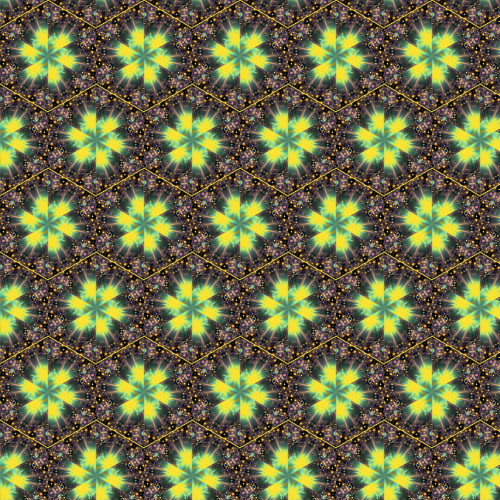
here a new exercise P6

Image


Top
 Post subject: Re: Symmetry Tile
PostPosted: Sat Jul 19, 2014 5:10 am  (#75) 
Offline
Script Coder
User avatar

Joined: Feb 18, 2011
Posts: 4826
Location: Bendigo Vic. Australia
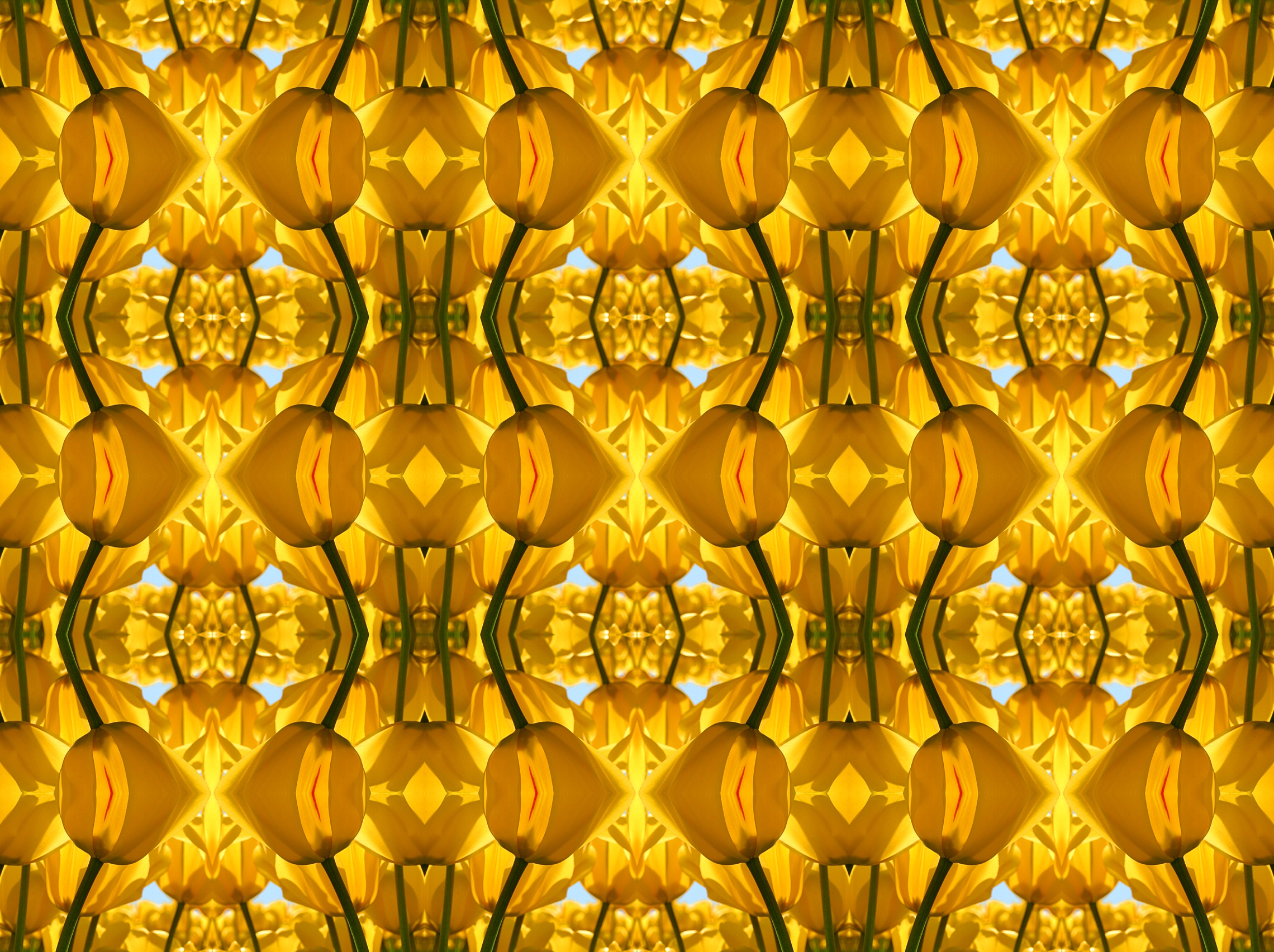
This is an image using gmic's center Tiler filter
Image

_________________
Image
No matter how much you push the envelope, it'll still be stationery.


Top
Post new topic Reply to topic  [ 75 posts ]  Go to page Previous  1, 2, 3, 4

All times are UTC - 5 hours [ DST ]


* Login  


Powered by phpBB3 © phpBB Group