It is currently Wed Jul 29, 2026 1:15 am


All times are UTC - 5 hours [ DST ]


Post new topic Reply to topic  [ 120 posts ]  Go to page Previous  1, 2, 3, 4, 5, 6  Next
Author Message
 Post subject: Re: GIMP 2.8.12 Released (BROKEN) - GIMP 2.8.14 Released
PostPosted: Sun Aug 31, 2014 1:54 am  (#81) 
Offline
Script Coder
User avatar

Joined: Apr 23, 2010
Posts: 1553
Location: not from Guildford after all
Graechan, are you saying that a script such as my Arrow Stroke Path doesn't work on Windows (under GIMP 2.8.14)? (For what it's worth, it works fine on GNU/LInux.)

_________________
Any sufficiently primitive technology is indistinguishable from a rock.


Top
 Post subject: Re: GIMP 2.8.12 Released (BROKEN) - GIMP 2.8.14 Released
PostPosted: Sun Aug 31, 2014 2:09 am  (#82) 
Offline
Script Coder
User avatar

Joined: Feb 18, 2011
Posts: 4826
Location: Bendigo Vic. Australia
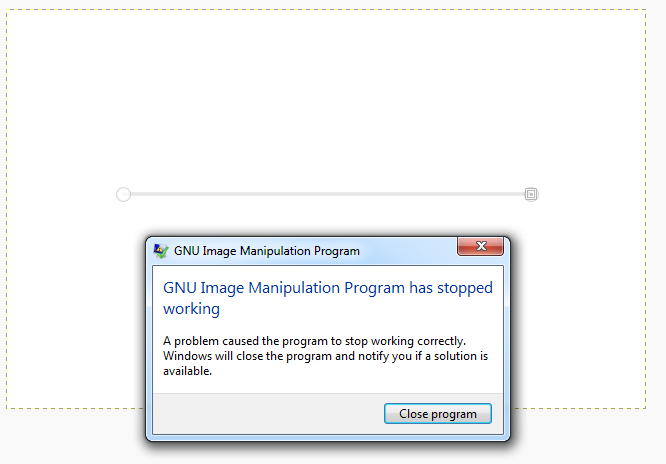
Saulgoode In windows that's correct I wanted to close gimp anyway
Image

I just noticed the 2.8.14 from Samj that I am using had his scripts installed and at the top was a folder labeled Errors containing his script 'cossin_en_spirale.scm' and sure enough part of the script had these lines

               ; créer le chemin
               (gimp-vectors-stroke-new-from-points
                  chemin_en_spirale
                  0
                  Nombre_Points_Chemin
                  (list->vector Points_Chemin )
                  FALSE ; TRUE
               )


               (set! sortie_boucle_tracer Color_intensity)
               (while (> sortie_boucle_tracer 0)
                  (begin
                     (gimp-edit-stroke-vectors calque_spirales (car (gimp-image-get-active-vectors image) ) )
                     (set! sortie_boucle_tracer (- sortie_boucle_tracer 1) )
                  )
               )

_________________
Image
No matter how much you push the envelope, it'll still be stationery.


Last edited by Graechan on Sun Aug 31, 2014 2:37 am, edited 1 time in total.

Top
 Post subject: Re: GIMP 2.8.12 Released (BROKEN) - GIMP 2.8.14 Released
PostPosted: Sun Aug 31, 2014 2:30 am  (#83) 
Offline
Script Coder
User avatar

Joined: Apr 23, 2010
Posts: 1553
Location: not from Guildford after all
Graechan, could you try entering the following code into the Script-fu Console and reporting the result (change the 'image' ID if necessary):
(define image 1)

(gimp-edit-stroke-vectors (car (gimp-image-get-active-drawable image)) (car (gimp-image-get-active-vectors image)))

_________________
Any sufficiently primitive technology is indistinguishable from a rock.


Top
 Post subject: Re: GIMP 2.8.12 Released (BROKEN) - GIMP 2.8.14 Released
PostPosted: Sun Aug 31, 2014 2:48 am  (#84) 
Offline
Script Coder
User avatar

Joined: Feb 18, 2011
Posts: 4826
Location: Bendigo Vic. Australia
Saulgoode same result
Image

_________________
Image
No matter how much you push the envelope, it'll still be stationery.


Top
 Post subject: Re: GIMP 2.8.12 Released (BROKEN) - GIMP 2.8.14 Released
PostPosted: Sun Aug 31, 2014 3:25 am  (#85) 
Offline
GimpChat Member

Joined: Feb 22, 2012
Posts: 295
Location: Germany
Graechan wrote:
Onkel Hatti Sorry for my vague description, when a script is running and it comes to a stroke command windows closes gimp no errors are given


Ah yes. Have you reported a bug for that? Can you give me the bug number? I found the error.
But I have to discuss it, if it is a glib error or a gimp error.
In
app/pdb/edit-cmds.c:829
paint_options are created for this stroke.
In
app/core/gimpstrokeoptions.c:609
sets an attribute of GimpStrokeOptions and unrefs the paint_options. I do not know, if this is a good idea. I do not know, if GObject refs an attribute automatically (or only in linux, because in linux, the script does not fail?) when set or not.
If not, the reference counter is (in this case) decreased to zero.
In
app/pdb/edit-cmds.c:837
paint_options is unrefed after stroking. In this case, paint_options ref counter is already zero, so gimp crashes.


Top
 Post subject: Re: GIMP 2.8.12 Released (BROKEN) - GIMP 2.8.14 Released
PostPosted: Sun Aug 31, 2014 3:44 am  (#86) 
Offline
GimpChat Member

Joined: Feb 22, 2012
Posts: 295
Location: Germany
Oh yes, I think, I have it.
app/core/gimpstrokeoptions.c was changed in 02/14 and the deletion of the dereferencing of paint_options was forgotten.
(Bug 721249)


Top
 Post subject: Re: GIMP 2.8.12 Released (BROKEN) - GIMP 2.8.14 Released
PostPosted: Sun Aug 31, 2014 3:48 am  (#87) 
Offline
Script Coder
User avatar

Joined: Apr 23, 2010
Posts: 1553
Location: not from Guildford after all
Onkel Hatti wrote:
In app/core/gimpstrokeoptions.c:609 sets an attribute of GimpStrokeOptions and unrefs the paint_options. I do not know, if this is a good idea. I do not know, if GObject refs an attribute automatically (or only in linux, because in linux, the script does not fail?) when set or not.

I believe you are correct; the paint_options object is getting unref'ed twice. In GNU/Linux, when run from the command line, an error is reported (see below) but the program continues.

GLib-GObject-CRITICAL **: g_object_unref: assertion `G_IS_OBJECT (object)' failed

The question is whether the object should be unref'd in edit_stroke_vectors_invoker() or in gimp_stroke_options_prepare().

_________________
Any sufficiently primitive technology is indistinguishable from a rock.


Top
 Post subject: Re: GIMP 2.8.12 Released (BROKEN) - GIMP 2.8.14 Released
PostPosted: Sun Aug 31, 2014 4:05 am  (#88) 
Offline
GimpChat Member

Joined: Feb 22, 2012
Posts: 295
Location: Germany
saulgoode wrote:
The question is whether the object should be unref'd in edit_stroke_vectors_invoker() or in gimp_stroke_options_prepare().


It should not be unref'd in gimp_stroke_options_prepare(). The strokeoptions were changed by mitch in 02/14 and he added the unref to all places, where the paint_options are created, handed over and getting back the result. In my opinion, this is the right way.
Before these changes, paint_options were created in gimp_stroke_options_prepare() and were unref'd there.


Top
 Post subject: Re: GIMP 2.8.12 Released (BROKEN) - GIMP 2.8.14 Released
PostPosted: Sun Aug 31, 2014 4:06 am  (#89) 
Offline
GimpChat Member

Joined: Feb 22, 2012
Posts: 295
Location: Germany
I will reopen Bug 721249 to fix this.


Top
 Post subject: Re: GIMP 2.8.12 Released (BROKEN) - GIMP 2.8.14 Released
PostPosted: Sun Aug 31, 2014 4:42 am  (#90) 
Offline
GimpChat Member
User avatar

Joined: Jan 13, 2011
Posts: 2646
Location: Poland
Thanks Onkel Hatti for the tips! http://gimpchat.com/viewtopic.php?f=7&t=10972&start=60#p147248

For my 32 bit Vista system after replacing the files (from 2.8.11 to 2.8.14 bin folder):
libgtk-win32-2.0.0.dll
libcairo-2.dll
libpixman-1-0.dll
and adding libpng15-15.dll
no error occurred (all icons are displayed)
Script-Fu Scrolling Interface V1.1, plug-ins Python, GMIC, MathMap and even PSPI and plug-ins -sharp works well :coolthup

Ps. Script-fu: Cossin En Spirale and Arrow Stroke Path - They also work fine.

_________________
Image


Top
 Post subject: Re: GIMP 2.8.12 Released (BROKEN) - GIMP 2.8.14 Released
PostPosted: Sun Aug 31, 2014 6:29 am  (#91) 
Offline
GimpChat Member

Joined: Mar 14, 2011
Posts: 998
Rod wrote:
Well i am sticking with GIMP-2.8.10 for now. Unless Partha wants to share his compiled version. :lol
For sure 2.8.14 is still having library referencing problems. Python, icons and themes, and the PDB all seem to be broken in the windows 8 64 bit version still. I haven't heard any new release information from Gimp User website either so i assume it is still a problem?

Hey Rod,

Ummm, I did share my compiled version. :) It's on my website and announced here.

Thanks,
Partha


Top
 Post subject: Re: GIMP 2.8.12 Released (BROKEN) - GIMP 2.8.14 Released
PostPosted: Sun Aug 31, 2014 9:21 am  (#92) 
Offline
Global Moderator
User avatar

Joined: May 16, 2010
Posts: 16136
partha wrote:
Rod wrote:
Well i am sticking with GIMP-2.8.10 for now. Unless Partha wants to share his compiled version. :lol
For sure 2.8.14 is still having library referencing problems. Python, icons and themes, and the PDB all seem to be broken in the windows 8 64 bit version still. I haven't heard any new release information from Gimp User website either so i assume it is still a problem?

Hey Rod,

Ummm, I did share my compiled version. :) It's on my website and announced here.

Thanks,
Partha


I know and i am also grateful. :)
Installing on my desktop this time to see if that fixes the launch issue.

_________________
Image


Top
 Post subject: Re: GIMP 2.8.12 Released (BROKEN) - GIMP 2.8.14 Released
PostPosted: Sun Aug 31, 2014 9:43 am  (#93) 
Offline
Global Moderator
User avatar

Joined: May 16, 2010
Posts: 16136
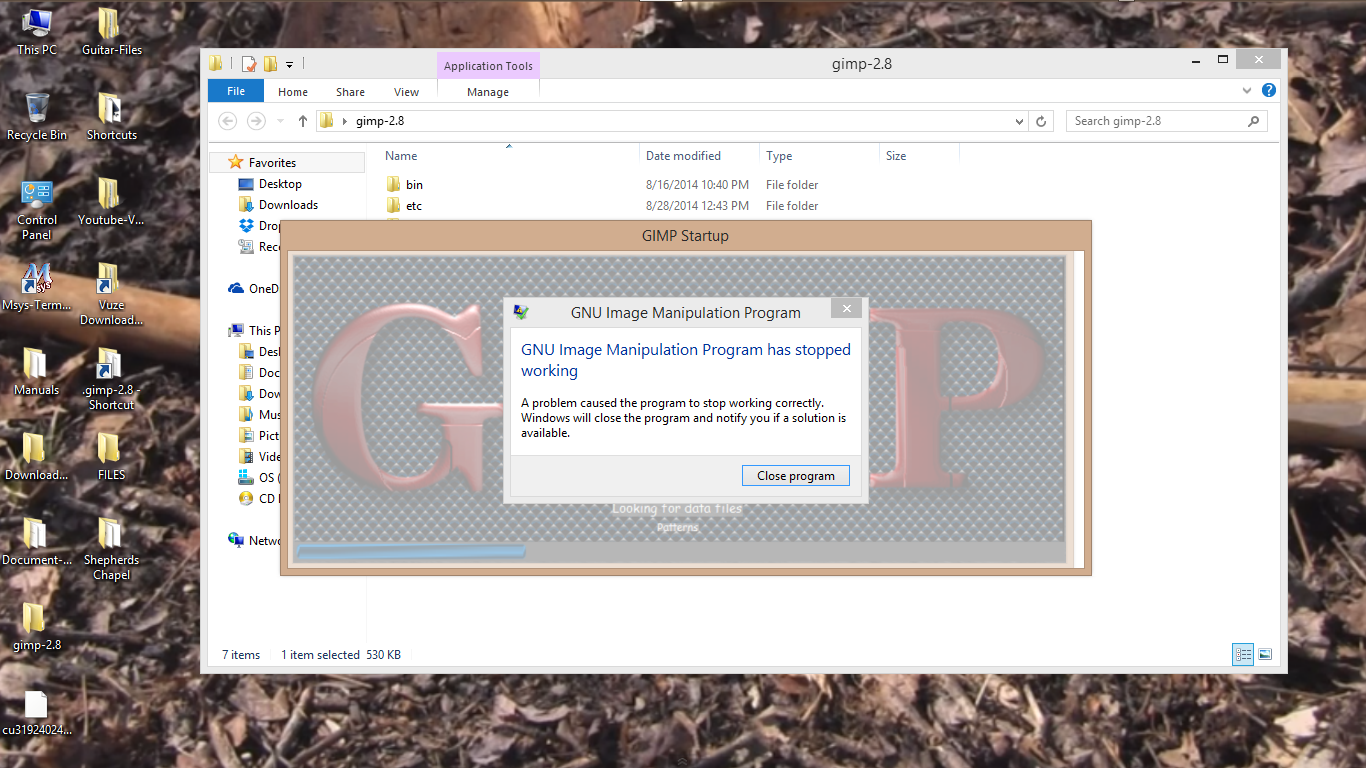
Still get an error dialog.

Image

It seems to be using my .gimp-2.8 user folder "splashes" directory so i am thinking i need to uninstall GIMP-2.8.12 for this to work.

_________________
Image


Top
 Post subject: Re: GIMP 2.8.12 Released (BROKEN) - GIMP 2.8.14 Released
PostPosted: Sun Aug 31, 2014 10:25 am  (#94) 
Offline
GimpChat Member

Joined: Feb 22, 2012
Posts: 295
Location: Germany
Rod wrote:
... and the PDB all seem to be broken in the windows 8 64 bit version still. I haven't heard any new release information from Gimp User website either so i assume it is still a problem?


That error is fixed. Now. After the release. If that bug is not considered as very severe, the fixed version will be 2.8.16.


Top
 Post subject: Re: GIMP 2.8.12 Released (BROKEN) - GIMP 2.8.14 Released
PostPosted: Sun Aug 31, 2014 10:35 am  (#95) 
Offline
GimpChat Member

Joined: Mar 14, 2011
Posts: 998
Rod wrote:
Still get an error dialog.

[ Image ]

It seems to be using my .gimp-2.8 user folder "splashes" directory so i am thinking i need to uninstall GIMP-2.8.12 for this to work.

Hi Rod,

I think I already responded on the other thread. In any case, my suggestion is to first back up your .gimp folder and delete it. Then restart my build and let me know if you get any errors. If yes, send me the report I mentioned. If not, then the culprit is in your .gimp folder.

Thanks,
Partha


Top
 Post subject: Re: GIMP 2.8.12 Released (BROKEN) - GIMP 2.8.14 Released
PostPosted: Sun Aug 31, 2014 10:55 am  (#96) 
Offline
GimpChat Member
User avatar

Joined: Sep 22, 2012
Posts: 2089
Location: US
Hi Partha!
Yes, deleting user profile folder solves the problem of start-up error.
Gimp loads. However, the paint tool, etc, as well as the selection tools show significant delay,
up to 2 seconds, at some point it seems to be not responsive at all, kinda.

P.S. but i'm gonna keep your build anyways, because it's so cool :)


Top
 Post subject: Re: GIMP 2.8.12 Released (BROKEN) - GIMP 2.8.14 Released
PostPosted: Sun Aug 31, 2014 11:14 am  (#97) 
Offline
GimpChat Founder
User avatar

Joined: May 22, 2008
Posts: 5241
Location: Gimpville
Onkel Hatti wrote:
GnuTux wrote:
If would think if there are binary packages released by the GIMP team, there should be at least one round of Beta testing before any "Official" releases are made.
Normally, no beta testing needed. The source is available for everybody.

Hi Hatti,

I'm not sure I follow what you're saying. Just to clarify, I was referring to beta testing any compiled (Windows) binary packages released by the GIMP team, not the source code. What is occurring right now is basically the kind of Beta testing of the binary packages I'm referring to. All this could be done prior to any "Official" release of compiled binary packages by the GIMP team.

The beta testing I'm suggesting would be for Windows binaries released by the GIMP team (and possibly MAC binaries, now that they are providing those as well).

The GIMP team would not be involved in beta testing Linux binaries because Linux binaries are usually compiled and released by GIMP package maintainers for each Linux distro. In Linux, all binaries are normally beta tested via testing repos before they are actually pushed to update repos. Unless or course you roll your own (or use a rolling distro).

For example, in Fedora, GIMP 2.8.14 is still sitting in the testing repos. It's being well tested by the Fedora "testers" before being pushed to the official update repos. I was thinking that a similar paradigm could implemented for the Windows community with a "Beta" release of the compiled Windows binaries.

If the GIMP team releases "Official" Windows binaries (without testing) and they're broken, they end up with egg on their faces. There are a lot more GIMP Windows users than Linux or MAC users. Approximately 70% of the traffic on this site are Windows users, with 20% using Linux and 10% using MAC.

_________________
“If you reach for the stars, you just might land on a decently sized hill.” - Stuart Hill


Top
 Post subject: Re: GIMP 2.8.12 Released (BROKEN) - GIMP 2.8.14 Released
PostPosted: Sun Aug 31, 2014 11:30 am  (#98) 
Offline
GimpChat Member

Joined: Mar 14, 2011
Posts: 998
K1TesseraEna wrote:
Hi Partha!
Yes, deleting user profile folder solves the problem of start-up error.
Gimp loads. However, the paint tool, etc, as well as the selection tools show significant delay,
up to 2 seconds, at some point it seems to be not responsive at all, kinda.

P.S. but i'm gonna keep your build anyways, because it's so cool :)

Thanks! :) I like the whole grayscale look - does not distract from your photo work.

I am concerned about "significant delay" though. :(

Just to test, I just used an old laptop (i5 with 6G RAM running Windows 7 Home Premium), and it was pretty spiffy if I may say so. I loaded a RAW image using UFRaw and used the paintbrush to paint on it.

Would you be able to provide some video of this?


Top
 Post subject: Re: GIMP 2.8.12 Released (BROKEN) - GIMP 2.8.14 Released
PostPosted: Sun Aug 31, 2014 6:24 pm  (#99) 
Offline
Script Coder
User avatar

Joined: Feb 18, 2011
Posts: 4826
Location: Bendigo Vic. Australia
Does this mean windows users will be left on 2.8.10 until the next release as using stroke in scripts is very common

_________________
Image
No matter how much you push the envelope, it'll still be stationery.


Top
 Post subject: Re: GIMP 2.8.12 Released (BROKEN) - GIMP 2.8.14 Released
PostPosted: Sun Aug 31, 2014 6:38 pm  (#100) 
Offline
GimpChat Founder
User avatar

Joined: May 22, 2008
Posts: 5241
Location: Gimpville
As it turns out, none of my logo scripts use conventional stroking methods (i.e gimp-edit-stroke), so they are not affected by this issue. :mrgreen:

_________________
“If you reach for the stars, you just might land on a decently sized hill.” - Stuart Hill


Top
Post new topic Reply to topic  [ 120 posts ]  Go to page Previous  1, 2, 3, 4, 5, 6  Next

All times are UTC - 5 hours [ DST ]


cron

* Login  


Powered by phpBB3 © phpBB Group